18

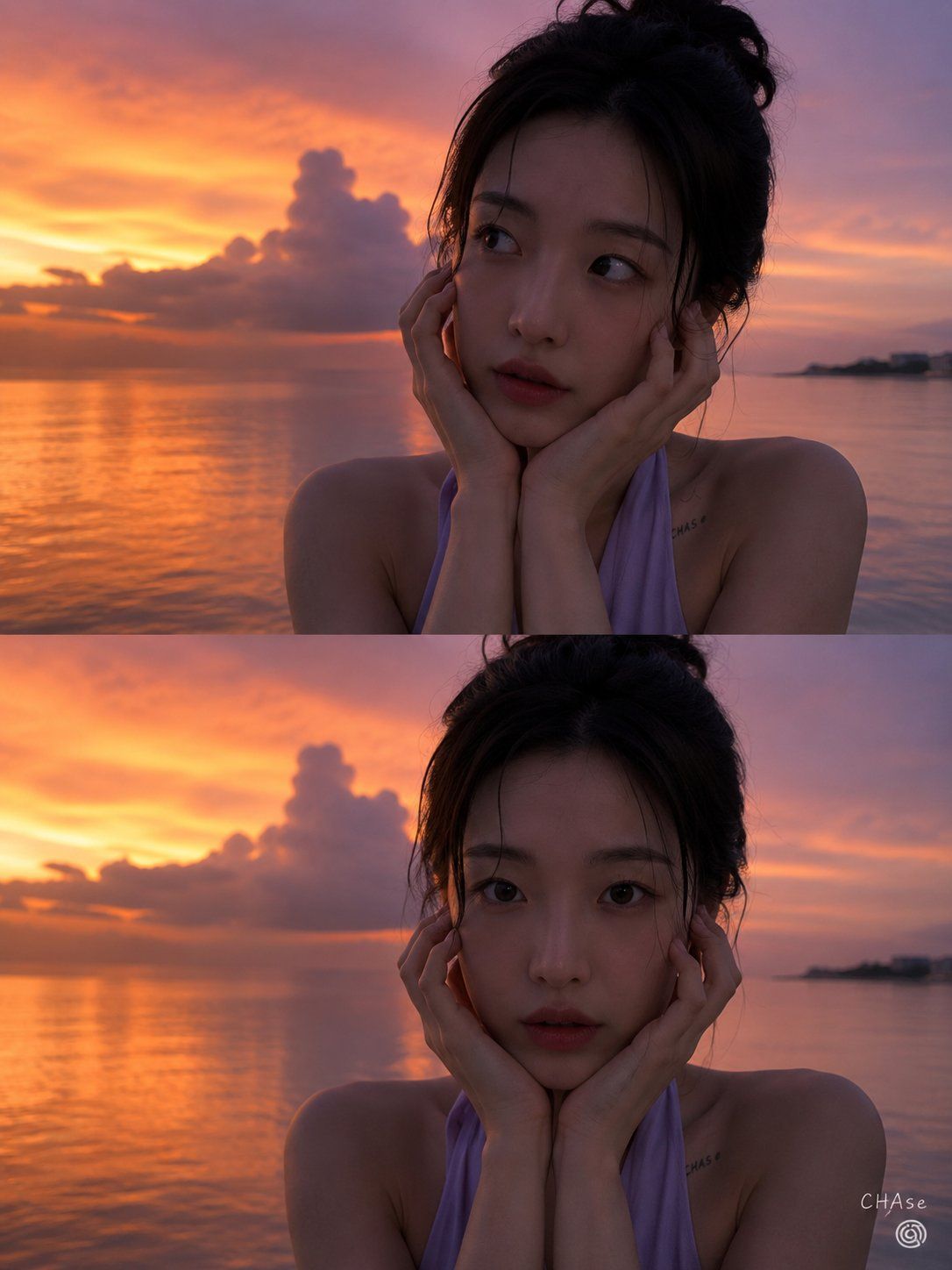
魔幻时刻日落人像
Enlarge

魔幻时刻日落人像

Prompt
[人物] 参考 {argument name="person" default="image 1"}。

[姿势与表情]

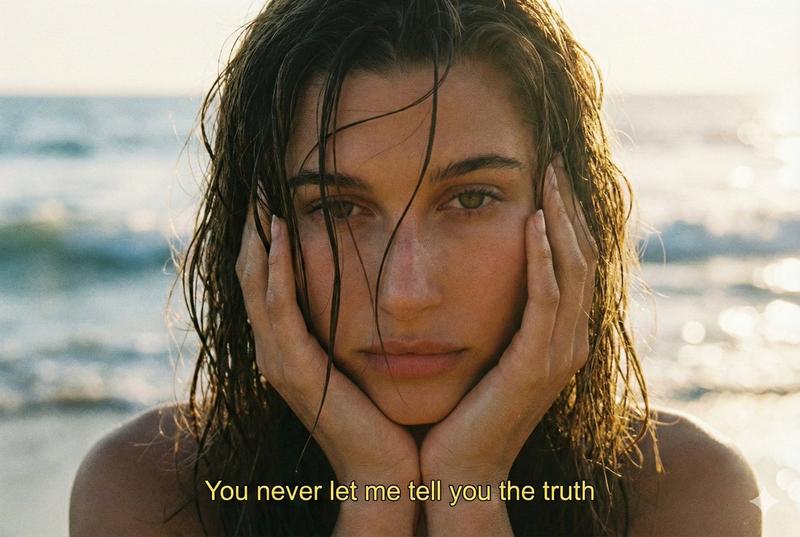
采用两部分垂直构图,两张照片构图一致,上下排列。在两张照片中,人物都靠近镜头,双手轻轻托住脸颊。上方照片中,人物眼神微微转向右上方,表情梦幻而俏皮;下方照片中,人物直视镜头,双眼圆润清澈,表情自然可爱。

[服装]

身穿浅紫色挂脖上衣,颈后系着细带。右侧锁骨附近有一个微小且隐约的“CHAse”字母纹身,既简约又清晰,成为视觉焦点。

[发型与妆容]

黑色盘发,呈现出湿润或微湿的质感,自然地向后梳理。几缕细碎、湿润的刘海自然地垂在额头和眼睛旁,增添了纯净感。妆容采用透明且水润的裸妆风格,几乎不着粉黛,保留了清晰的皮肤纹理,仅在唇部点缀了极淡的色彩。

[光影与方向]

梦幻魔幻时刻的柔和夕阳余晖环绕在画面右侧。采用逆光构图,主光源位于人物身后,在肩部轮廓勾勒出微妙的剪影。然而,面部处于深影中,没有对面部进行补光。这是一张如同用智能手机拍摄的写实照片。

[质感与氛围]

左侧半边天空充盈着橙色光芒,紫色的日落倒映在平静的海面上,营造出神秘而浪漫的氛围。右侧略显昏暗。可以感受到低光环境下智能手机摄像头特有的柔和细腻噪点,人物湿润的皮肤和发丝质感增添了舒适的氛围。

[相机景深与角度]

垂直 2 分屏布局。采用正面平视特写镜头,聚焦于胸部以上及面部表情。焦点准确地锁定在主体上,远处的地平线和云层呈现出柔和的虚化效果。人物位于右侧,夕阳位于左侧。

[背景(可选)]

广阔平静的海面上方,展开了一场绚丽壮观的日落。天空被巨大的紫色积云与深橙色交织覆盖,海面如镜面般倒映着天空。在最右侧的地平线尽头,隐约可见岛屿或建筑的剪影。

[签名] 右下角有一个小小的 Threads 标志,上方用白色草书写着“CHAse”。3:4 比例
Category
Brand & Logos
Model
GPT Image 2
Creator
CHAse
Views1
Source ID
24929
Published
Jun 9, 2026

Guide

About "魔幻时刻日落人像"

What is this prompt for?

"魔幻时刻日落人像" AI image prompt for GPT Image 2 (Brand & Logos). 一个高细节提示词,用于生成一张写实的垂直分屏人像,展现海边魔幻时刻的人物,采用智能手机拍摄风格。 Copy it on Picva and recreate the look in one clic…

The full copyable prompt and example visuals above are ready for AI image generation or one-click recreate in Picva.

How to use this prompt

  1. Step 1

    Open the prompt detail

    Review the example visuals, category, and full prompt text for "魔幻时刻日落人像".

  2. Step 2

    Copy the prompt

    Copy the prompt body from this page, or load it directly in Studio.

  3. Step 3

    Pick a model (GPT Image 2)

    Prefer GPT Image 2. If you switch models, keep subject and composition and tweak style terms.

  4. Step 4

    Generate and export

    Recreate the look in Picva, or export into your workflow for editing and publishing.

FAQ

What is the "魔幻时刻日落人像" prompt?
It is an AI image-generation prompt for GPT Image 2 in the Brand & Logos category. This page includes the full prompt text, example visuals, and a one-click recreate path in Picva.
How do I use this prompt to generate an image?
Copy the prompt from this page, or use Generate / Studio. Paste it into a compatible image model, or recreate the look in Picva with optional reference images.
Which model is this prompt for?
This page lists GPT Image 2. Most descriptive prompts also transfer to nearby image models such as GPT Image, Flux, or Midjourney with light style tweaks.
Can I use the result commercially?
You can usually copy the prompt for creation, but commercial use of the final image depends on the model terms, reference-image rights, and the generated content. Follow the source author and platform rules.