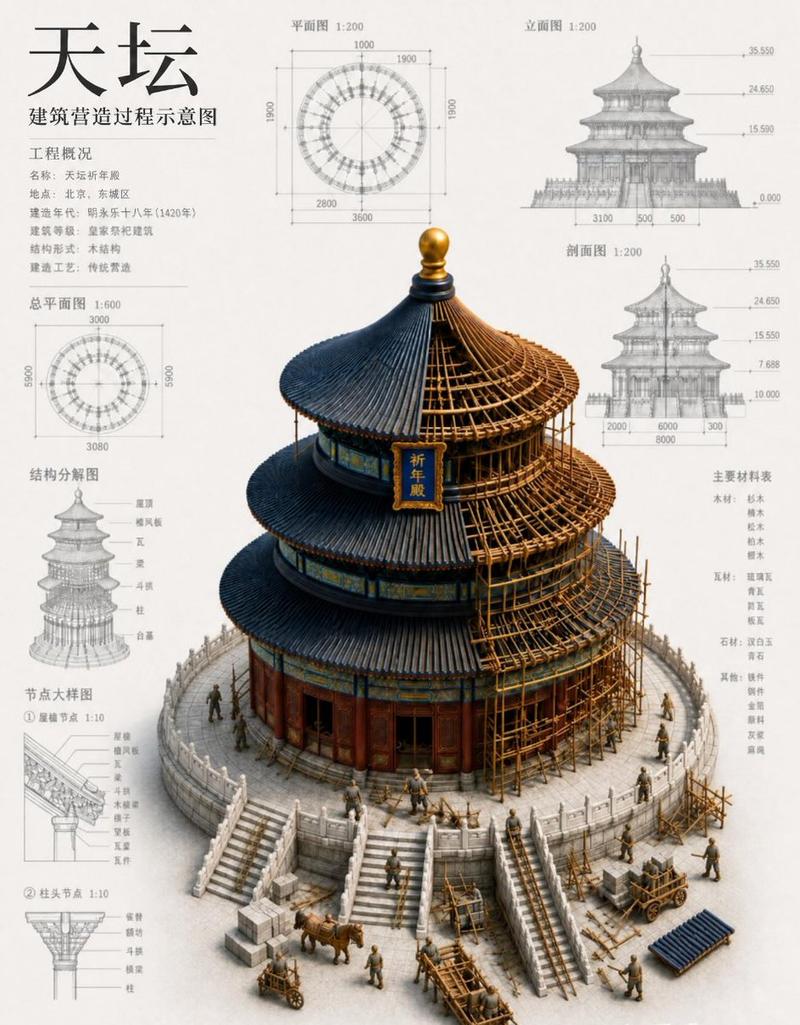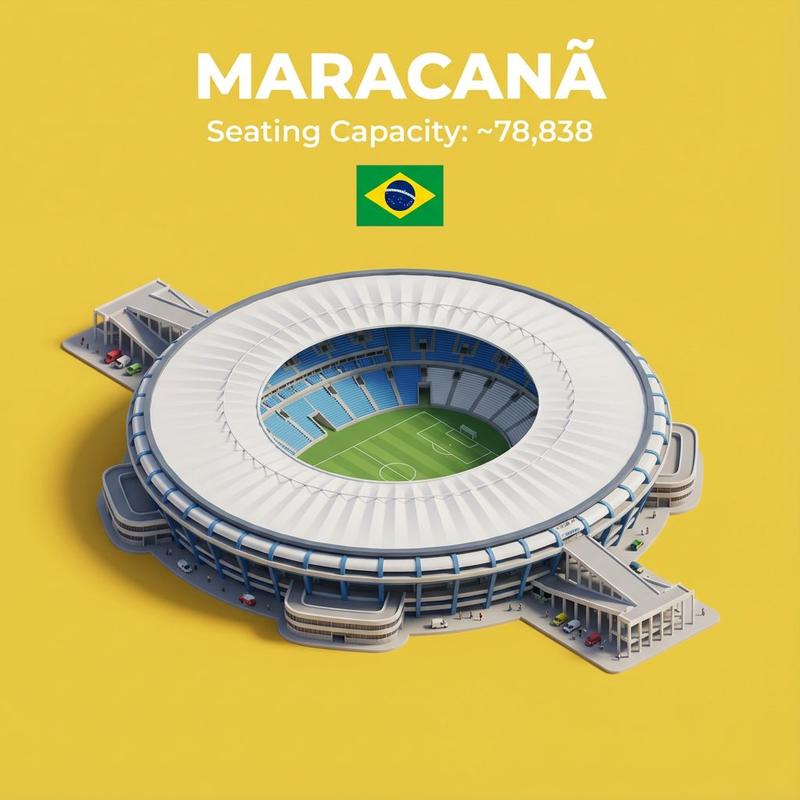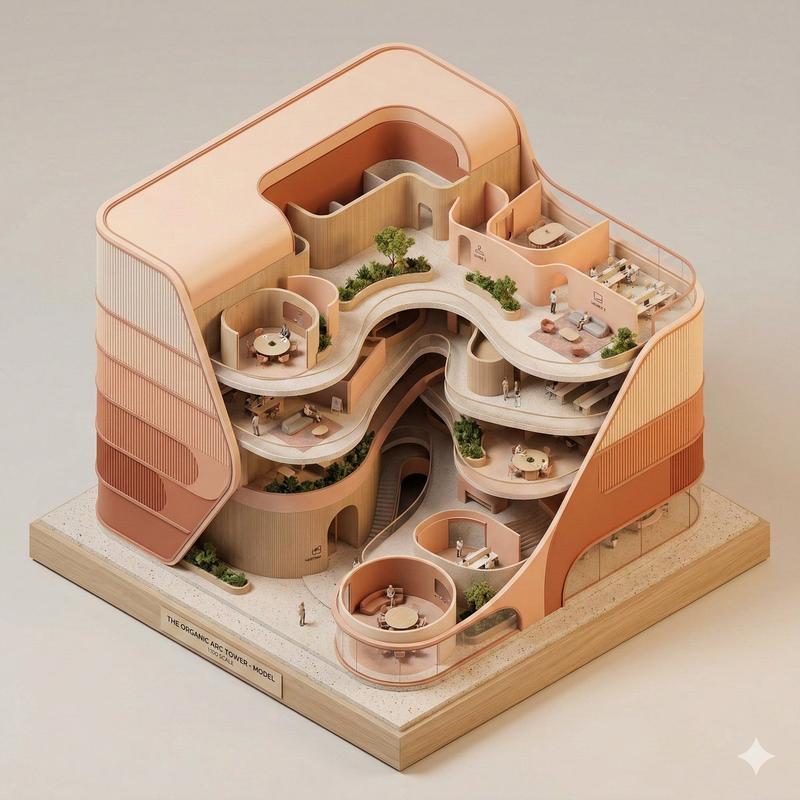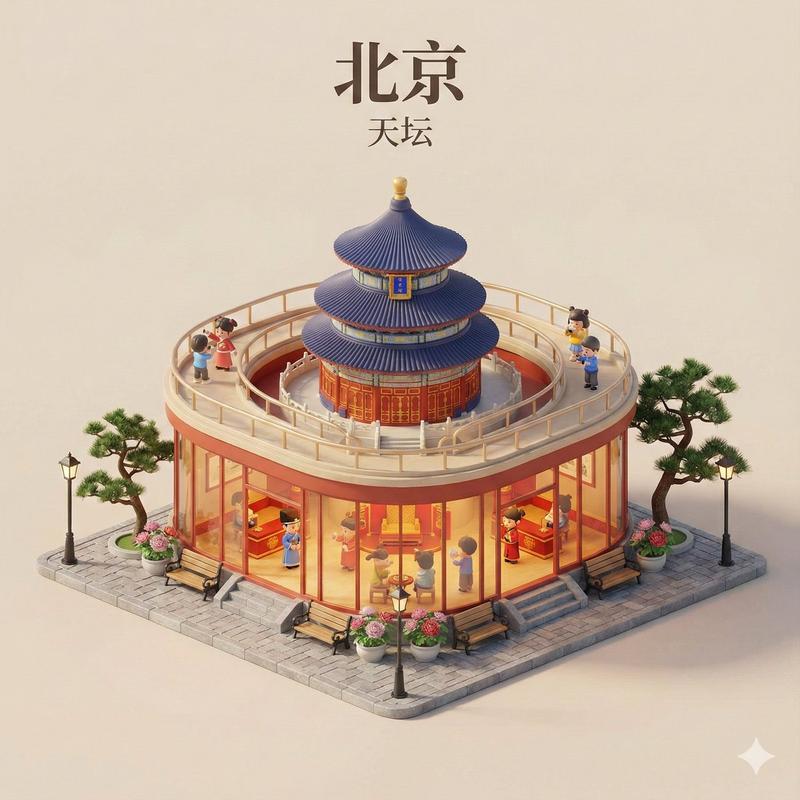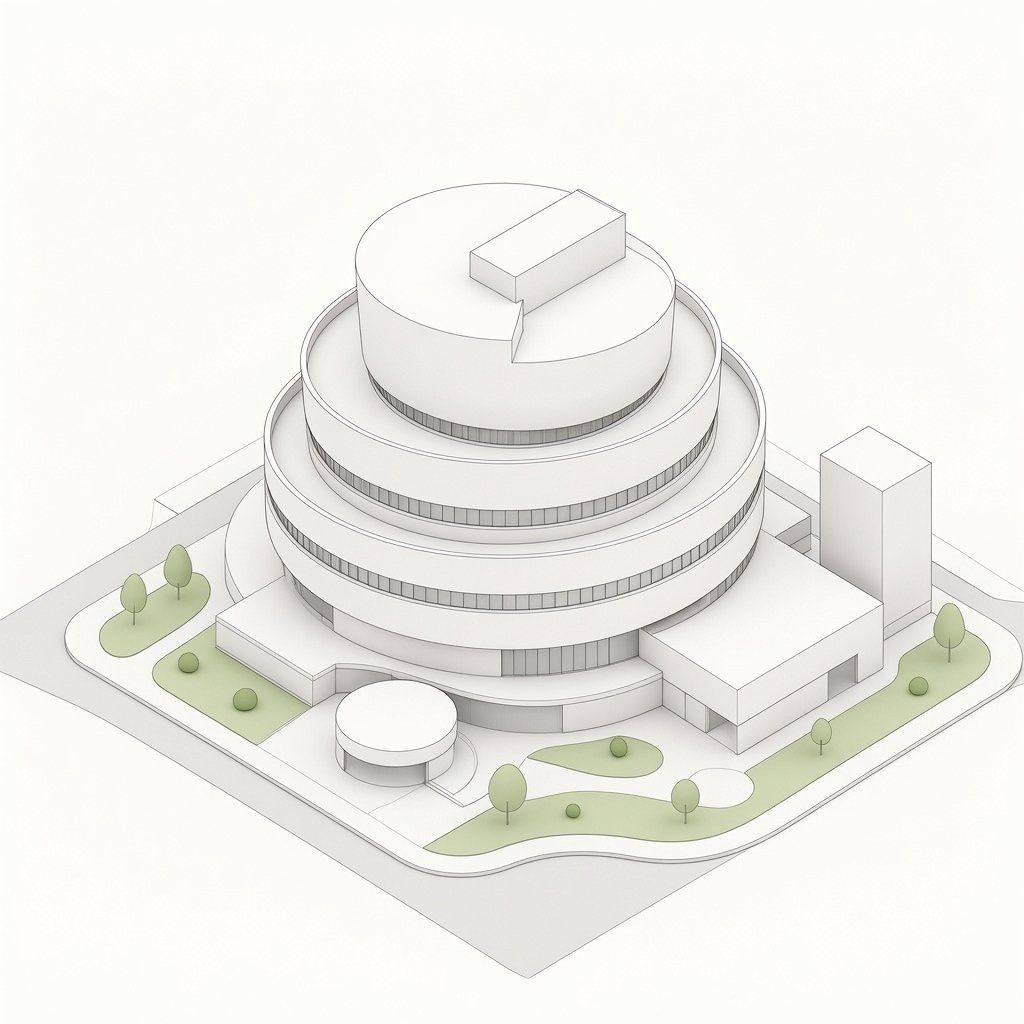
等轴测圆形博物馆建筑
Prompt
Create a clean isometric architectural concept rendering of a modern circular tiered building on a square site, in a minimalist white paper-model style. The main subject is a large round multi-level structure with exactly 5 visible stacked circular tiers: a wide ground floor ring, three progressively smaller upper rings with continuous narrow vertical window bands, and a top circular roof level. Add a small rectangular rooftop volume placed off-center on the top disk, and a wedge-shaped cut or recessed notch in the top roof edge. Attach two simple rectilinear annexes to the main building: one low rectangular wing extending to the right front, and one tall plain rectangular tower block at the rear right. Include one small separate circular pavilion near the front left of the building, connected by a short walkway. The site should be a square raised base with rounded road edges, pale gray paths, and soft green landscaping. Count the landscape elements clearly: exactly 9 small stylized trees or shrubs visible around the site, including 3 at the left green island, 2 small round shrubs at the front-left lawn, 1 tree near the front center, 1 shrub on the central lawn, 1 tree near the front-right curve, and 1 tree at the far right lawn. Use an orthographic isometric camera looking down from above, centered composition, lots of negative space, off-white background, subtle ambient occlusion, fine gray outline strokes, soft shadows, no people, no cars, no signage, no text. Color palette: warm white architecture, light gray pavement, muted sage green grass, delicate technical-illustration linework. Render as a polished architectural massing model, crisp and elegant, with simple geometry and smooth rounded forms.
- Category
- Architecture & Spaces
- Model
- GPT Image 2
- Creator
- MarioTan
- Source ID
- 24947
- Published
- Jun 9, 2026
Views0