20

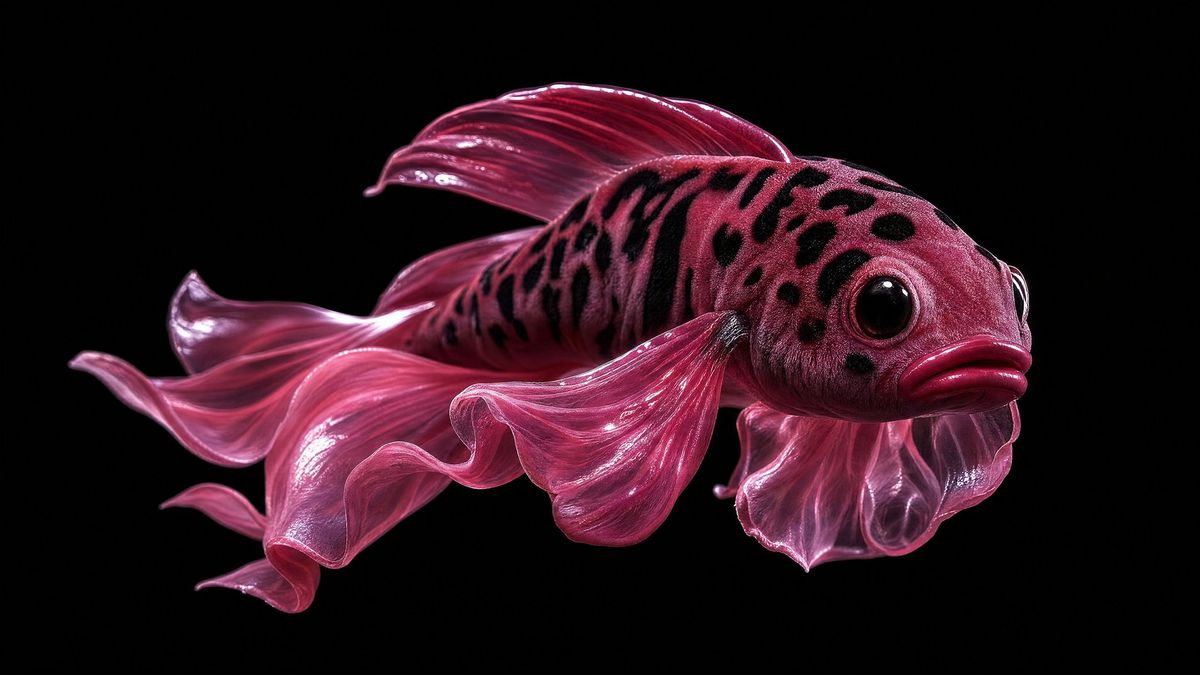
亮面粉色斗鱼变体
Enlarge

亮面粉色斗鱼变体

Prompt
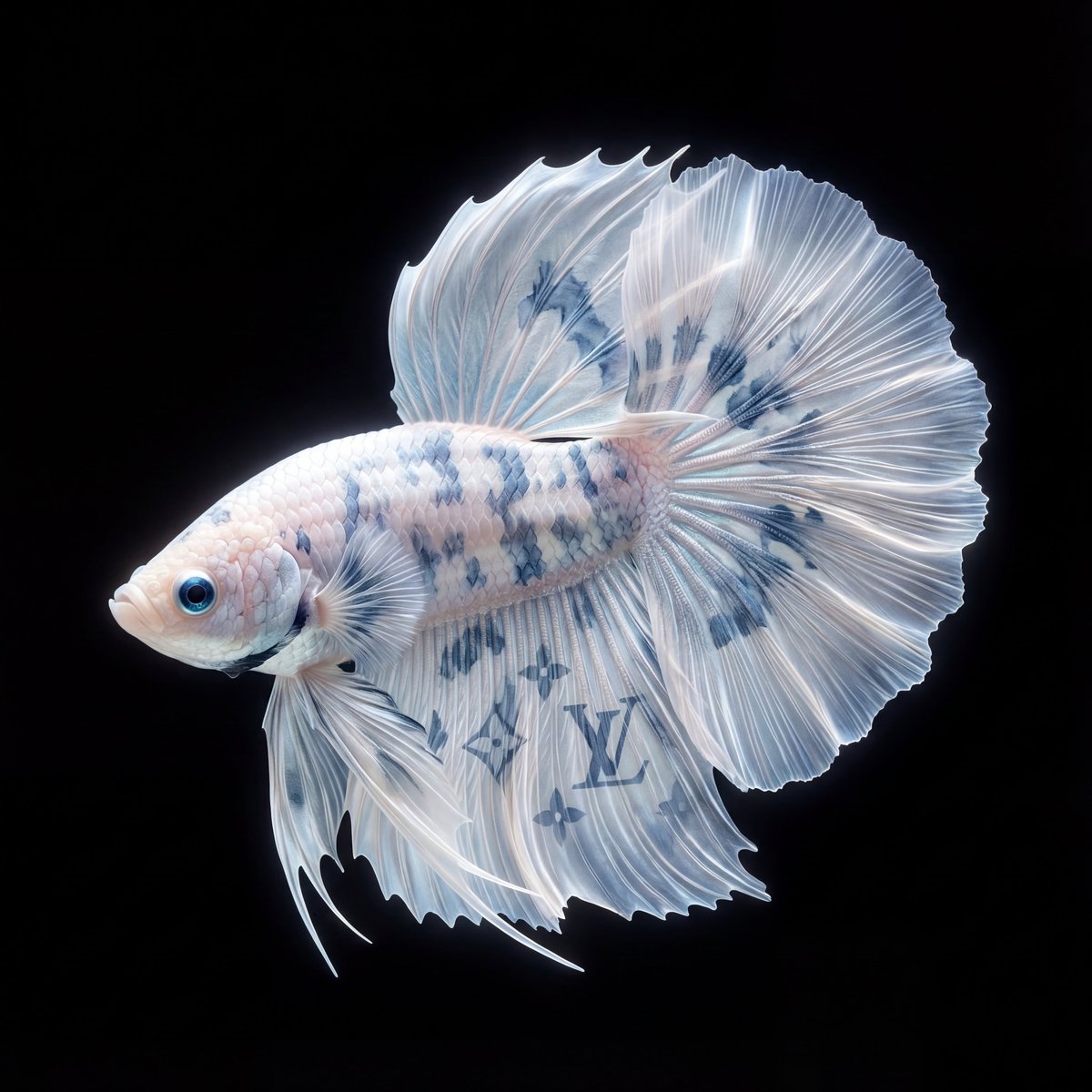
Using REFERENCE_0 as the visual style reference only, transform the surreal glossy macro studio aesthetic into a single {argument name="subject" default="pink betta fish"}. Remove the mouths, teeth, tennis ball, jewelry, and mirror reflection entirely. Keep the high-contrast black background, dramatic wet-looking highlights, close-up product-photography lighting, and hyper-detailed texture. Create the fish in side profile facing right, with a rounded spotted head, large glossy black eye, pouty lips, and translucent flowing fins. Use a saturated {argument name="main color" default="deep magenta pink"} palette with darker black speckles across the head and upper body. Show exactly 6 prominent fin elements: 1 large rippling tail fin trailing left, 1 top dorsal fin, 1 long lower flowing fin, 1 rounded gill-side fin near the head, and 2 thin dangling ventral fins. Add a centered opaque rectangular censor block over the middle of the fish body, colored {argument name="censor block color" default="dark burgundy"}, with sharp edges and no text. Composition should be wide horizontal, minimal, isolated on {argument name="background color" default="pure black"}, with no extra objects, no reflection, and no typography.
Category
Posters & Typography
Model
GPT Image 2
Creator
ibexdream
Views0
Source ID
24950
Published
Jun 9, 2026

Guide

About "亮面粉色斗鱼变体"

What is this prompt for?

"亮面粉色斗鱼变体" AI image prompt for GPT Image 2 (Posters & Typography). 将参考图的深色亮面微距美学转换为超现实的洋红色斗鱼,采用戏剧性的摄影棚灯光,并在中心添加遮挡块。 Copy it on Picva and recreate the look in o…

The full copyable prompt and example visuals above are ready for AI image generation or one-click recreate in Picva.

How to use this prompt

  1. Step 1

    Open the prompt detail

    Review the example visuals, category, and full prompt text for "亮面粉色斗鱼变体".

  2. Step 2

    Copy the prompt

    Copy the prompt body from this page, or load it directly in Studio.

  3. Step 3

    Pick a model (GPT Image 2)

    Prefer GPT Image 2. If you switch models, keep subject and composition and tweak style terms.

  4. Step 4

    Generate and export

    Recreate the look in Picva, or export into your workflow for editing and publishing.

FAQ

What is the "亮面粉色斗鱼变体" prompt?
It is an AI image-generation prompt for GPT Image 2 in the Posters & Typography category. This page includes the full prompt text, example visuals, and a one-click recreate path in Picva.
How do I use this prompt to generate an image?
Copy the prompt from this page, or use Generate / Studio. Paste it into a compatible image model, or recreate the look in Picva with optional reference images.
Which model is this prompt for?
This page lists GPT Image 2. Most descriptive prompts also transfer to nearby image models such as GPT Image, Flux, or Midjourney with light style tweaks.
Can I use the result commercially?
You can usually copy the prompt for creation, but commercial use of the final image depends on the model terms, reference-image rights, and the generated content. Follow the source author and platform rules.