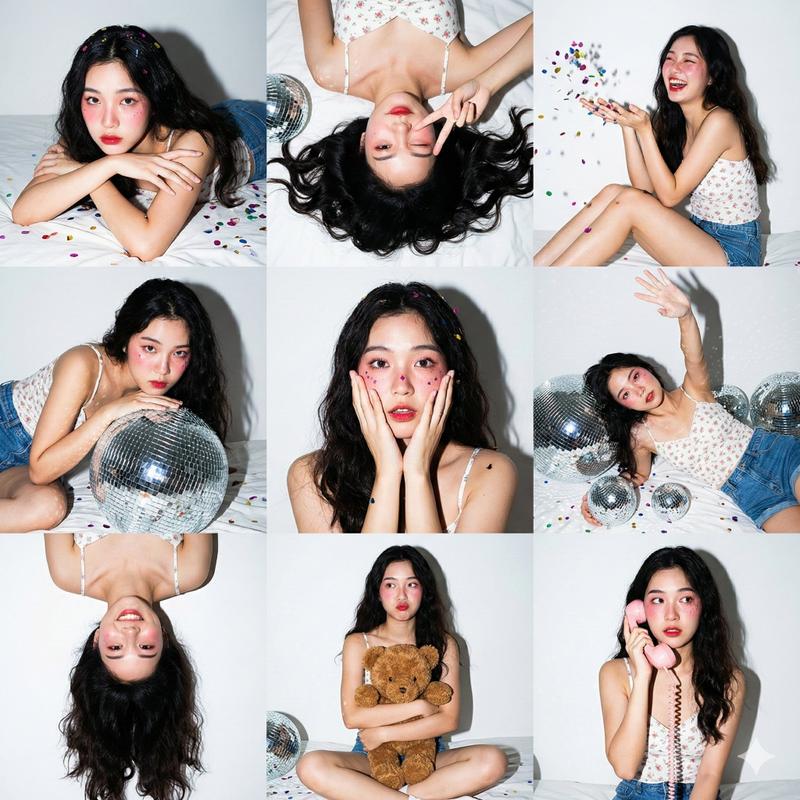
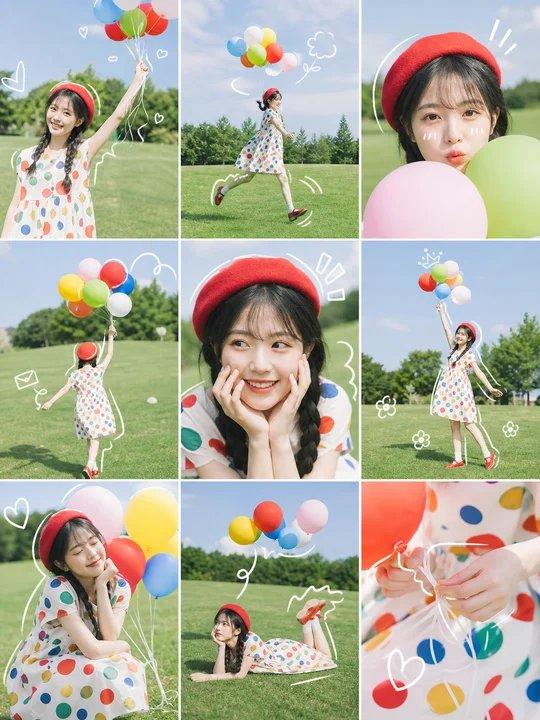
春季时尚隐私拼贴画
Prompt
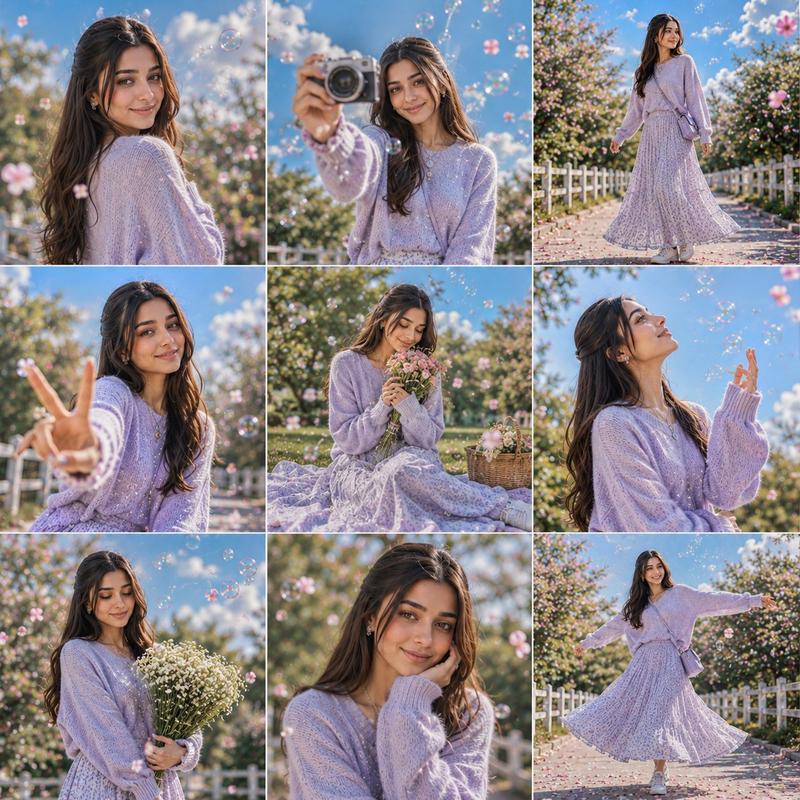
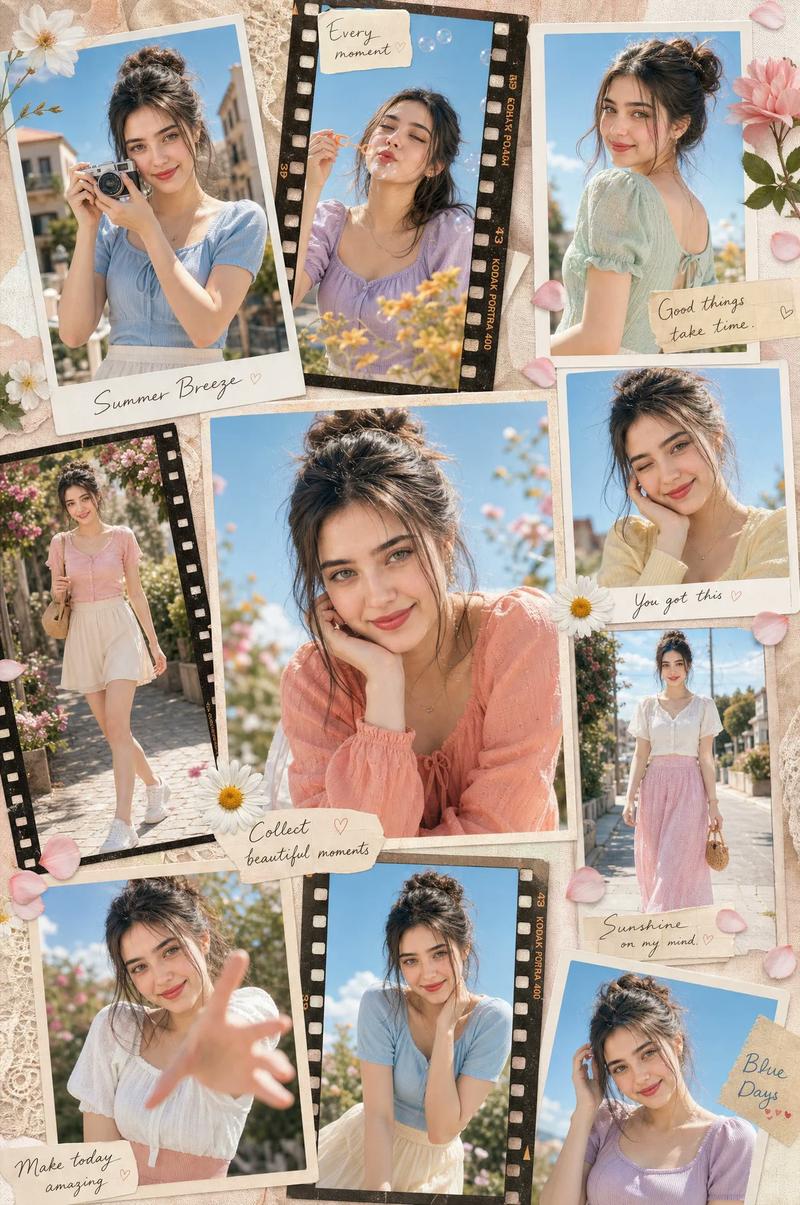
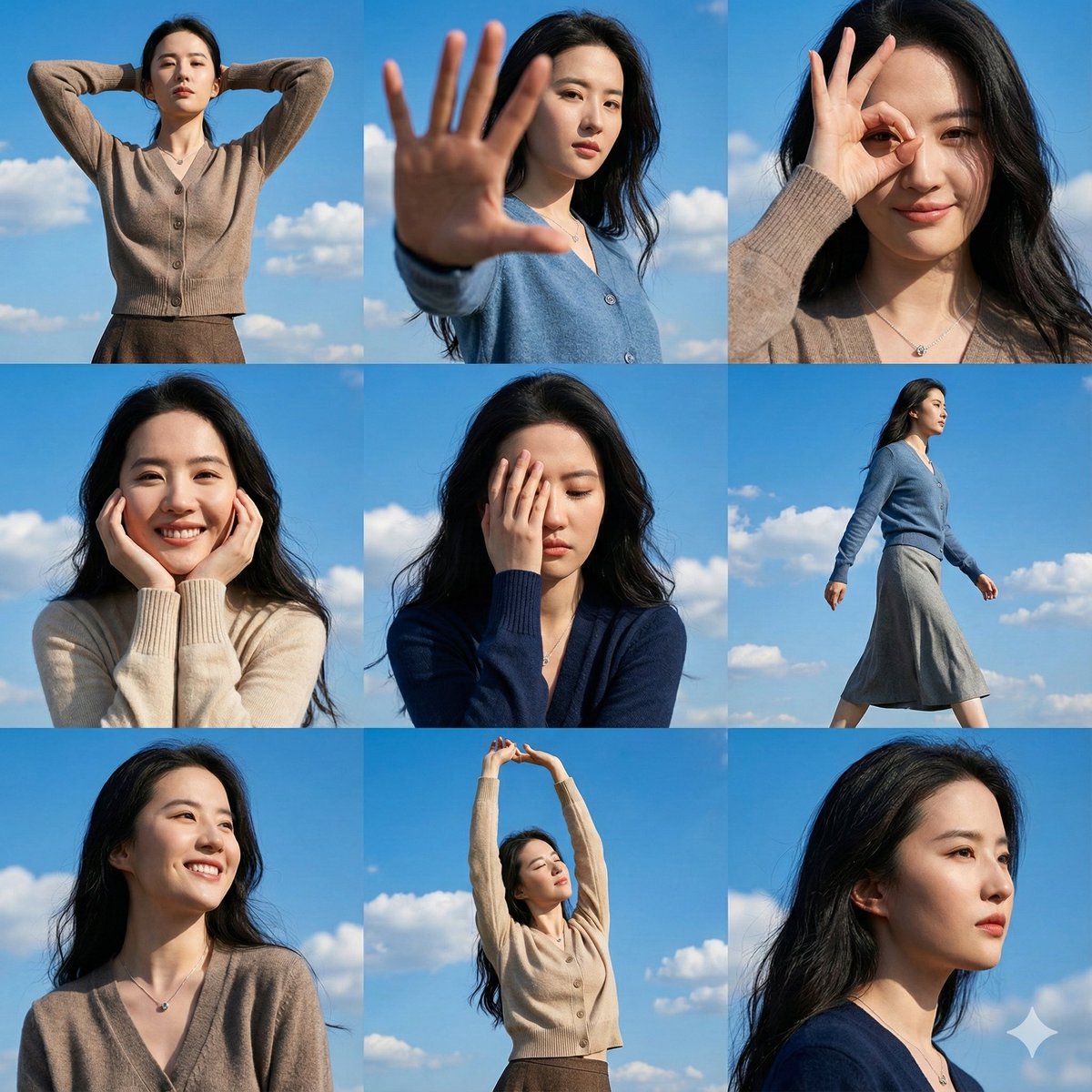
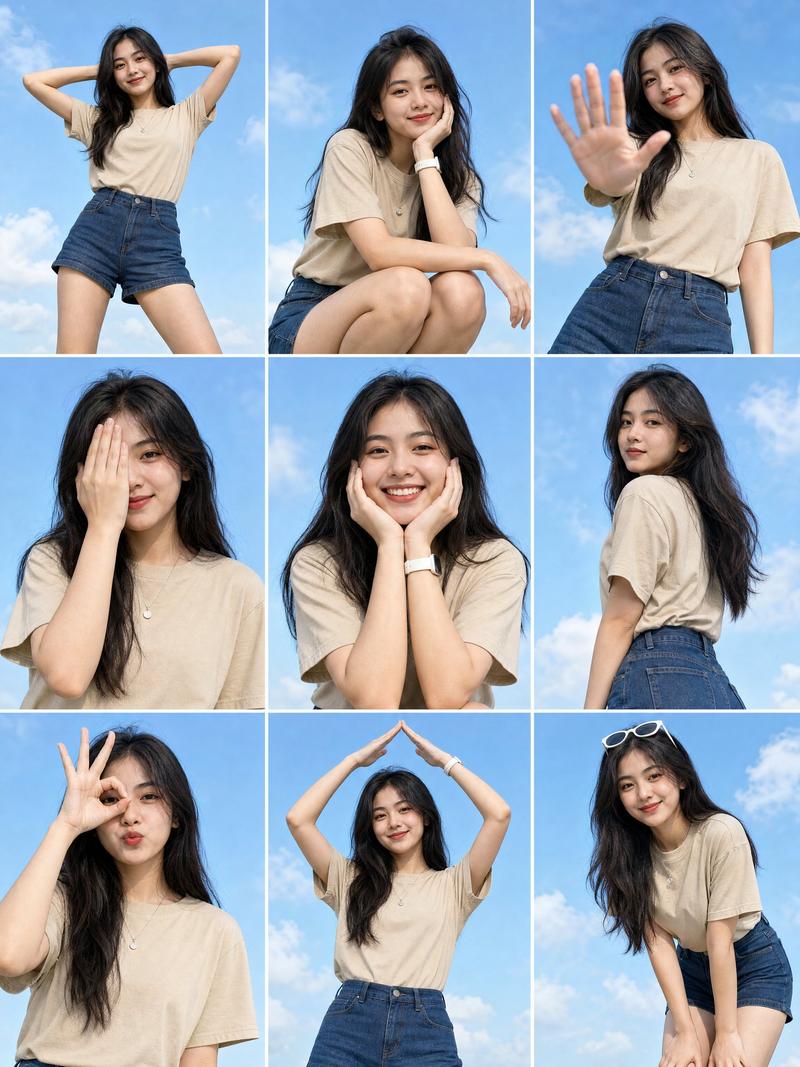
Goal: Create a bright editorial photo collage of {argument name="character name" default="a young woman"} enjoying a dreamy spring day outdoors, with her face intentionally covered in every panel by a flat rectangular privacy mask in a warm medium-brown skin-tone color.

Canvas: Wide horizontal 16:9 image, arranged as a clean 3 by 3 grid of exactly 9 photo panels with thin white borders between panels. Use crisp natural-light photography, shallow depth of field, vivid blue sky, soft white clouds, pink spring blossoms, floating soap bubbles, green grass, and a fresh pastel fashion aesthetic.

Subject details: The same woman appears throughout all 9 panels. She has shoulder-length wavy brown hair, wears a soft {argument name="sweater color" default="pastel pink"} chunky knit sweater, a cream pleated skirt, a pearl necklace, and a pearl bracelet. Her face is never visible; cover it with a simple opaque rectangular censor block, no facial features, no blur, no transparency.

Nine panels, left to right and top to bottom:
1. Close-up portrait from chest up against blue sky, pink sweater visible, soap bubble near her hair, hand raised near mouth, large vertical brown rectangle covering the face.
2. Low-angle full-body fashion shot, woman standing confidently under blue sky with cherry blossom petals drifting, pink sweater and cream pleated skirt flaring outward.
3. Tight close-up portrait with windblown hair and blue sky, pink sweater shoulder visible, large square brown face-covering block.
4. Side portrait near blooming pink-white trees, woman making a peace sign, bubble floating beside her, face covered by a vertical brown rectangle.
5. Extreme close-up crop of hair, shoulder, and hand near cheek, blue background, face area covered by a tall brown rectangle centered in the panel.
6. Seated profile on grassy hill, woman in pink sweater and cream skirt, knees bent, looking toward the sky, face covered by a small brown rectangle, clouds behind her.
7. Overhead top-down shot of woman lying or curled on green grass with flower petals and several bubbles around her, pink sweater and pearl necklace visible, face covered by a vertical brown rectangle.
8. Medium close-up under bright sky, woman touching her hair with one hand, large bubble floating on the right, face covered by a vertical brown rectangle.
9. Medium close-up of woman holding a black camera up near her face as if taking a photo, pink sweater and bracelet visible, pale sky and lens flare bubbles behind, face covered by a brown rectangle.

Visual style: High-resolution lifestyle fashion photography, springtime pastel palette, airy optimistic mood, glossy magazine contact-sheet layout, natural skin and fabric texture, realistic bubbles with rainbow reflections, soft bokeh blossoms, gentle wind in hair and skirt.

Constraints: Use exactly 9 panels in a 3x3 collage; keep the white grid borders visible; include face-covering rectangles in all panels; do not add text, logos, watermarks, or extra panels.- Category
- Brand & Logos
- Model
- GPT Image 2
- Creator
- Cherry 2.O
- Source ID
- 25278
- Published
- Jun 12, 2026
Views0