春日花田三联竖版写真拼贴
Prompt
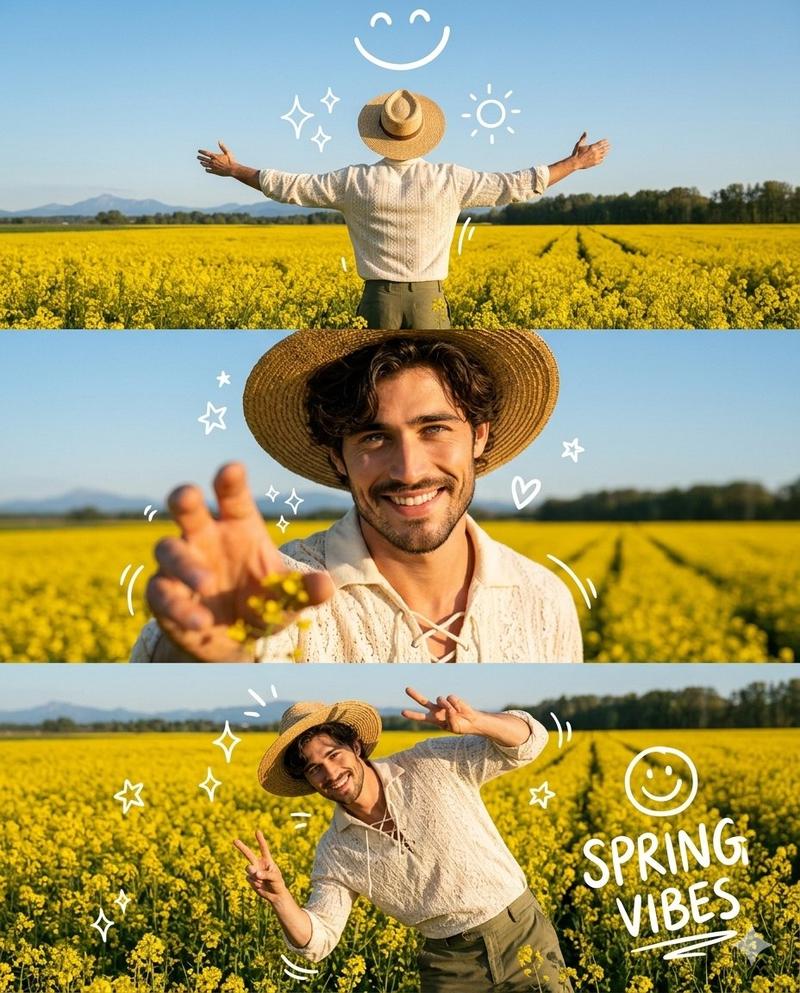
A high-quality 3-panel vertical photo collage of a stunning uploaded woman with soft, voluminous wavy hair glowing in golden sunlight. She is styled in a cream-colored lace-up vintage blouse with delicate textures, olive green high-waisted flowy trousers, and a wide-brimmed straw hat slightly tilted for a fashionable editorial look. Light golden jewelry (thin chains, rings) adds a subtle luxury touch.

The setting is a dreamy, vibrant yellow mustard flower field under a bright blue sky with soft clouds, enhanced by golden hour lighting for a magical glow.

Top panel: Back view of the woman standing in the field with arms wide open, sunlight creating a glowing halo around her hair, slight motion blur in flowers for a cinematic feel.

Middle panel: Close-up portrait, she smiles naturally at the camera, wind softly moving her hair, her hand reaching toward the lens creating depth and a slightly blurred foreground for a DSLR effect.

Bottom panel: Playful pose, she leans sideways in the flowers, making a double peace sign, laughing candidly, capturing an authentic joyful moment.

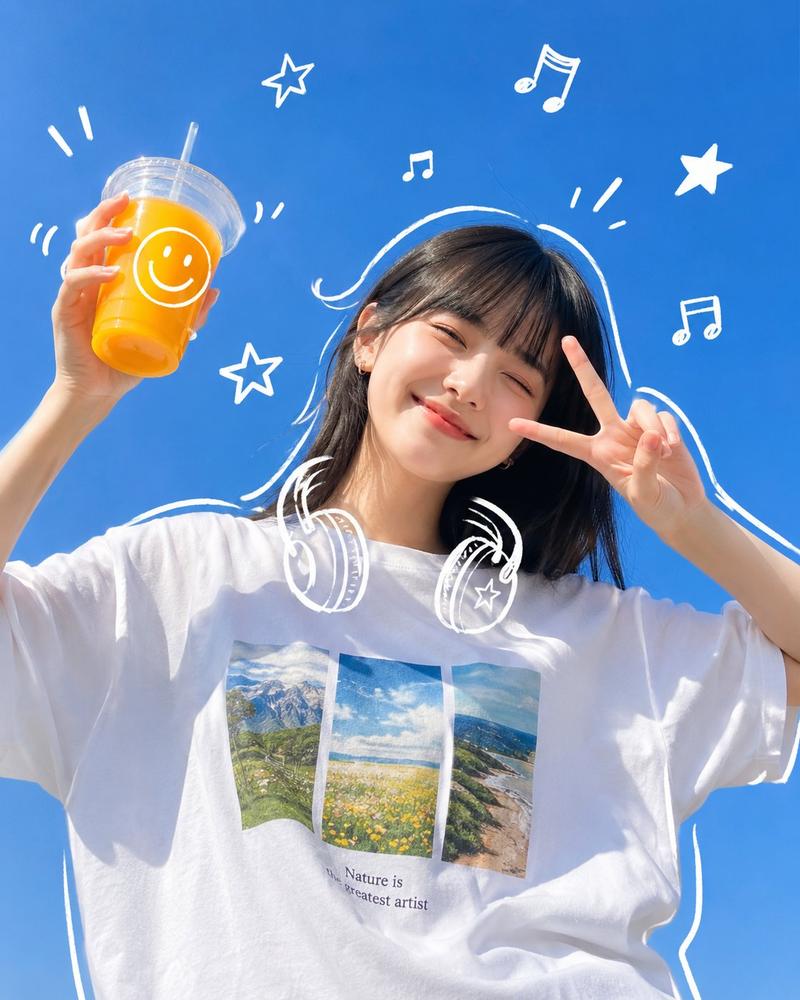
Add cute, trendy white doodle overlays (smiley faces, sparkles, stars, tiny hearts) with a subtle animated/sketchy feel. Include light leaks, sun flares, and soft film grain for a premium Instagram aesthetic.

Ultra-realistic, 4K, cinematic lighting, shallow depth of field, high dynamic range, natural skin tones, editorial fashion photography, soft pastel color grading.

Aspect ratio: 4:5
Style tags: viral Instagram aesthetic, Pinterest style, dreamy spring vibe, candid luxury
- Category
- Photography & Realism
- Model
- GPT Image 2
- Creator
- freestylefly
- Source ID
- 382
Views3