20

史诗级科幻平行世界艺术作品
Enlarge

Example images

史诗级科幻平行世界艺术作品

Prompt
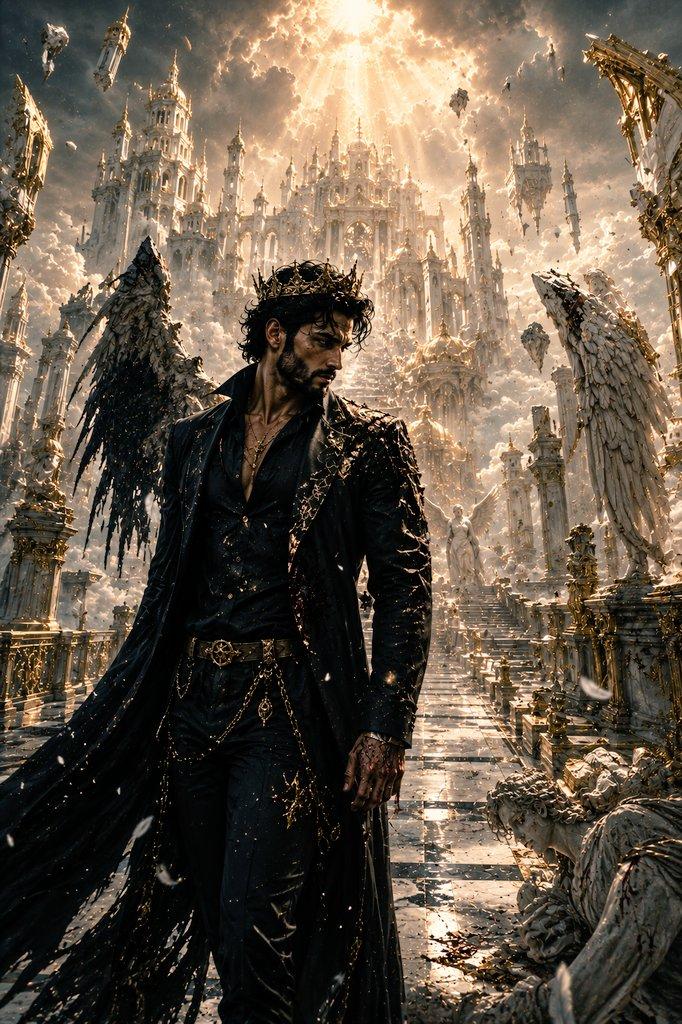
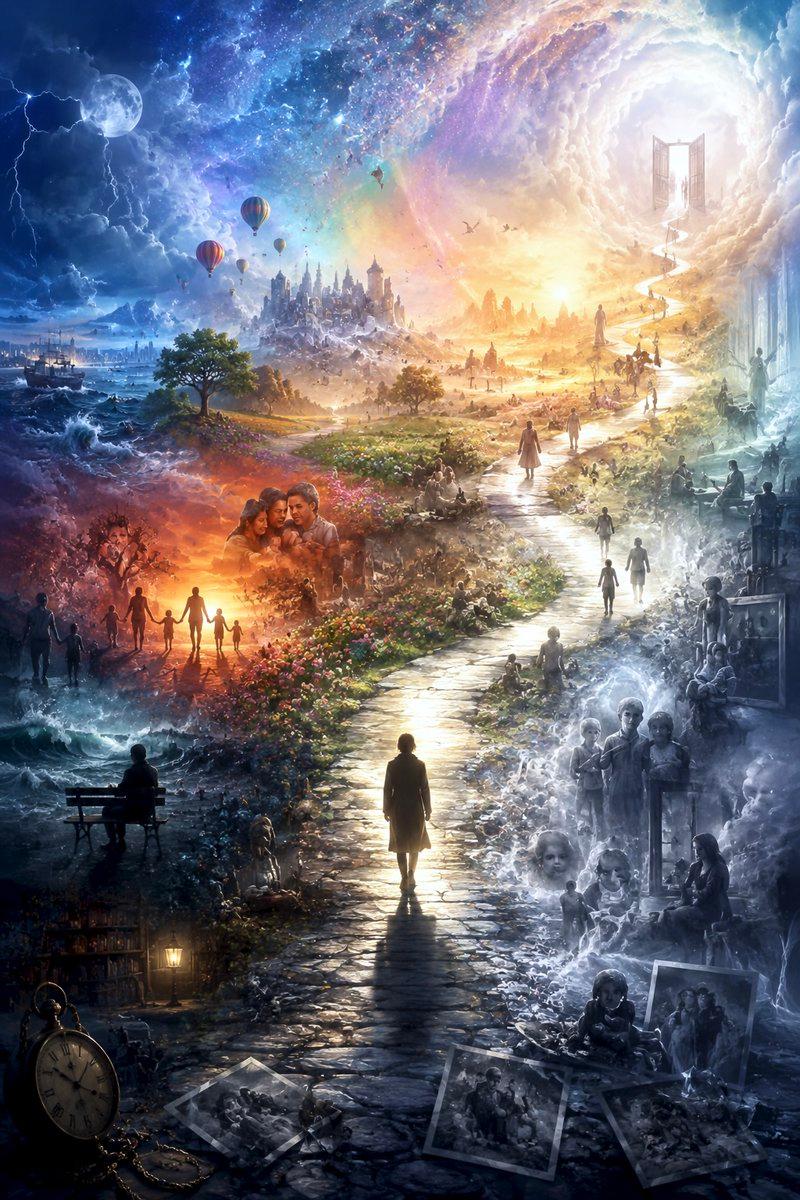
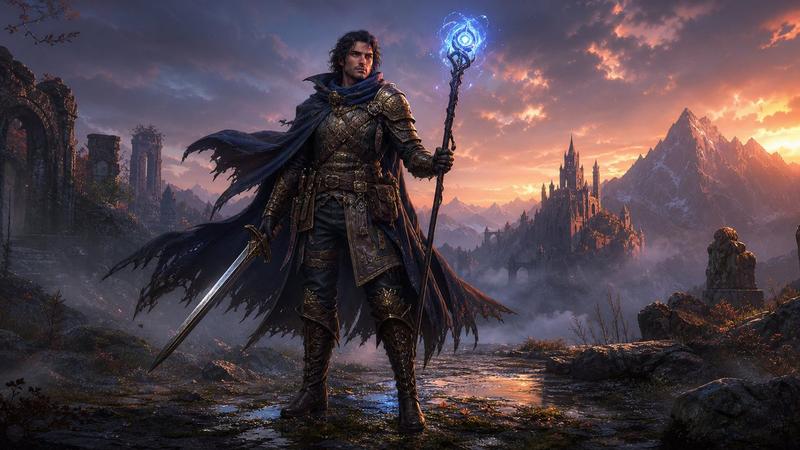
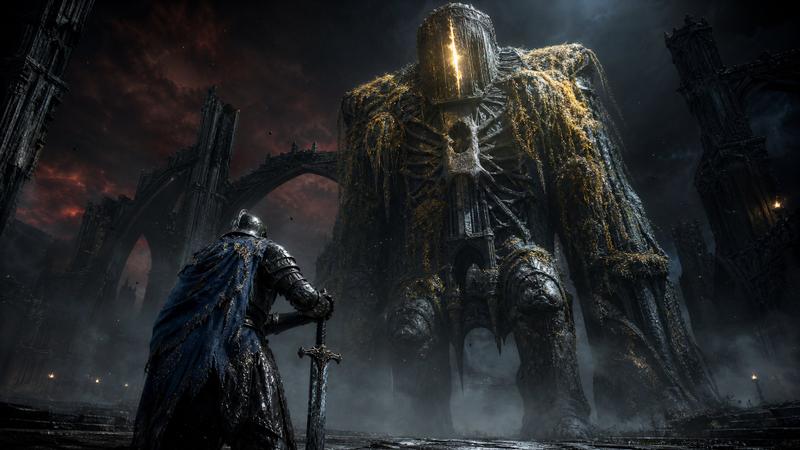
An ultra-cinematic fantasy sci-fi artwork of an extremely {argument name="character description" default="handsome, intense bearded man"} standing confidently between two parallel worlds, wearing a {argument name="outfit" default="luxury black suit"}, sharp jawline, piercing eyes, powerful aura. Left side: a dark rainy cyberpunk city with neon lights, futuristic cars, storm clouds, lightning, glowing signs, reflective wet streets, blue and red neon tones. Right side: a breathtaking {argument name="fantasy world" default="golden fantasy kingdom"} with floating islands, giant castles, waterfalls, dragons flying in the sky, glowing sunset, magical atmosphere. A glowing energy crack divides both worlds in the center, sparks and particles floating, dramatic cinematic lighting, hyper detailed, masterpiece, volumetric lighting, ultra realistic, epic scale, 8K, sharp focus, orange and blue contrast, movie poster aesthetic
Category
Posters & Typography
Model
GPT Image 2
Views0
Source ID
25318
Published
Jun 12, 2026

Guide

About "史诗级科幻平行世界艺术作品"

What is this prompt for?

"史诗级科幻平行世界艺术作品" AI image prompt for GPT Image 2 (Posters & Typography). 一个电影级的提示词,描绘了一个强大的角色站在霓虹赛博朋克城市与金色奇幻王国之间。 Copy it on Picva and recreate the look in one…

The full copyable prompt and example visuals above are ready for AI image generation or one-click recreate in Picva.

How to use this prompt

  1. Step 1

    Open the prompt detail

    Review the example visuals, category, and full prompt text for "史诗级科幻平行世界艺术作品".

  2. Step 2

    Copy the prompt

    Copy the prompt body from this page, or load it directly in Studio.

  3. Step 3

    Pick a model (GPT Image 2)

    Prefer GPT Image 2. If you switch models, keep subject and composition and tweak style terms.

  4. Step 4

    Generate and export

    Recreate the look in Picva, or export into your workflow for editing and publishing.

FAQ

What is the "史诗级科幻平行世界艺术作品" prompt?
It is an AI image-generation prompt for GPT Image 2 in the Posters & Typography category. This page includes the full prompt text, example visuals, and a one-click recreate path in Picva.
How do I use this prompt to generate an image?
Copy the prompt from this page, or use Generate / Studio. Paste it into a compatible image model, or recreate the look in Picva with optional reference images.
Which model is this prompt for?
This page lists GPT Image 2. Most descriptive prompts also transfer to nearby image models such as GPT Image, Flux, or Midjourney with light style tweaks.
Can I use the result commercially?
You can usually copy the prompt for creation, but commercial use of the final image depends on the model terms, reference-image rights, and the generated content. Follow the source author and platform rules.