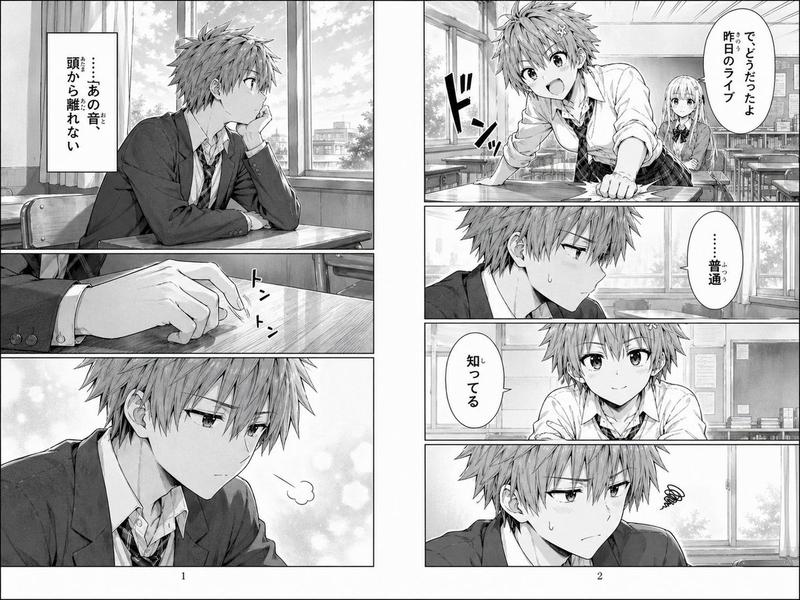
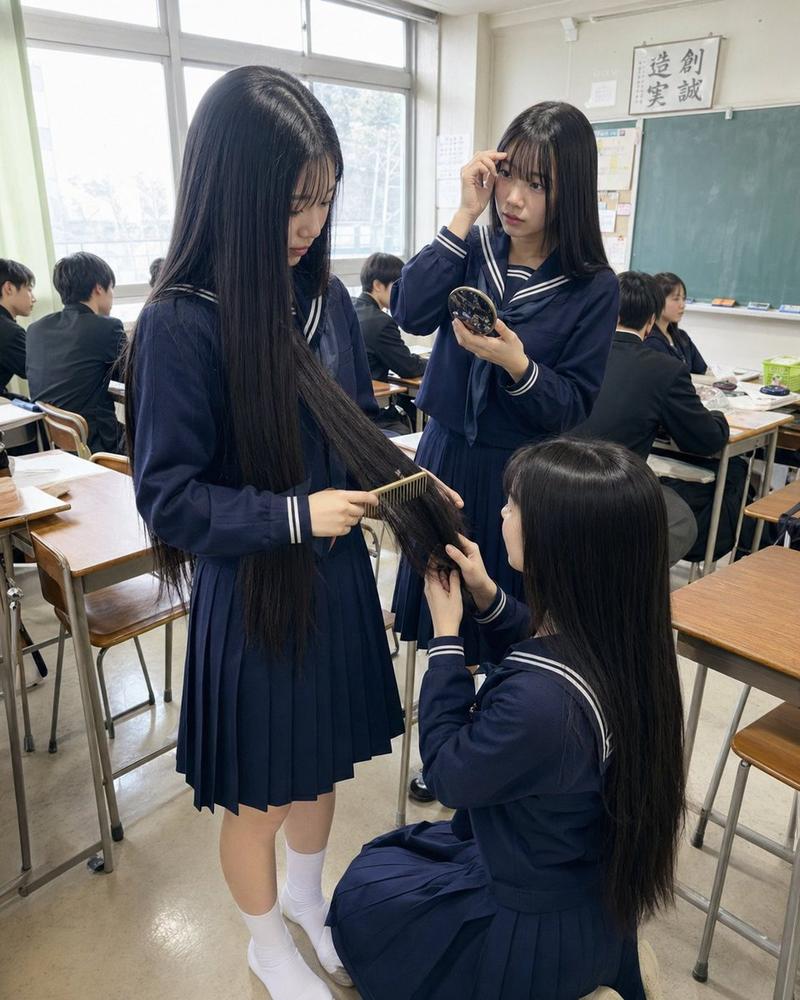
动漫教室分镜脚本
Prompt
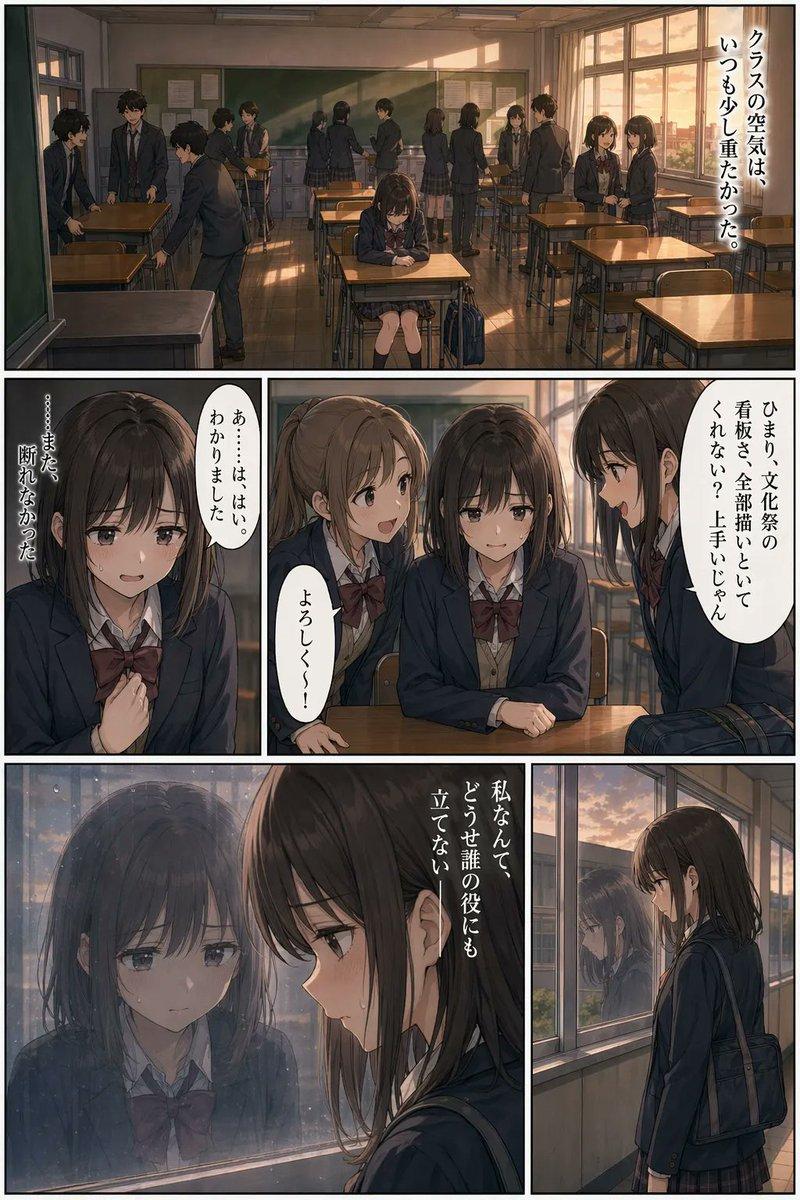
Goal: Create a vertical anime storyboard/comic page in a soft niji-style watercolor look, showing a Japanese high school classroom introduction scene with cinematic framing and hand-drawn ink borders.

Canvas: Tall vertical page, roughly 2:3 aspect ratio, divided into exactly 4 stacked horizontal panels separated by white gutters. Each panel has a thin, slightly imperfect black hand-drawn border. Add small black uppercase labels at the top-left of each panel: “SHOT 1”, “SHOT 2”, “SHOT 3”, and “SHOT 4”.

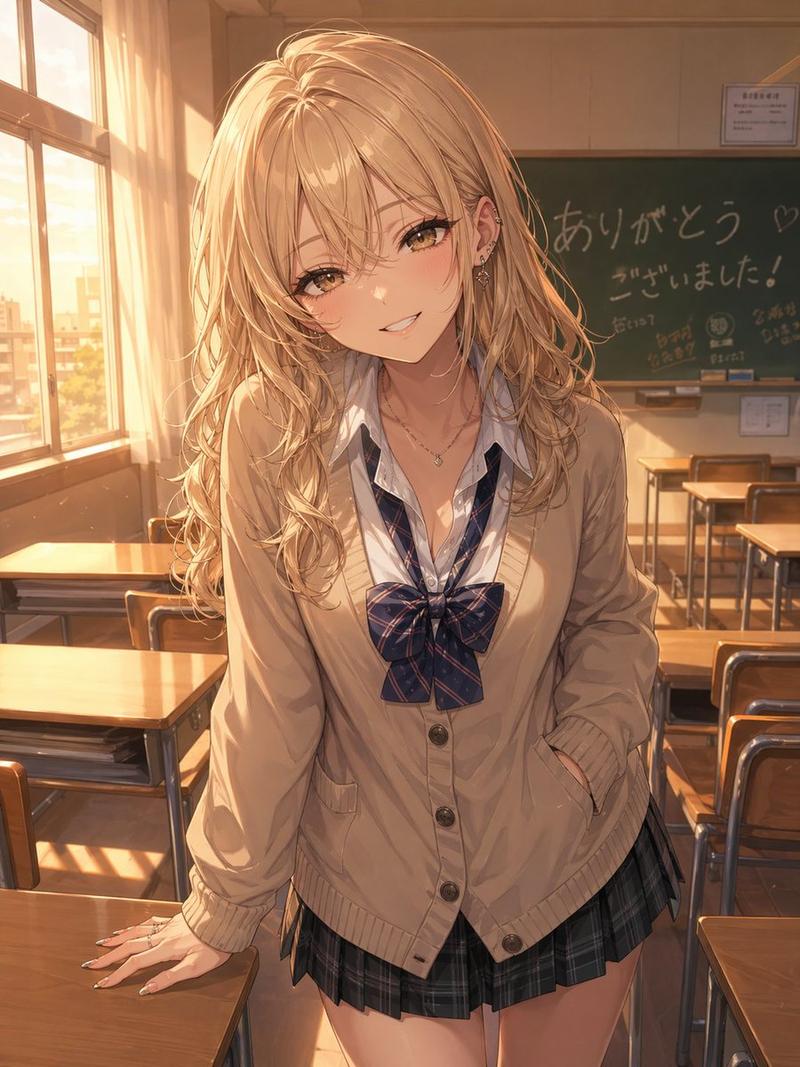
Visual style: Warm nostalgic anime film still, delicate sketchy line art, muted watercolor shading, painterly sunlight, subtle paper texture, detailed classroom perspective, navy school uniforms, soft shadows, no photorealism. Use a style reminiscent of modern Japanese animation and niji illustration.

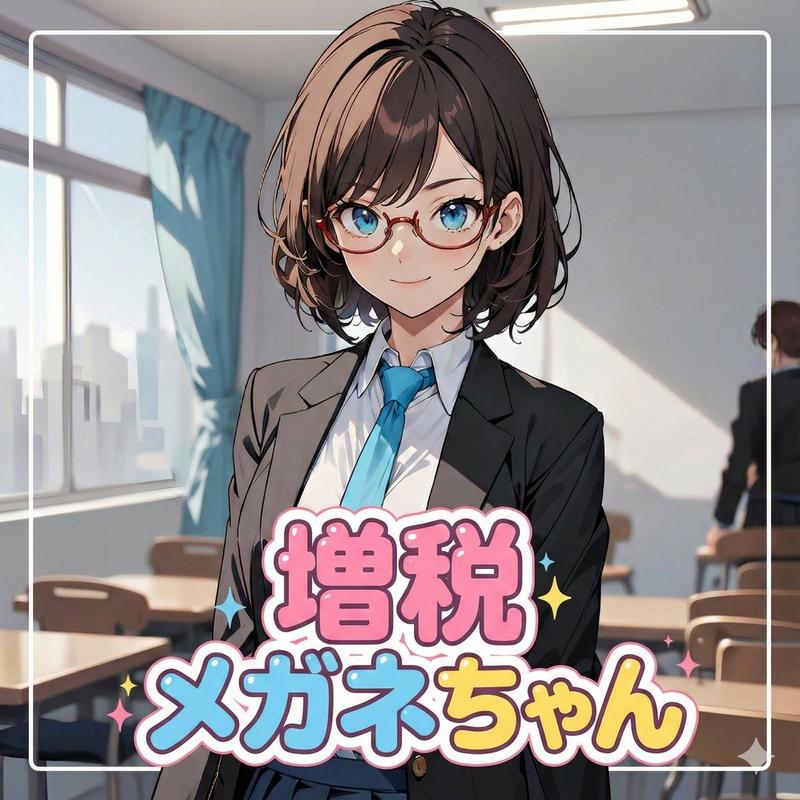
Characters and counts: The main character is {argument name="character name" default="a quiet transfer student"}, a teenage Japanese girl with {argument name="hair color" default="long straight black hair"}, wearing a navy sailor school uniform with a red neckerchief in the first three shots. Include exactly 4 panels, exactly 1 main girl, exactly 1 male teacher in shots 1 and 2, exactly 26 seated anonymous gray classmate silhouettes in shot 1, exactly 4 uniformed girls in shot 3, and exactly 3 cropped uniform torsos in shot 4.

Shot 1: Wide establishing view from the back of the classroom. The main girl stands at the front beside a tall male teacher in a dark suit. Behind them is a large green chalkboard, a wall clock, notices, and bright windows on both sides. Rows of wooden desks and chairs fill the room. Show 26 seated classmates as simplified gray silhouettes facing forward. Morning sunlight streams through tall windows, casting warm rectangles of light on desks and floor.

Shot 2: Medium close-up of the main girl standing in front of the chalkboard, centered and large, with backpack straps visible over her shoulders. The male teacher appears smaller in the background at the right. A round classroom clock is visible high on the right wall. The girl’s face should be intentionally soft, indistinct, or blurred rather than detailed, while the uniform, hair, and classroom remain clear.

Shot 3: Social scene near a window inside the classroom. The main girl sits at a desk by the bright window while 3 other sailor-uniform girls stand around her, leaning in as if greeting or questioning her. Count exactly 4 girls total in this panel: 1 seated main girl and 3 standing classmates. Include bookshelves and desks in the background, leafy green trees visible outside, and warm sunlight on the desk surface.

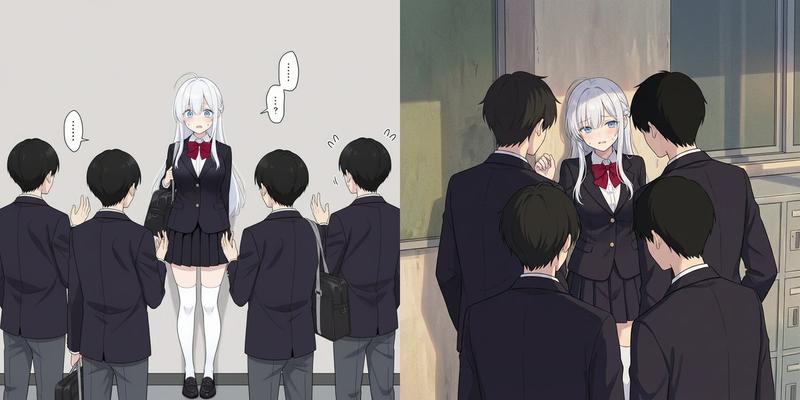
Shot 4: Cropped close-up of exactly 3 girls from shoulders to waist, showing navy sailor uniforms with pale blue neckerchiefs and collars. Their faces are cut off by the top edge of the frame. Emphasize folds in the dark fabric, ribbon shapes, and warm classroom light. Background should be minimal and softly suggested.

Constraints: Keep all text limited to the four shot labels only. Do not add speech bubbles, captions, logos, or watermarks. Maintain consistent classroom setting, warm daylight, and hand-painted anime storyboard aesthetics throughout.- Category
- Architecture & Spaces
- Model
- GPT Image 2
- Creator
- KanahiRO/かなひろ(AI-ART)
- Source ID
- 25419
- Published
- Jun 12, 2026
Views0