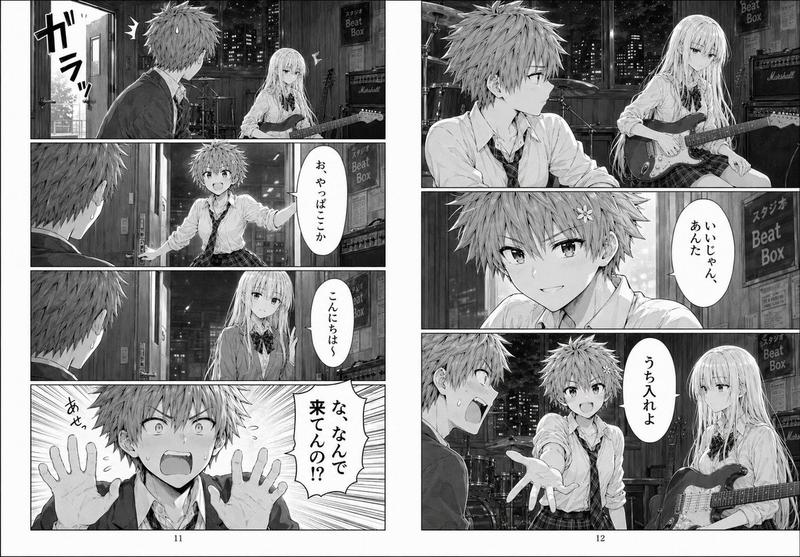
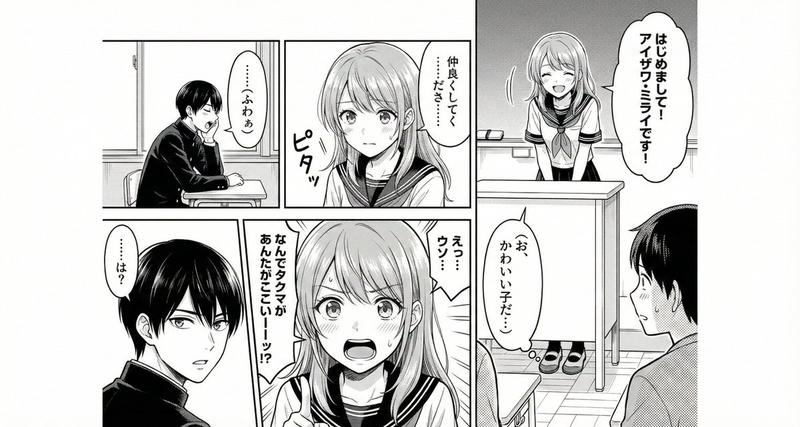
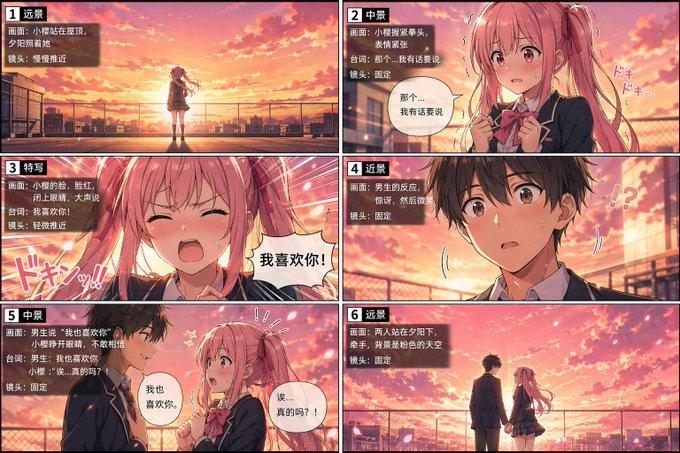
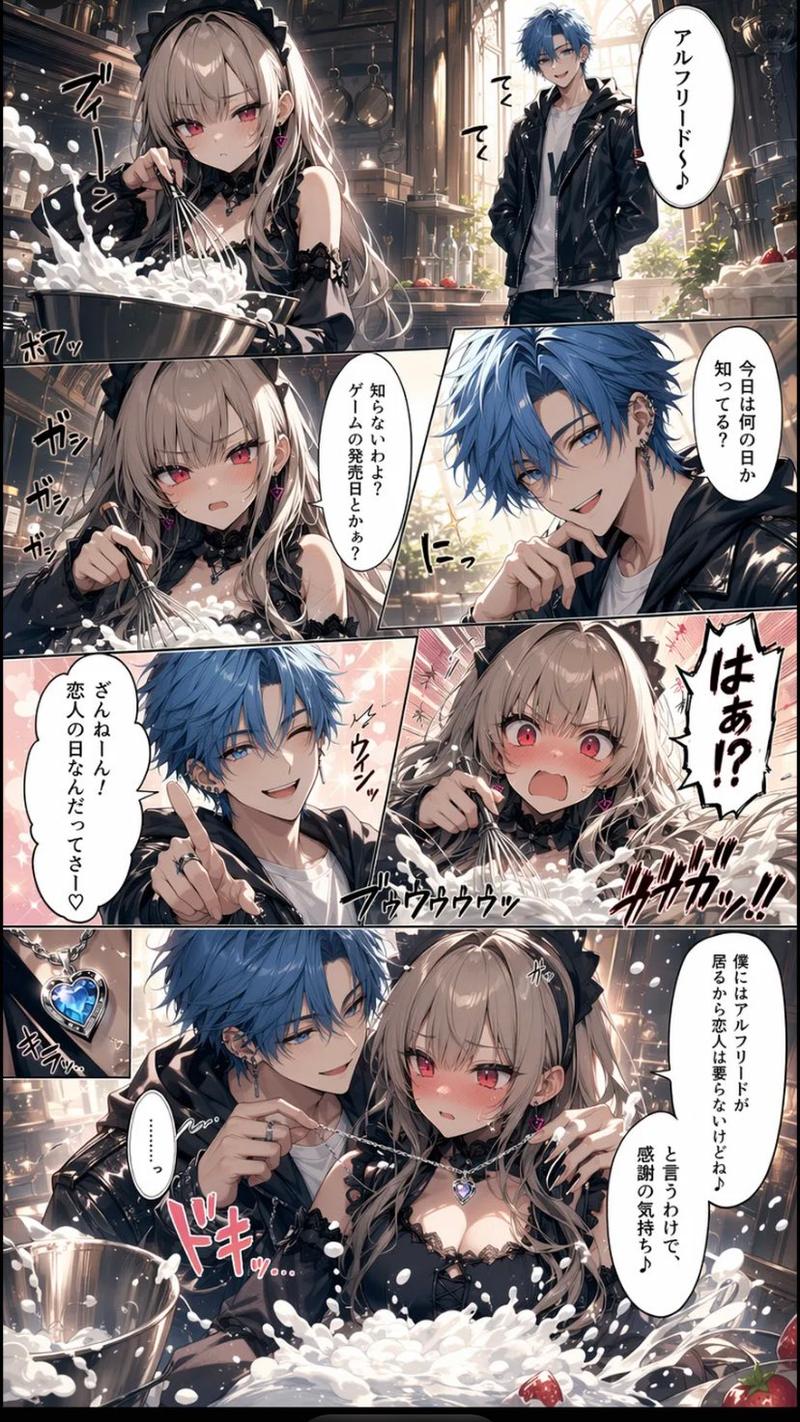
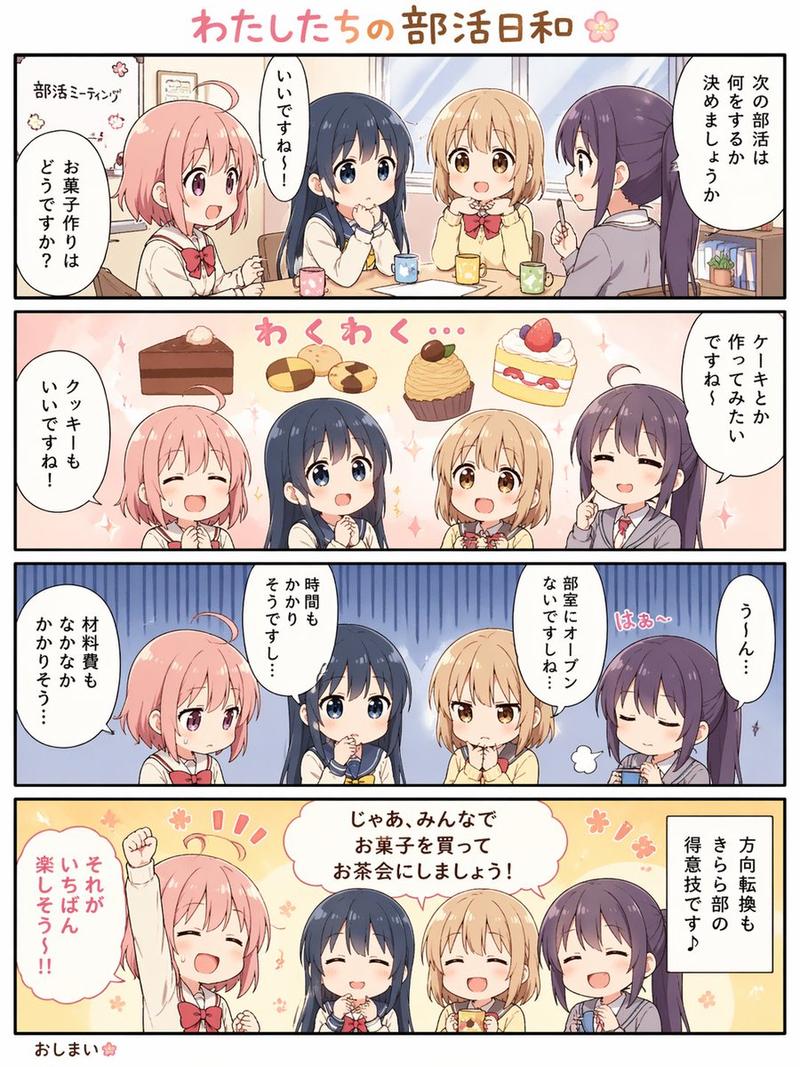
两页校园漫画场景
Prompt
{"type":"black-and-white manga page spread","style":{"medium":"grayscale screentone manga","genre":"school slice-of-life drama","rendering":"clean line art, soft window light, detailed classroom backgrounds, subtle emotional atmosphere","reading":"right-to-left Japanese manga"},"format":{"page_count":2,"layout":"facing pages","page_numbers":[1,2]},"characters":{"count":2,"primary":{"role":"male high school student","appearance":"messy short hair, school blazer, white shirt, loosened necktie, slim build, tired and distracted expression"},"secondary":{"role":"female classmate in background","appearance":"long straight hair, school uniform with ribbon bow, seated behind him"}},"setting":{"location":"Japanese high school classroom","time":"daytime","details":["large classroom windows","rows of desks and chairs","trees and low buildings visible outside","bulletin board and classroom wall fixtures"]},"layout":{"left_page":{"panel_count":3,"panels":[{"position":"top","description":"medium shot of the boy sitting alone at his desk by the window, leaning his cheek on one hand and staring outside in thought","text":["……あの音 頭から離れない"]},{"position":"middle","description":"close-up of one hand on the wooden desktop, fingers lightly tapping","sound_effects":["トン トン"]},{"position":"bottom","description":"close-up reaction panel of the boy turning slightly with a small breath puff, abstract soft bokeh background, face partially obscured by a blurred censorship block"}]} ,"right_page":{"panel_count":5,"panels":[{"position":"top wide","description":"the boy is suddenly slammed or jolted forward against the desk with impact lines as a female classmate speaks from behind him; both faces partially obscured by blurred censorship blocks","text":["で、どうだったよ 昨日のライブ"],"sound_effects":["ドンッ"]},{"position":"upper-middle","description":"close-up of the boy's uneasy side profile with a sweat drop, classroom window behind him","text":["……普通"]},{"position":"middle narrow","description":"frontal classroom shot of the boy replying flatly, face obscured by a blurred censorship block","text":["知ってる"]},{"position":"bottom","description":"close-up of the boy looking troubled and withdrawn, face partially obscured by a blurred censorship block, small spiral frustration symbol beside him"},{"position":"background continuity","description":"same classroom environment maintained across panels with desks, windows, and soft daylight"}]}},"text":{"language":"Japanese","dialogue_count":4,"sound_effect_count":2},"mood":"a boy haunted by a sound he cannot forget, interrupted by casual conversation about yesterday's live show, creating a quiet but tense emotional beat","special_notes":["include visible blurred rectangular censorship blocks over 4 faces total as shown","keep monochrome manga page composition with gutters and printed page numbers","preserve Japanese speech bubbles and vertical narration box"]}- Category
- Posters & Typography
- Model
- GPT Image 2
- Creator
- ユメ・アスタAI漫画イラストレーター
- Source ID
- 16621
- Published
- Apr 27, 2026
Views2