15

针织城市天际线围巾微距摄影
Enlarge

针织城市天际线围巾微距摄影

Prompt
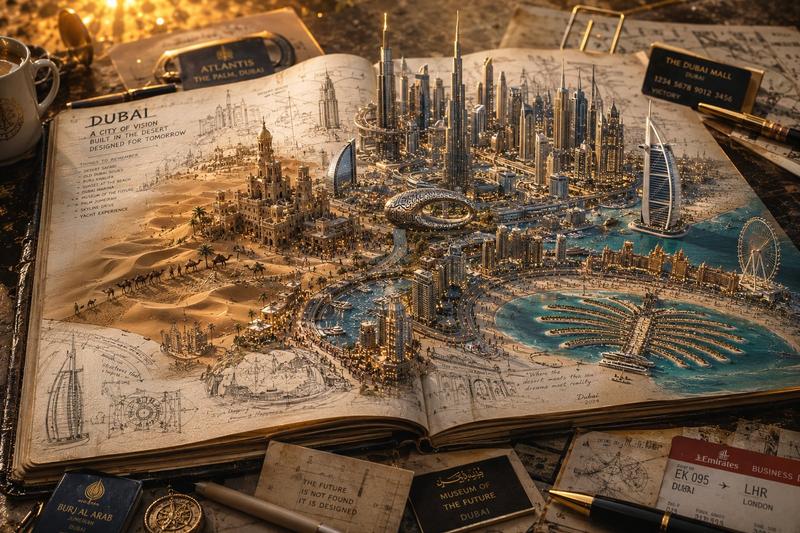
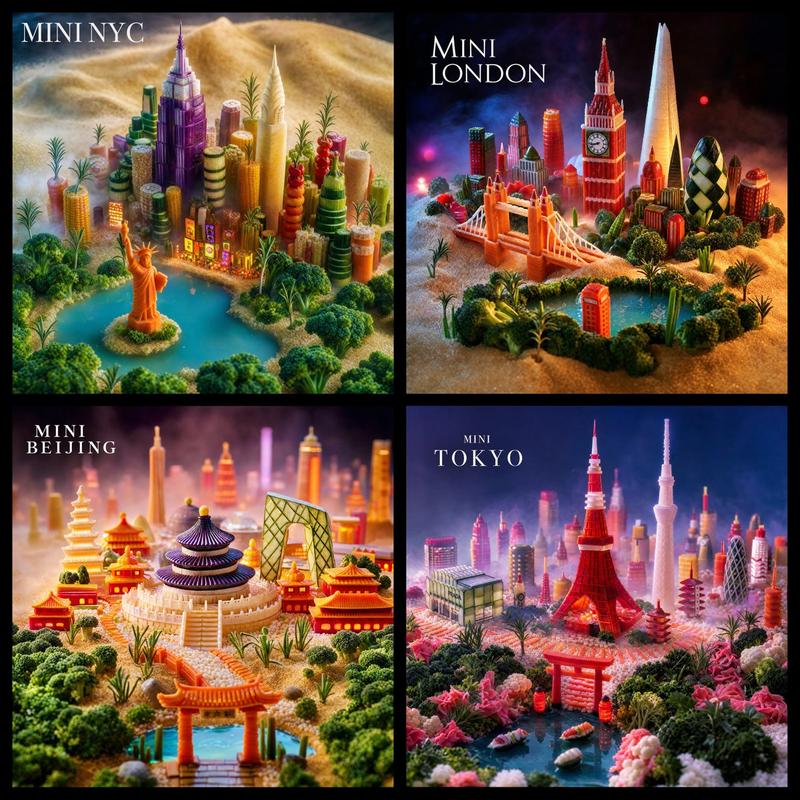
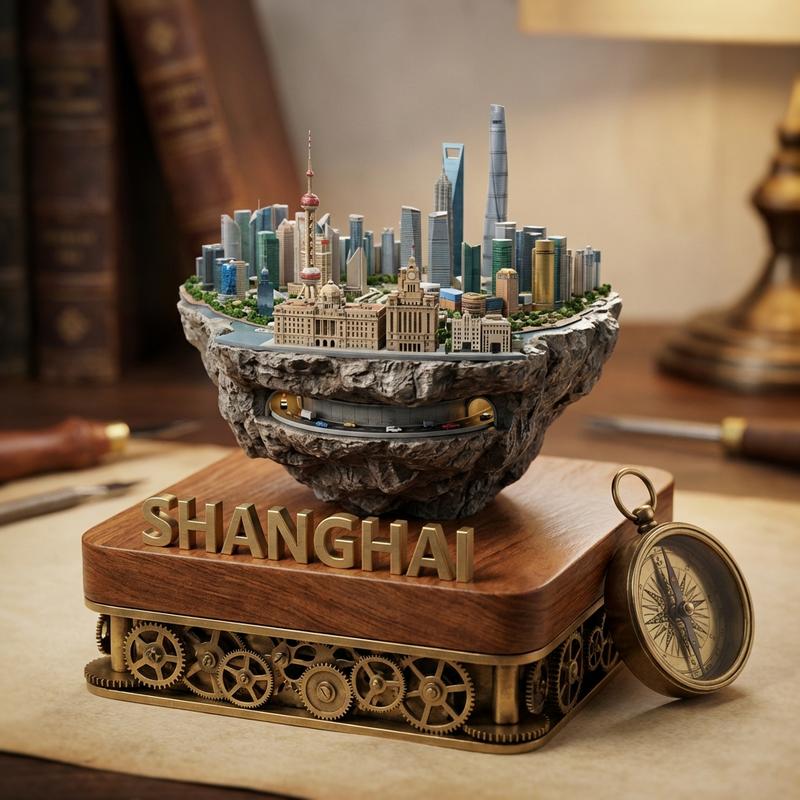
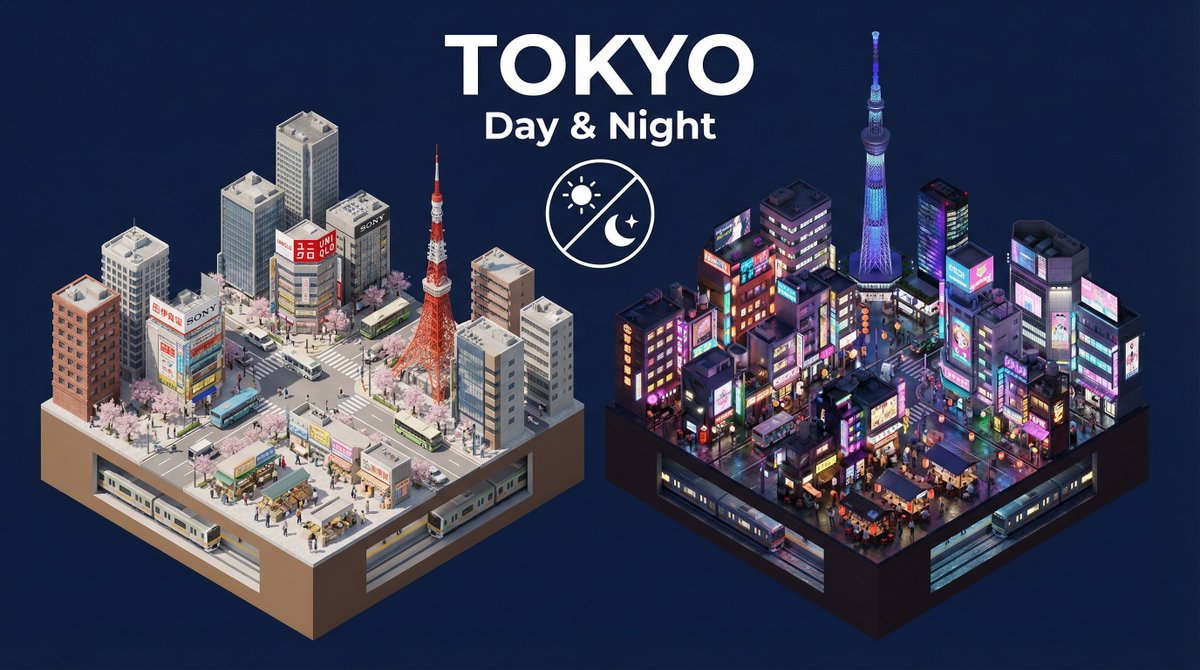
2x2 grid, do this for 4 dark horses for world cup 2026: 16:9, Anchor: [{argument name="city" default="Country's famous city Skyline"}] :: [Knitted Supporter Scarf] Morphology: Extreme macro shot of a thick, knitted soccer supporter's scarf. However, the threads, stitches, and physical fuzz of the yarn are woven together to physically form a highly detailed, 3D topographical map of the host city's skyline and streets. Material Physics: {argument name="material" default="Thick wool and acrylic yarn"}, visible individual fibers, slight pilling, physical depth of the knit stitches creating the "shadows" of the buildings. Illumination: {argument name="lighting" default="Soft, raking side-lighting"} to emphasize the physical depth and texture of the knit. Warm, nostalgic domestic lighting. Render Stack: Macro photography, tilt-shift, 8k, extreme textile detail, physical diorama. Negative: [Digital print, flat, smooth, 2D, glowing, plastic, clean] :: -1
Category
Architecture & Spaces
Model
GPT Image 2
Creator
Gadgetify
Views0
Source ID
25517
Published
Jun 13, 2026

Guide

About "针织城市天际线围巾微距摄影"

What is this prompt for?

"针织城市天际线围巾微距摄影" AI image prompt for GPT Image 2 (Architecture & Spaces). 一个高细节的微距摄影提示词,将城市天际线 3D 映射到针织球迷围巾的纹理中。 Copy it on Picva and recreate the look in one c…

The full copyable prompt and example visuals above are ready for AI image generation or one-click recreate in Picva.

How to use this prompt

  1. Step 1

    Open the prompt detail

    Review the example visuals, category, and full prompt text for "针织城市天际线围巾微距摄影".

  2. Step 2

    Copy the prompt

    Copy the prompt body from this page, or load it directly in Studio.

  3. Step 3

    Pick a model (GPT Image 2)

    Prefer GPT Image 2. If you switch models, keep subject and composition and tweak style terms.

  4. Step 4

    Generate and export

    Recreate the look in Picva, or export into your workflow for editing and publishing.

FAQ

What is the "针织城市天际线围巾微距摄影" prompt?
It is an AI image-generation prompt for GPT Image 2 in the Architecture & Spaces category. This page includes the full prompt text, example visuals, and a one-click recreate path in Picva.
How do I use this prompt to generate an image?
Copy the prompt from this page, or use Generate / Studio. Paste it into a compatible image model, or recreate the look in Picva with optional reference images.
Which model is this prompt for?
This page lists GPT Image 2. Most descriptive prompts also transfer to nearby image models such as GPT Image, Flux, or Midjourney with light style tweaks.
Can I use the result commercially?
You can usually copy the prompt for creation, but commercial use of the final image depends on the model terms, reference-image rights, and the generated content. Follow the source author and platform rules.