18

机械发条微缩世界
Enlarge

机械发条微缩世界

Prompt
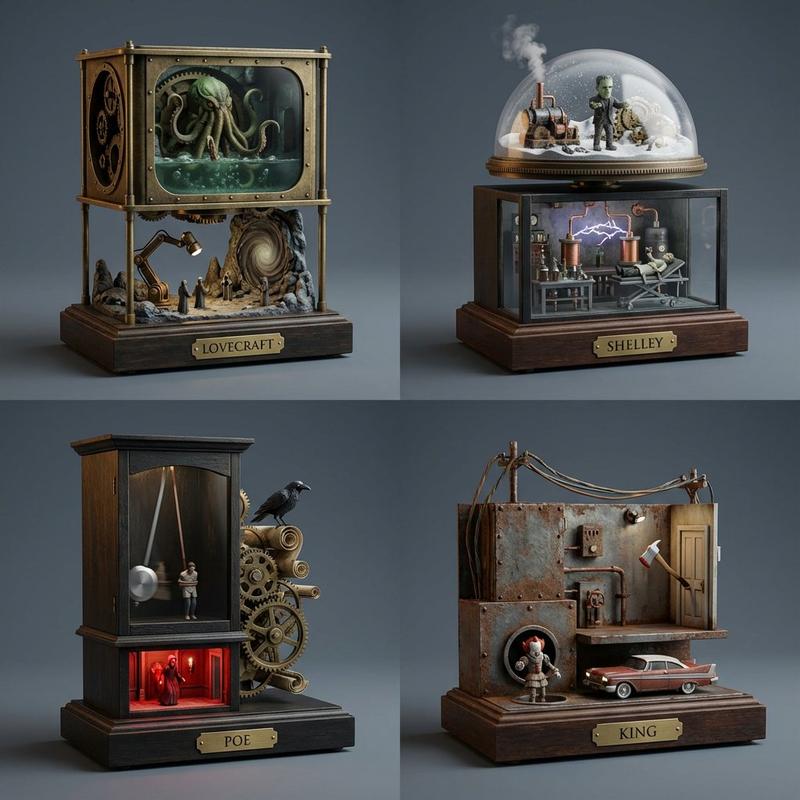
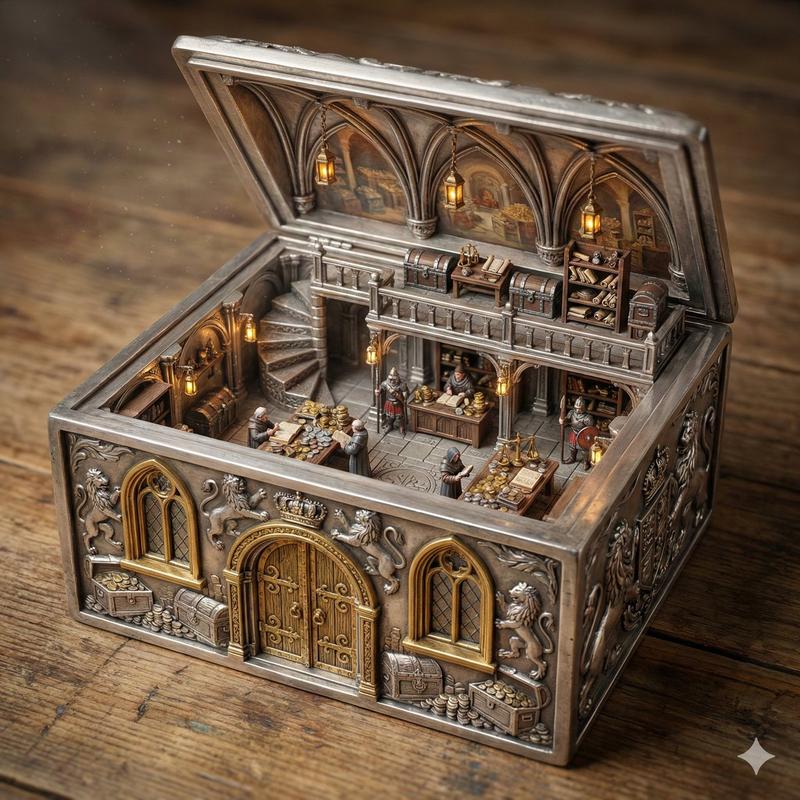
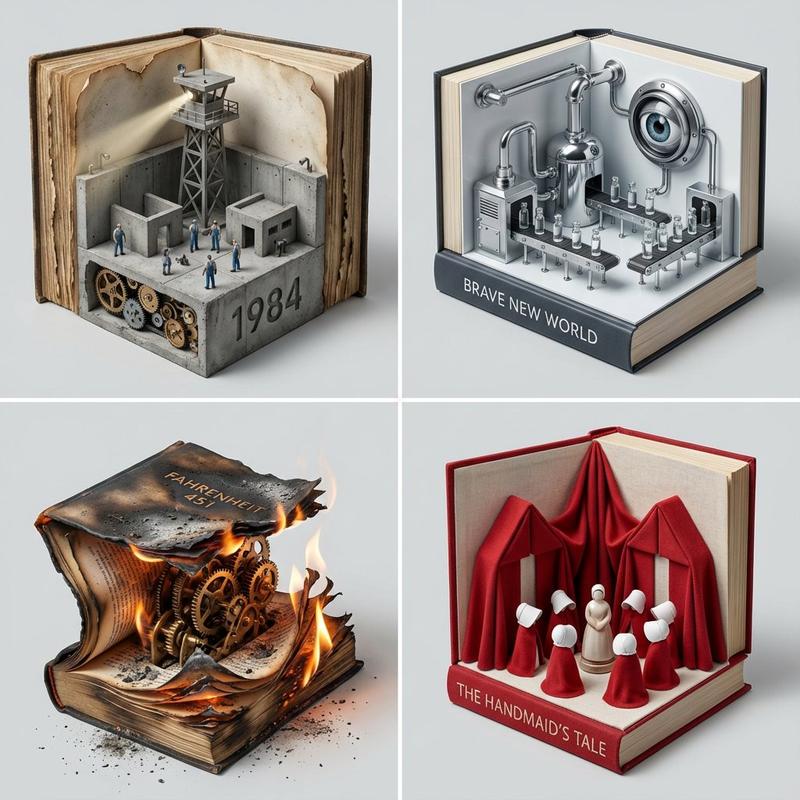
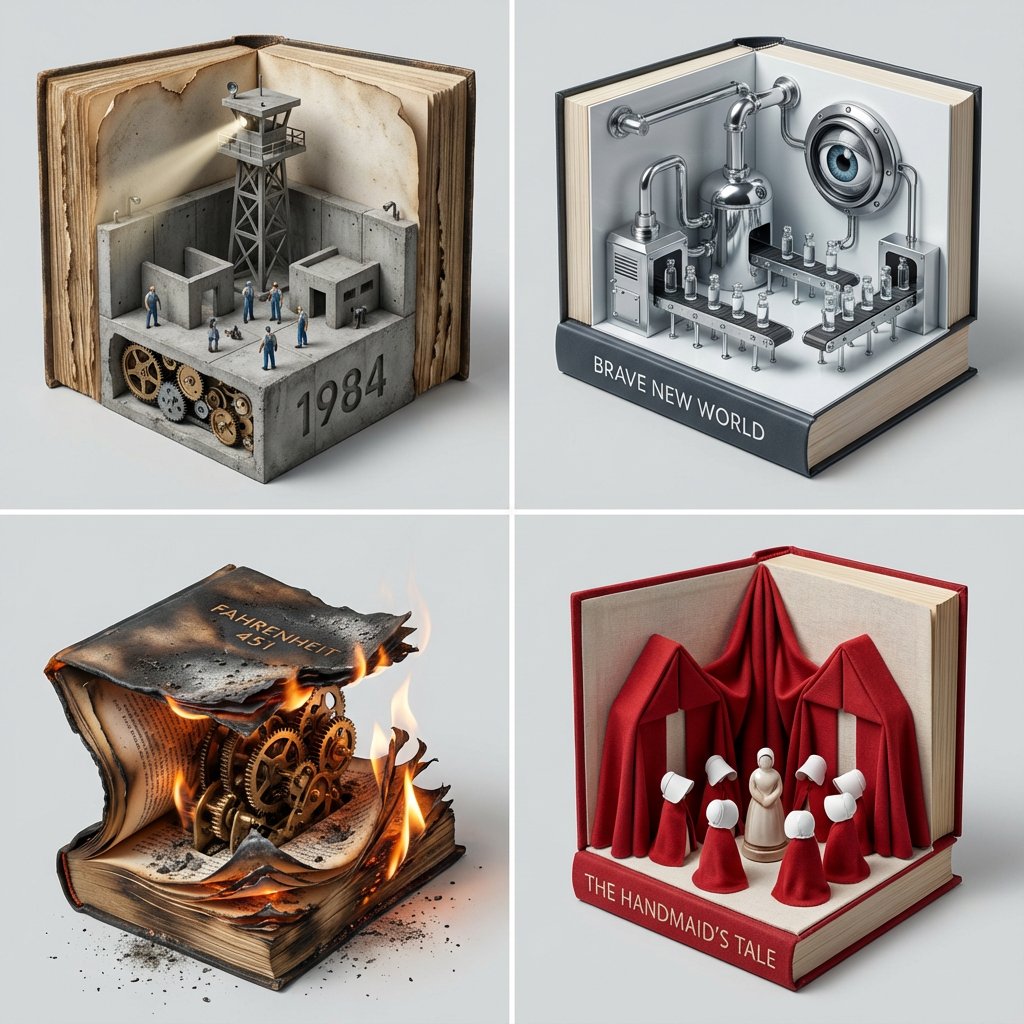
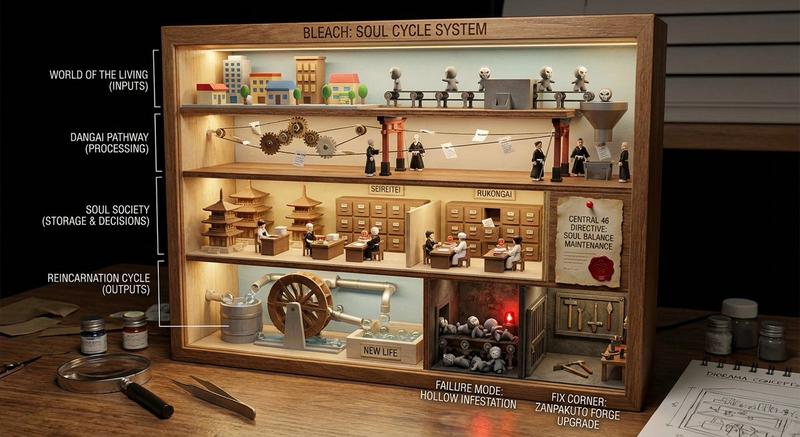
create a charming but ultra-refined scene centered on {argument name="subject" default="wind-up toy / mechanical miniature world"} where a tiny self-contained world is powered by a visible wind-up key and internal spring system. the toy should contain miniature architecture, characters, moving scenery, rotating signage, tiny lifts, oscillating parts, and small narrative moments that all activate from one central mechanism. mini world features: include visual zones for {argument name="main scene" default="main scene"}, [secondary scene], [moving prop], [character action], and [secret detail / easter egg]. surrounding close-ups can reveal the key, spring chamber, cams, and hidden moving linkages. visual style: japanese capsule toy magic meets luxury miniature cinematography meets premium collectible product photography. whimsical, intricate, emotionally irresistible. composition guidelines: the toy remains the hero, but the viewer should feel invited to peer into its tiny world. balance cuteness with high craftsmanship. make the mechanisms visible enough to create fascination. lighting & background: soft studio lighting with theatrical micro-shadows, premium pastel, lacquer, or dark velvet backdrop depending on {argument name="mood" default="mood"}, hyper-detailed miniature realism, no watermark.
Category
Architecture & Spaces
Model
GPT Image 2
Creator
Gadgetify
Views1
Source ID
25616
Published
Jun 14, 2026

Guide

About "机械发条微缩世界"

What is this prompt for?

"机械发条微缩世界" AI image prompt for GPT Image 2 (Architecture & Spaces). 一个超精细的提示词,用于创作复杂的机械玩具场景,展现清晰可见的发条装置与微缩叙事元素。 Copy it on Picva and recreate the look in one c…

The full copyable prompt and example visuals above are ready for AI image generation or one-click recreate in Picva.

How to use this prompt

  1. Step 1

    Open the prompt detail

    Review the example visuals, category, and full prompt text for "机械发条微缩世界".

  2. Step 2

    Copy the prompt

    Copy the prompt body from this page, or load it directly in Studio.

  3. Step 3

    Pick a model (GPT Image 2)

    Prefer GPT Image 2. If you switch models, keep subject and composition and tweak style terms.

  4. Step 4

    Generate and export

    Recreate the look in Picva, or export into your workflow for editing and publishing.

FAQ

What is the "机械发条微缩世界" prompt?
It is an AI image-generation prompt for GPT Image 2 in the Architecture & Spaces category. This page includes the full prompt text, example visuals, and a one-click recreate path in Picva.
How do I use this prompt to generate an image?
Copy the prompt from this page, or use Generate / Studio. Paste it into a compatible image model, or recreate the look in Picva with optional reference images.
Which model is this prompt for?
This page lists GPT Image 2. Most descriptive prompts also transfer to nearby image models such as GPT Image, Flux, or Midjourney with light style tweaks.
Can I use the result commercially?
You can usually copy the prompt for creation, but commercial use of the final image depends on the model terms, reference-image rights, and the generated content. Follow the source author and platform rules.