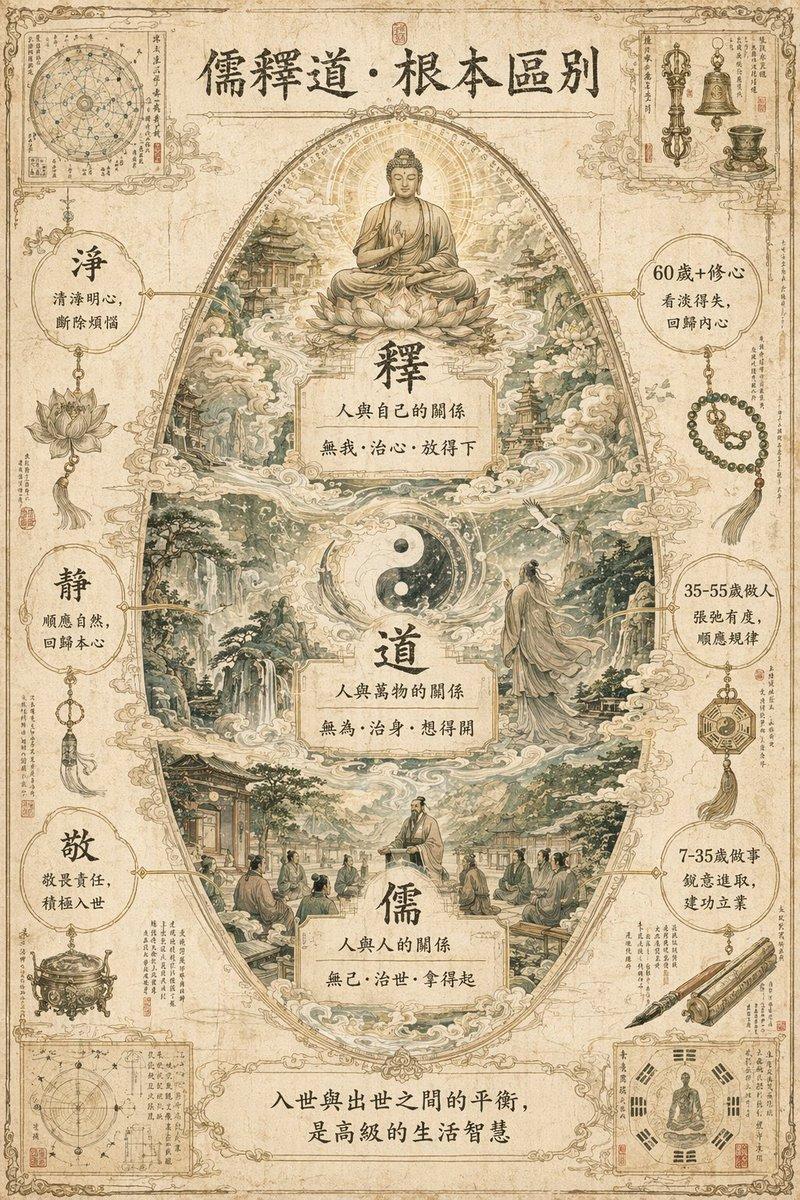
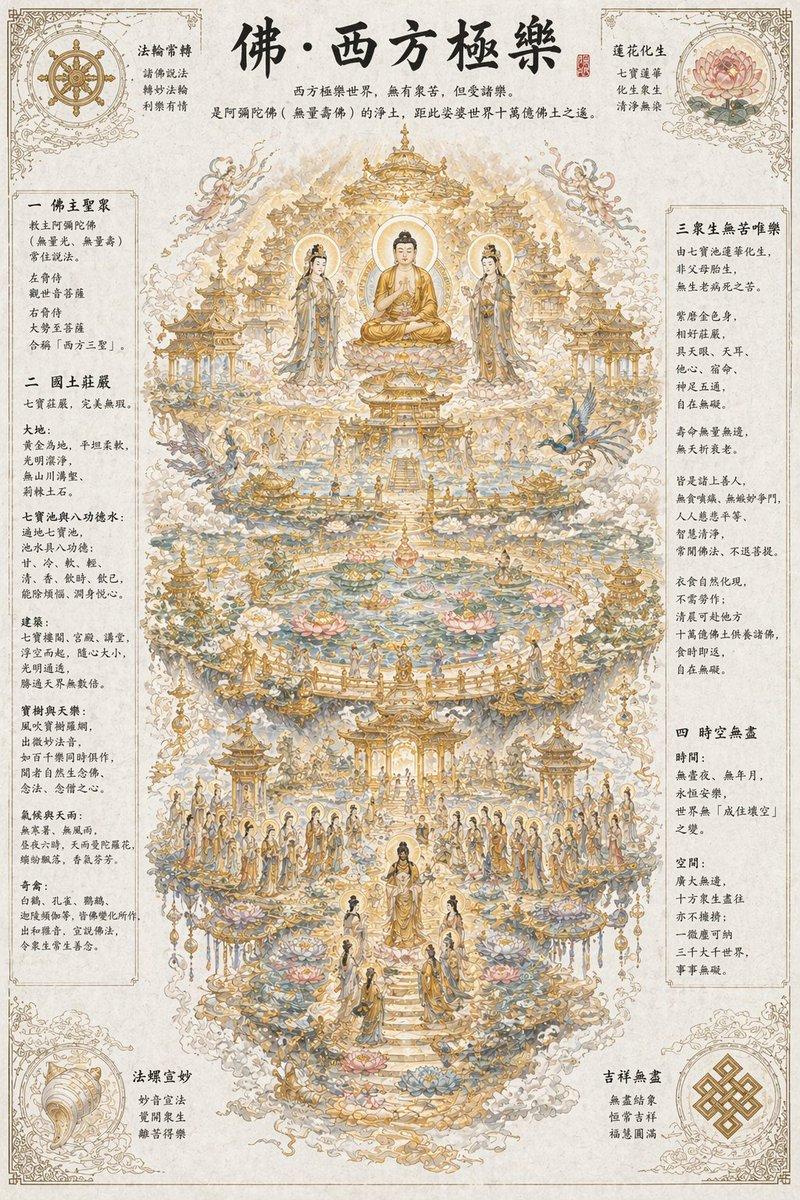
哲学信息图表机器生成器
Prompt
2x2 grid, 16:9, do this for 4 famous philosophies: class Philosophical_Idea_Machine_DNA: def __init__(self): self.subject = "{argument name="subject" default="[PHILOSOPHY / CONCEPT / PARADOX]"}" self.parents = { "composition_parent": "Renaissance memory theatre — wheels within wheels, concentric knowledge rings, symbolic emblems", "atmosphere_parent": "Alchemical manuscript — cryptic imagery, lunar light, sepia and oxidized copper tones", "graphic_parent": "Bauhaus conceptualism — elemental shapes as thought-forms, clean lines, primary colour logic", "detail_parent": "Encyclopédie plate — mechanical cross-sections of ideas, gears of dialectic, part numbering" } self.mutations = { "medium_mutation": "Printed layers of translucent vellum overlays that build the idea when viewed together", "information_mutation": "Logical syllogisms as circuit diagrams, historical proponents as constellation maps, glossary of terms", "semantic_mutation": "The abstract idea becomes a physical, inhabitable clockwork universe", "scale_mutation": "A single logical step unfolds into a complete microcosmic city where the idea is lived reality" } self. style_mix = { "composition_parent": 0.25, "atmosphere_parent": 0.20, "graphic_parent": 0.30, "detail_parent": 0.15, "mutations": 0.10 } def generate_subject(self): subject = """ Create a vertical luxury infographic poster that gives physical form to [SUBJECT]. Invent a magnificent symbolic machine, diagram, or architecture that represents the idea. Explode its layers to show internal logic, historical influences, counterarguments, and real-world manifestations. The design must feel like a transmission from a library that exists outside time. Semantic inference should render the intangible tangible with intellectual rigour. """ return render( subject, style_mix=self. style_mix, format="vertical poster, conceptual infographic", typography=""" Large title: {argument name="concept name" default="[CONCEPT NAME]"} Subtitle: [ORIGIN / PHILOSOPHER / MAXIM] Microtext: [LOGICAL FORMULA / CITATION / FIRST USE DATE / LATIN TERM] """, composition=""" Mandala-like symmetry or dynamic tension depending on concept nature. Clear visual hierarchy, meditative spacing. """, lighting=""" Illumination from unseen source — like a page from a sacred text held to candlelight. """, constraints=""" No trite symbols (lightbulbs for ideas, etc.). No pseudo-profound emptiness. """ )- Category
- Charts & Infographics
- Model
- GPT Image 2
- Creator
- Gadgetify
- Source ID
- 20807
- Published
- May 16, 2026
Views1