18

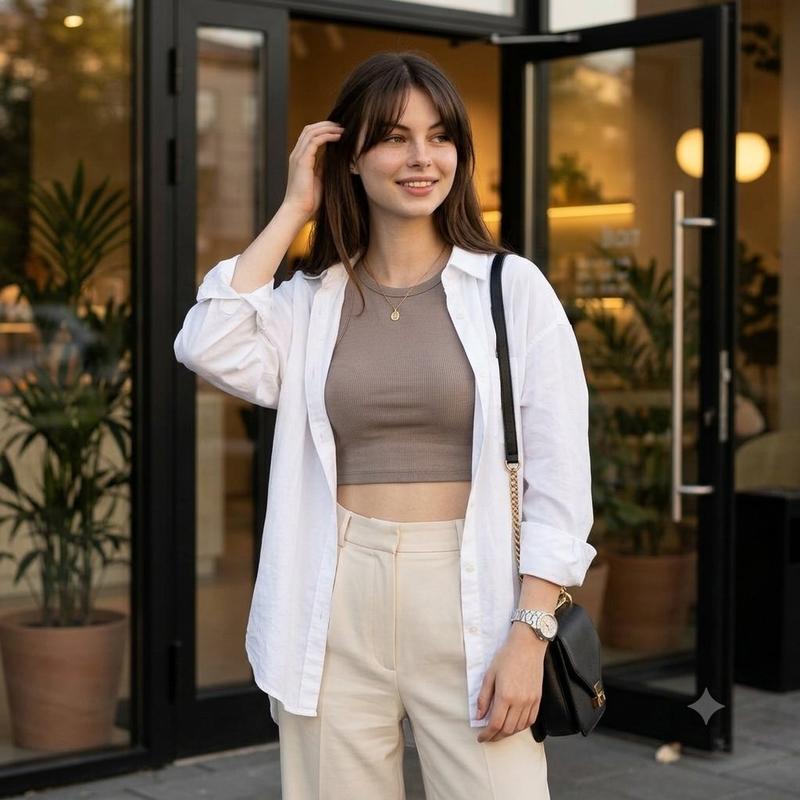
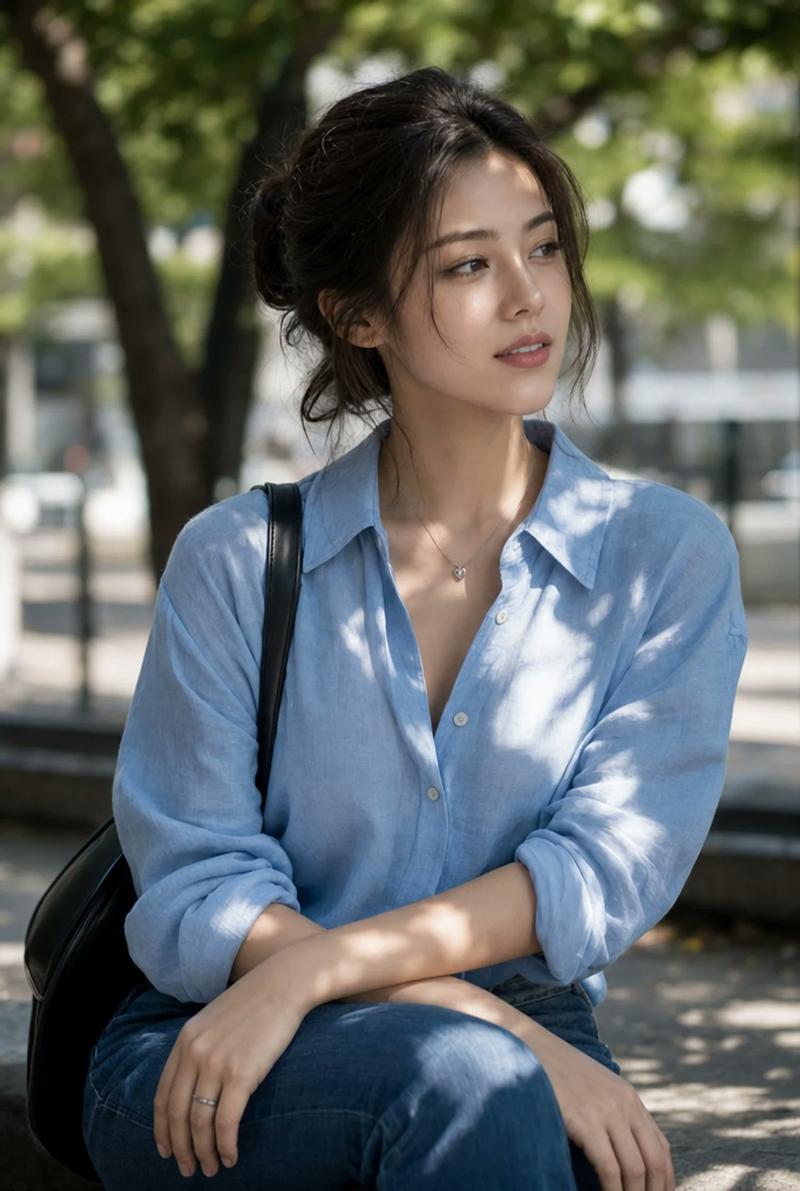
米色系时尚侧编发人像
Enlarge

米色系时尚侧编发人像

Prompt
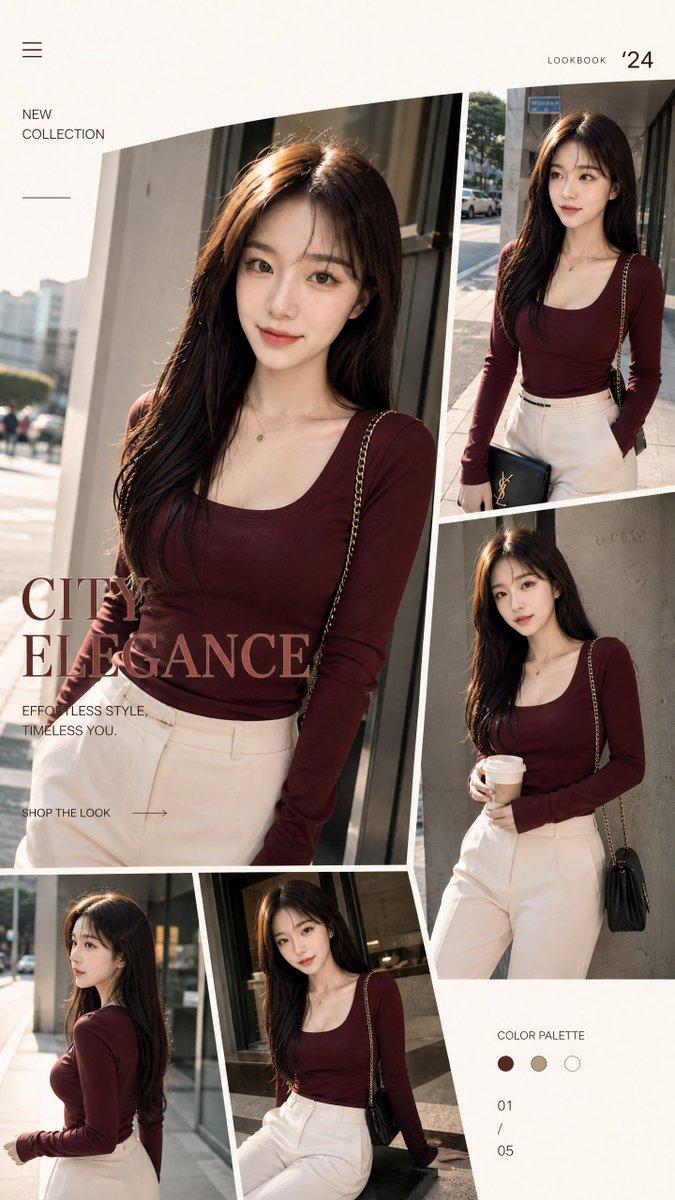
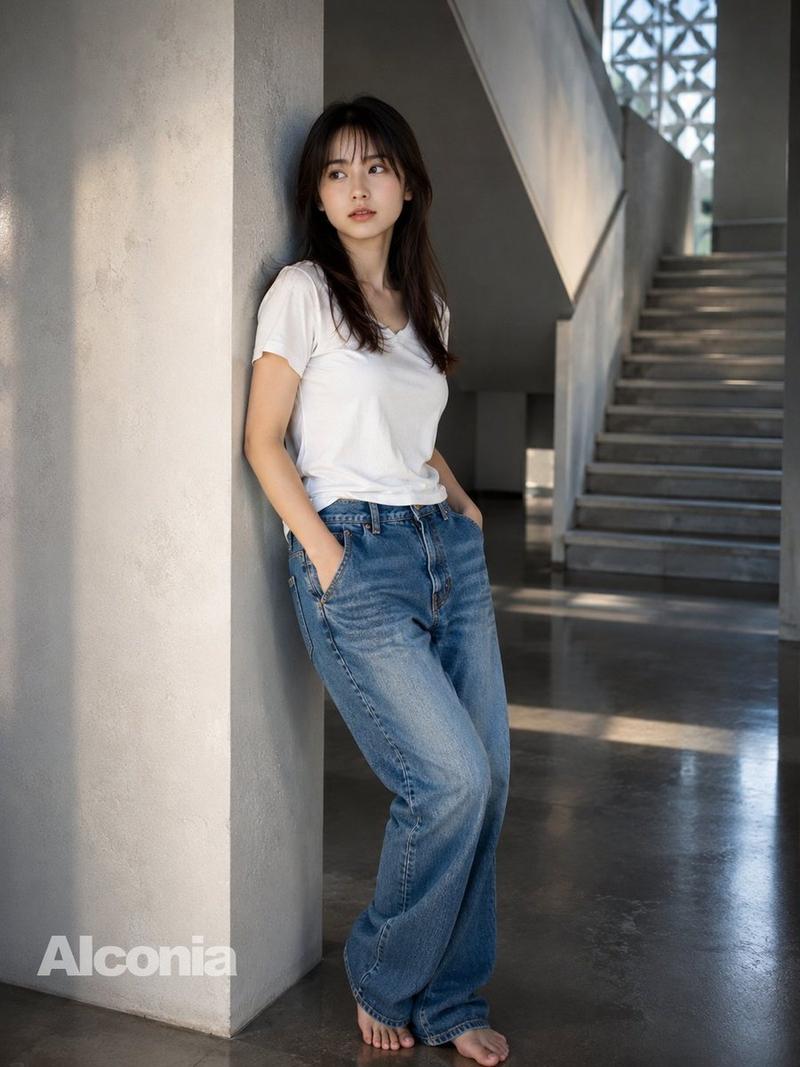
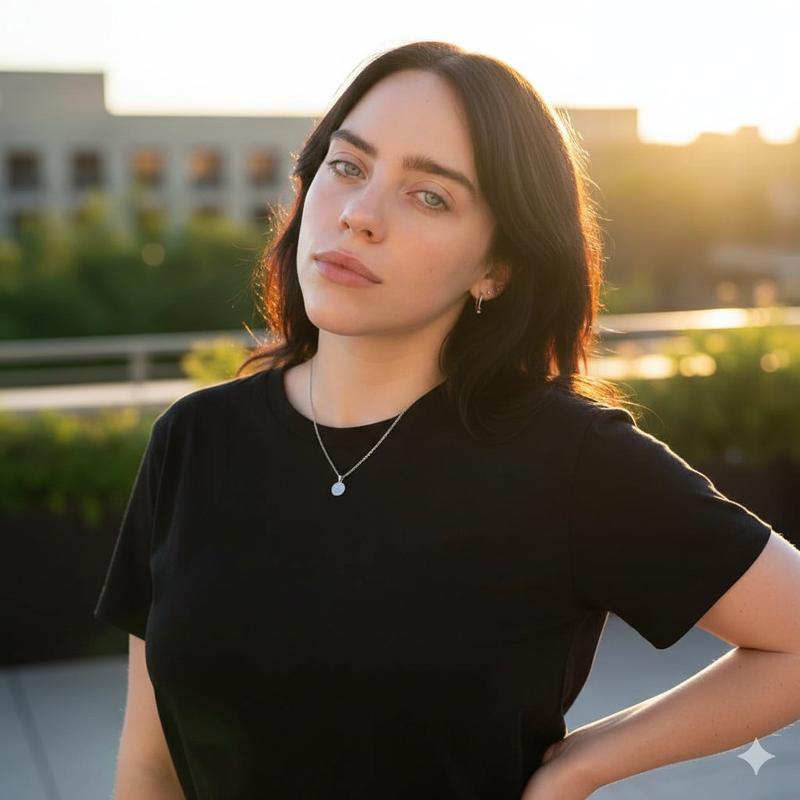
Create an ultra-realistic high-fashion editorial street portrait of a stylish {argument name="subject" default="young woman"} standing outdoors in front of a softly blurred modern building facade. She has long, thick dark brown hair styled into one prominent French side braid draped over her right shoulder, with a few loose face-framing strands. Her face is intentionally obscured by a plain square blur block centered over the face, while one black designer sunglass lens is partially visible at the left edge of the blur. She wears a premium oversized {argument name="shirt color" default="beige"} T-shirt tucked into tailored high-waisted {argument name="trouser color" default="beige"} trousers, creating a clean monochrome neutral outfit. Add exactly two visible accessories: a minimalist thick gold chain necklace around her neck and a luxury silver wristwatch on the wrist of the hand touching her braid. Pose her with one arm relaxed down and the other hand raised to lightly hold the side braid near her shoulder. Use soft natural daylight, shallow depth of field, DSLR realism, cinematic editorial color grading, 8K detail, creamy bokeh background, sharp fabric texture, realistic skin and hair, vertical fashion-crop composition, no text, no watermark.
Category
Architecture & Spaces
Model
GPT Image 2
Creator
Alina Ai
Views1
Source ID
25801
Published
Jun 15, 2026

Guide

About "米色系时尚侧编发人像"

What is this prompt for?

"米色系时尚侧编发人像" AI image prompt for GPT Image 2 (Architecture & Spaces). 生成一张身着中性米色系服装、留着侧编发并佩戴奢华配饰的女性写实街拍人像。 Copy it on Picva and recreate the look in one click.

The full copyable prompt and example visuals above are ready for AI image generation or one-click recreate in Picva.

How to use this prompt

  1. Step 1

    Open the prompt detail

    Review the example visuals, category, and full prompt text for "米色系时尚侧编发人像".

  2. Step 2

    Copy the prompt

    Copy the prompt body from this page, or load it directly in Studio.

  3. Step 3

    Pick a model (GPT Image 2)

    Prefer GPT Image 2. If you switch models, keep subject and composition and tweak style terms.

  4. Step 4

    Generate and export

    Recreate the look in Picva, or export into your workflow for editing and publishing.

FAQ

What is the "米色系时尚侧编发人像" prompt?
It is an AI image-generation prompt for GPT Image 2 in the Architecture & Spaces category. This page includes the full prompt text, example visuals, and a one-click recreate path in Picva.
How do I use this prompt to generate an image?
Copy the prompt from this page, or use Generate / Studio. Paste it into a compatible image model, or recreate the look in Picva with optional reference images.
Which model is this prompt for?
This page lists GPT Image 2. Most descriptive prompts also transfer to nearby image models such as GPT Image, Flux, or Midjourney with light style tweaks.
Can I use the result commercially?
You can usually copy the prompt for creation, but commercial use of the final image depends on the model terms, reference-image rights, and the generated content. Follow the source author and platform rules.