Dark Sword Angel 角色设定集
Prompt
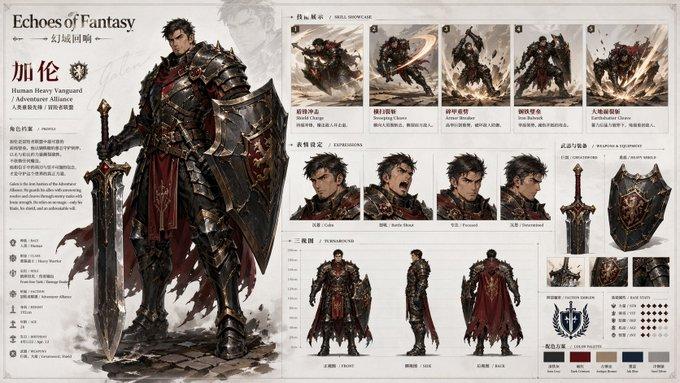
Goal: Create a polished anime-style character sheet for {argument name="character name" default="Angie"}, a dark fantasy sword angel girl, on a clean white studio background.

Canvas: Wide horizontal character design board, approximately 16:9, with lots of white space and small handwritten annotation labels. Render in high-detail 3D/anime concept art style with soft shadows under each pose.

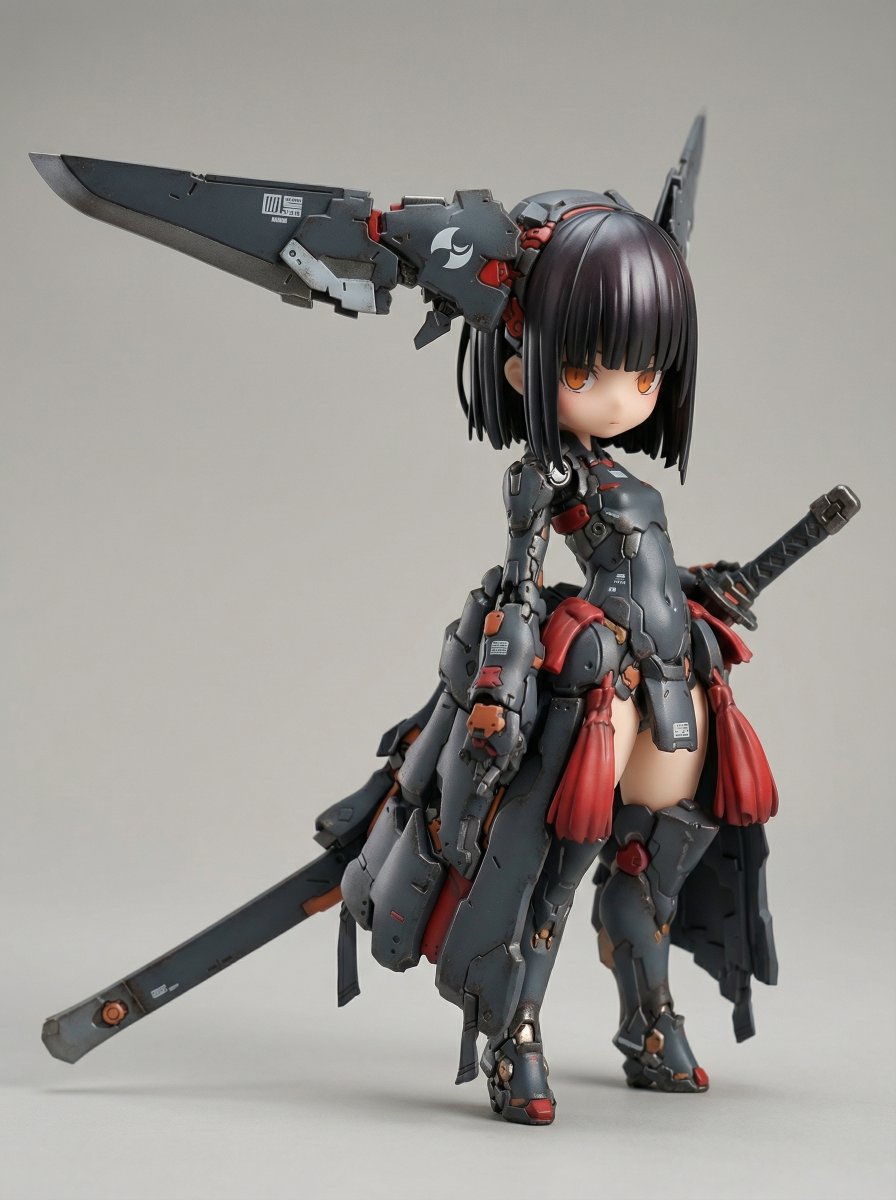
Character design: A stoic, ominous, poised young female warrior called {argument name="character name" default="Angie"}. She has short black bobbed hair, glowing amber eyes, pale skin, and a shadowed face under a red hood. She wears a red-and-cream gothic hooded dress with black leather sleeves, belts, buckles, ruffled trim, fingerless gloves, chunky black boots with red soles, and twin large black feathered wings. Her signature weapon is a massive dark sword, taller than her body, with a broad blade, jagged sawlike spine, circular bronze insets, and a wrapped handle.

Top-left info card: Add a thin black rectangular box with four typed lines exactly formatted like a character sheet: NAME: {argument name="character name" default="Angie"}; ROLE: {argument name="role" default="Dark Sword Angel"}; CORE MOOD: {argument name="core mood" default="Stoic, ominous, poised"}; VISUAL SIGNATURE: {argument name="visual signature" default="Twin black wings, red hood, giant dark sword, glowing amber eyes"}.

Layout and visible element counts: Include exactly 1 large central hero pose: full-body three-quarter view, standing confidently, sword held upright at her side, wings spread behind her. Include exactly 3 turnaround views on the left labeled Neutral, Back, and Profile. Include exactly 5 action pose studies on the right labeled Seated, Leaning, Crouching, Top-Down, and Low-Angle. Include exactly 3 black silhouette studies at bottom-left, showing different wing-and-sword readable shapes. Include exactly 4 expression-study head portraits at bottom-center, all hooded with subtle variations in stoic amber-eyed expressions. Include exactly 6 detail-study panels along the bottom-right: hooded face close-up, back hair close-up, black wing feathers, sword blade detail, dress/belt/skirt detail, and gloved hand detail.

Visual style: Premium game/anime character design sheet, crisp linework, cinematic muted palette of red, black, cream, bronze, and amber, realistic fabric and leather textures, feather detail, subtle ambient occlusion, no background scenery. Use elegant cursive handwritten labels for pose and study captions, while the info card uses clean serif type.

Constraints: Keep the whole board readable as a single professional character reference sheet. Do not add extra characters, extra poses, logos, watermarks, or unrelated props.- Category
- Posters & Typography
- Model
- GPT Image 2
- Creator
- Kōda
- Source ID
- 25853
- Published
- Jun 15, 2026
Views0