20

巴黎亚麻风尚人像
Enlarge

巴黎亚麻风尚人像

Prompt
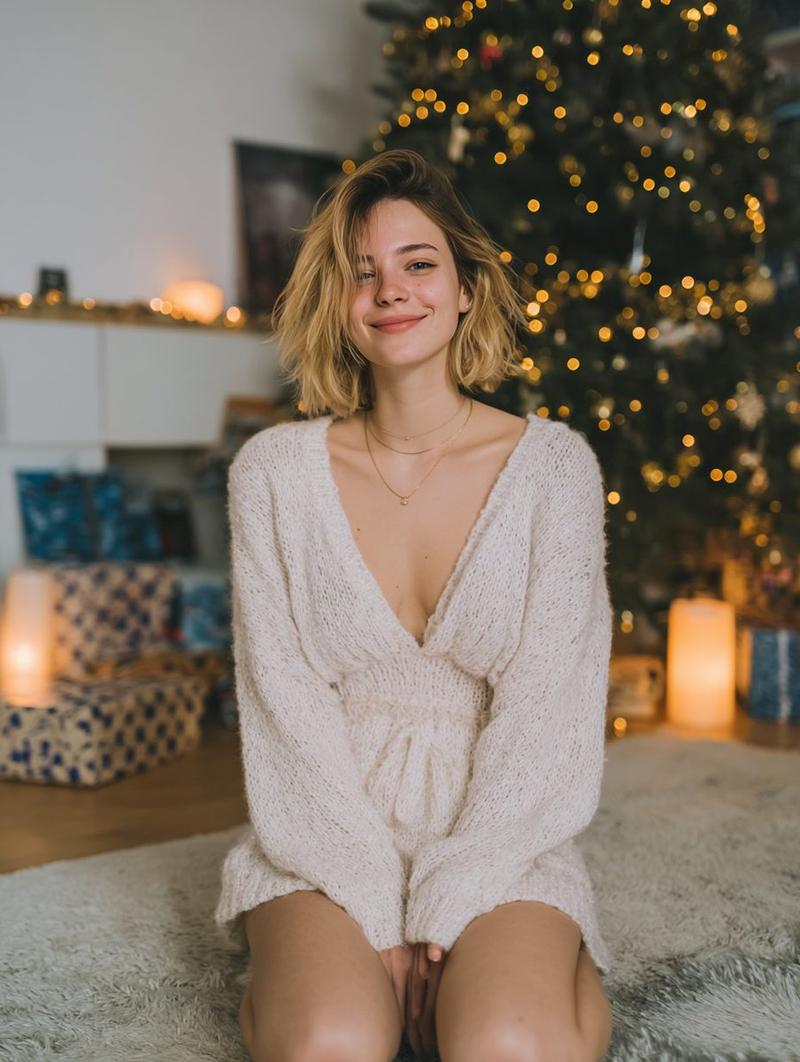
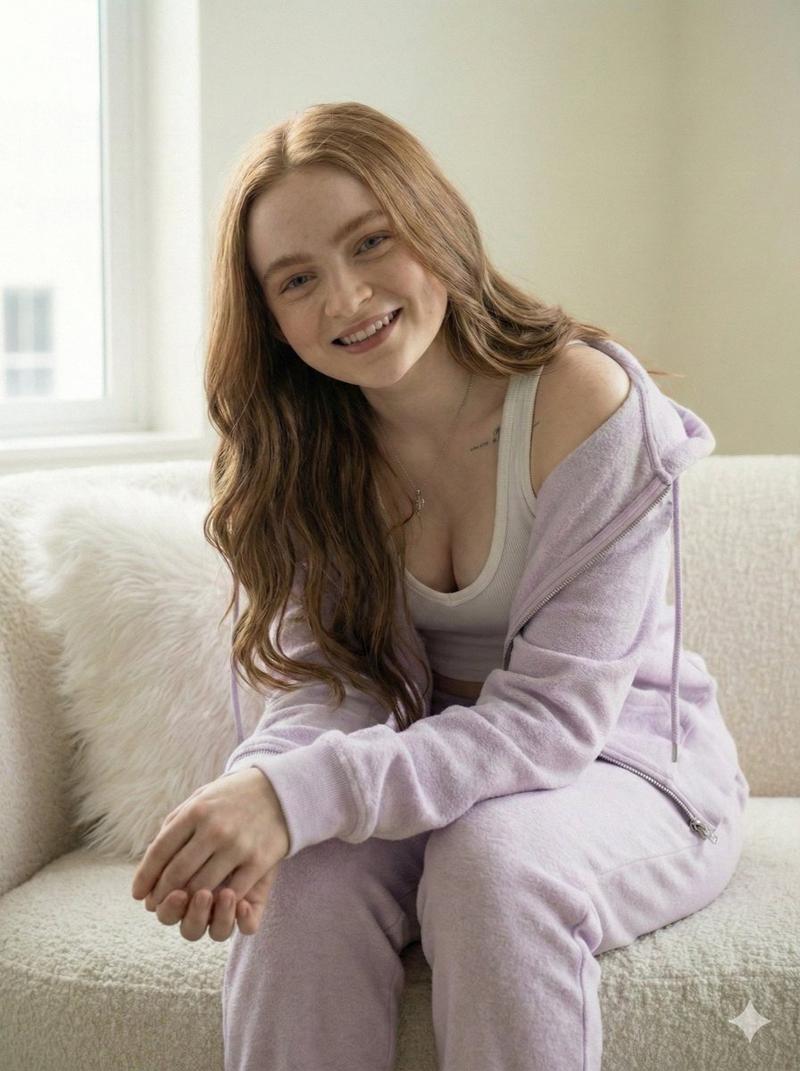
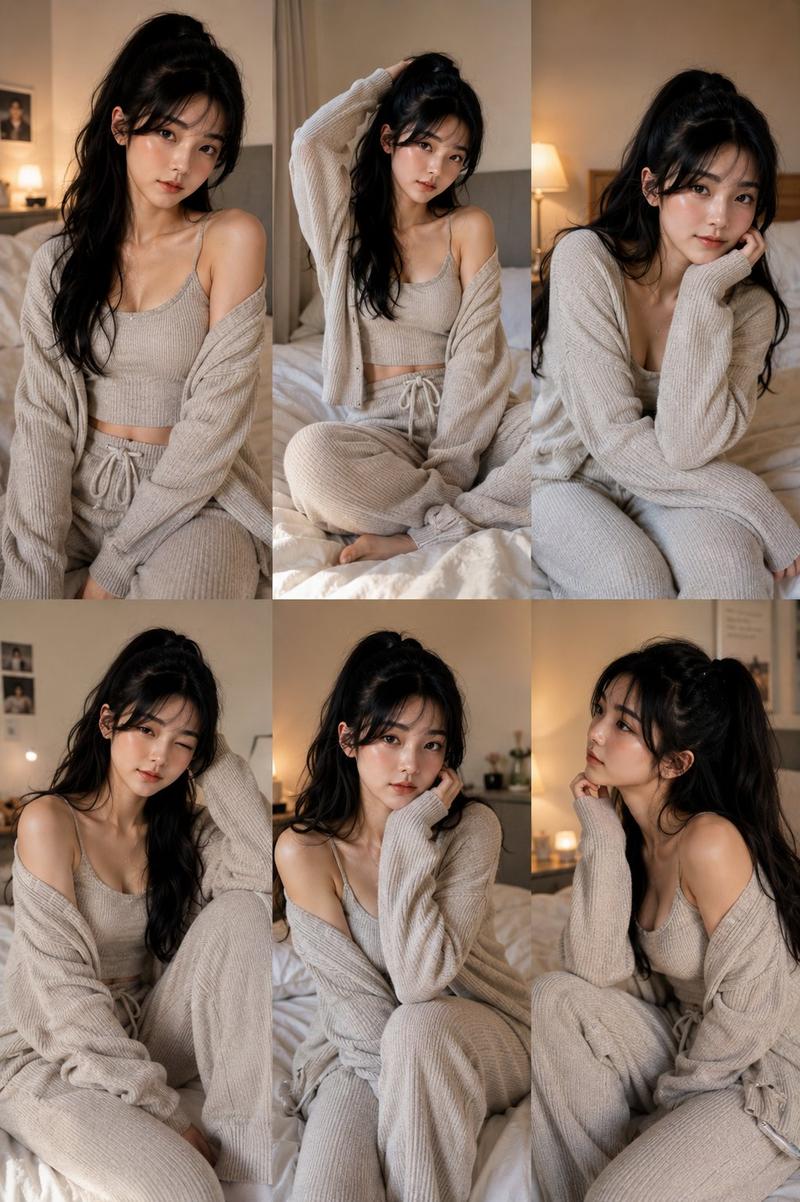
Create a warm editorial lifestyle photograph of {argument name="subject" default="a young adult woman"} sitting cross-legged in a beige upholstered armchair inside an elegant Parisian-style apartment. She has tousled shoulder-length {argument name="hair color" default="dark brown hair"} and wears a loose monochrome linen outfit: exactly 3 visible clothing pieces, a cream camisole with thin straps, an unbuttoned oversized beige linen shirt slipping off one shoulder with rolled sleeves, and high-waisted wide-leg beige linen trousers. Her hands rest relaxed between her knees, posture casual and intimate, looking toward the camera; keep the face area softly obscured or featureless for anonymity. The room has ornate cream wall molding, a tall window or glass door on the right with daylight entering, an antique mantel behind her, a gold-framed mirror above it, and exactly 2 framed artworks visible on or near the mantel: one large black-and-white photograph in a black frame and one smaller dark-framed piece partly hidden. Add a small stack of books or objects on the mantel, muted neutral tones, natural linen texture, soft shadows, shallow depth of field, film-grain realism, and a quiet high-fashion magazine mood. Use vertical 4:5 composition, subject centered, knees in the foreground, warm beige and ivory palette, realistic proportions, no text, no logos, no extra people.
Category
Posters & Typography
Model
GPT Image 2
Creator
Nailai7981
Views0
Source ID
25961
Published
Jun 16, 2026

Guide

About "巴黎亚麻风尚人像"

What is this prompt for?

"巴黎亚麻风尚人像" AI image prompt for GPT Image 2 (Posters & Typography). 一个温暖的时尚生活方式摄影提示词,用于在优雅的巴黎公寓内创作一位身着中性亚麻服装的匿名主体。 Copy it on Picva and recreate the look in one…

The full copyable prompt and example visuals above are ready for AI image generation or one-click recreate in Picva.

How to use this prompt

  1. Step 1

    Open the prompt detail

    Review the example visuals, category, and full prompt text for "巴黎亚麻风尚人像".

  2. Step 2

    Copy the prompt

    Copy the prompt body from this page, or load it directly in Studio.

  3. Step 3

    Pick a model (GPT Image 2)

    Prefer GPT Image 2. If you switch models, keep subject and composition and tweak style terms.

  4. Step 4

    Generate and export

    Recreate the look in Picva, or export into your workflow for editing and publishing.

FAQ

What is the "巴黎亚麻风尚人像" prompt?
It is an AI image-generation prompt for GPT Image 2 in the Posters & Typography category. This page includes the full prompt text, example visuals, and a one-click recreate path in Picva.
How do I use this prompt to generate an image?
Copy the prompt from this page, or use Generate / Studio. Paste it into a compatible image model, or recreate the look in Picva with optional reference images.
Which model is this prompt for?
This page lists GPT Image 2. Most descriptive prompts also transfer to nearby image models such as GPT Image, Flux, or Midjourney with light style tweaks.
Can I use the result commercially?
You can usually copy the prompt for creation, but commercial use of the final image depends on the model terms, reference-image rights, and the generated content. Follow the source author and platform rules.