17

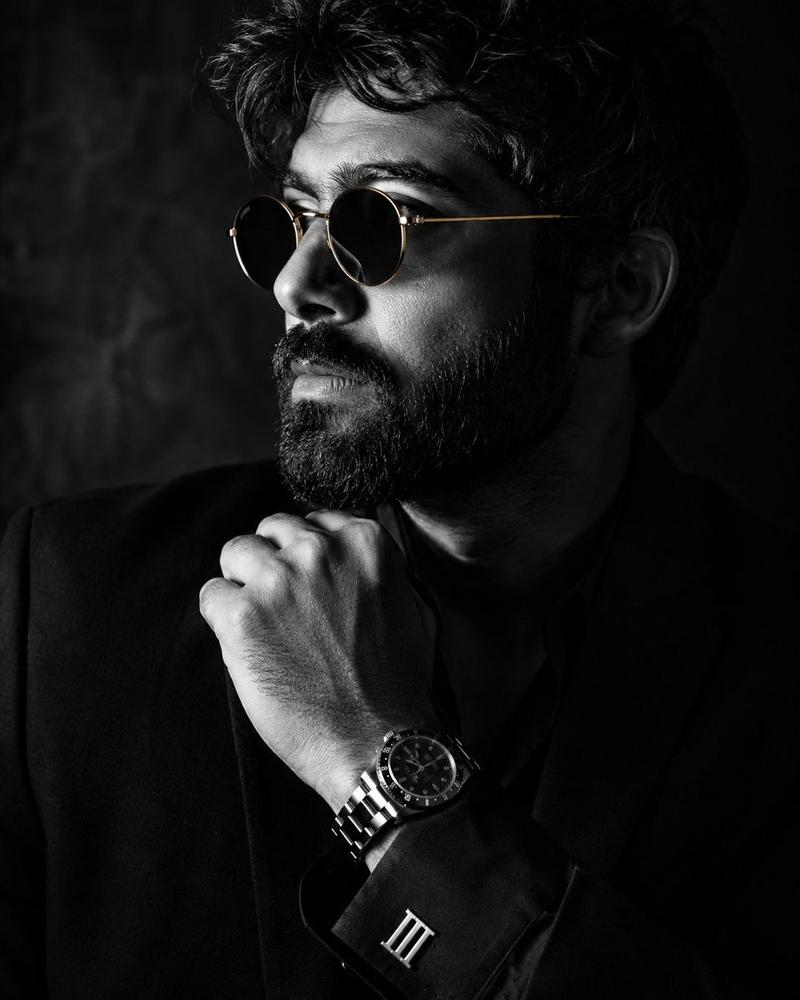
奢华酒廊电影感肖像
Enlarge

奢华酒廊电影感肖像

Prompt
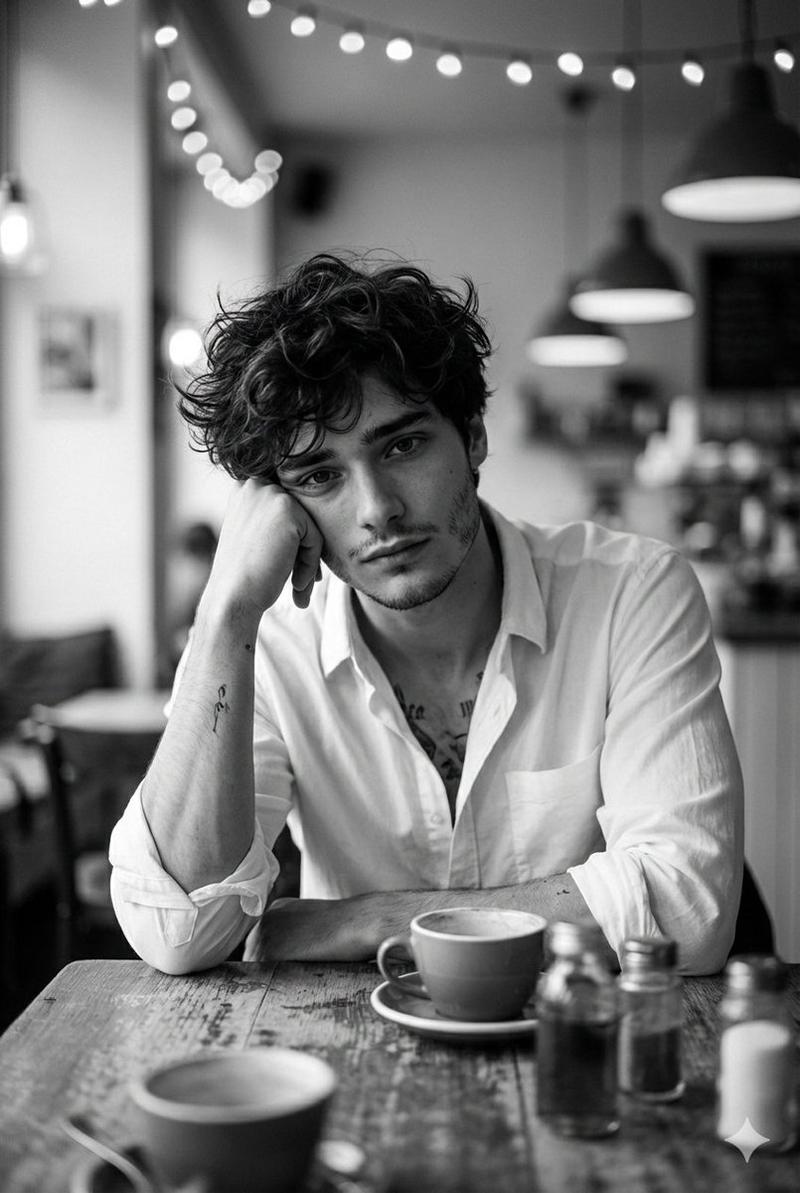
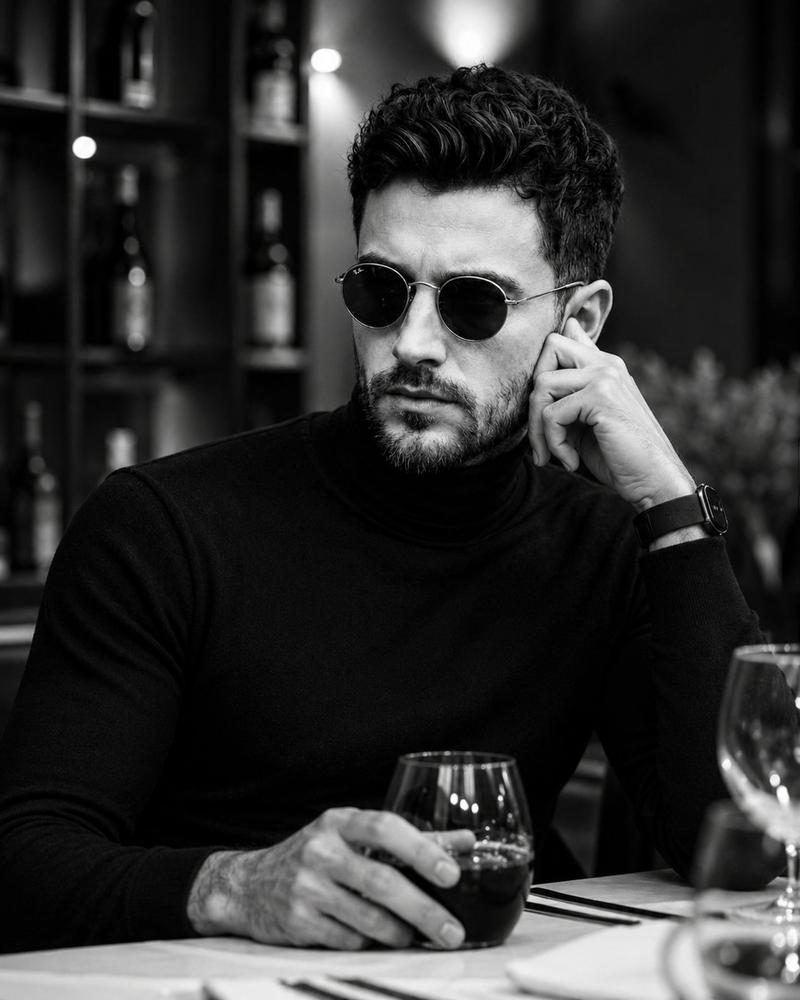
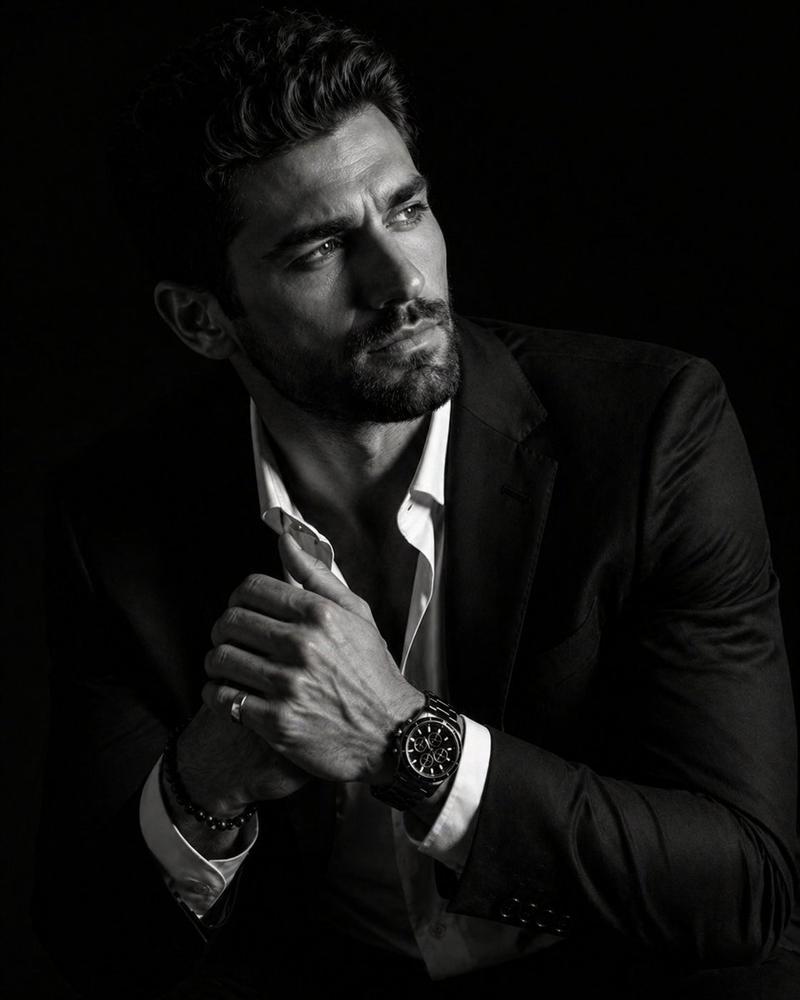
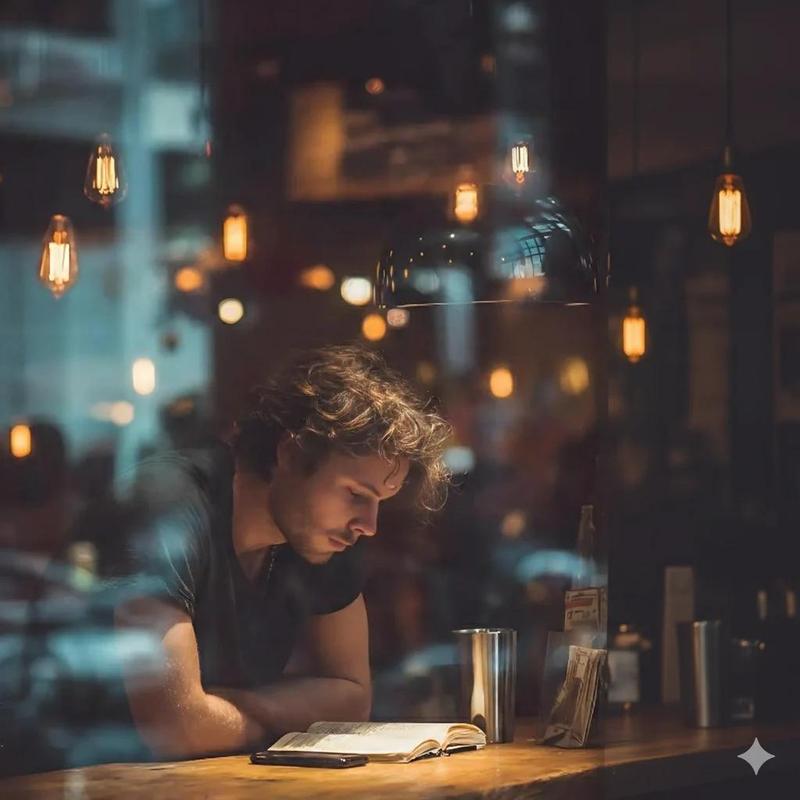
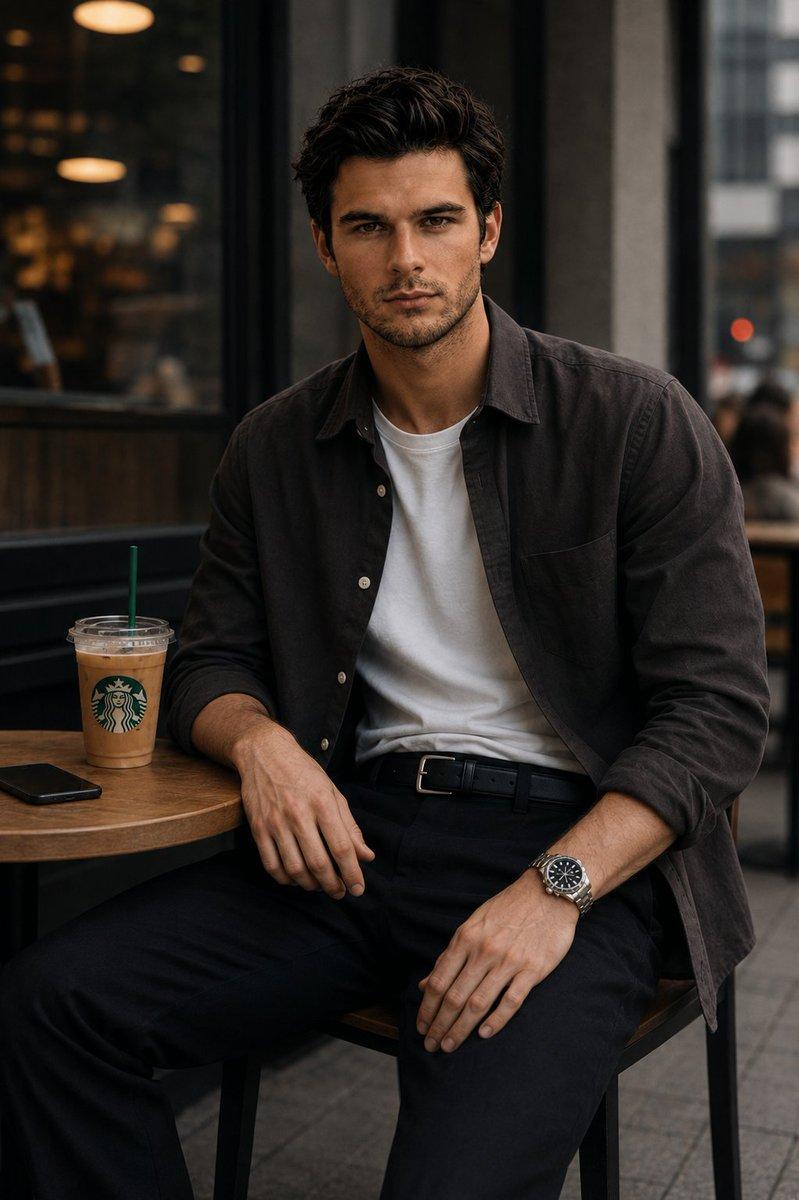
Ultra-realistic cinematic portrait of a {argument name="subject" default="handsome young man"} sitting alone at night in a {argument name="location" default="dimly lit luxury lounge or café"}, wearing a fitted black button-up shirt with the top buttons open and a black leather wristwatch. He rests his chin on his hand in a thoughtful pose, gazing out of frame with an intense, contemplative expression. Warm cinematic side lighting illuminates one side of his face, creating dramatic shadows and emphasizing sharp facial features, textured stubble, and styled wavy dark hair. Dark moody background with soft bokeh lights and reflections on glass, deep blacks, subtle amber highlights, shallow depth of field, professional photography, luxury editorial aesthetic, emotional storytelling, ultra-detailed skin texture, realistic lighting, high contrast, premium fashion magazine style, shot on an 85mm lens, f/1.4, photorealistic, 8K, masterpiece quality.
Category
Posters & Typography
Model
GPT Image 2
Creator
auqib
Views0
Source ID
25990
Published
Jun 17, 2026

Guide

About "奢华酒廊电影感肖像"

What is this prompt for?

"奢华酒廊电影感肖像" AI image prompt for GPT Image 2 (Posters & Typography). 一张充满电影氛围的年轻男子奢华酒廊肖像,呈现深邃阴影与暖色高光。 Copy it on Picva and recreate the look in one click.

The full copyable prompt and example visuals above are ready for AI image generation or one-click recreate in Picva.

How to use this prompt

  1. Step 1

    Open the prompt detail

    Review the example visuals, category, and full prompt text for "奢华酒廊电影感肖像".

  2. Step 2

    Copy the prompt

    Copy the prompt body from this page, or load it directly in Studio.

  3. Step 3

    Pick a model (GPT Image 2)

    Prefer GPT Image 2. If you switch models, keep subject and composition and tweak style terms.

  4. Step 4

    Generate and export

    Recreate the look in Picva, or export into your workflow for editing and publishing.

FAQ

What is the "奢华酒廊电影感肖像" prompt?
It is an AI image-generation prompt for GPT Image 2 in the Posters & Typography category. This page includes the full prompt text, example visuals, and a one-click recreate path in Picva.
How do I use this prompt to generate an image?
Copy the prompt from this page, or use Generate / Studio. Paste it into a compatible image model, or recreate the look in Picva with optional reference images.
Which model is this prompt for?
This page lists GPT Image 2. Most descriptive prompts also transfer to nearby image models such as GPT Image, Flux, or Midjourney with light style tweaks.
Can I use the result commercially?
You can usually copy the prompt for creation, but commercial use of the final image depends on the model terms, reference-image rights, and the generated content. Follow the source author and platform rules.