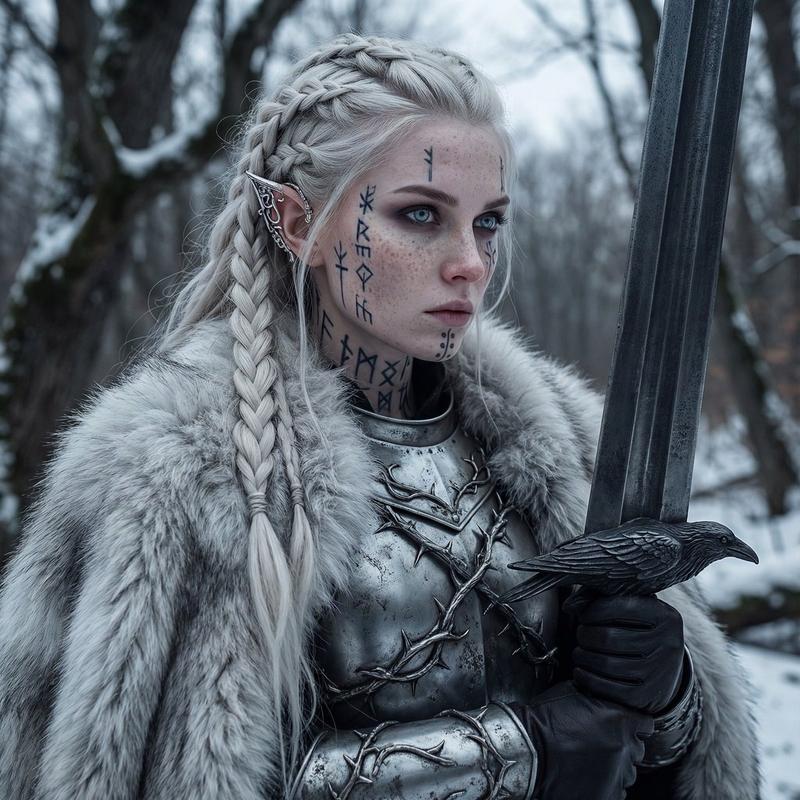
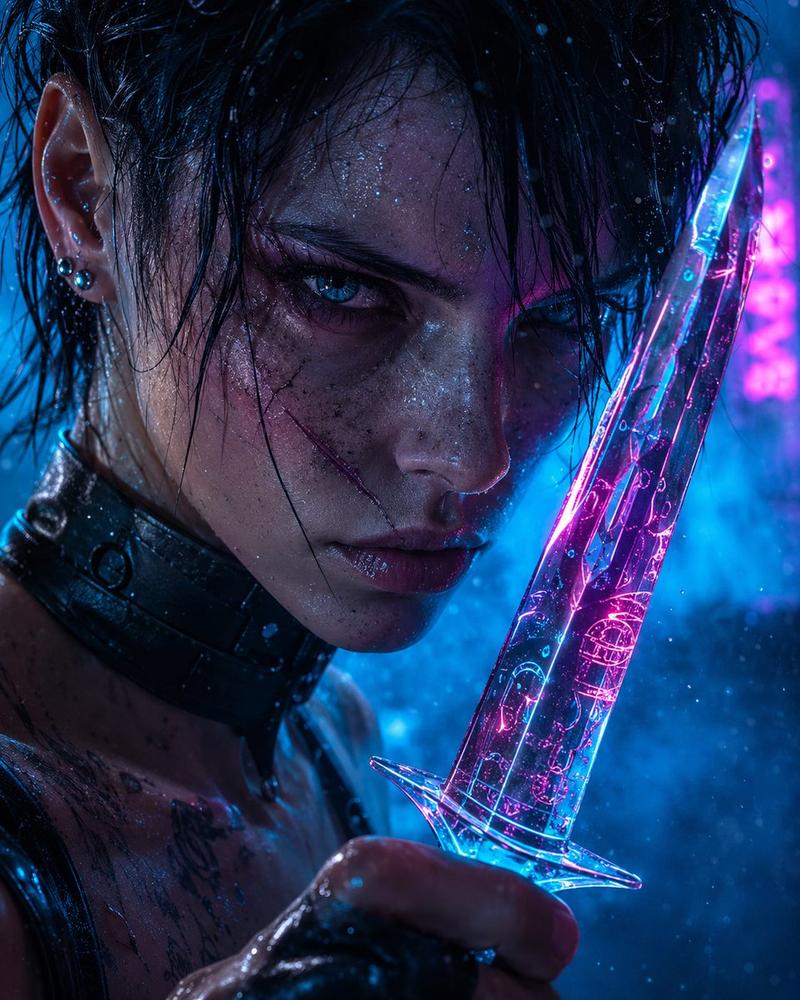
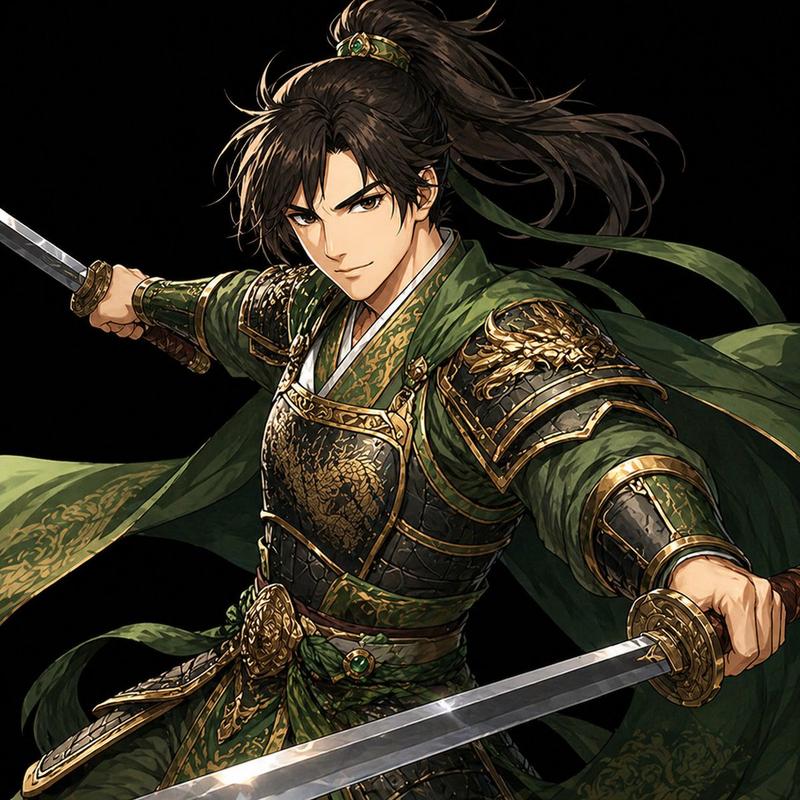
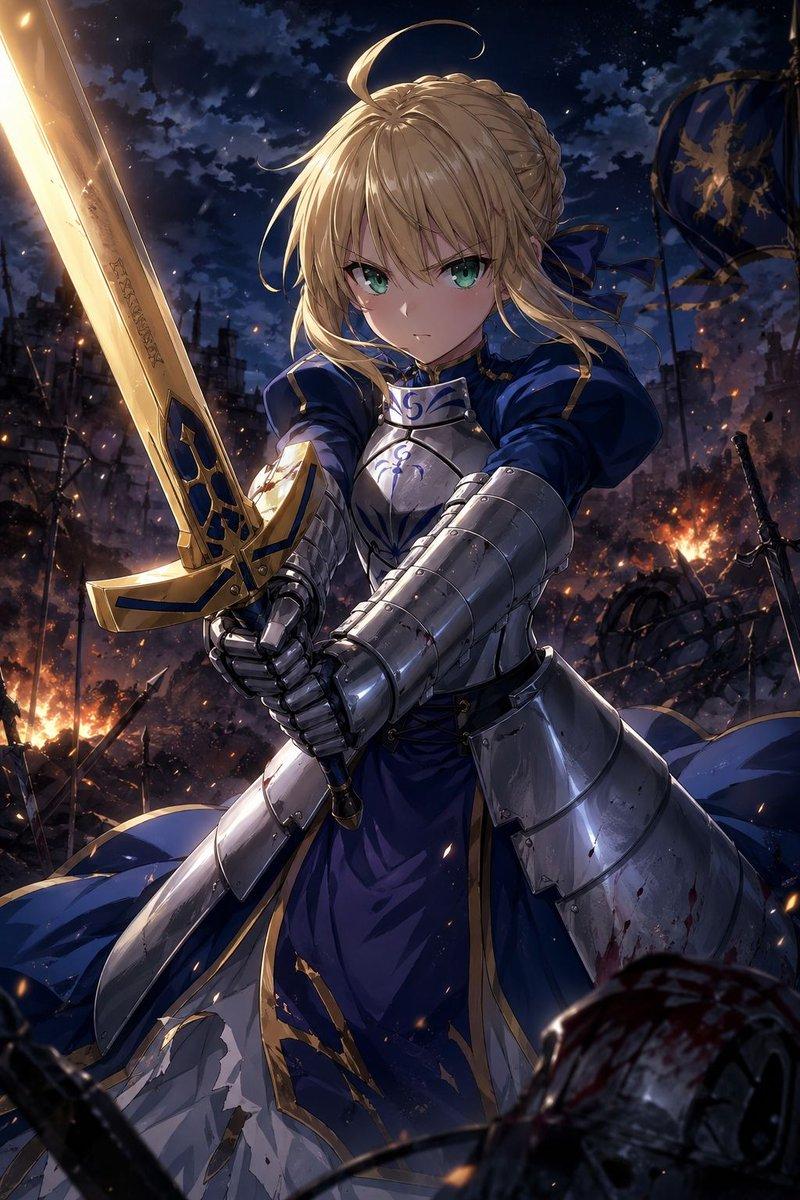
背靠背双剑战士
Prompt
Create a dramatic vertical fantasy illustration titled conceptually “mutual swords”: two armored sword warriors standing back-to-back in a tight cropped composition, each holding one ornate longsword upright, for a total of exactly 2 warriors and exactly 2 visible swords. The left warrior is in the foreground facing slightly left, with wild windblown {argument name="left warrior hair color" default="pale blond"} hair, silver medieval plate armor, chainmail details, a raised sword along the left edge, and a large flat opaque square covering the face in a {argument name="left face block color" default="warm beige"} tone. The right warrior is slightly behind and facing right, with long dark windblown hair, darker armor, a second upright sword along the right edge, and a large flat opaque square covering the face in a {argument name="right face block color" default="dark brown black"} tone. Use a high-contrast ink-and-paint comic style with gritty halftone dots, splattered paint, scratchy linework, and explosive mixed-media texture. Split the mood between bright off-white and hot pink splashes on the left side and deep black with electric blue splashes on the right side, creating a symmetrical clash of light and shadow. The armor should be highly detailed with worn metal highlights, engraved sword hilts, gloved hands gripping the weapons, and dynamic hair strands crossing the image. No readable text, no logo, no border, no extra characters, preserve the two face-covering squares as clean flat rectangles.- Category
- Brand & Logos
- Model
- GPT Image 2
- Creator
- カーブミラー
- Source ID
- 26055
- Published
- Jun 17, 2026
Views0