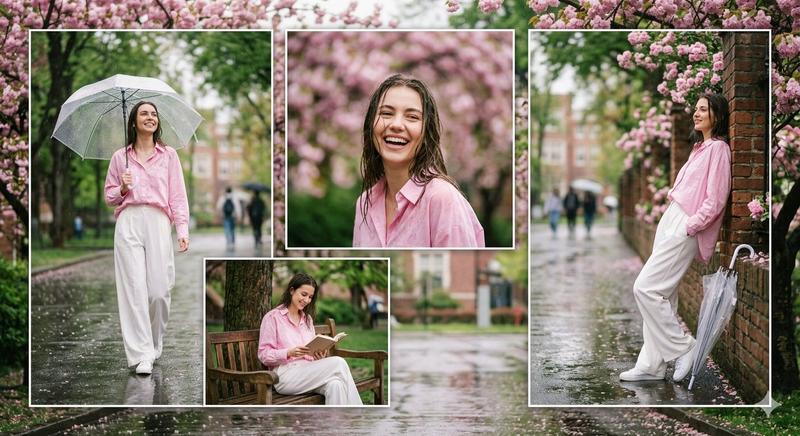
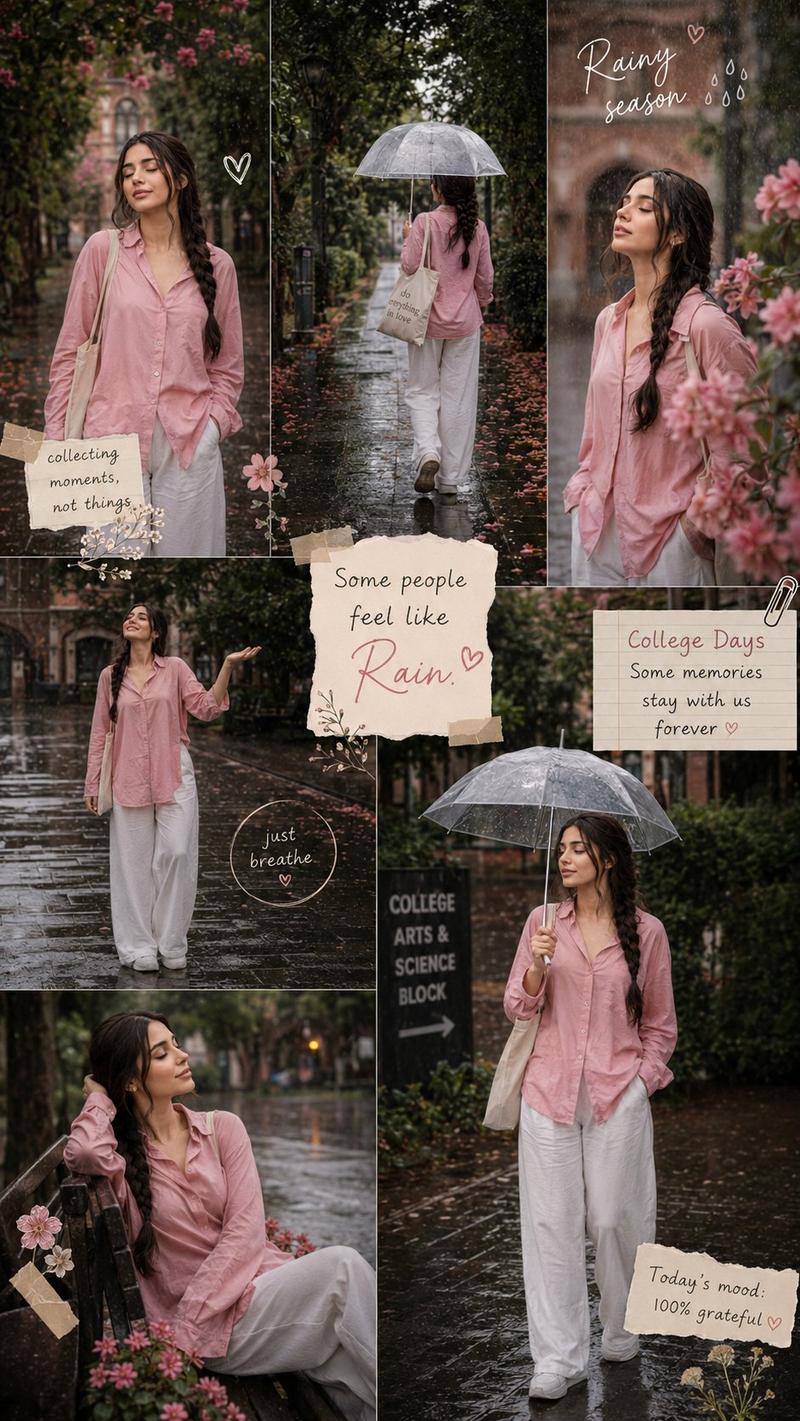
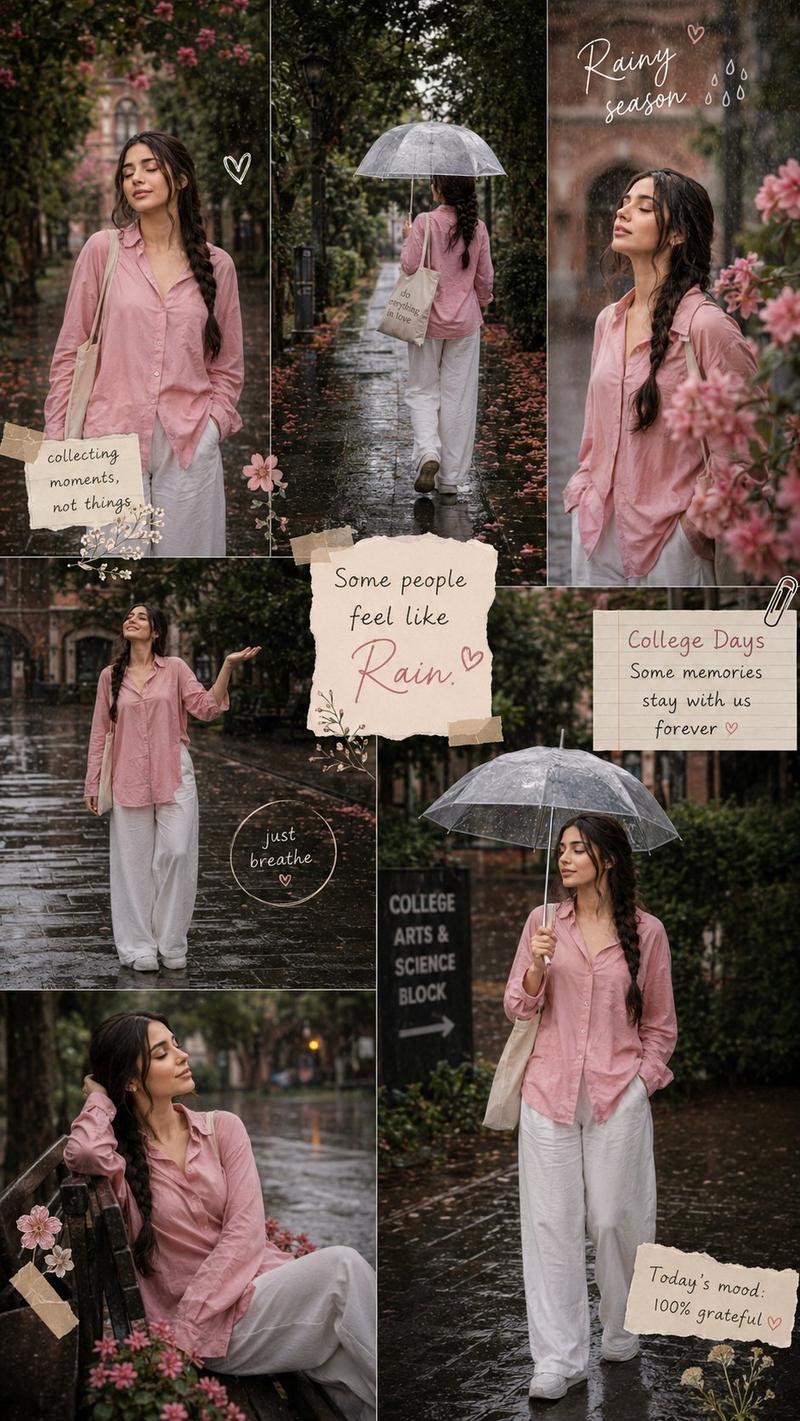
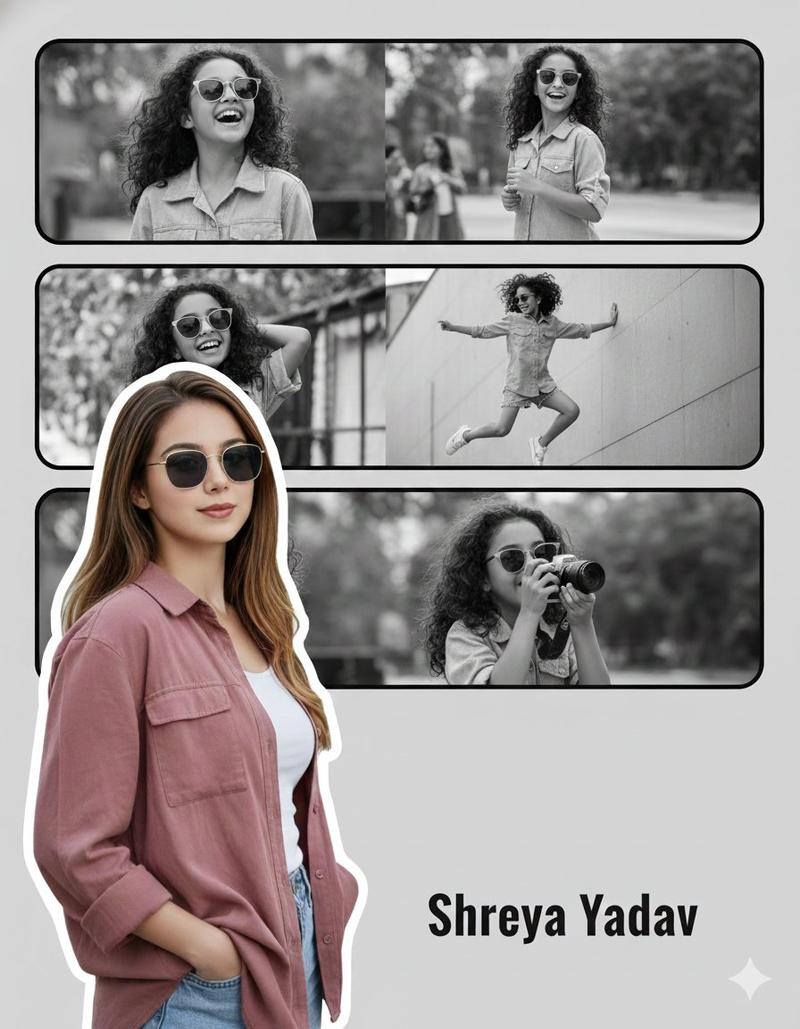
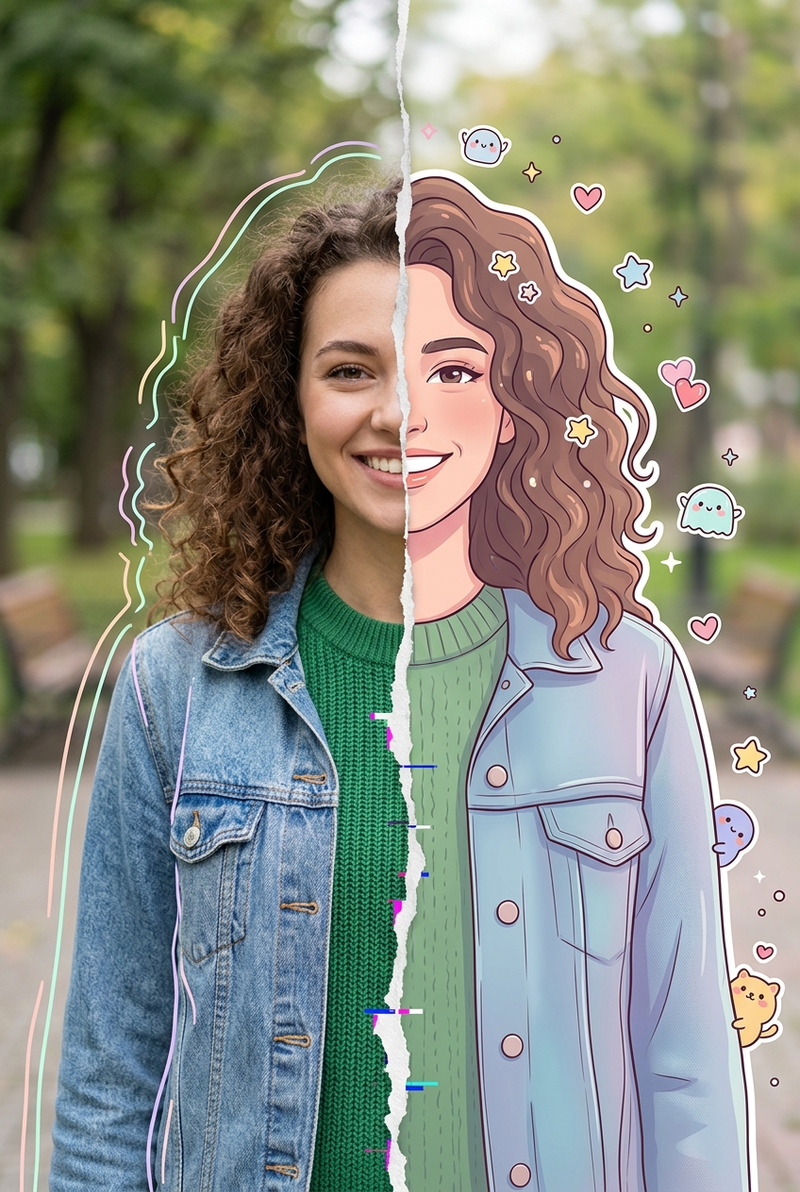
雨中街道三联画肖像
Prompt
Create a realistic vertical photo-collage triptych showing the same {argument name="subject" default="young woman with long dark hair in a side braid"} in rainy outdoor scenes. Canvas is portrait 3:4, divided into exactly 3 horizontal panels with thin clean separations and no captions or text. Panel 1: tight chest-up portrait centered, shallow depth of field, rain falling, soft gray overcast sky and blurred green trees behind her; she wears a loose white button-up shirt, damp wisps of hair near her face, calm neutral posture. Panel 2: wider full-body shot of the same person walking toward the camera down the center of an empty wet asphalt road, lined symmetrically with green trees and low brick curbs, misty rainy atmosphere, puddles reflecting light; outfit includes exactly 4 visible main clothing items: white oversized button-up shirt, gray cargo pants, white sneakers, and dark side braid. Panel 3: wide environmental shot of the same person sitting on a low brick wall beside a {argument name="bicycle type" default="silver and black mountain bike"}; she has arms crossed over her chest, gray cargo pants rolled slightly at the ankles, white sneakers, and a dark jacket or bag placed to her right on the wall. Keep a cinematic documentary photography style, natural colors, soft diffused lighting, wet pavement texture, visible fine rain streaks, realistic lens blur, and consistent identity and clothing across all three panels. Preserve realism and emotional stillness; avoid illustration, glamor retouching, extra people, vehicles, signage, or any text.- Category
- Posters & Typography
- Model
- GPT Image 2
- Creator
- Alina Ai
- Source ID
- 26078
- Published
- Jun 17, 2026
Views0