19

水晶湖畔的女子
Enlarge

水晶湖畔的女子

Prompt
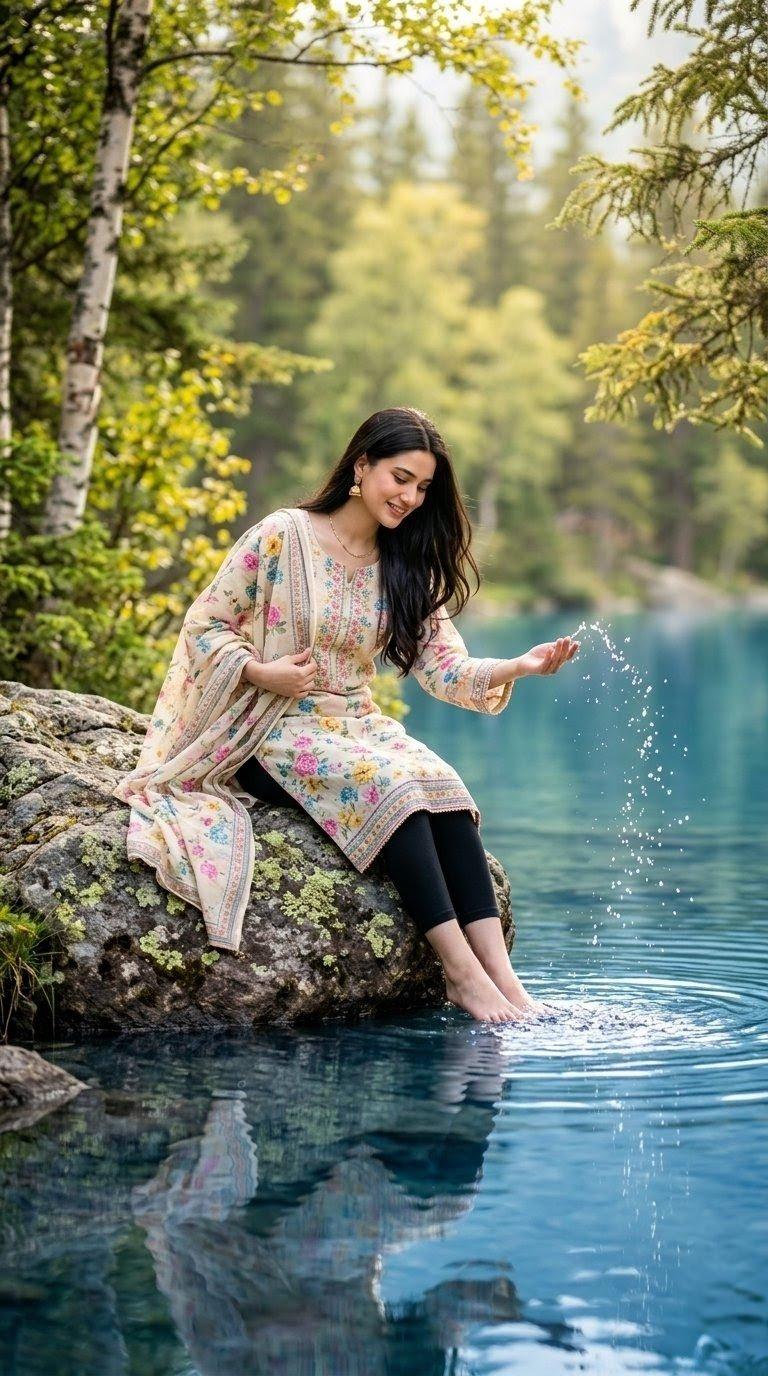
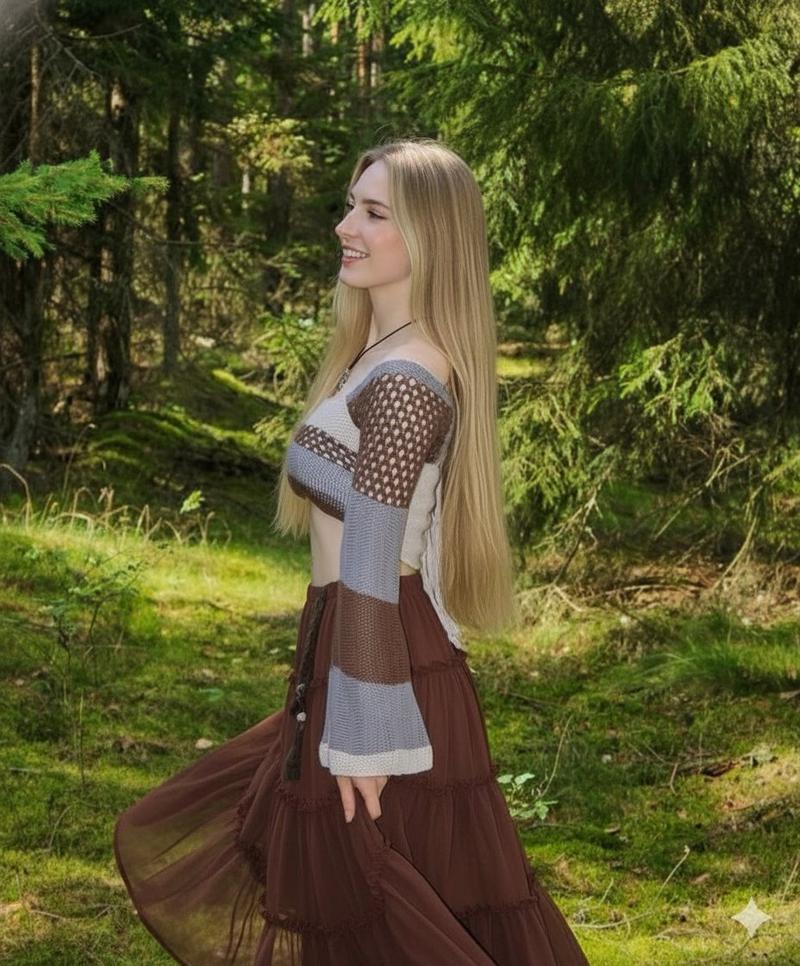
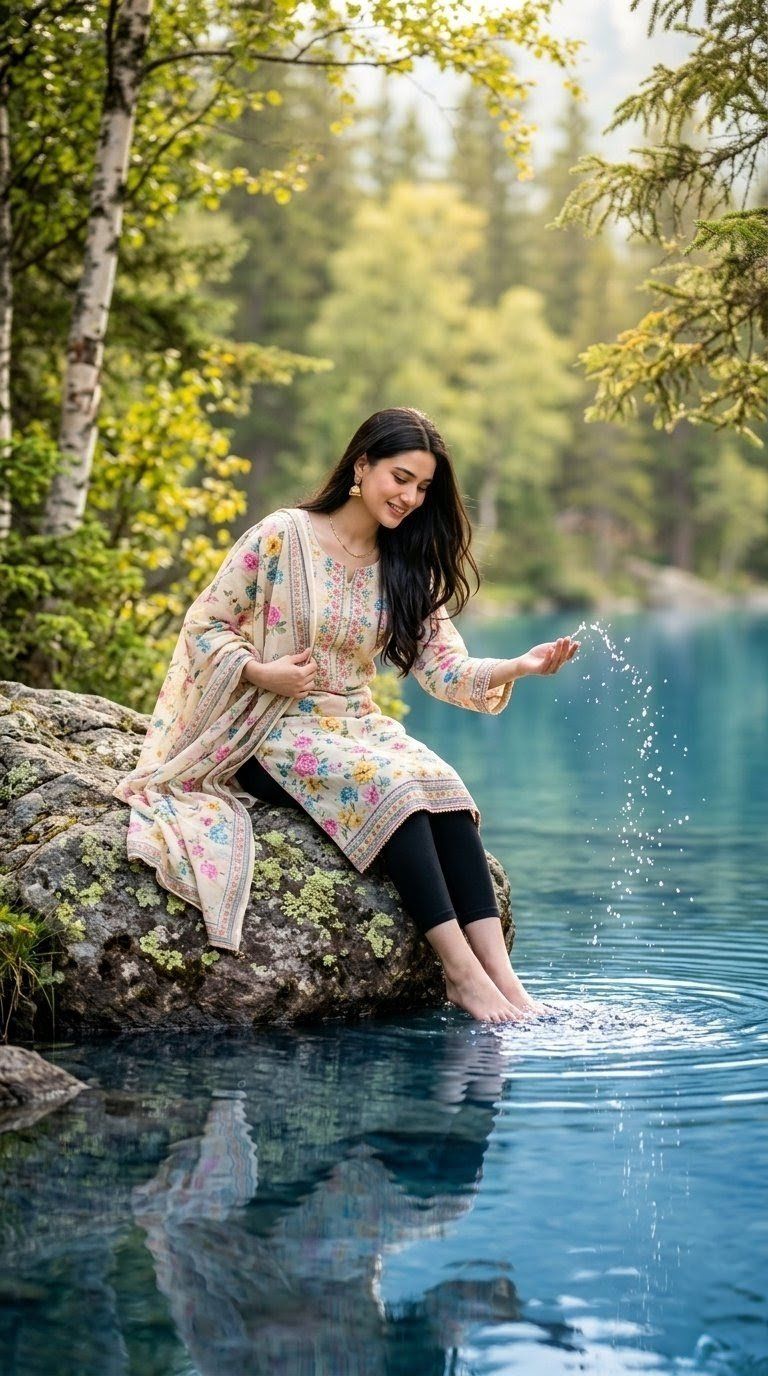
Create an ultra-realistic vertical portrait of {argument name="subject" default="a beautiful young woman"} sitting alone on a large mossy gray rock at the edge of a crystal-clear turquoise blue lake in a lush green and yellow forest. She has long dark brown wavy hair falling over one shoulder, a soft gentle smile, and a calm peaceful pose. She is wearing a light pastel cream floral kurta with pink, blue, and green embroidery, a matching dupatta draped over one shoulder and across the rock, black leggings, small gold earrings, and bare feet dipped into the water. Her left hand lightly holds the dupatta near her chest while her right hand is extended over the lake, playfully tossing water upward so bright droplets and tiny splashes freeze in mid-air. Show circular ripples around her feet and a clear reflection of her outfit and legs on the lake surface. The scene is framed by birch trunks and leafy branches on the left, evergreen branches on the right, and softly blurred dense forest in the background. Use warm natural golden-hour sunlight filtering through the trees, realistic skin and fabric texture, cinematic depth of field, vivid but natural colors, serene outdoor fashion photography mood, high detail, no text, no watermark, vertical 9:16 composition.
Category
Photography & Realism
Model
GPT Image 2
Views5
Source ID
26259
Published
Jun 20, 2026

Guide

About "水晶湖畔的女子"

What is this prompt for?

"水晶湖畔的女子" AI image prompt for GPT Image 2 (Photography & Realism). 一张超写实的竖构图肖像,描绘了一位身穿淡雅花卉 kurta 的年轻女子,她坐在湖边的岩石上,在郁郁葱葱的森林中戏水。 Copy it on Picva and recreate the…

The full copyable prompt and example visuals above are ready for AI image generation or one-click recreate in Picva.

How to use this prompt

  1. Step 1

    Open the prompt detail

    Review the example visuals, category, and full prompt text for "水晶湖畔的女子".

  2. Step 2

    Copy the prompt

    Copy the prompt body from this page, or load it directly in Studio.

  3. Step 3

    Pick a model (GPT Image 2)

    Prefer GPT Image 2. If you switch models, keep subject and composition and tweak style terms.

  4. Step 4

    Generate and export

    Recreate the look in Picva, or export into your workflow for editing and publishing.

FAQ

What is the "水晶湖畔的女子" prompt?
It is an AI image-generation prompt for GPT Image 2 in the Photography & Realism category. This page includes the full prompt text, example visuals, and a one-click recreate path in Picva.
How do I use this prompt to generate an image?
Copy the prompt from this page, or use Generate / Studio. Paste it into a compatible image model, or recreate the look in Picva with optional reference images.
Which model is this prompt for?
This page lists GPT Image 2. Most descriptive prompts also transfer to nearby image models such as GPT Image, Flux, or Midjourney with light style tweaks.
Can I use the result commercially?
You can usually copy the prompt for creation, but commercial use of the final image depends on the model terms, reference-image rights, and the generated content. Follow the source author and platform rules.