15

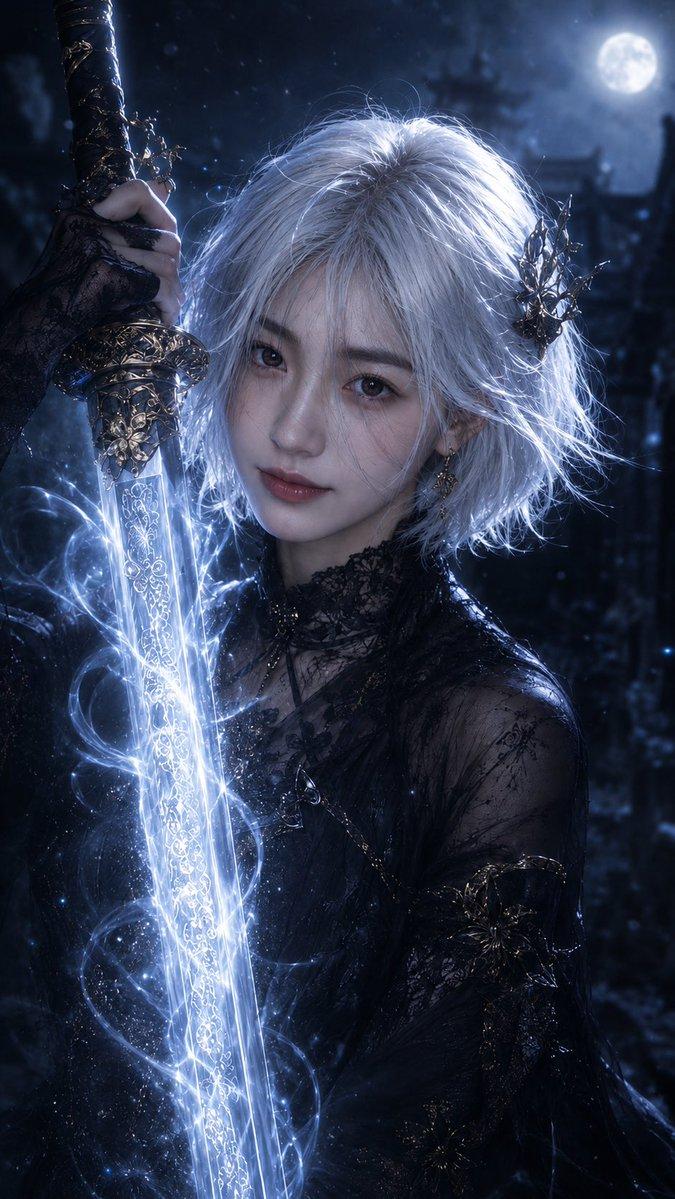
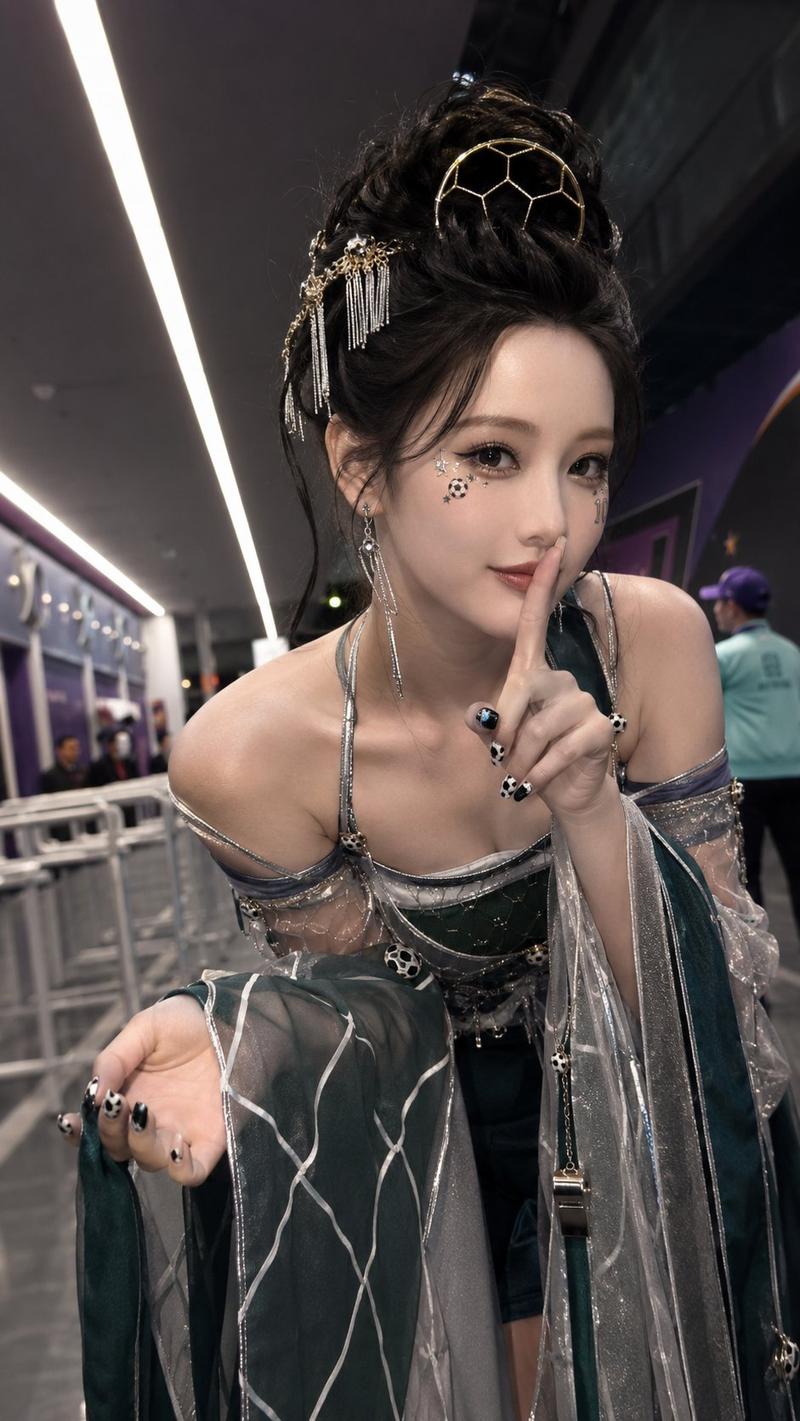
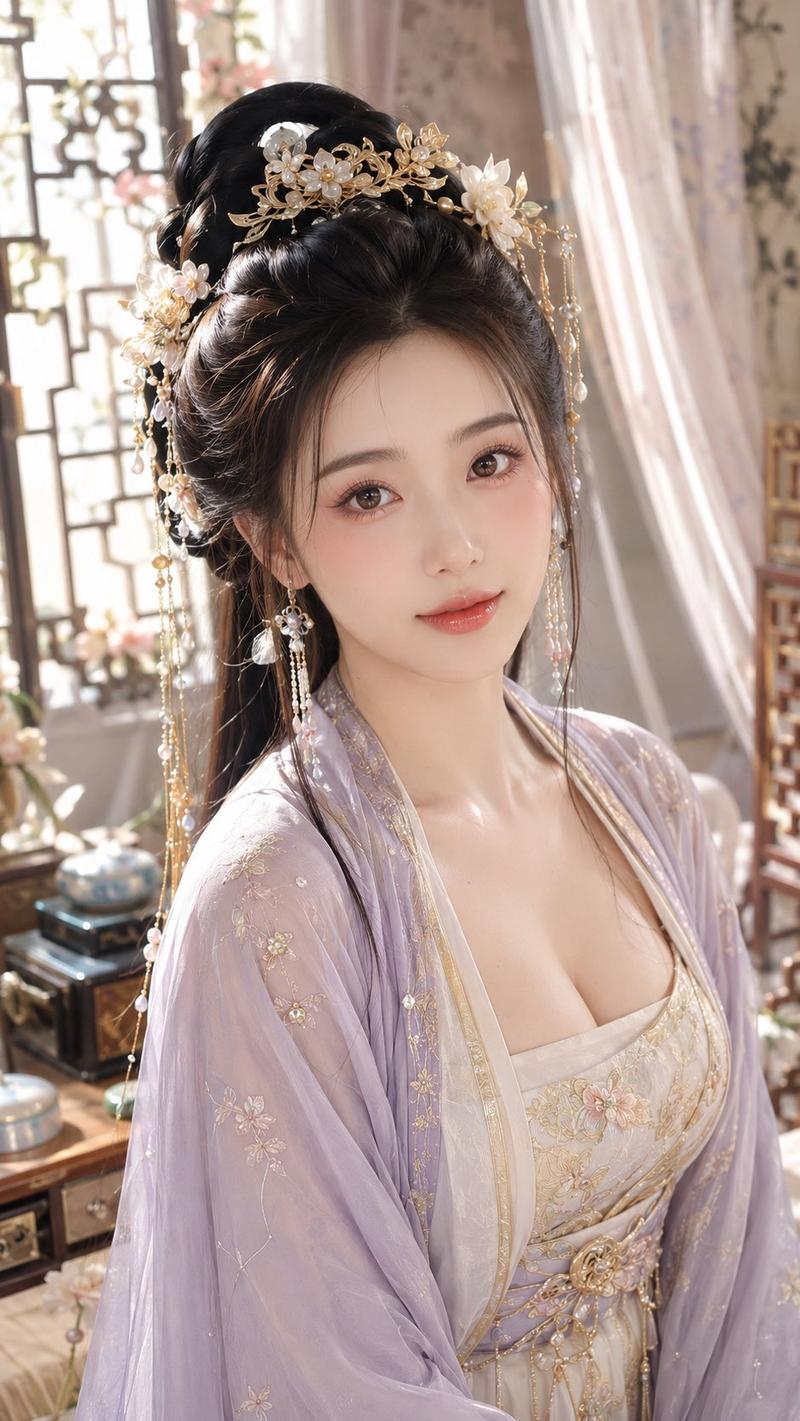
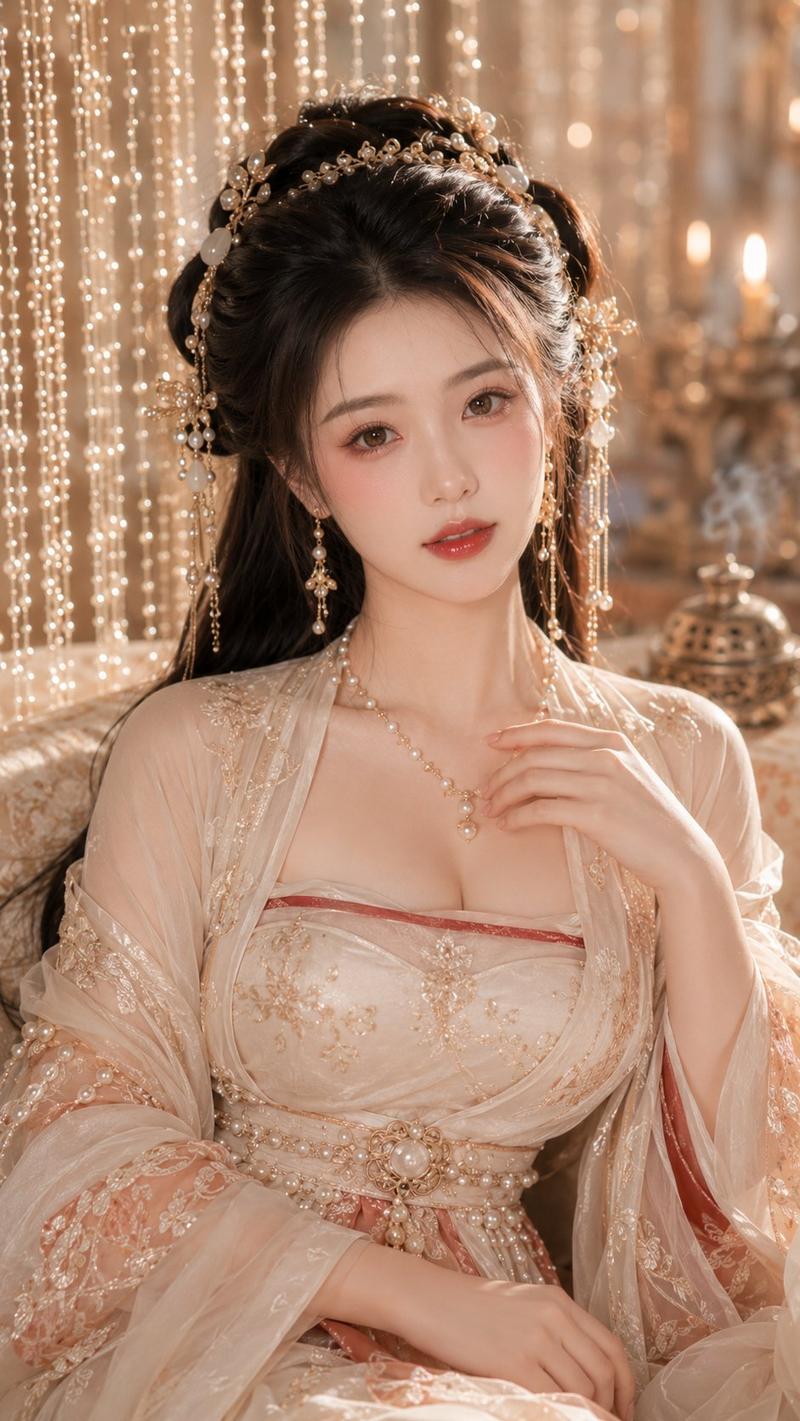
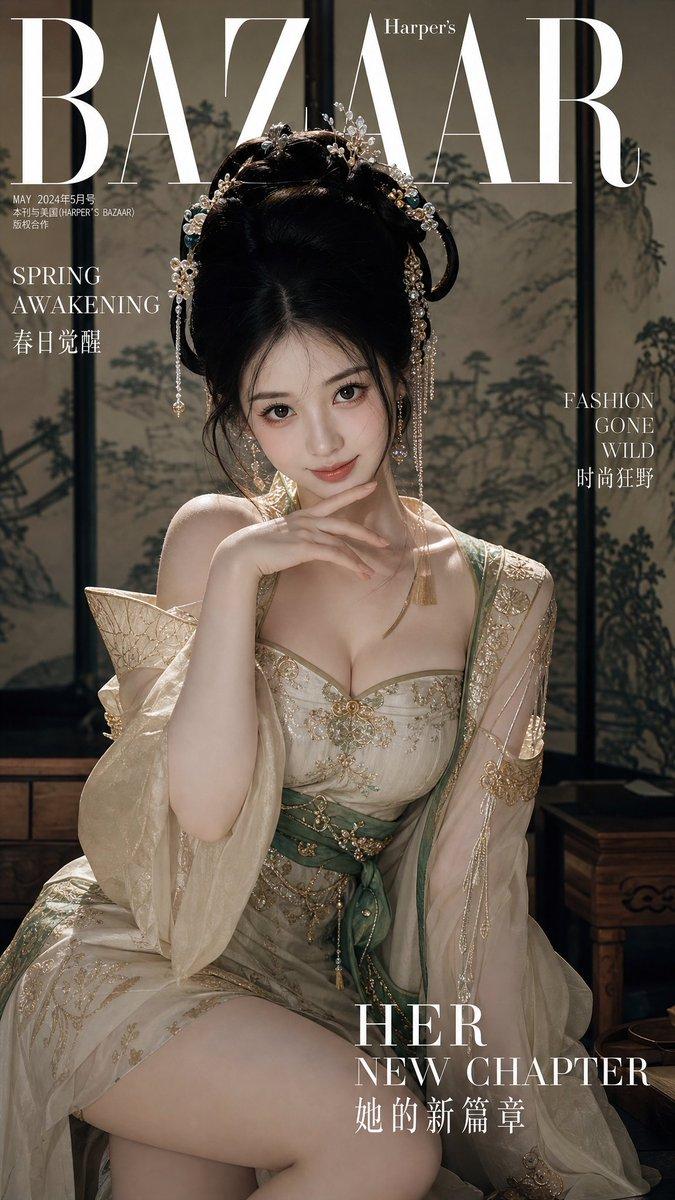
电影感仙侠女剑客肖像
Enlarge

Example images

电影感仙侠女剑客肖像

Prompt
Create a vertical 9:16 cinematic xianxia fantasy portrait of {argument name="character name" default="Song Yu"}, an elegant young Chinese immortal swordswoman in a dim interior. She has very long dark brown-black hair styled half-up with an ornate translucent white jade hair crown and two wing-shaped white pearl hair ornaments at the sides. Her face is intentionally hidden by a centered opaque dark warm-gray square censor block covering the entire face from forehead to chin. She wears a pale silver-white flowing hanfu robe with sheer off-shoulder sleeves, embroidered swirls, layered gauze, a deep V neckline, delicate red cord necklaces, white jade pendants, beads, and a small dark blue tassel ornament. Her right hand is raised in front of her lips in a quiet “shh” gesture with the index finger vertical. A long polished Chinese sword crosses the lower foreground diagonally from left to right, very close to the camera, with a bright reflective blade, engraved detail near the hilt, and an ornate dark metal guard and handle. Use moody low-key lighting with soft gray shadows, faint window light from the upper left, misty atmosphere, shallow depth of field, realistic fabric texture, cinematic film grain, muted cool-gray color grading, and a dramatic ancient martial-arts drama still aesthetic. Background is dark and blurred, suggesting wooden panels or a shadowy room. No extra text, no watermark.
Category
Architecture & Spaces
Model
GPT Image 2
Views0
Source ID
26264
Published
Jun 19, 2026

Guide

About "电影感仙侠女剑客肖像"

What is this prompt for?

"电影感仙侠女剑客肖像" AI image prompt for GPT Image 2 (Architecture & Spaces). 一张充满氛围感的竖版奇幻剧照,描绘了一位身着白衣汉服、手持长剑并做出噤声手势的仙侠女剑客。 Copy it on Picva and recreate the look in o…

The full copyable prompt and example visuals above are ready for AI image generation or one-click recreate in Picva.

How to use this prompt

  1. Step 1

    Open the prompt detail

    Review the example visuals, category, and full prompt text for "电影感仙侠女剑客肖像".

  2. Step 2

    Copy the prompt

    Copy the prompt body from this page, or load it directly in Studio.

  3. Step 3

    Pick a model (GPT Image 2)

    Prefer GPT Image 2. If you switch models, keep subject and composition and tweak style terms.

  4. Step 4

    Generate and export

    Recreate the look in Picva, or export into your workflow for editing and publishing.

FAQ

What is the "电影感仙侠女剑客肖像" prompt?
It is an AI image-generation prompt for GPT Image 2 in the Architecture & Spaces category. This page includes the full prompt text, example visuals, and a one-click recreate path in Picva.
How do I use this prompt to generate an image?
Copy the prompt from this page, or use Generate / Studio. Paste it into a compatible image model, or recreate the look in Picva with optional reference images.
Which model is this prompt for?
This page lists GPT Image 2. Most descriptive prompts also transfer to nearby image models such as GPT Image, Flux, or Midjourney with light style tweaks.
Can I use the result commercially?
You can usually copy the prompt for creation, but commercial use of the final image depends on the model terms, reference-image rights, and the generated content. Follow the source author and platform rules.