19

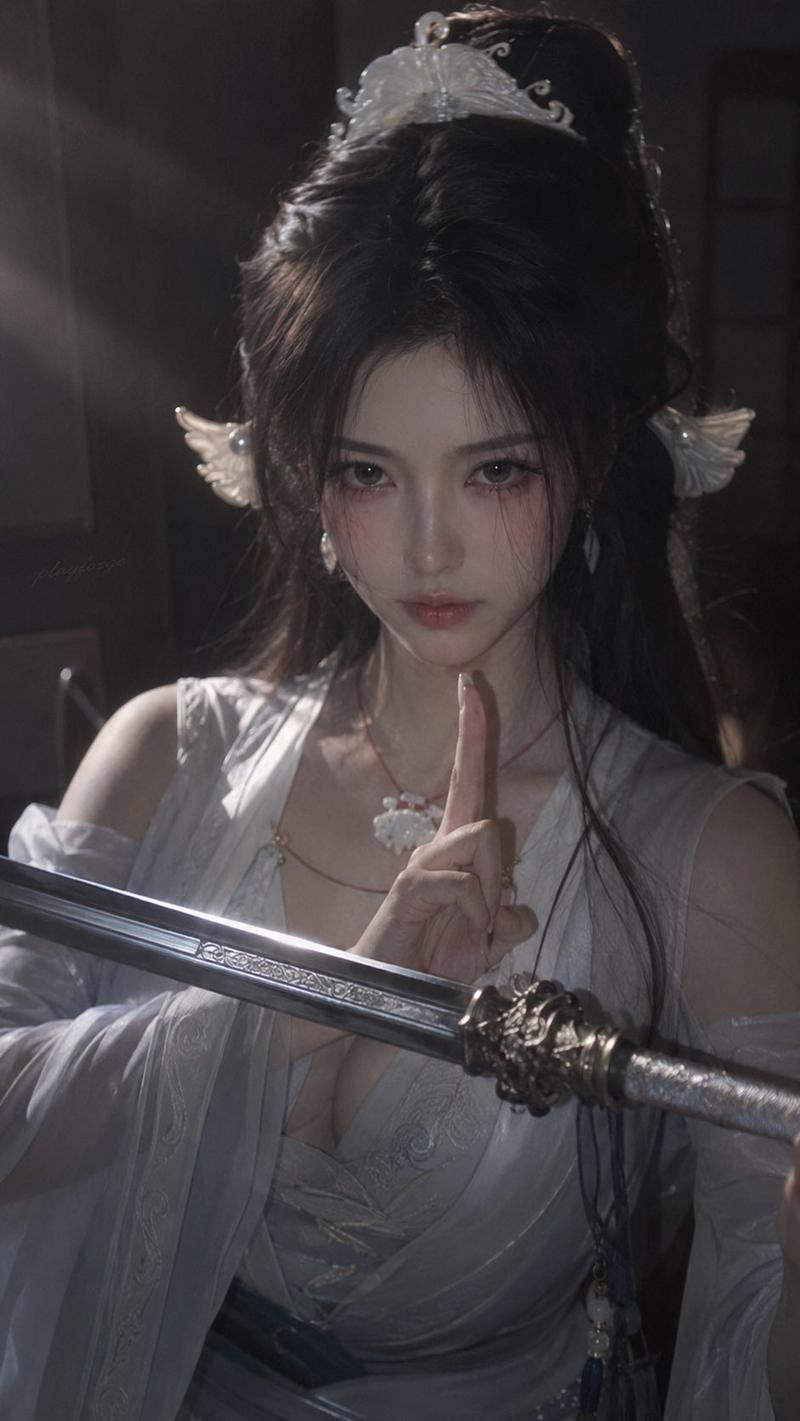
竹林白衣持剑古风女侠写实电影感写真
Enlarge

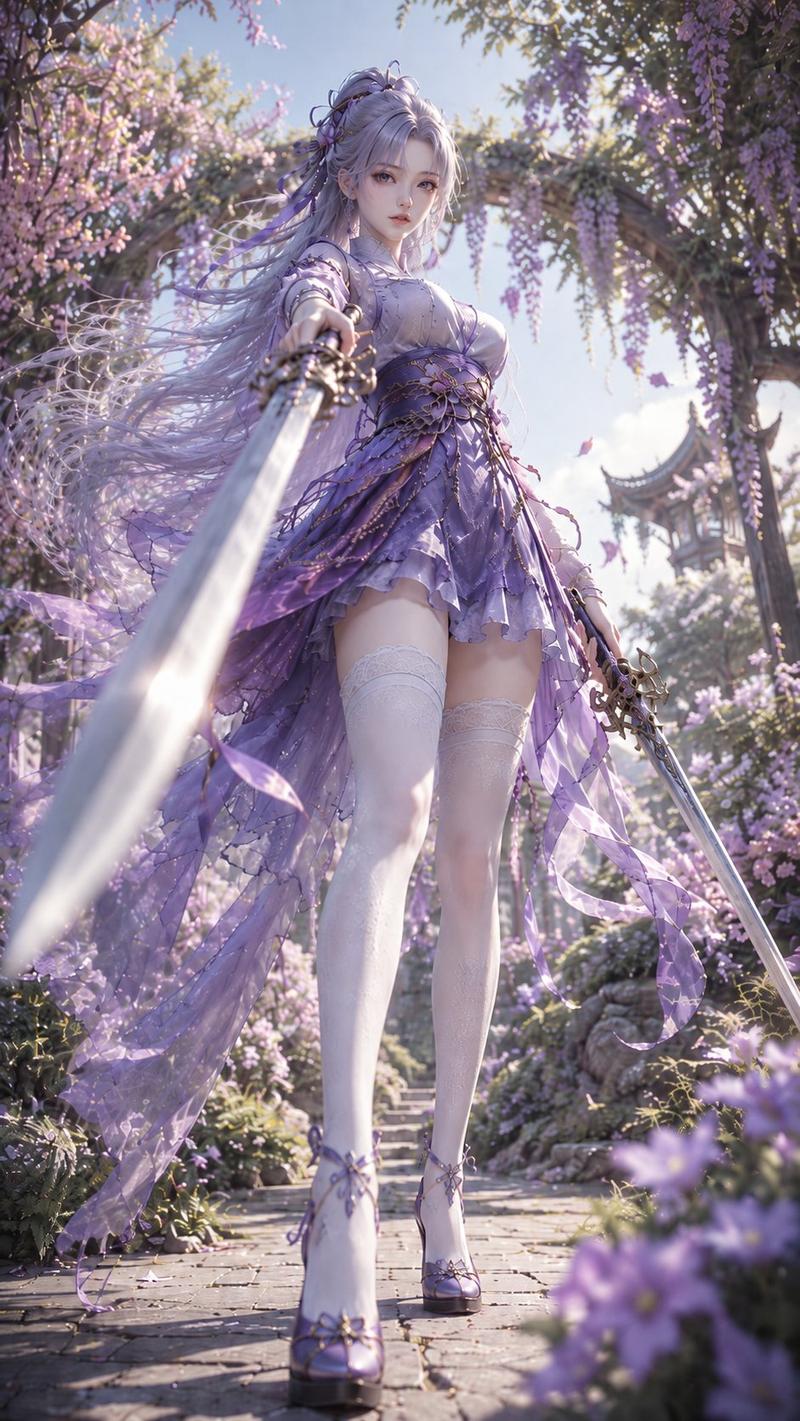
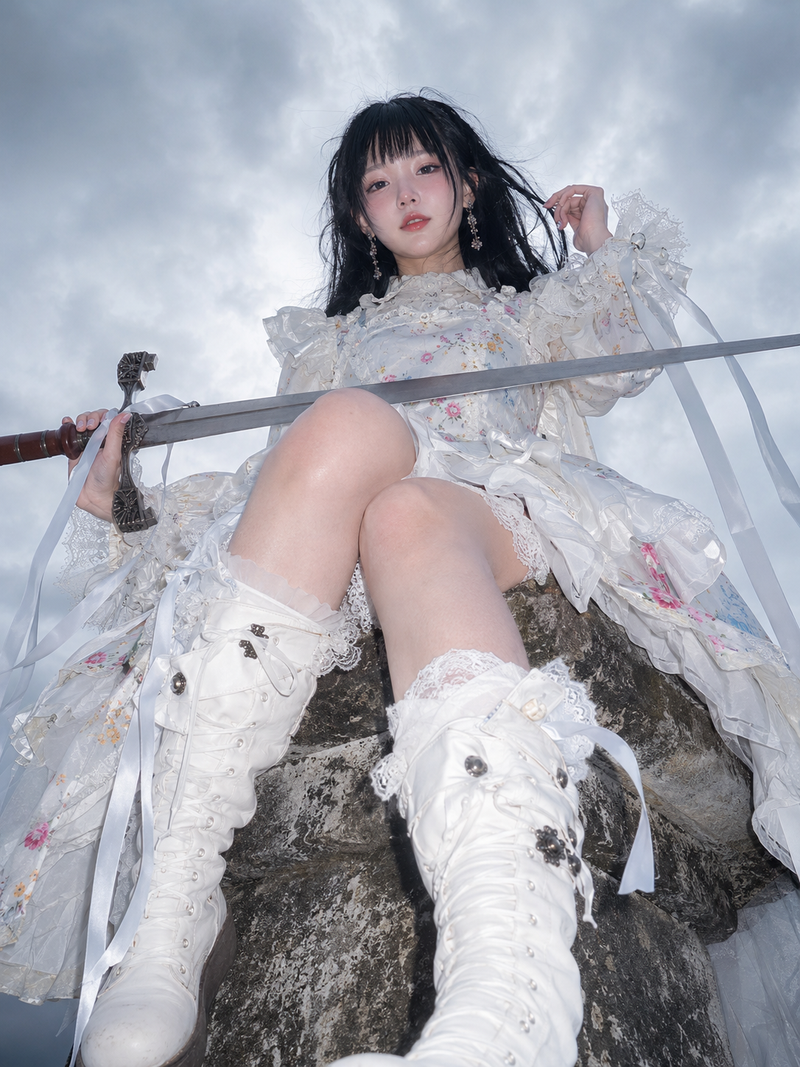
Example images

竹林白衣持剑古风女侠写实电影感写真

Prompt
Native 4K vertical realistic cinematic ancient style swordswoman portrait, an adult Oriental woman in her early 20s, bamboo forest scene, wearing white clothes and holding a sword, long black hair tied high, fragmented hair blown by the wind, delicate and sharp facial features, cold and oppressive gaze, restrained expression, tall and elegant posture, light and flowing white ancient style robe, dignified inner clothing, outer gauze material flowing with the wind, waistline and upper body silhouette are natural and clear, one hand holding a long sword, the blade passing through the frame, tense but not overly exaggerated movement, natural fingers, correct sword-holding posture, blurred bamboo forest background, strong side-backlighting, hair rim light, semi-transparent layers of gauze, realistic skin texture, cinematic lighting and shadow, realistic photography style, no text, no watermark.
Category
Photography & Realism
Model
ChatGPT
Creator
@MrLarus
Views205
Source ID
15231
Published
Jun 1, 2026

Guide

About "竹林白衣持剑古风女侠写实电影感写真"

What is this prompt for?

"竹林白衣持剑古风女侠写实电影感写真" AI image prompt for ChatGPT (Photography & Realism). 原生 4K 竖版写实电影感古风女侠写真,一位 20 岁出头的成年东方女性,竹林场景,白衣持剑,长黑发高束,碎发被风吹起,五官精致锐利,眼神冷冽有压迫感,表情克制,身姿挺拔优…

The full copyable prompt and example visuals above are ready for AI image generation or one-click recreate in Picva.

How to use this prompt

  1. Step 1

    Open the prompt detail

    Review the example visuals, category, and full prompt text for "竹林白衣持剑古风女侠写实电影感写真".

  2. Step 2

    Copy the prompt

    Copy the prompt body from this page, or load it directly in Studio.

  3. Step 3

    Pick a model (ChatGPT)

    Prefer ChatGPT. If you switch models, keep subject and composition and tweak style terms.

  4. Step 4

    Generate and export

    Recreate the look in Picva, or export into your workflow for editing and publishing.

FAQ

What is the "竹林白衣持剑古风女侠写实电影感写真" prompt?
It is an AI image-generation prompt for ChatGPT in the Photography & Realism category. This page includes the full prompt text, example visuals, and a one-click recreate path in Picva.
How do I use this prompt to generate an image?
Copy the prompt from this page, or use Generate / Studio. Paste it into a compatible image model, or recreate the look in Picva with optional reference images.
Which model is this prompt for?
This page lists ChatGPT. Most descriptive prompts also transfer to nearby image models such as GPT Image, Flux, or Midjourney with light style tweaks.
Can I use the result commercially?
You can usually copy the prompt for creation, but commercial use of the final image depends on the model terms, reference-image rights, and the generated content. Follow the source author and platform rules.