20

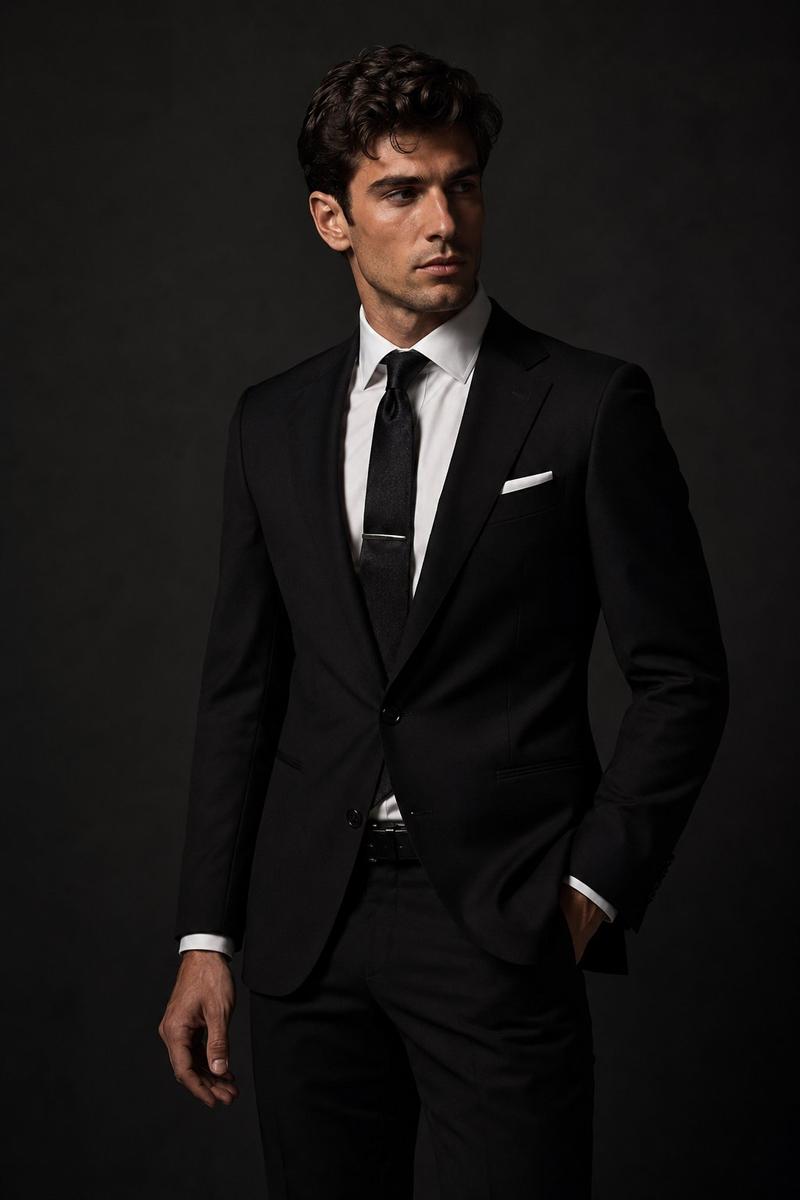
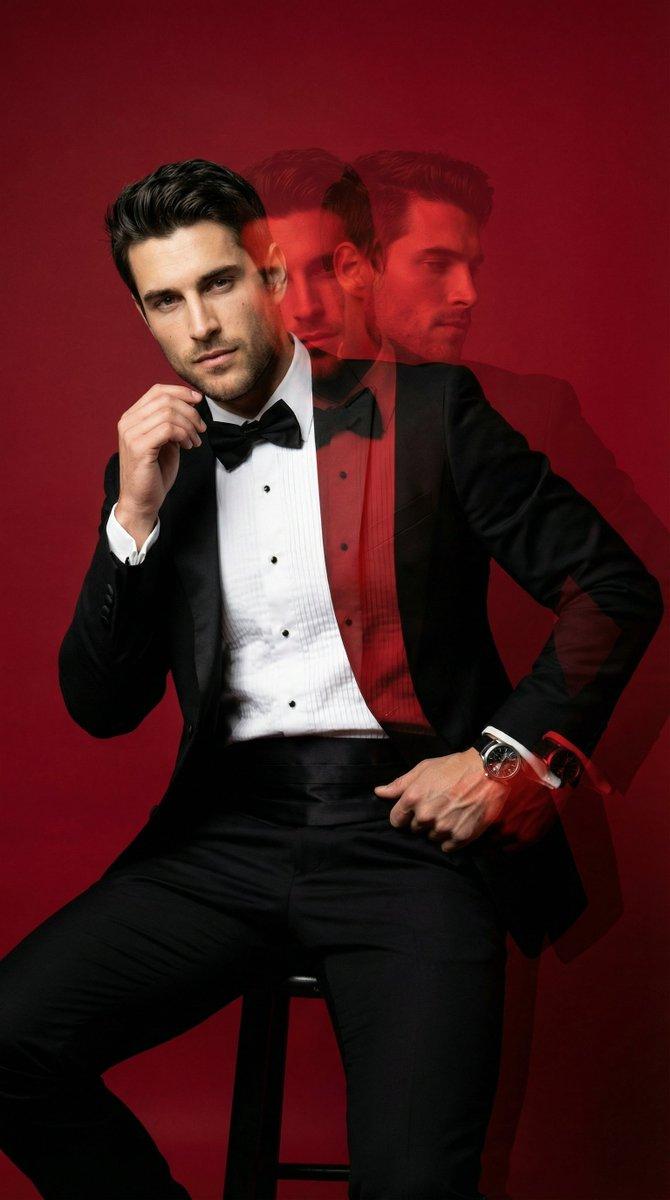
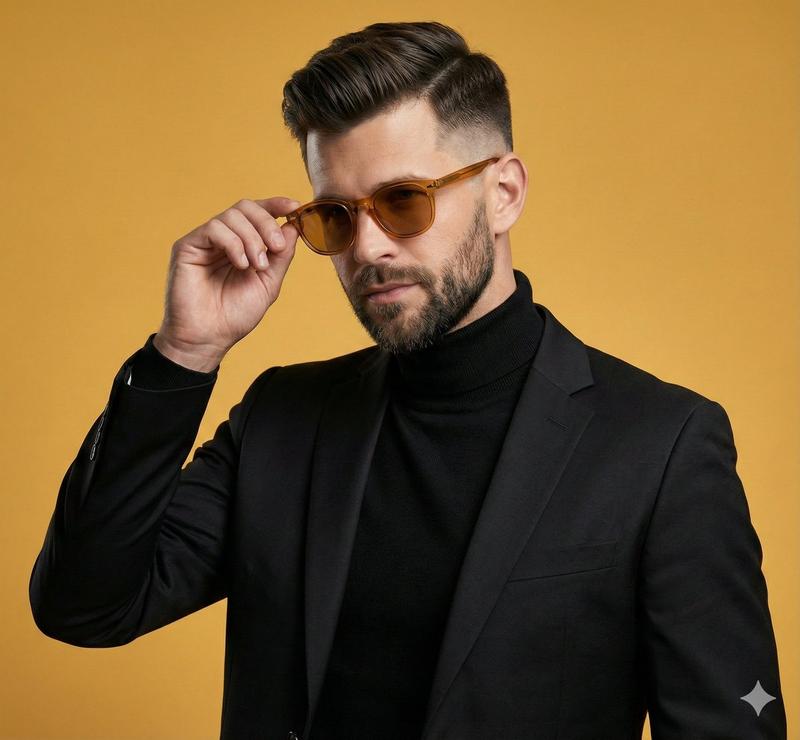
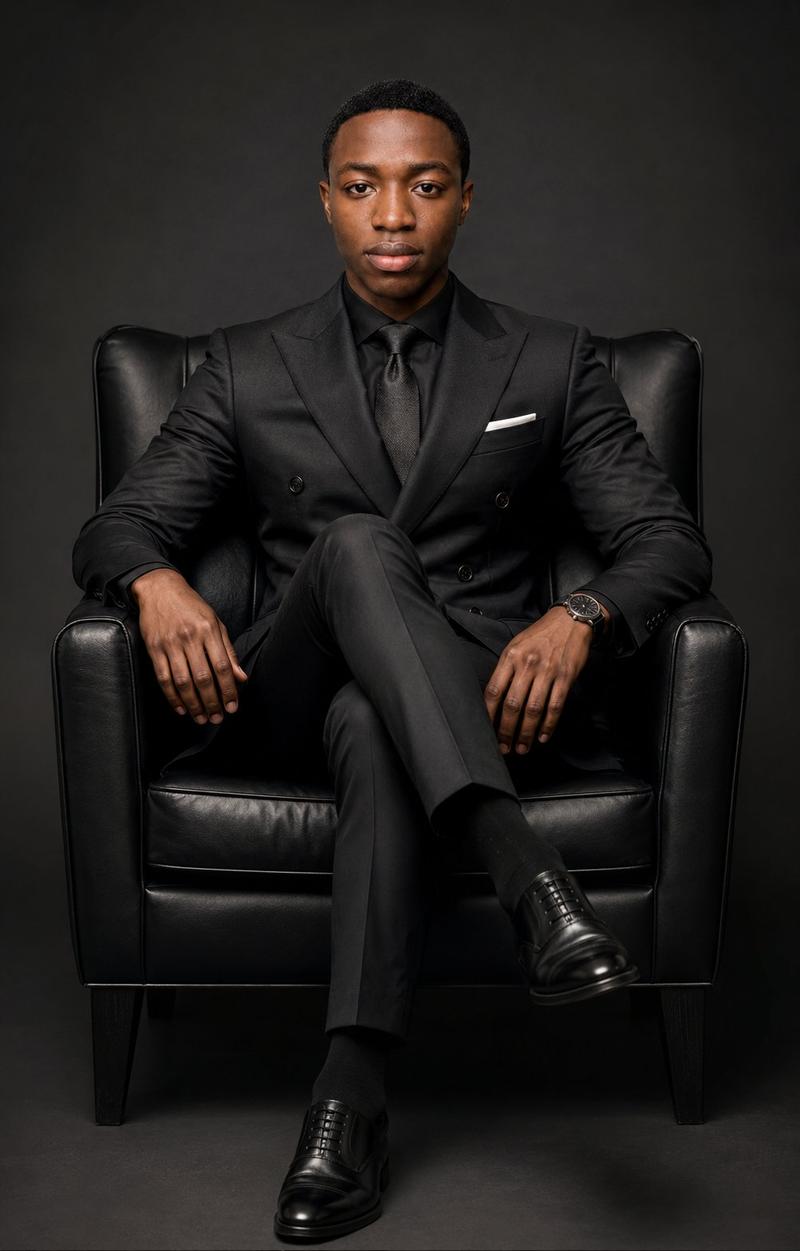
自信的正式影棚肖像
Enlarge

自信的正式影棚肖像

Prompt
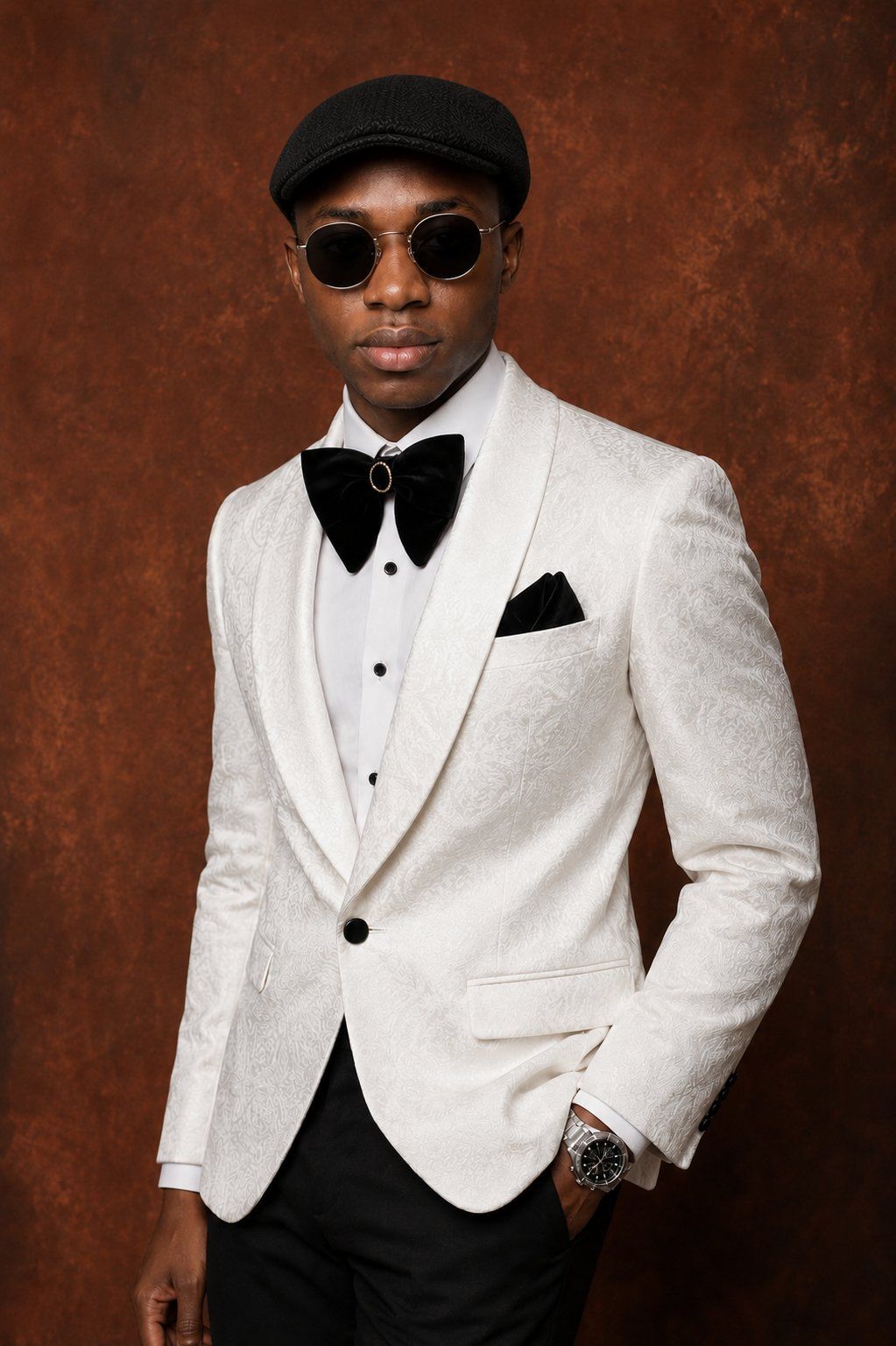
Create a polished studio fashion portrait of a confident {argument name="subject" default="young Black man"} standing in a 3/4 pose against a rich warm burnt-sienna and terracotta textured studio backdrop. Frame him from mid-thigh upward in a vertical portrait composition, body angled slightly to the viewer’s left, shoulders relaxed, one hand tucked into his trouser pocket and the other arm resting naturally at his side. He wears a sophisticated formal outfit: an ivory-white jacquard dinner jacket with subtle floral paisley texture, wide shawl lapels, a single black button, flap pockets, crisp white dress shirt with black studs, oversized black velvet bow tie with a small gold-and-black oval brooch at the center, black pocket square, fitted black trousers, a silver wristwatch, and a textured black flat cap. Use soft directional studio lighting from the front-left to reveal the jacket texture and create gentle shadows, with realistic skin tone, refined tailoring, high-end editorial styling, shallow depth of field, sharp focus on clothing details, and a premium magazine portrait mood. Keep the background plain except for painterly texture, no text, no logos, no props, no extra people.
Category
Posters & Typography
Model
GPT Image 2
Creator
Abkr Sadiq
Views0
Source ID
26367
Published
Jun 20, 2026

Guide

About "自信的正式影棚肖像"

What is this prompt for?

"自信的正式影棚肖像" AI image prompt for GPT Image 2 (Posters & Typography). 生成一张高端时尚男士肖像,身着白色燕尾服夹克,背景为温暖的赤陶色影棚。 Copy it on Picva and recreate the look in one click.

The full copyable prompt and example visuals above are ready for AI image generation or one-click recreate in Picva.

How to use this prompt

  1. Step 1

    Open the prompt detail

    Review the example visuals, category, and full prompt text for "自信的正式影棚肖像".

  2. Step 2

    Copy the prompt

    Copy the prompt body from this page, or load it directly in Studio.

  3. Step 3

    Pick a model (GPT Image 2)

    Prefer GPT Image 2. If you switch models, keep subject and composition and tweak style terms.

  4. Step 4

    Generate and export

    Recreate the look in Picva, or export into your workflow for editing and publishing.

FAQ

What is the "自信的正式影棚肖像" prompt?
It is an AI image-generation prompt for GPT Image 2 in the Posters & Typography category. This page includes the full prompt text, example visuals, and a one-click recreate path in Picva.
How do I use this prompt to generate an image?
Copy the prompt from this page, or use Generate / Studio. Paste it into a compatible image model, or recreate the look in Picva with optional reference images.
Which model is this prompt for?
This page lists GPT Image 2. Most descriptive prompts also transfer to nearby image models such as GPT Image, Flux, or Midjourney with light style tweaks.
Can I use the result commercially?
You can usually copy the prompt for creation, but commercial use of the final image depends on the model terms, reference-image rights, and the generated content. Follow the source author and platform rules.