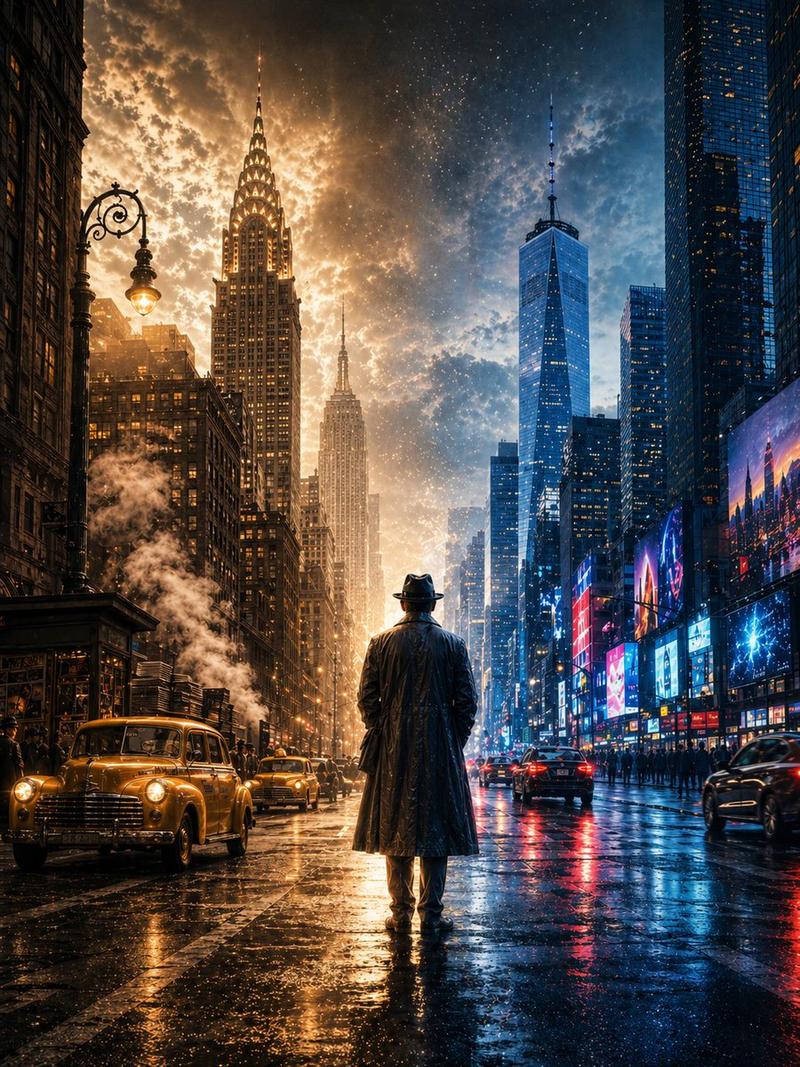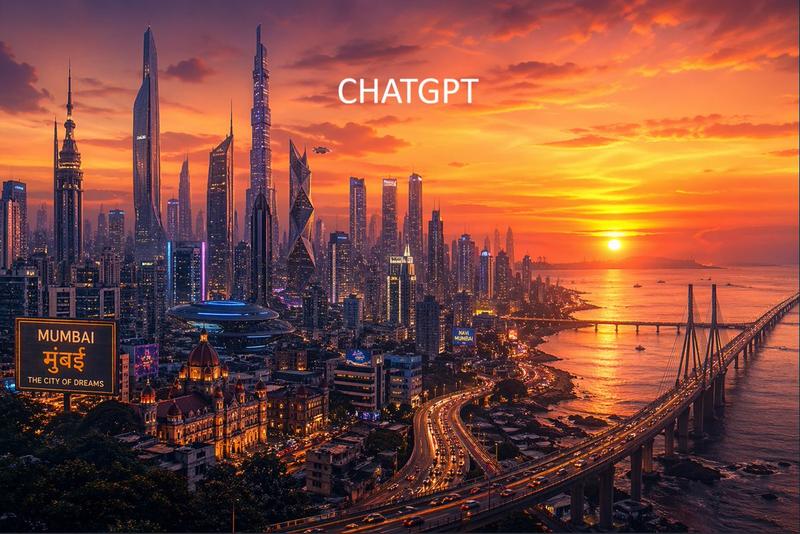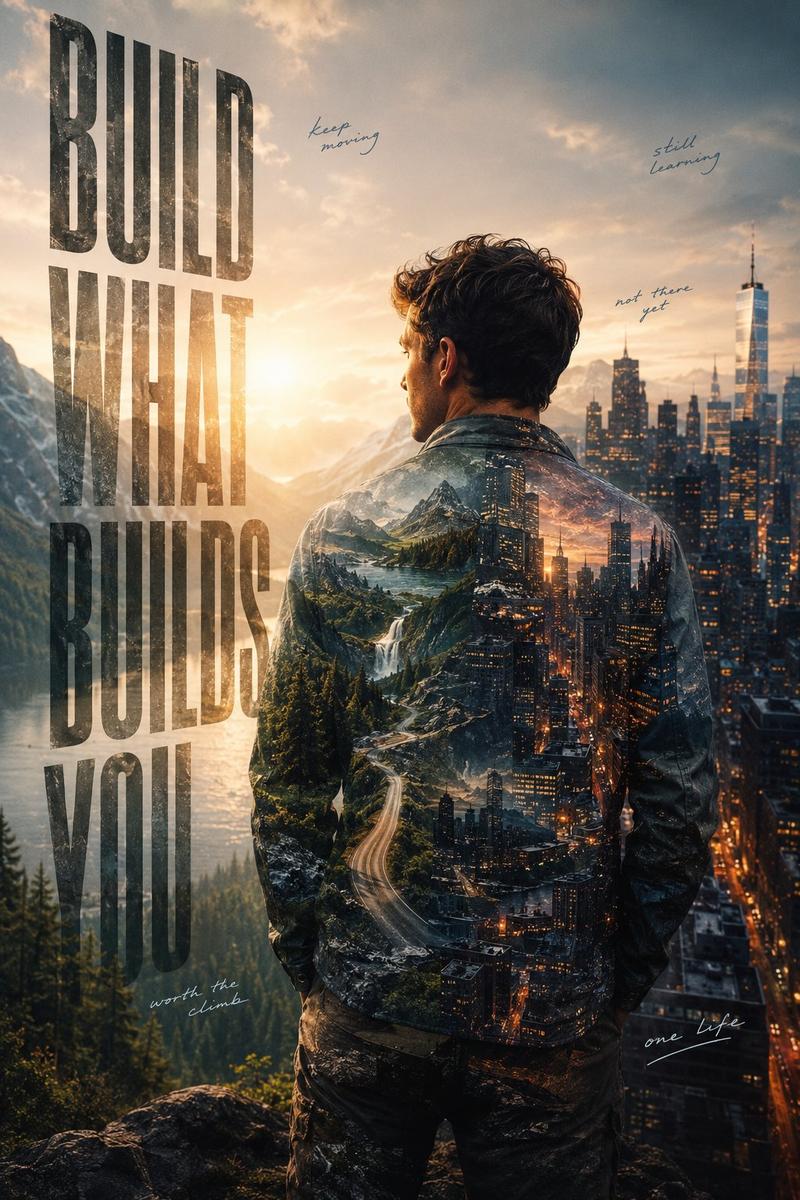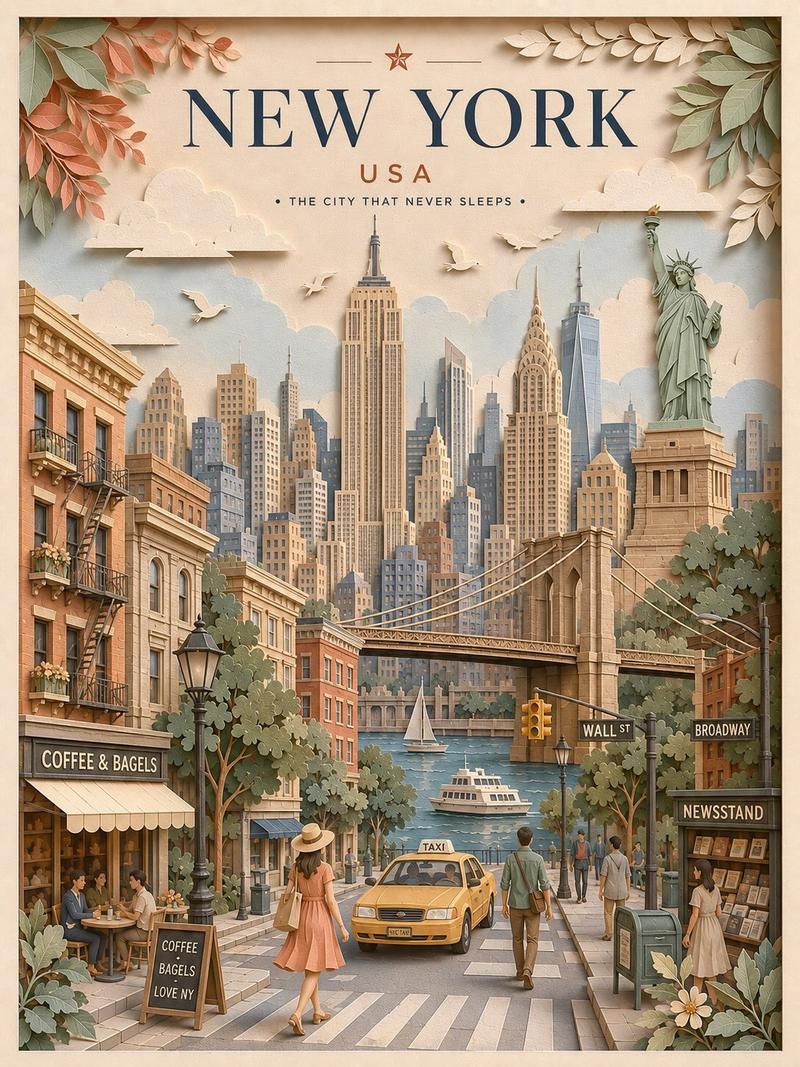
纽约双重曝光海报
Prompt
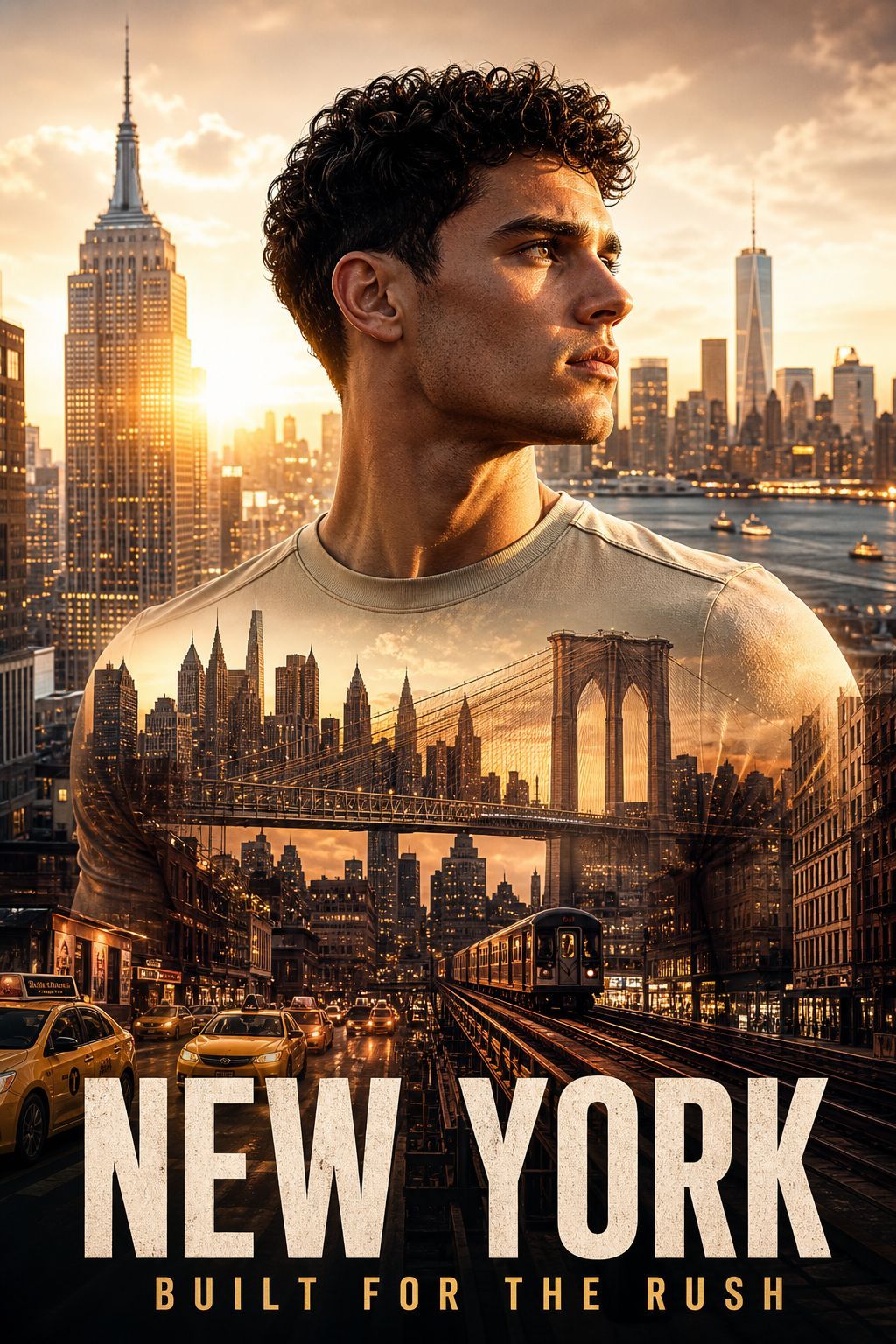
Goal: Create a cinematic commercial double-exposure city poster for {argument name="city name" default="NEW YORK"}, featuring a {argument name="subject" default="handsome adult male urban athlete"} as the dominant foreground figure.

Canvas: Vertical poster, 2:3 aspect ratio, high-resolution photorealistic advertising style, warm golden-hour color grade, dramatic contrast, sharp detail, no border or watermark.

Composition: Center the upper body of the male subject from chest to top of hair, facing slightly to the viewer’s right. His face is mostly hidden by a plain opaque rectangular block in warm dark brown, covering the central face area while leaving curly dark hair, ear, neck, shoulders, and shirt visible. Place him against a glowing Manhattan skyline at sunset, with the Empire State Building clearly visible on the left and One World Trade Center visible in the right background. Use sun flare and hazy orange clouds behind the buildings.

Double exposure effect: Blend a detailed New York city scene into the subject’s beige crewneck shirt and torso. The torso overlay must include exactly 5 major visible urban elements: 1) the Brooklyn Bridge spanning across the chest, 2) dense Manhattan skyscrapers behind the bridge, 3) an elevated subway train running toward the viewer near the lower center-right, 4) yellow taxis and traffic on a wet city street at the lower left, and 5) glowing shopfronts and building facades along both sides of the lower street. Make the city overlay feel naturally integrated into the fabric, with transparent edges and warm reflections.

Typography: At the bottom, add a huge bold condensed distressed uppercase title reading {argument name="headline text" default="NEW YORK"} in off-white, spanning nearly the full width. Beneath it, add a smaller widely spaced uppercase subtitle reading {argument name="subtitle text" default="BUILT FOR THE RUSH"} in warm golden yellow. Keep the typography centered and poster-like, with the title partially overlapping the lower city scene.

Visual style: Commercial sports-lifestyle poster, gritty urban energy, cinematic realism, golden sunset lighting, wet asphalt reflections, high dynamic range, layered double exposure, premium travel campaign mood, strong depth, crisp architectural details, dramatic but believable lighting.

Constraints: Use only one foreground person, exactly one large city title and one subtitle, no extra logos, no additional text, no visible brand marks, no cartoon styling, no futuristic elements, no duplicated faces.- Category
- Posters & Typography
- Model
- GPT Image 2
- Creator
- Eric Kang - Vogue AI
- Source ID
- 26542
- Published
- Jun 22, 2026
Views0