17

黄金海岸婚纱照
Enlarge

Example images

黄金海岸婚纱照

Prompt
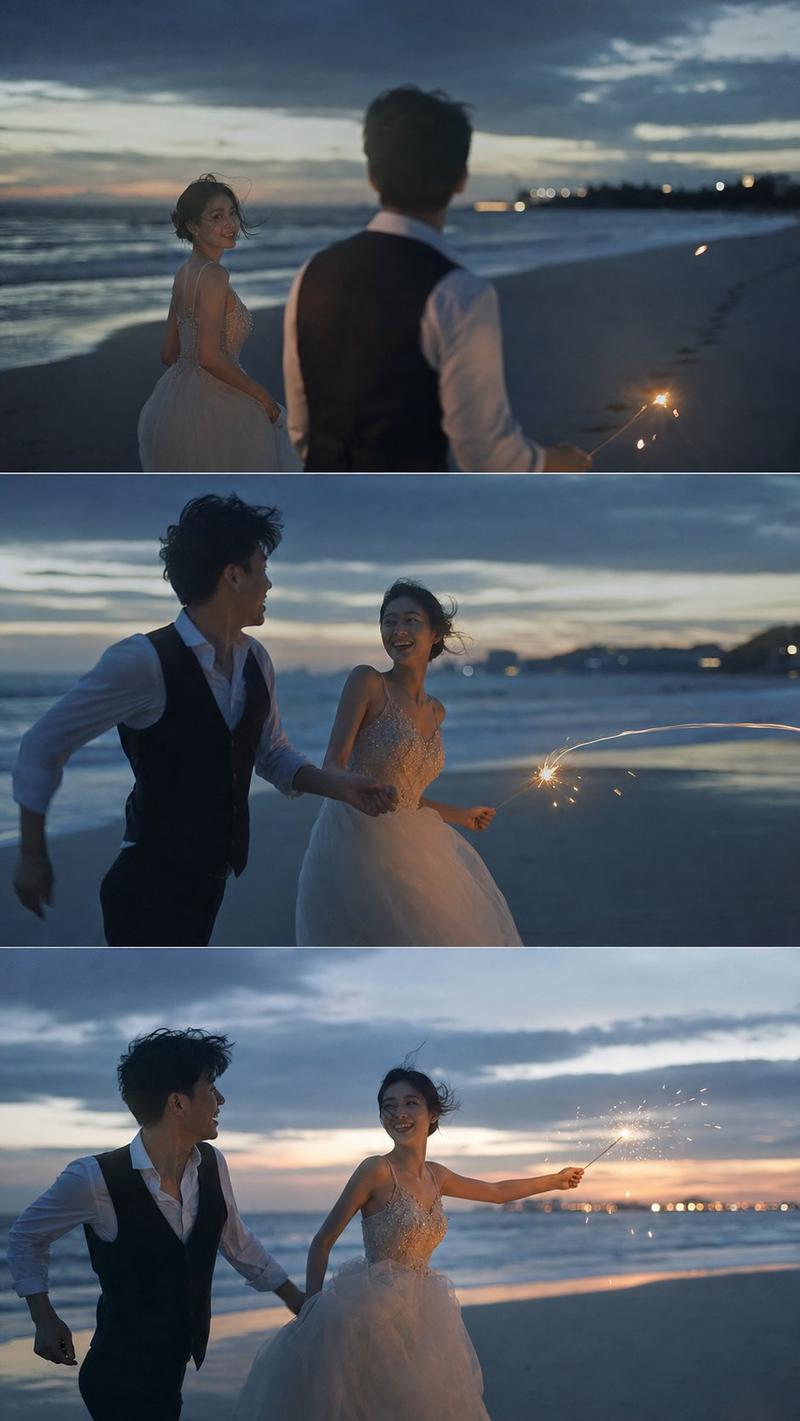
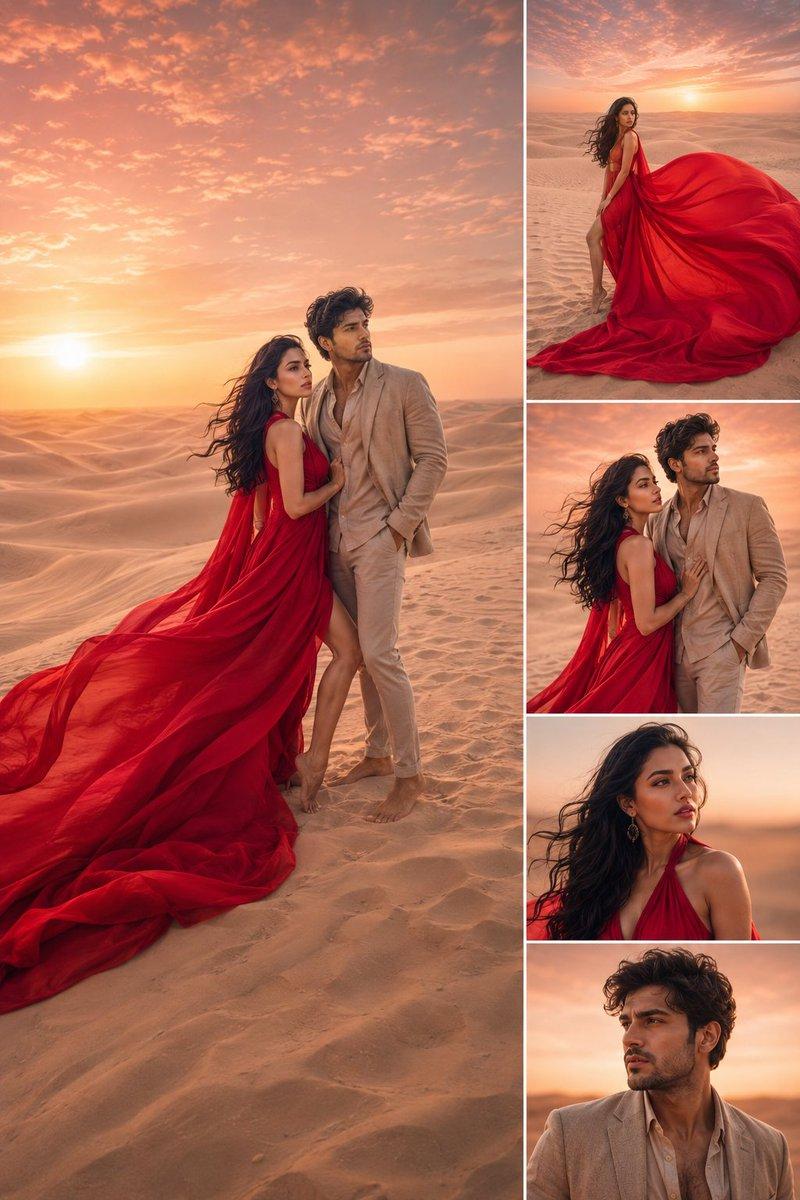
Create a dreamy, photorealistic wedding portrait on a quiet beach at golden hour. A {argument name="groom description" default="young groom in a fitted black tuxedo with a white shirt and black bow tie"} and a {argument name="bride description" default="young bride in a white lace ball gown with a long veil and trailing train"} stand close together near the shoreline, facing each other intimately; the groom tilts his head down toward the bride, and the bride gently rests one hand on his chest while looking up at him. Place them slightly below center, full body visible, with their long shadows falling across wet sand. The ocean is on the left with rolling white waves, a curving strip of reflective wet sand leads into the distance, and a wide pale sandy beach stretches to the right under a soft blue sky. Use intense backlighting from a low sun near the horizon so the sea and wet sand sparkle with bright highlights, creating a romantic washed-gold glow and soft haze. Add many small luminous white particles floating across the entire frame like glittering sea spray or magical snow, denser near the top and foreground. Style should be ultra-realistic, cinematic, high dynamic range, warm pastel tones, shallow atmospheric haze, natural lens flare, detailed sand texture, bright ocean reflections, elegant bridal fabric detail, no visible text, no watermark.
Category
Architecture & Spaces
Model
GPT Image 2
Views8
Source ID
26559
Published
Jun 22, 2026

Guide

About "黄金海岸婚纱照"

What is this prompt for?

"黄金海岸婚纱照" AI image prompt for GPT Image 2 (Architecture & Spaces). 一个用于生成黄金时刻海岸边浪漫新郎新娘肖像的写实电影感提示词。 Copy it on Picva and recreate the look in one click.

The full copyable prompt and example visuals above are ready for AI image generation or one-click recreate in Picva.

How to use this prompt

  1. Step 1

    Open the prompt detail

    Review the example visuals, category, and full prompt text for "黄金海岸婚纱照".

  2. Step 2

    Copy the prompt

    Copy the prompt body from this page, or load it directly in Studio.

  3. Step 3

    Pick a model (GPT Image 2)

    Prefer GPT Image 2. If you switch models, keep subject and composition and tweak style terms.

  4. Step 4

    Generate and export

    Recreate the look in Picva, or export into your workflow for editing and publishing.

FAQ

What is the "黄金海岸婚纱照" prompt?
It is an AI image-generation prompt for GPT Image 2 in the Architecture & Spaces category. This page includes the full prompt text, example visuals, and a one-click recreate path in Picva.
How do I use this prompt to generate an image?
Copy the prompt from this page, or use Generate / Studio. Paste it into a compatible image model, or recreate the look in Picva with optional reference images.
Which model is this prompt for?
This page lists GPT Image 2. Most descriptive prompts also transfer to nearby image models such as GPT Image, Flux, or Midjourney with light style tweaks.
Can I use the result commercially?
You can usually copy the prompt for creation, but commercial use of the final image depends on the model terms, reference-image rights, and the generated content. Follow the source author and platform rules.