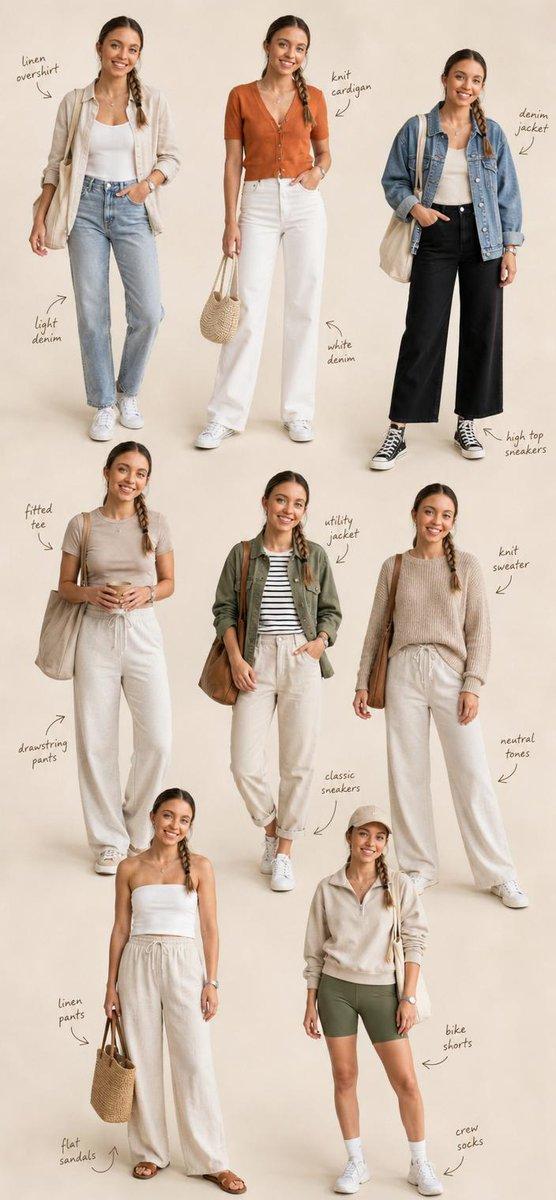
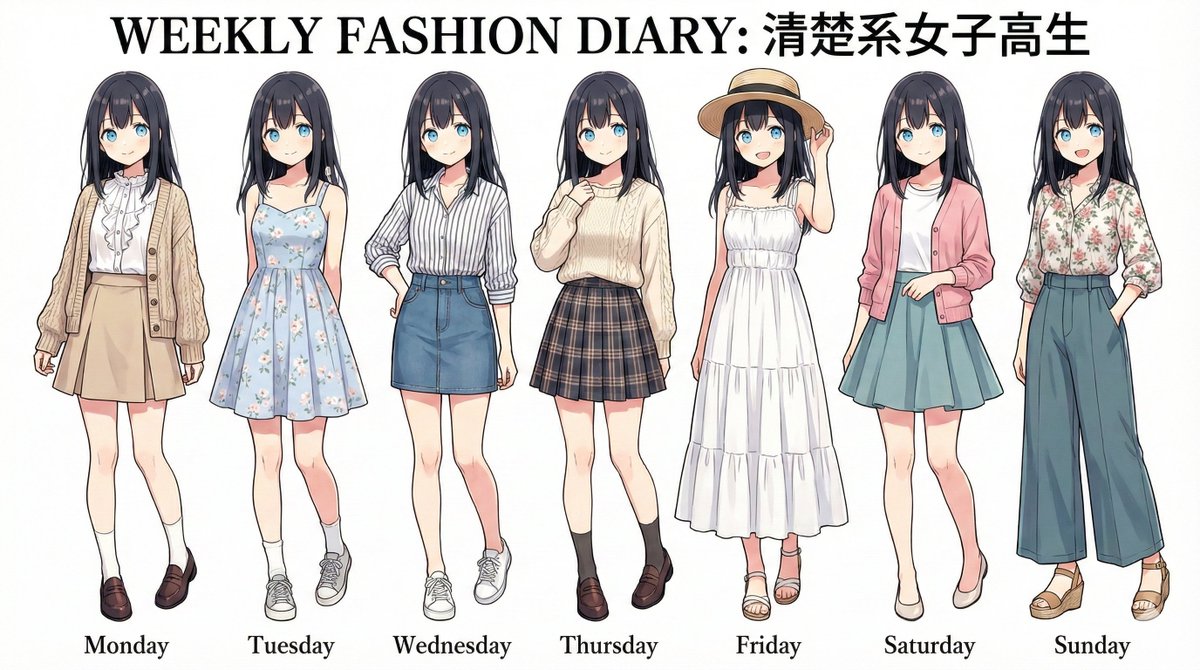
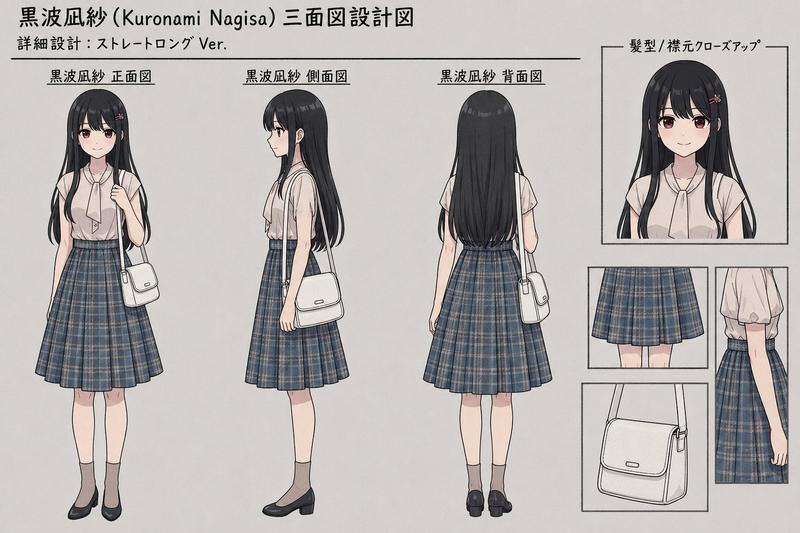
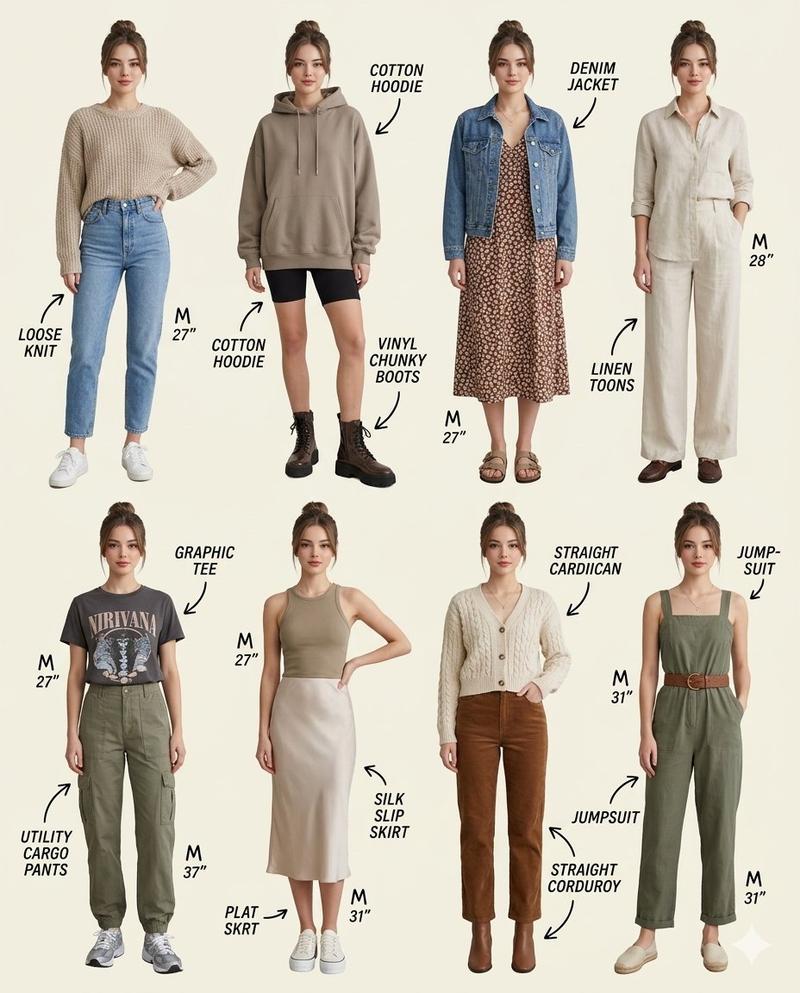
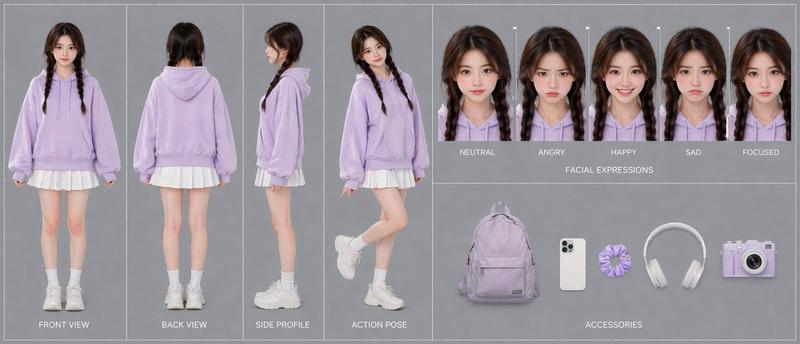
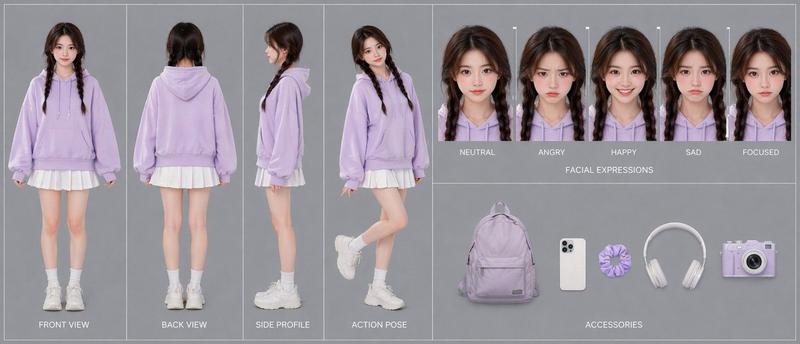
专业角色设计图
Prompt
Use the uploaded photo as the only character reference and create a professional 2x4 character design sheet. The image must show the same person from the uploaded photo repeated in 8 variations. Do not create different people. Preserve the character’s identity, facial impression, hairstyle, face shape, age impression, body type, skin tone, natural posture, and overall personality across all panels. Arrange the character in a clean {argument name="layout" default="2x4 grid layout"} on a {argument name="background" default="pure white background"}. Each panel should show a full-body standing pose with consistent proportions and the same recognizable character design. Create 8 different variations of the same character, changing only the outfit, expression, pose, and small accessories. Use {argument name="fashion style" default="casual modern Korean street fashion"} with summer styling: lightweight jacket, short-sleeve shirt, oversized T-shirt, shorts, loose pants, sneakers, backpack, tote bag, cap, or minimal accessories. Keep all outfits realistic, stylish, and suitable for everyday urban life. Each variation should have a different natural expression and pose, such as calm, smiling, surprised, confident, shy, playful, thoughtful, or slightly annoyed. Poses should feel relaxed and natural, not exaggerated. Style: 2020s animation character design sheet, Japanese manga-influenced illustration, hand-drawn sketch, thin clean linework, crisp outlines, subtle imperfect contours, high-detail fashion illustration, muted retro flat color palette, subtle paper texture, editorial fashion mood. Use flat colors only. No heavy shading, no soft gradients, no realistic lighting, no dramatic shadows, no photorealism. Keep the composition clean, balanced, and professional, like an animation pre-production character sheet. Aspect ratio: 16:9 horizontal.- Category
- Architecture & Spaces
- Model
- GPT Image 2
- Creator
- Kashberg
- Source ID
- 26648
- Published
- Jun 24, 2026
Views0