19

冰岛高地电影感摄影
Enlarge

冰岛高地电影感摄影

Prompt
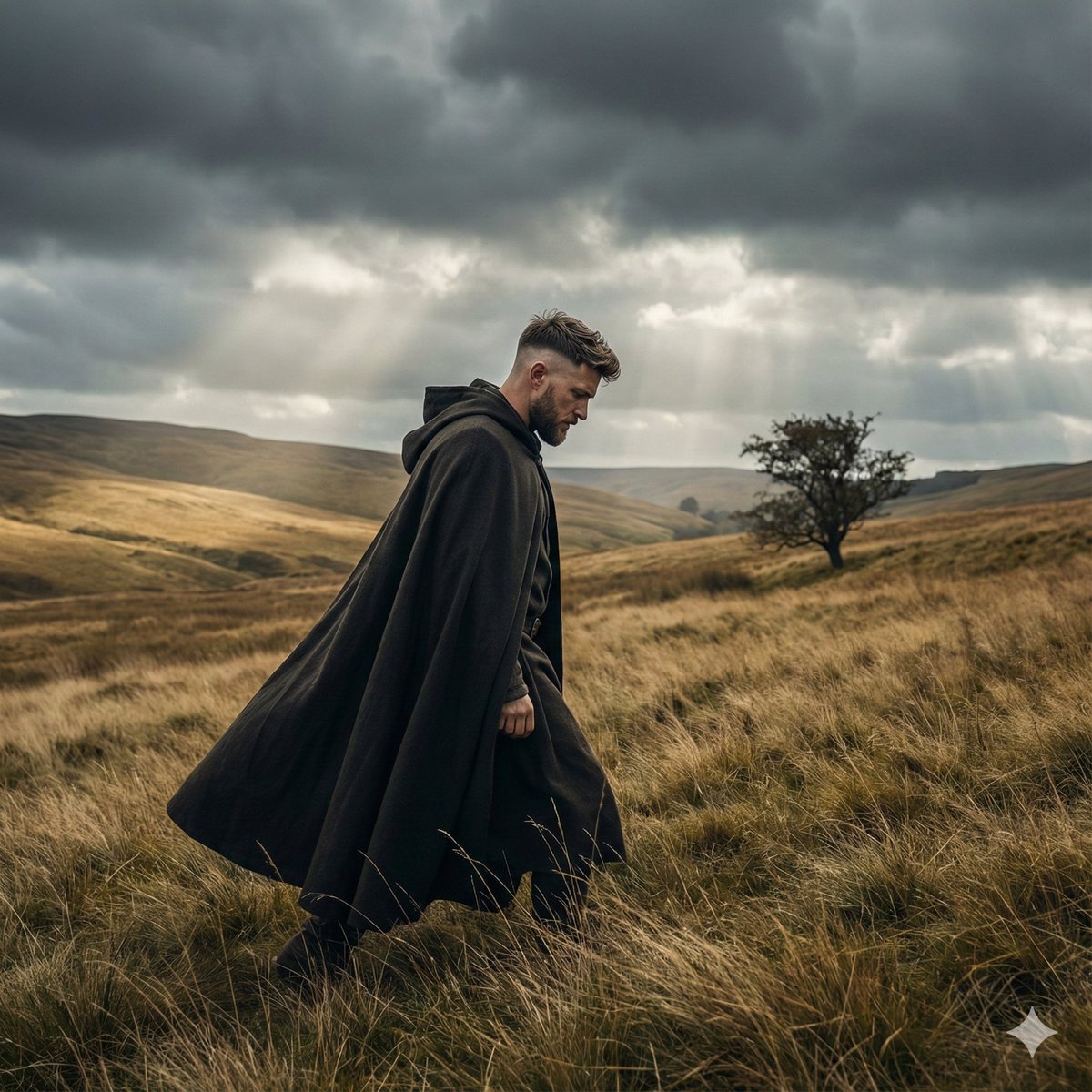
Cinematic 9:16 five-panel sequence featuring the same young man from the reference image exploring {argument name="location" default="Icelandic highlands"}. Curly dark hair and beard, wearing a {argument name="outfit" default="rust-orange wool coat over a mustard hoodie"}. Panels include: contemplative side-profile close-up, standing on a dramatic green cliff, tiny lone figure crossing vast moss-covered plains, aerial view of volcanic landscapes and winding roads, and a front-facing portrait on a dark gravel path. Arthouse film stills, 35mm film grain,photorealistic, {argument name="lighting" default="moody overcast skies"}, warm orange tones contrasting cool greens and blues, lonely introspective atmosphere, award-winning cinematography
Category
Photography & Realism
Model
GPT Image 2
Views0
Source ID
26673
Published
Jun 24, 2026

Guide

About "冰岛高地电影感摄影"

What is this prompt for?

"冰岛高地电影感摄影" AI image prompt for GPT Image 2 (Photography & Realism). 一组多面板序列提示词,描绘了一场穿越冰岛高地的旅程,呈现电影级光影与胶片颗粒感。 Copy it on Picva and recreate the look in one cli…

The full copyable prompt and example visuals above are ready for AI image generation or one-click recreate in Picva.

How to use this prompt

  1. Step 1

    Open the prompt detail

    Review the example visuals, category, and full prompt text for "冰岛高地电影感摄影".

  2. Step 2

    Copy the prompt

    Copy the prompt body from this page, or load it directly in Studio.

  3. Step 3

    Pick a model (GPT Image 2)

    Prefer GPT Image 2. If you switch models, keep subject and composition and tweak style terms.

  4. Step 4

    Generate and export

    Recreate the look in Picva, or export into your workflow for editing and publishing.

FAQ

What is the "冰岛高地电影感摄影" prompt?
It is an AI image-generation prompt for GPT Image 2 in the Photography & Realism category. This page includes the full prompt text, example visuals, and a one-click recreate path in Picva.
How do I use this prompt to generate an image?
Copy the prompt from this page, or use Generate / Studio. Paste it into a compatible image model, or recreate the look in Picva with optional reference images.
Which model is this prompt for?
This page lists GPT Image 2. Most descriptive prompts also transfer to nearby image models such as GPT Image, Flux, or Midjourney with light style tweaks.
Can I use the result commercially?
You can usually copy the prompt for creation, but commercial use of the final image depends on the model terms, reference-image rights, and the generated content. Follow the source author and platform rules.