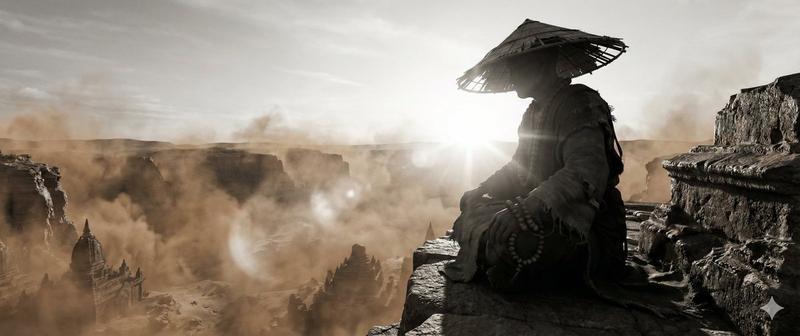
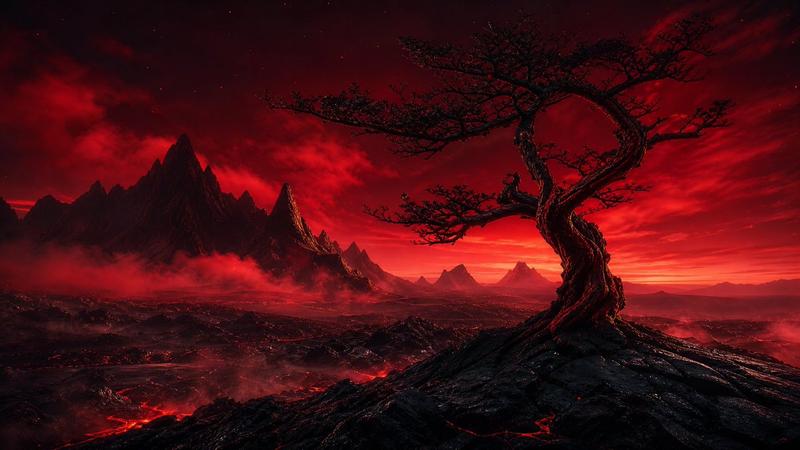
回响峰火山日落
Prompt
Create a cinematic ultra-wide fantasy landscape titled {argument name="scene title" default="Echoing Peaks"}, inspired by an Overwatch-style dramatic environment concept. Show a vast volcanic canyon at sunset with a blazing orange sky, the low sun near the left horizon reflecting across a cracked geothermal basin. The terrain is made of towering dark basalt mesas and eroded cliffs: exactly 3 major flat-topped rock formations are visible, with the largest cliff on the right foreground, a central smoking mesa in the middle distance, and a lower distant plateau near the sun. Place 1 tiny lone human silhouette standing on the top edge of the right cliff, emphasizing immense scale. Include exactly 4 dark bird silhouettes gliding in the sky. The basin below contains exactly 1 tall white geyser eruption near the lower center and 6 smaller steam plumes scattered across the valley floor and mesa slopes, plus 2 darker smoke columns rising from the central mesa. In the foreground, add jagged rocks and exactly 3 prominent leafless, twisted dead trees framing the right and lower edge. Use {argument name="time of day" default="golden sunset"} lighting with intense amber, copper, and charcoal tones, long shadows, atmospheric haze, volumetric smoke, glowing rim light on cliff faces, and high-detail rugged rock textures. The mood should feel {argument name="mood" default="epic, lonely, and apocalyptic"}. Render as a photorealistic game concept art panorama, 16:9 aspect ratio, dramatic depth, sharp foreground details, vast scale, no text, no logo, no watermark.- Category
- Brand & Logos
- Model
- GPT Image 2
- Creator
- Cosmic Cowboy
- Source ID
- 25261
- Published
- Jun 11, 2026
Views1