18

水彩剪影角色故事
Enlarge

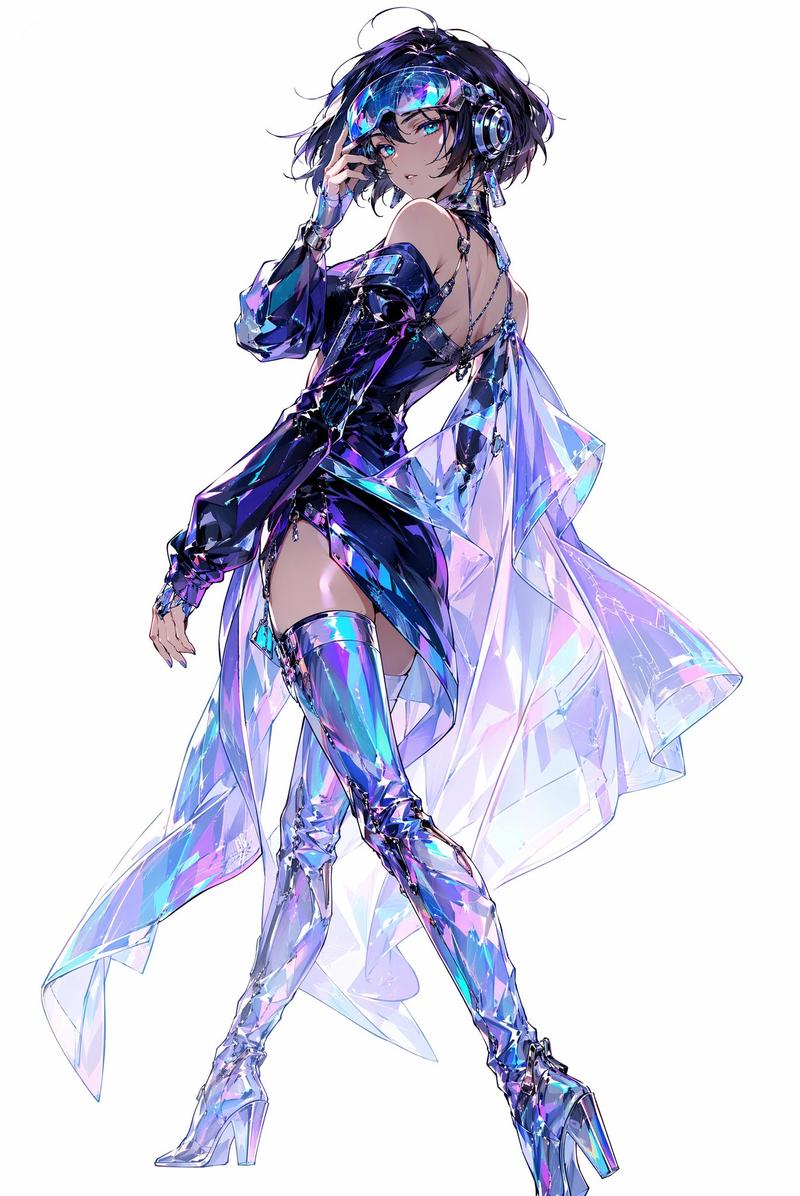
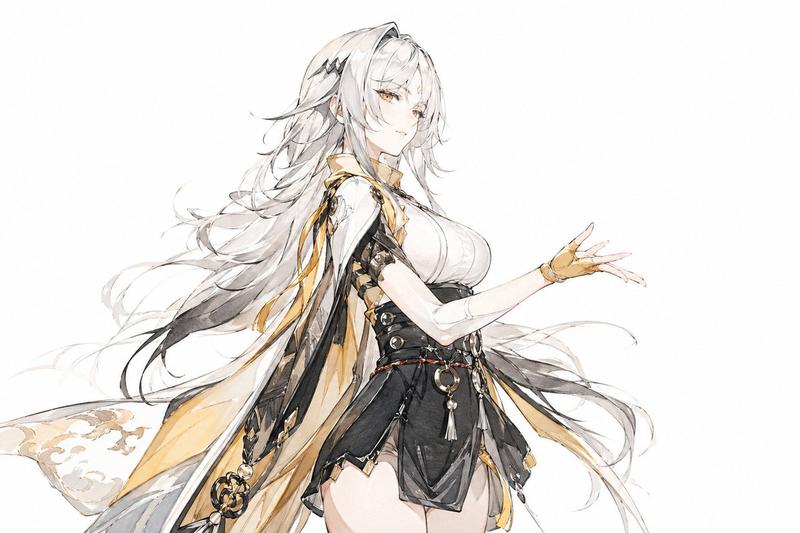
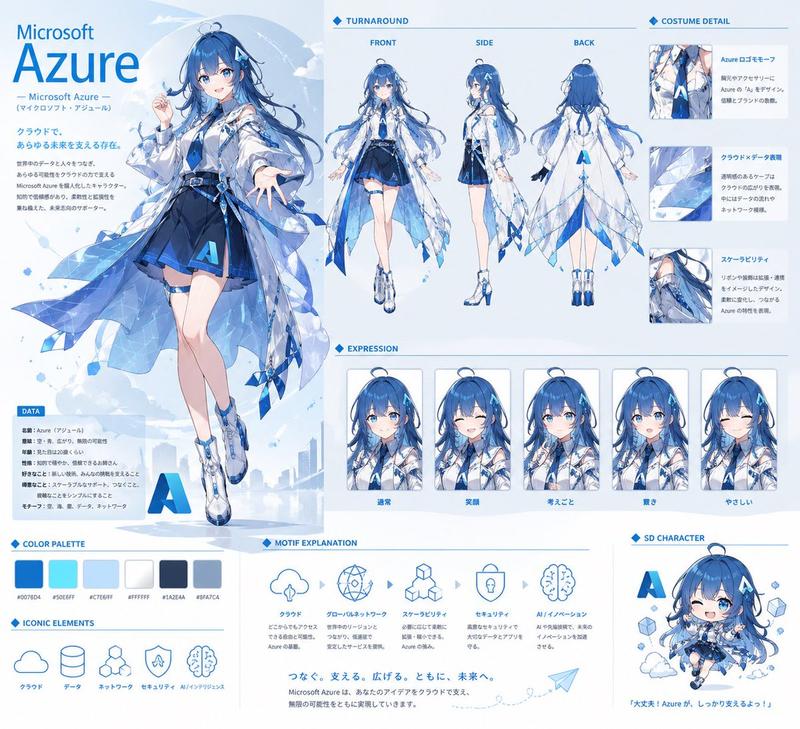
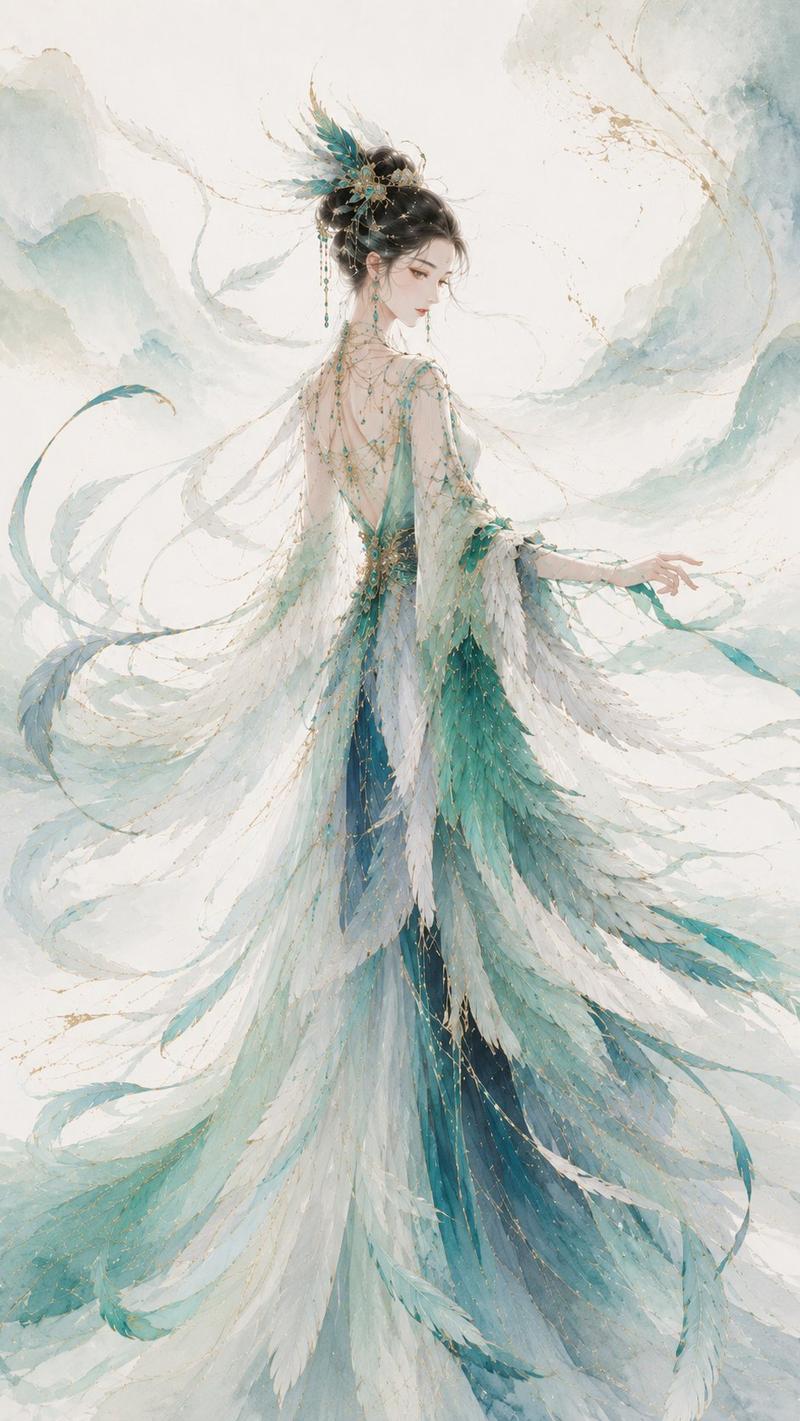
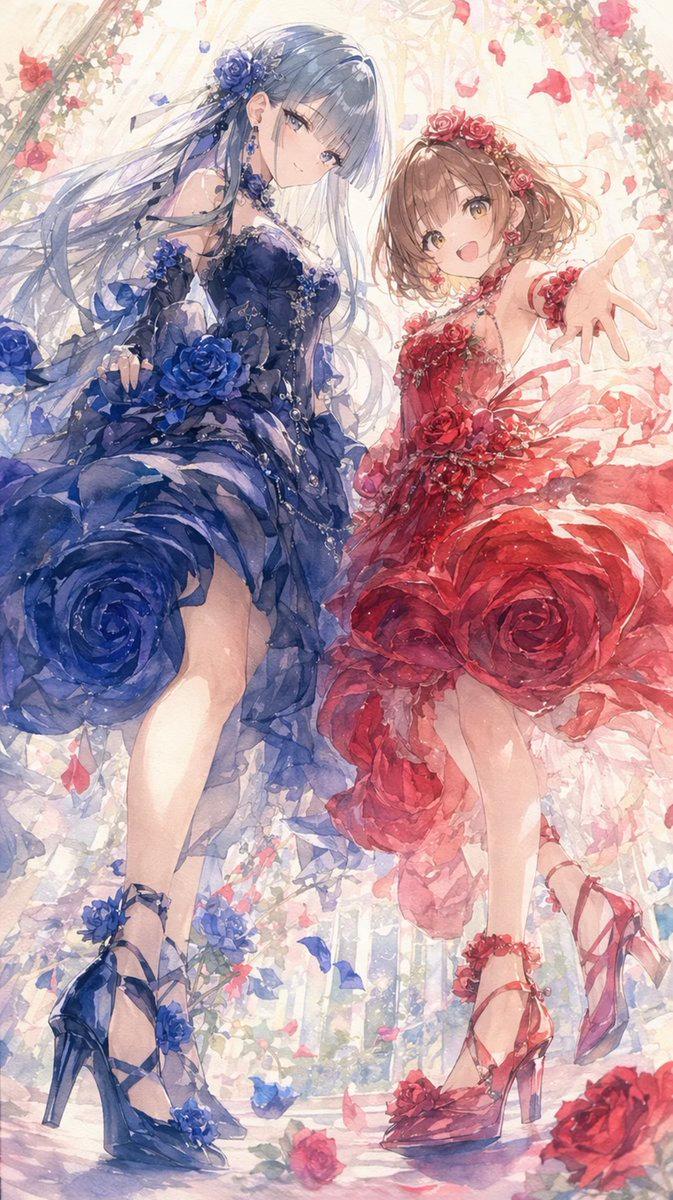
Example images

水彩剪影角色故事

Prompt
[信息输入栏]

角色名称:[{argument name="character name" default=""}](必填)

姿势编号:[{argument name="pose number" default="0"}](选填:从 0-10 中选择,留空则自动生成)

补充说明:[{argument name="additional notes" default=""}](输入任何你想告诉 AI 的具体要求)

-----------------

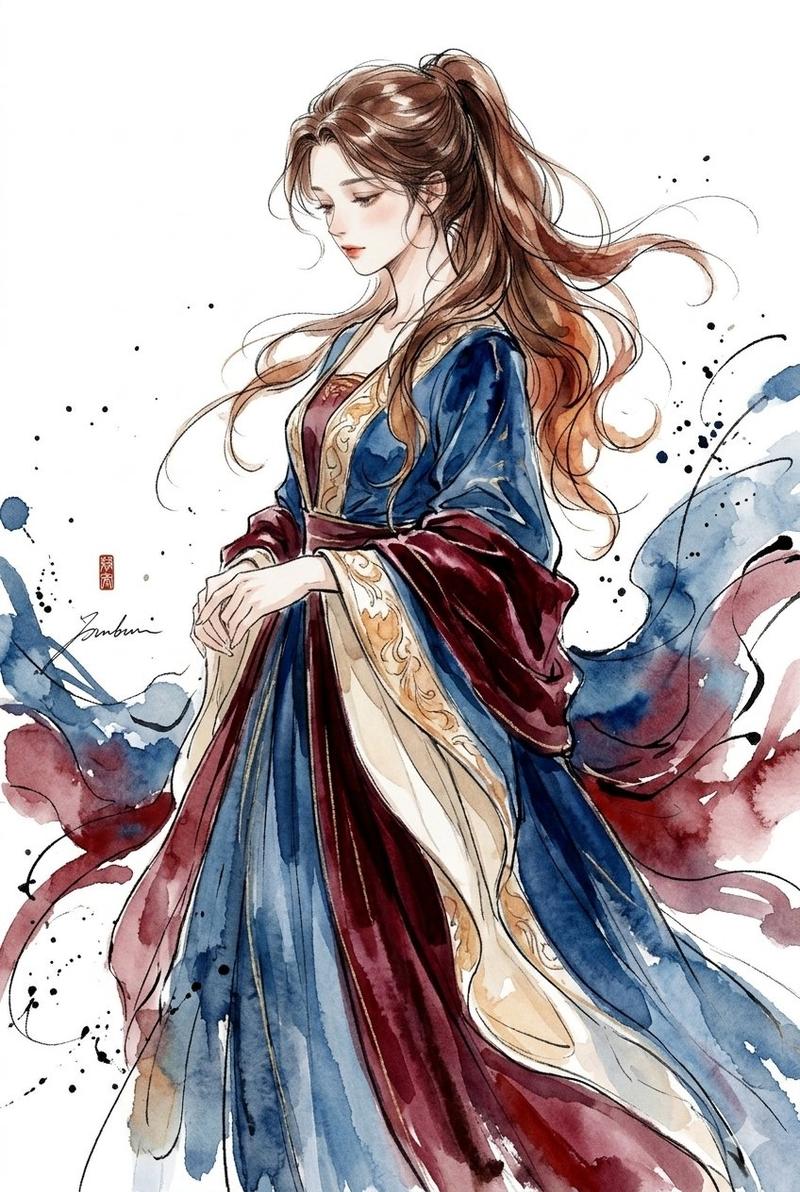
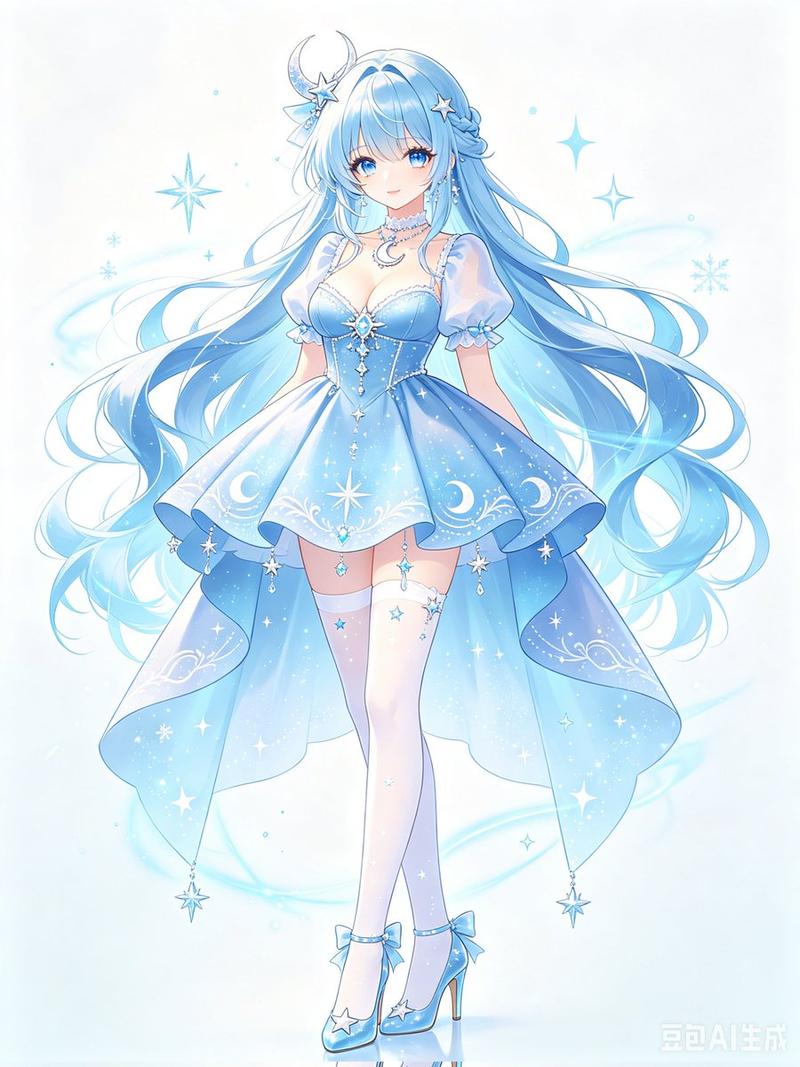
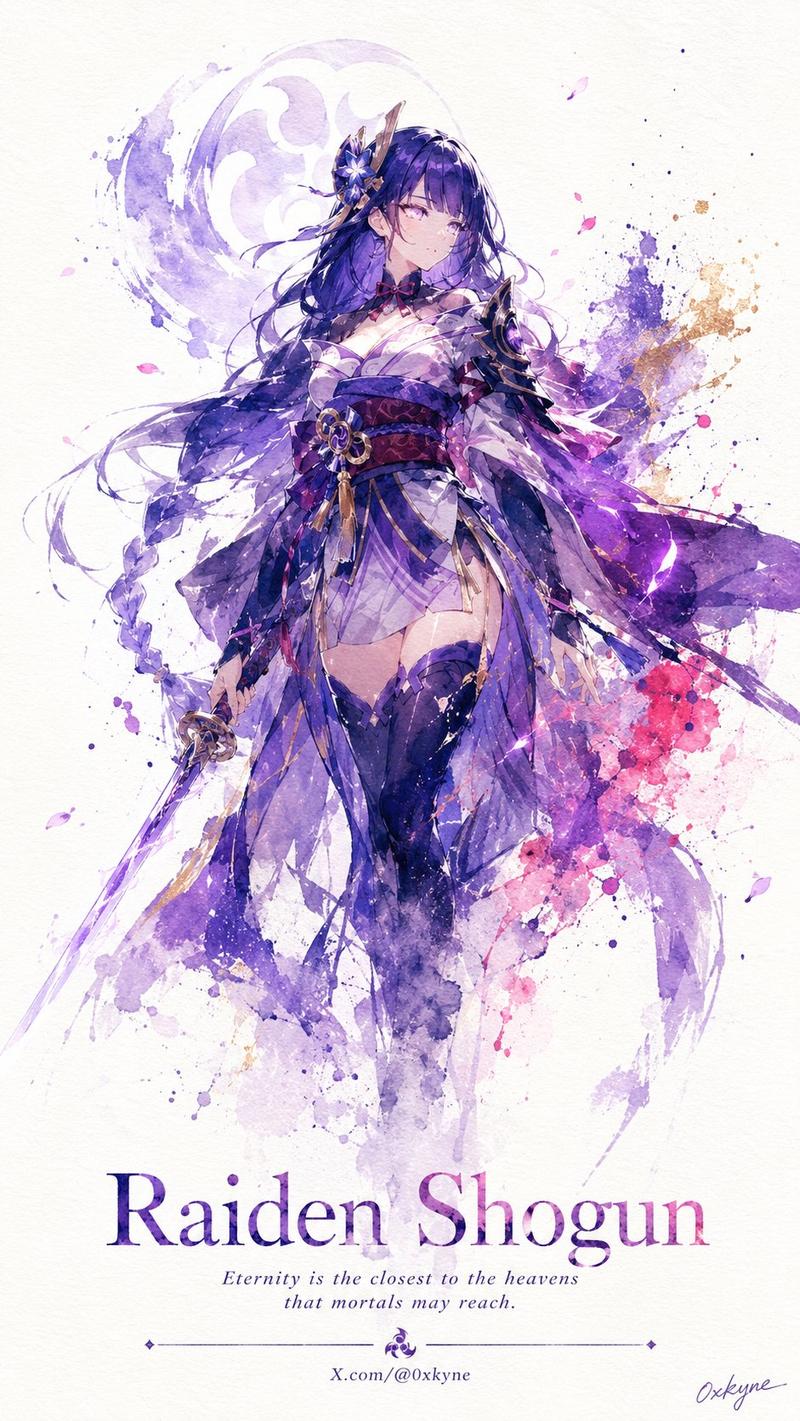
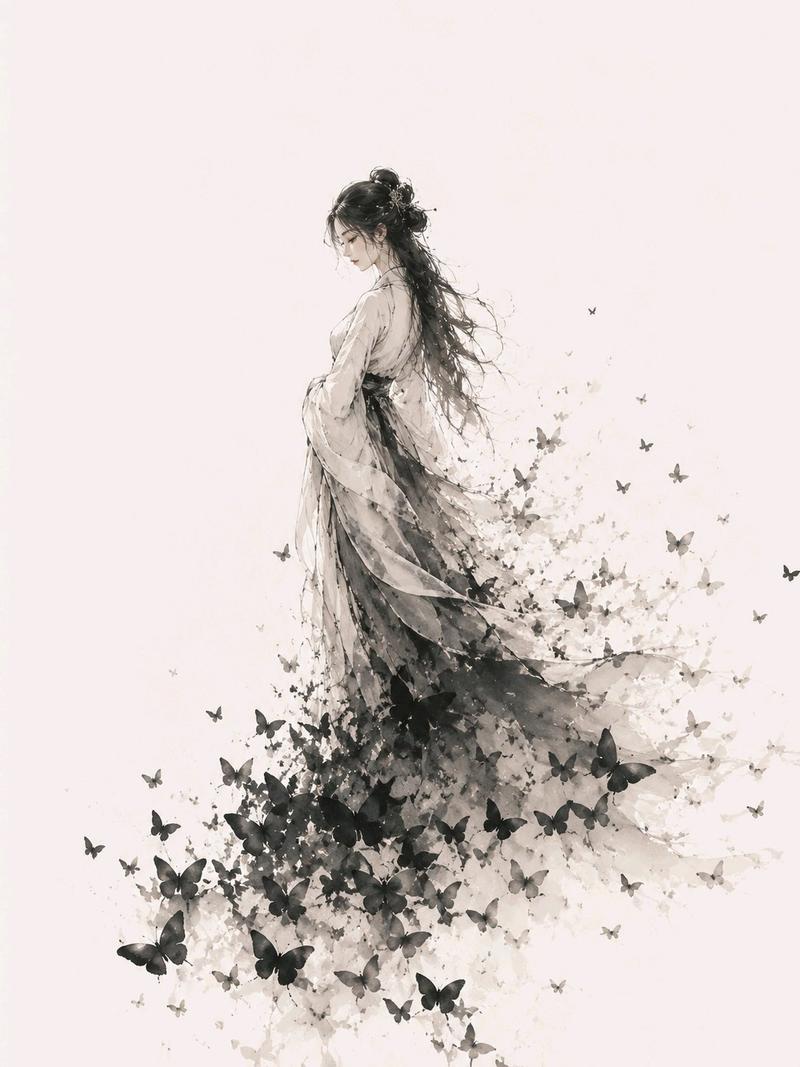
分析所附图像,并生成一张名为 [Character Name] 的高质量 2D 动画风格插画。最终图像应为“阴影风格水彩诗意单幅插画”,角色的形象应静静地浮现在白色至灰白色的纸张上。重点表现剪影、柔和的晕染、留白以及纸张纹理,而非细节描绘。采用 [Pose Number] 指定的姿势。如果为 0 或留空,AI 应选择一个符合角色外观或性格的姿势。AI 应根据角色的头发、眼睛和服装确定最合适的主色调,而非固定颜色。使用以主色调为中心,搭配深色阴影和浅色水彩晕染的调色板。不要过度绘制特征;保持发型轮廓、服装形状和独特特征,使其作为剪影依然可辨。背景应有大面积留白,并带有极简的水彩晕染、植物阴影或星尘。根据氛围自动创作一个简短优美的标题,并将其与角色名称一起放置在右上角或不显眼的位置。全程保持静谧、优雅和诗意的氛围。风格:高质量 2D 动画。宽高比:3:4。
Category
Characters & People
Model
GPT Image 2
Views0
Source ID
26764
Published
Jun 25, 2026

Guide

About "水彩剪影角色故事"

What is this prompt for?

"水彩剪影角色故事" AI image prompt for GPT Image 2 (Characters & People). 一个用于将角色图像转换为带有标题的诗意水彩阴影风格插画的详细提示词。 Copy it on Picva and recreate the look in one click.

The full copyable prompt and example visuals above are ready for AI image generation or one-click recreate in Picva.

How to use this prompt

  1. Step 1

    Open the prompt detail

    Review the example visuals, category, and full prompt text for "水彩剪影角色故事".

  2. Step 2

    Copy the prompt

    Copy the prompt body from this page, or load it directly in Studio.

  3. Step 3

    Pick a model (GPT Image 2)

    Prefer GPT Image 2. If you switch models, keep subject and composition and tweak style terms.

  4. Step 4

    Generate and export

    Recreate the look in Picva, or export into your workflow for editing and publishing.

FAQ

What is the "水彩剪影角色故事" prompt?
It is an AI image-generation prompt for GPT Image 2 in the Characters & People category. This page includes the full prompt text, example visuals, and a one-click recreate path in Picva.
How do I use this prompt to generate an image?
Copy the prompt from this page, or use Generate / Studio. Paste it into a compatible image model, or recreate the look in Picva with optional reference images.
Which model is this prompt for?
This page lists GPT Image 2. Most descriptive prompts also transfer to nearby image models such as GPT Image, Flux, or Midjourney with light style tweaks.
Can I use the result commercially?
You can usually copy the prompt for creation, but commercial use of the final image depends on the model terms, reference-image rights, and the generated content. Follow the source author and platform rules.