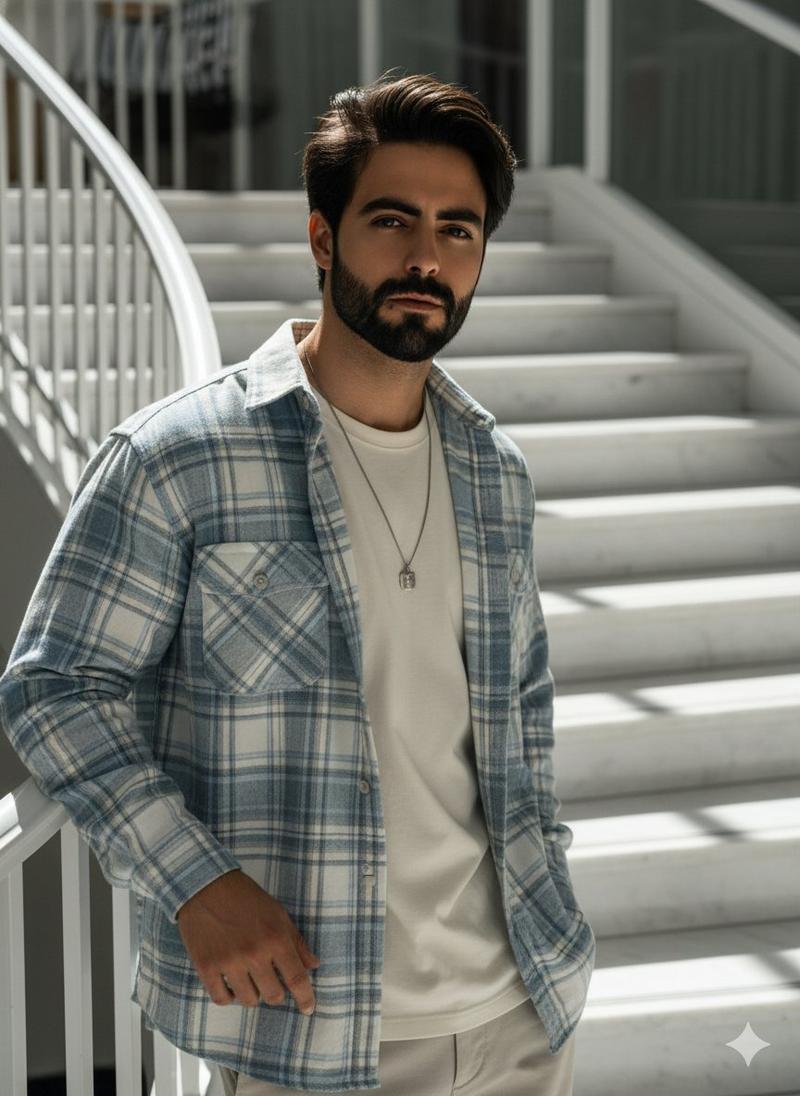
时尚双重曝光风格人像
Prompt
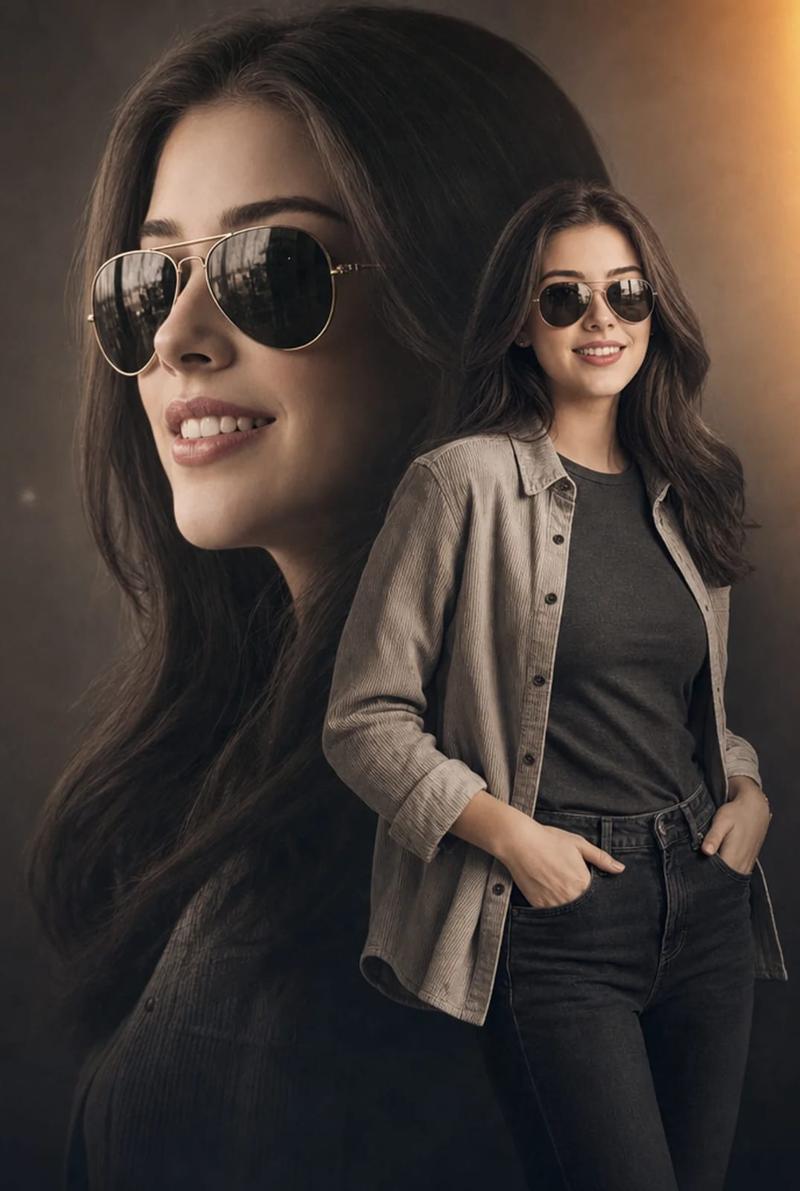
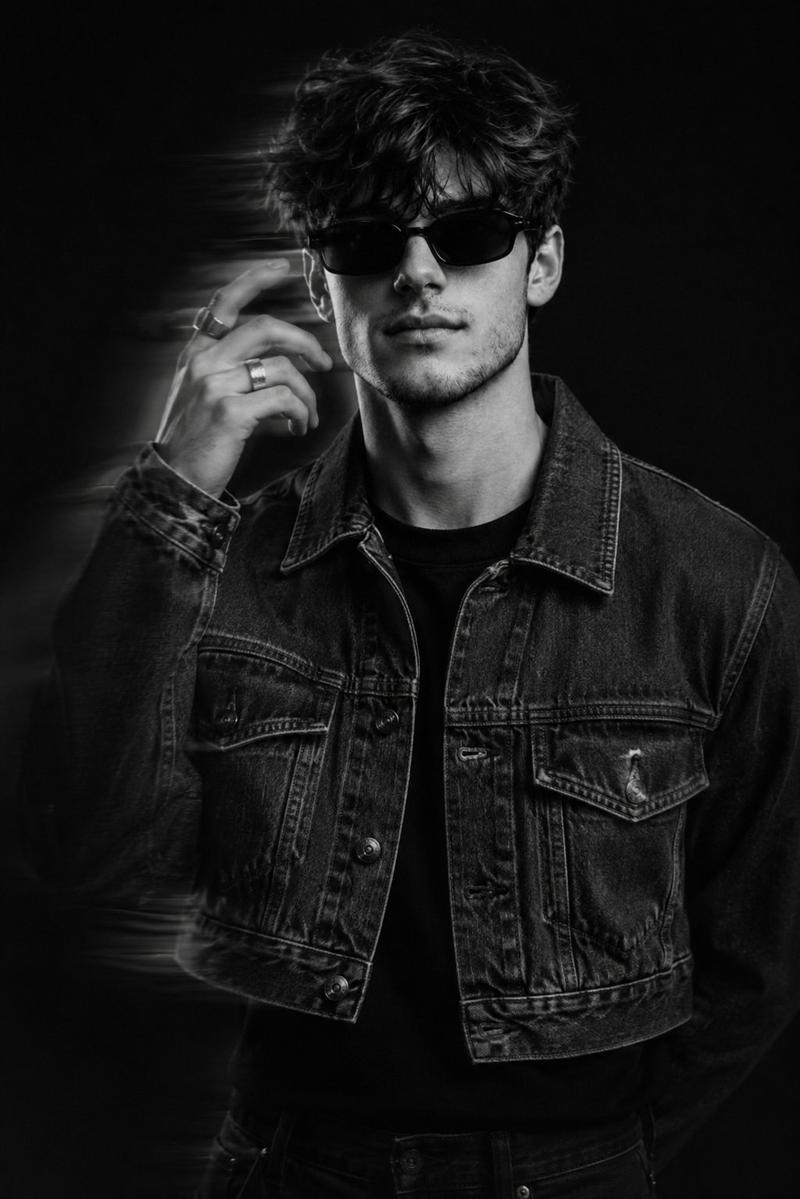
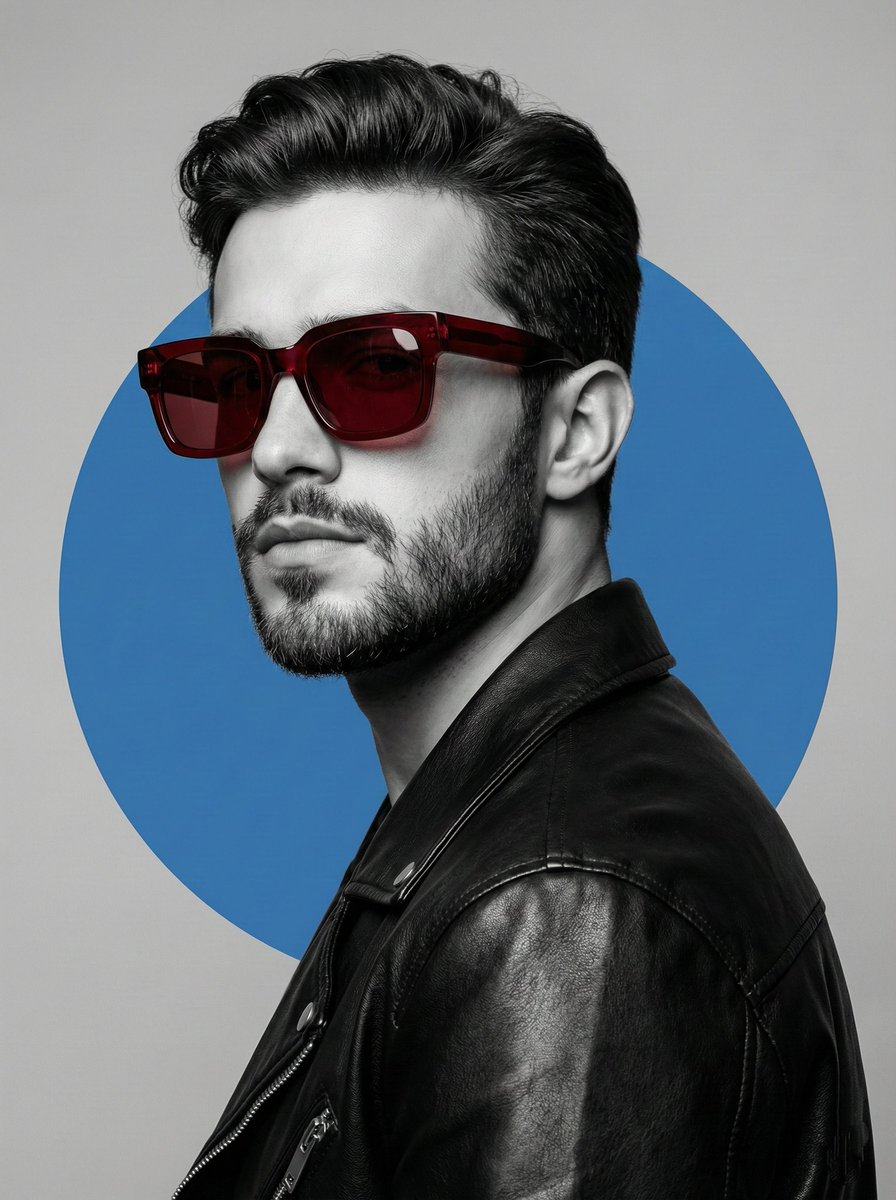
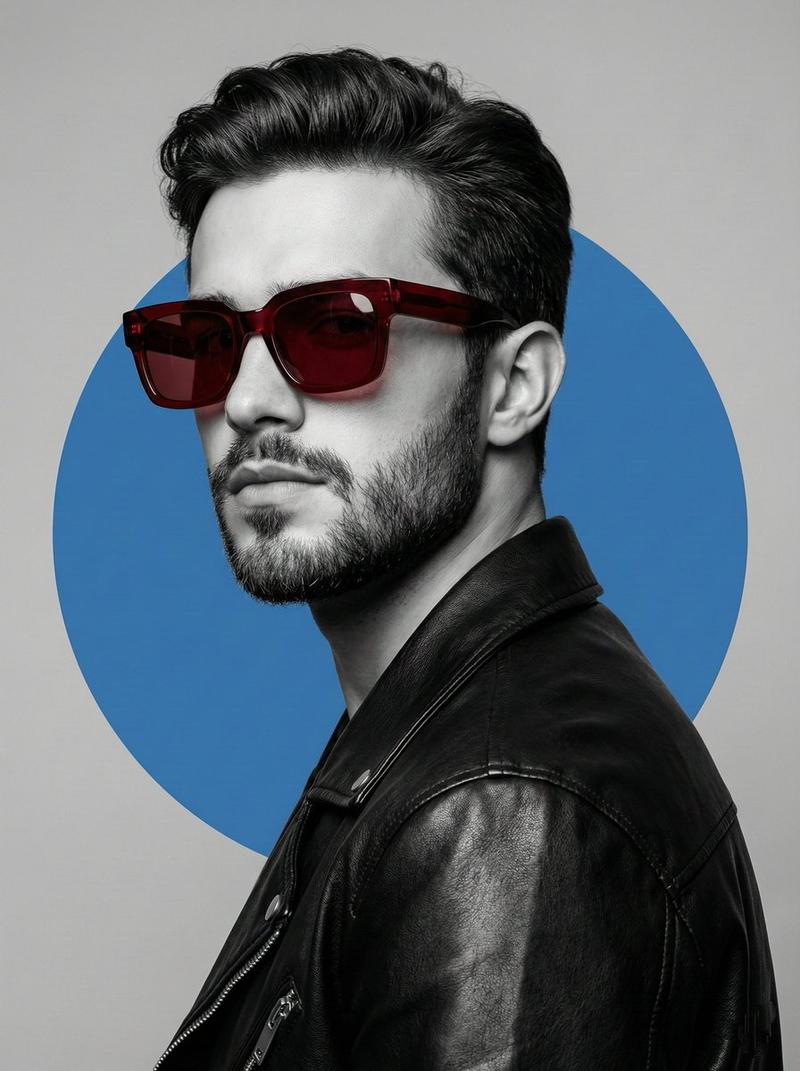
Create a vertical 9:16 stylized celebrity-fashion portrait poster of a confident young man named {argument name="character name" default="handsome young man"} standing full body in the foreground, slightly left of center, smiling and walking casually toward the viewer. He has {argument name="hair color" default="thick black voluminous swept-up hair"}, a neatly trimmed beard and mustache, medium warm skin, and wears white-framed sunglasses with dark lenses. Outfit: open light blue plaid button-up shirt with sleeves rolled to the forearms over a plain white crew-neck T-shirt, a thin silver chain necklace, dark charcoal cargo jeans with side pockets, and bright red sneakers. Behind him, create a much larger semi-transparent close-up portrait of the same man’s smiling face on the right side, cropped from forehead to upper chest, also wearing the sunglasses and chain, blended into the background like a soft double-exposure mural. Add expressive dark gray brush-stroke paint textures behind the figures, radiating diagonally and partially framing the large face. Use a smooth gray studio background with subtle vignette, soft diffused lighting, glossy high-detail digital painting mixed with photorealistic fashion photography, clean skin texture, sharp hair detail, polished commercial poster look, shallow depth, and a small subtle white sparkle/star accent near the bottom right. Keep the composition clean with exactly two depictions of the same person: one full-body foreground figure and one oversized background face. No text, no watermark, no extra people.- Category
- Posters & Typography
- Model
- GPT Image 2
- Creator
- Muhammad Jamil
- Source ID
- 26889
- Published
- Jun 26, 2026
Views0