18

柔和粉色系害羞猫娘卧室
Enlarge

Example images

柔和粉色系害羞猫娘卧室

Prompt
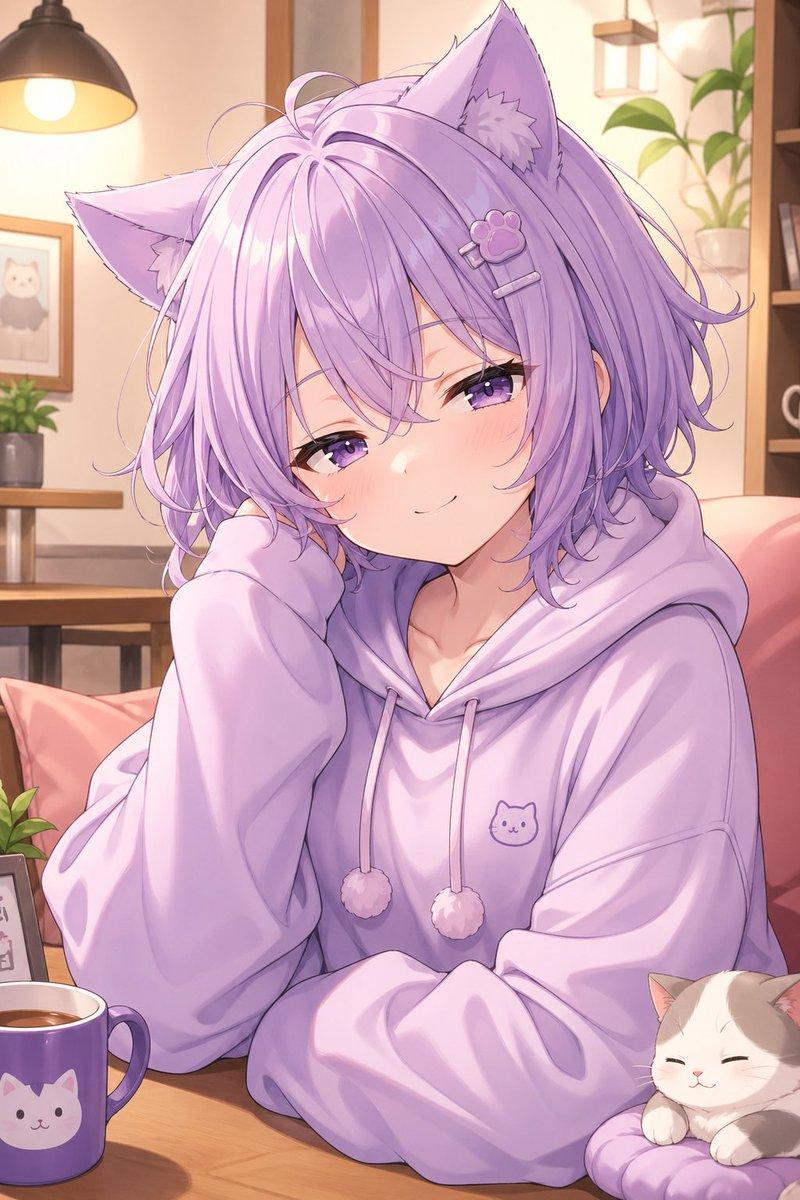
Create a soft pastel anime illustration of {argument name="character name" default="a shy catgirl"} kneeling on a fluffy pink bed in a dreamy kawaii bedroom. She has fluffy pale pink bobbed hair with long bangs, large triangular cat ears with white-pink inner fur, a soft curled cat tail, big glossy magenta-pink eyes, flushed cheeks, and a timid expression while raising one oversized sweater sleeve to her mouth. She wears a loose cream-colored sweater, a short gray plaid pleated skirt, and white thigh-high stockings. Add one white plush bunny held tightly against her chest, decorated with a bright pink bow, and one small white cat beside her on the bed wearing a matching pink bow. Include exactly four small toy details around the bedding: one blue fish toy, one cream mouse toy with a pink tail, one small white ball, and one faint pink bow motif in the background. The setting is filled with rounded pink pillows, soft blankets, pale plush shapes, and subtle bow decorations, all in a high-key blush pink and white palette. Use delicate anime line art, watercolor-like shading, gentle bloom, soft highlights, airy lighting, shallow depth of field, and a sweet innocent mood. Vertical portrait composition, centered character, full body visible from ears to knees, no text, no watermark, no harsh shadows, no realism, no extra characters.
Category
Architecture & Spaces
Model
GPT Image 2
Creator
AIAI.COM
Views0
Source ID
27113
Published
Jun 28, 2026

Guide

About "柔和粉色系害羞猫娘卧室"

What is this prompt for?

"柔和粉色系害羞猫娘卧室" AI image prompt for GPT Image 2 (Architecture & Spaces). 一个可爱的日系动漫提示词,用于生成一位跪在毛绒粉色床上、身边有可爱动物伙伴的害羞粉发猫娘。 Copy it on Picva and recreate the look in…

The full copyable prompt and example visuals above are ready for AI image generation or one-click recreate in Picva.

How to use this prompt

  1. Step 1

    Open the prompt detail

    Review the example visuals, category, and full prompt text for "柔和粉色系害羞猫娘卧室".

  2. Step 2

    Copy the prompt

    Copy the prompt body from this page, or load it directly in Studio.

  3. Step 3

    Pick a model (GPT Image 2)

    Prefer GPT Image 2. If you switch models, keep subject and composition and tweak style terms.

  4. Step 4

    Generate and export

    Recreate the look in Picva, or export into your workflow for editing and publishing.

FAQ

What is the "柔和粉色系害羞猫娘卧室" prompt?
It is an AI image-generation prompt for GPT Image 2 in the Architecture & Spaces category. This page includes the full prompt text, example visuals, and a one-click recreate path in Picva.
How do I use this prompt to generate an image?
Copy the prompt from this page, or use Generate / Studio. Paste it into a compatible image model, or recreate the look in Picva with optional reference images.
Which model is this prompt for?
This page lists GPT Image 2. Most descriptive prompts also transfer to nearby image models such as GPT Image, Flux, or Midjourney with light style tweaks.
Can I use the result commercially?
You can usually copy the prompt for creation, but commercial use of the final image depends on the model terms, reference-image rights, and the generated content. Follow the source author and platform rules.