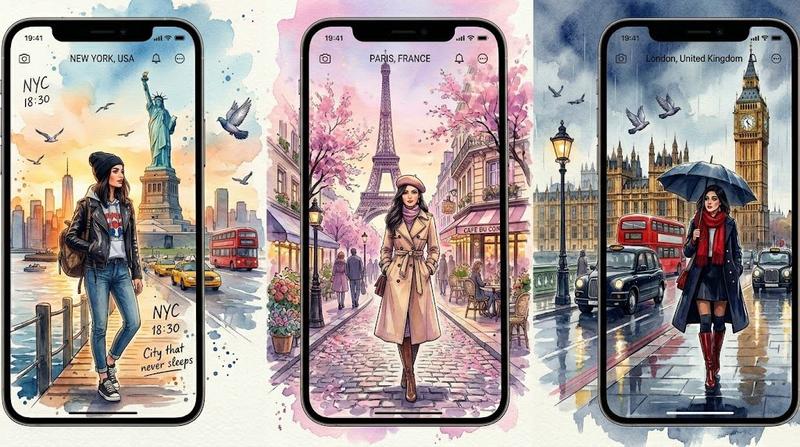
绘画艺术风格图
Prompt
{
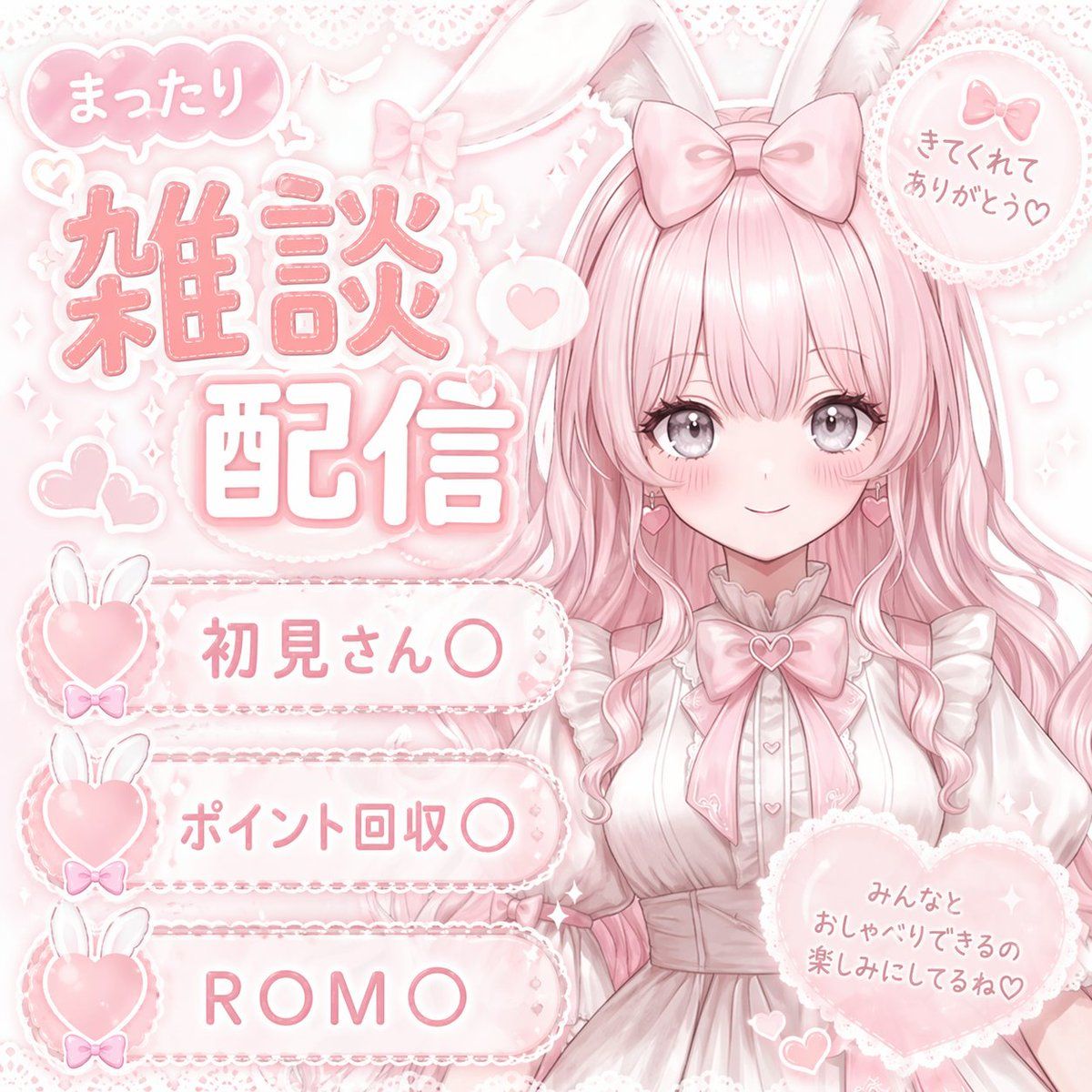
  "type": "VTuber stream thumbnail",
  "theme": "pastel pink, soft, cute, lace, ribbons, hearts, bunny motif",
  "character": {
    "position": "right side, waist-up",
    "appearance": "anime girl, {argument name=\"hair color\" default=\"pastel pink\"} long wavy hair, large grey eyes, blush, pink heart earrings",
    "accessories": "white bunny ears, large pink bow on head",
    "outfit": "white frilly dress with lace, large pink ribbon bow at collar with heart gem"
  },
  "layout": {
    "background": "soft pink with subtle sparkles, lace patterns, floating hearts",
    "text_elements": [
      {
        "type": "main title",
        "position": "top left",
        "style": "large stylized pink text with white outline",
        "text": "{argument name=\"main title\" default=\"雑談配信\"}"
      },
      {
        "type": "speech bubble",
        "position": "above main title",
        "text": "まったり"
      },
      {
        "type": "circular badge",
        "position": "top right",
        "details": "lace-edged with small pink bow",
        "text": "きてくれてありがとう♡"
      },
      {
        "type": "heart badge",
        "position": "bottom right",
        "details": "large lace-edged heart",
        "text": "みんなとおしゃべりできるの楽しみにしてるね♡"
      }
    ],
    "list_section": {
      "position": "bottom left",
      "count": 3,
      "style": "horizontal pill-shaped banners with lace edges, each featuring a pink heart with white bunny ears and a tiny bow on the left",
      "items": [
        "{argument name=\"list item 1\" default=\"初見さん〇\"}",
        "{argument name=\"list item 2\" default=\"ポイント回収〇\"}",
        "{argument name=\"list item 3\" default=\"ROM〇\"}"
      ]
    }
  }
}- Category
- UI & Interfaces
- Model
- GPT Image 2
- Creator
- freestylefly
- Source ID
- 94
Views4