16

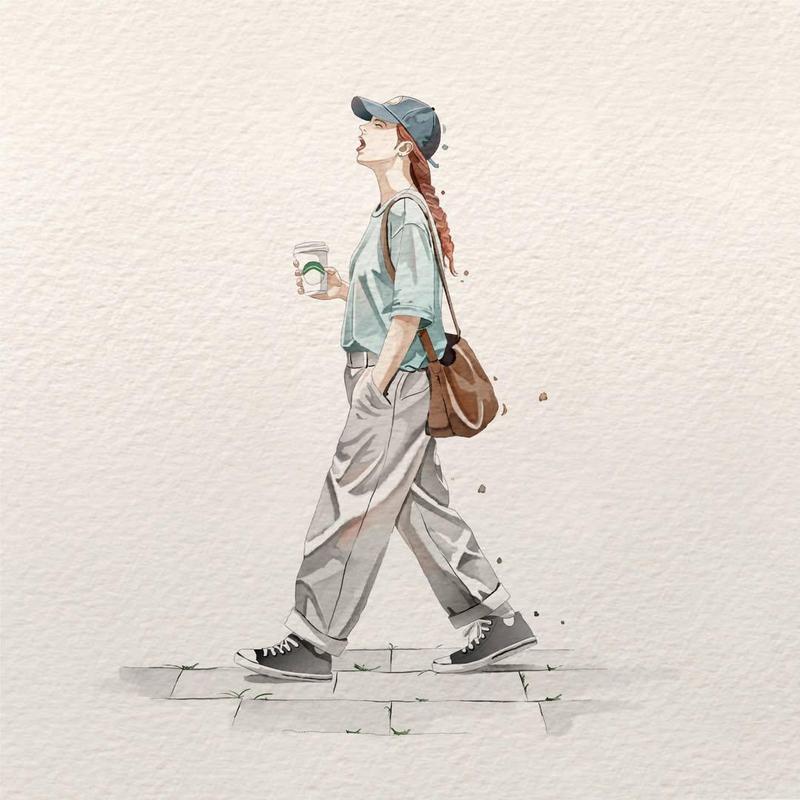
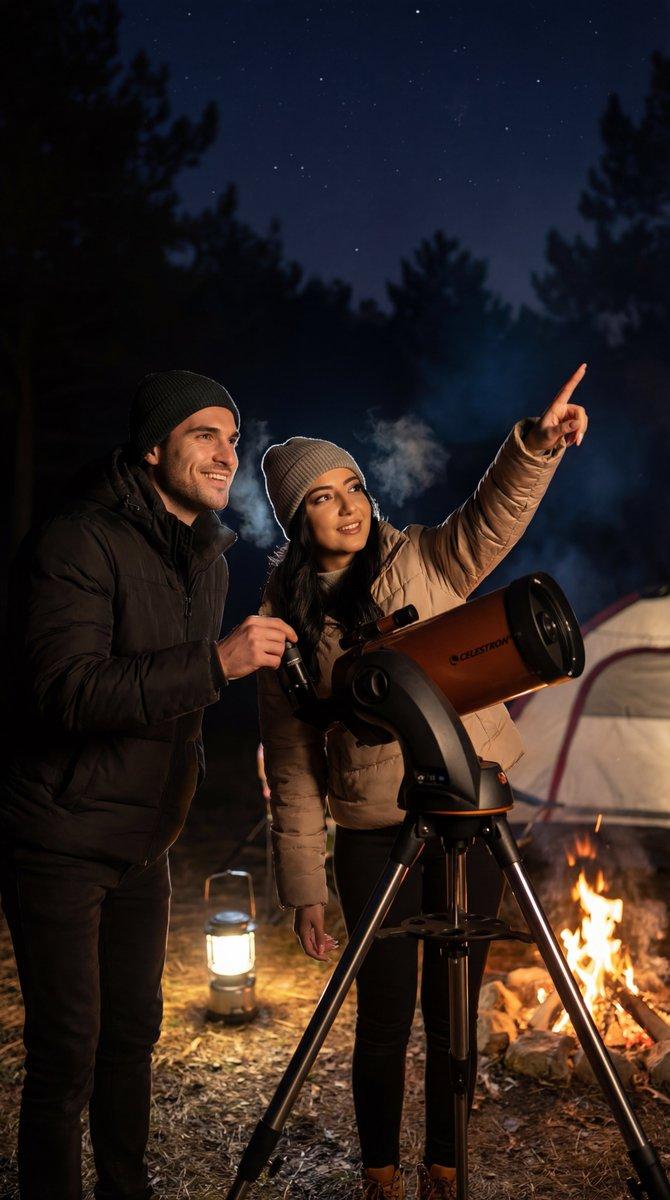
手持望远镜的女性水彩插画
Enlarge

Example images

手持望远镜的女性水彩插画

Prompt
A delicate hand-painted watercolor illustration on textured ivory cotton paper, featuring a cheerful young woman with a {argument name="hair style" default="short brown bob haircut"} crouching beside a classic refractor telescope mounted on a silver aluminum tripod. She smiles warmly while looking through the telescope toward the sky, creating a sense of curiosity and wonder. She wears an {argument name="outfit" default="oversized charcoal-gray sweatshirt"} with subtle white lettering, a long gray plaid skirt, and black leather shoes. The composition is minimalist with generous negative space, soft muted earth tones, gentle ink outlines, subtle watercolor bleeding, paper grain, light brush textures, and a few scattered indigo paint splatters floating behind her. Soft natural lighting, calm atmosphere, Japanese storybook aesthetic, handmade watercolor sketch, cozy slice-of-life mood, elegant composition, high-detail watercolor rendering, premium illustration quality, 4K.
Category
Illustration & Art
Model
GPT Image 2
Creator
K
Views0
Source ID
27164
Published
Jun 29, 2026

Guide

About "手持望远镜的女性水彩插画"

What is this prompt for?

"手持望远镜的女性水彩插画" AI image prompt for GPT Image 2 (Illustration & Art). 一幅精美的日式绘本风格水彩画,描绘了一位正在使用望远镜的女性,色调柔和,呈现出棉纸质感。 Copy it on Picva and recreate the look in one…

The full copyable prompt and example visuals above are ready for AI image generation or one-click recreate in Picva.

How to use this prompt

  1. Step 1

    Open the prompt detail

    Review the example visuals, category, and full prompt text for "手持望远镜的女性水彩插画".

  2. Step 2

    Copy the prompt

    Copy the prompt body from this page, or load it directly in Studio.

  3. Step 3

    Pick a model (GPT Image 2)

    Prefer GPT Image 2. If you switch models, keep subject and composition and tweak style terms.

  4. Step 4

    Generate and export

    Recreate the look in Picva, or export into your workflow for editing and publishing.

FAQ

What is the "手持望远镜的女性水彩插画" prompt?
It is an AI image-generation prompt for GPT Image 2 in the Illustration & Art category. This page includes the full prompt text, example visuals, and a one-click recreate path in Picva.
How do I use this prompt to generate an image?
Copy the prompt from this page, or use Generate / Studio. Paste it into a compatible image model, or recreate the look in Picva with optional reference images.
Which model is this prompt for?
This page lists GPT Image 2. Most descriptive prompts also transfer to nearby image models such as GPT Image, Flux, or Midjourney with light style tweaks.
Can I use the result commercially?
You can usually copy the prompt for creation, but commercial use of the final image depends on the model terms, reference-image rights, and the generated content. Follow the source author and platform rules.