18

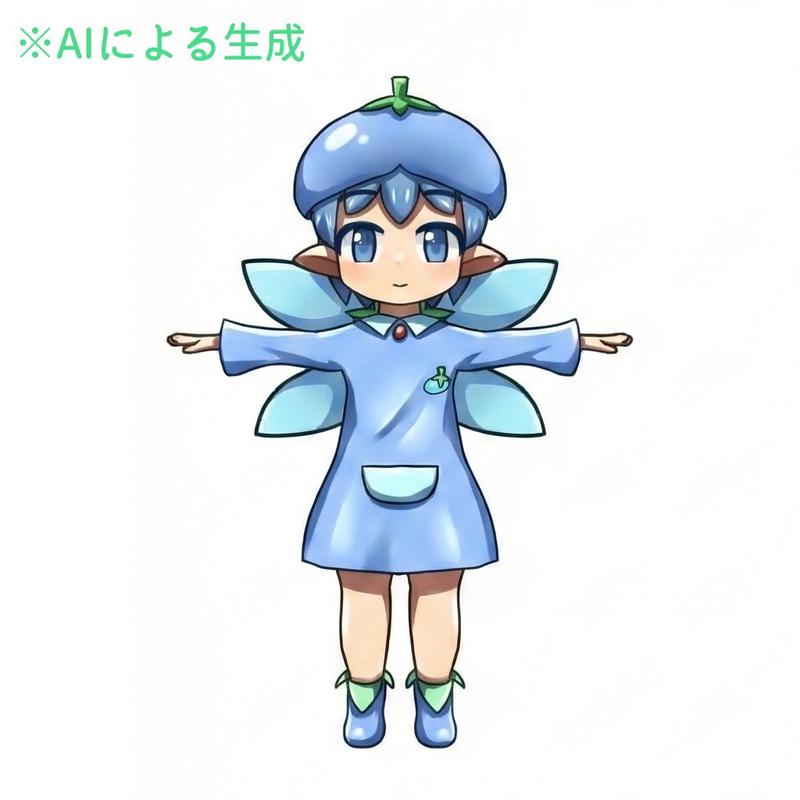
粗线条几何风蓝发精灵少女
Enlarge

粗线条几何风蓝发精灵少女

Prompt
Create a simple flat 2D digital drawing that looks like it was drawn programmatically with basic polygon and line shapes on a plain light gray background. Center a front-facing anime-style girl bust with a large round peach face, pointed elf ears extending left and right, and a small smiling mouth. She has {argument name="hair color" default="light sky blue"} hair made of angular geometric panels: two long rectangular side locks hanging down on both sides, a central split fringe with sharp triangular bangs, and a dark blue curved back-hair shape behind the head. Her eyes are large but simply drawn, with black outlines, white sclera, red irises, dark pupils, and thin gray eyebrows; add a tiny pale pink dot nose. The character wears a plain oversized white trapezoid shirt with very thin gray outlines, a short peach neck, and two faint diagonal gray collar lines; include two simple circular white shoulder or sleeve shapes partially visible behind the shirt. Use minimal shading, thin black/gray outlines, visible polygon edges, and an intentionally crude handmade/Pillow-like aesthetic. Keep the composition symmetrical, with the head occupying the upper center and the shirt filling the lower half. The character should resemble a cute elf-eared anime girl named {argument name="character name" default="a blue-haired elf girl"}, with no text, no watermark, and no detailed background.
Category
Characters & People
Model
GPT Image 2
Views0
Source ID
27211
Published
Jun 29, 2026

Guide

About "粗线条几何风蓝发精灵少女"

What is this prompt for?

"粗线条几何风蓝发精灵少女" AI image prompt for GPT Image 2 (Characters & People). 生成一张看起来像程序生成的扁平化动漫半身像,适合用于重现刻意追求原始感的 Pillow 风格绘图。 Copy it on Picva and recreate the look…

The full copyable prompt and example visuals above are ready for AI image generation or one-click recreate in Picva.

How to use this prompt

  1. Step 1

    Open the prompt detail

    Review the example visuals, category, and full prompt text for "粗线条几何风蓝发精灵少女".

  2. Step 2

    Copy the prompt

    Copy the prompt body from this page, or load it directly in Studio.

  3. Step 3

    Pick a model (GPT Image 2)

    Prefer GPT Image 2. If you switch models, keep subject and composition and tweak style terms.

  4. Step 4

    Generate and export

    Recreate the look in Picva, or export into your workflow for editing and publishing.

FAQ

What is the "粗线条几何风蓝发精灵少女" prompt?
It is an AI image-generation prompt for GPT Image 2 in the Characters & People category. This page includes the full prompt text, example visuals, and a one-click recreate path in Picva.
How do I use this prompt to generate an image?
Copy the prompt from this page, or use Generate / Studio. Paste it into a compatible image model, or recreate the look in Picva with optional reference images.
Which model is this prompt for?
This page lists GPT Image 2. Most descriptive prompts also transfer to nearby image models such as GPT Image, Flux, or Midjourney with light style tweaks.
Can I use the result commercially?
You can usually copy the prompt for creation, but commercial use of the final image depends on the model terms, reference-image rights, and the generated content. Follow the source author and platform rules.