18

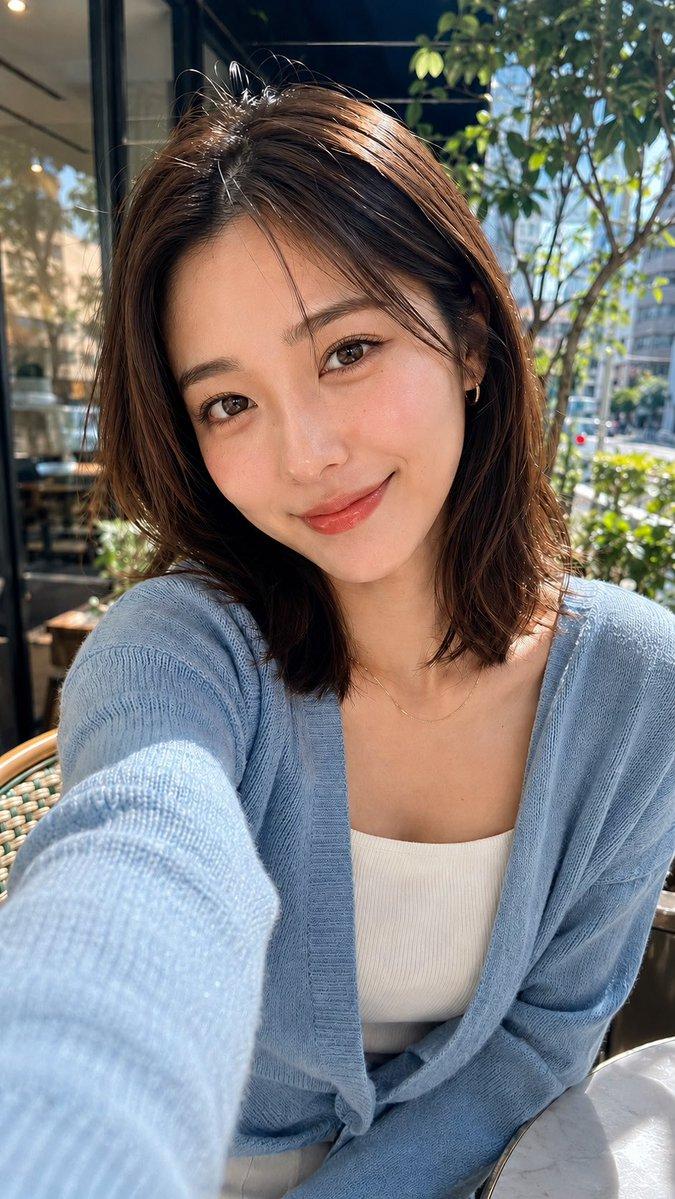
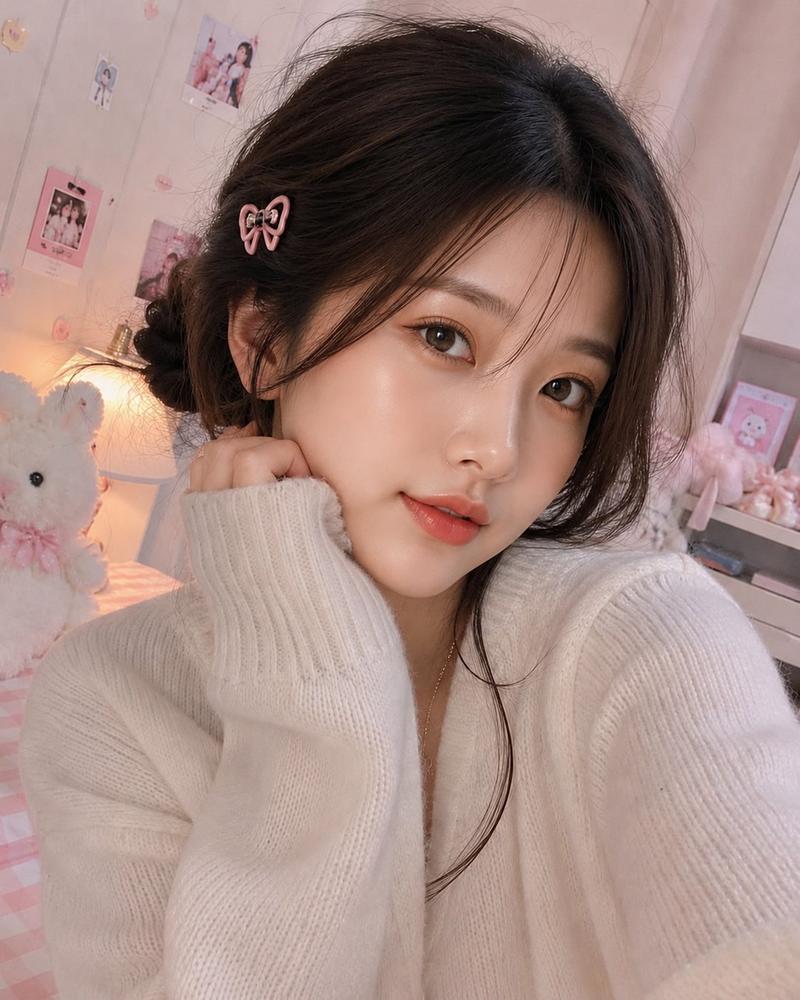
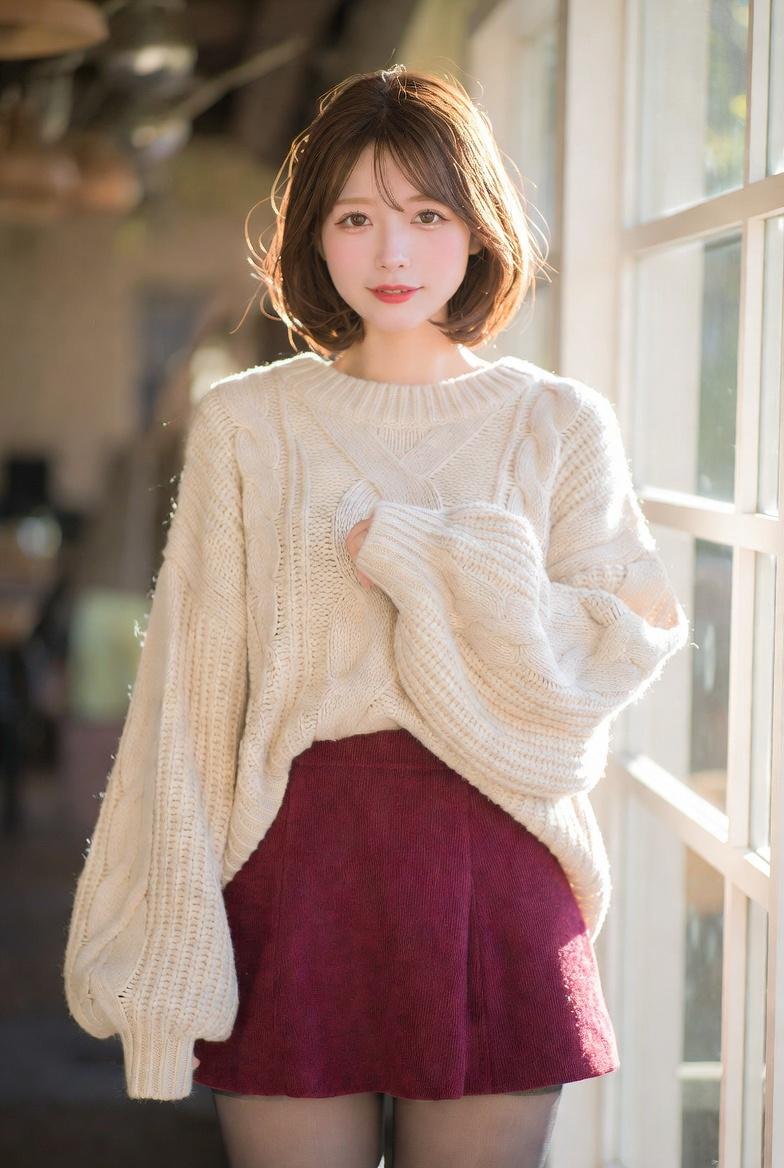
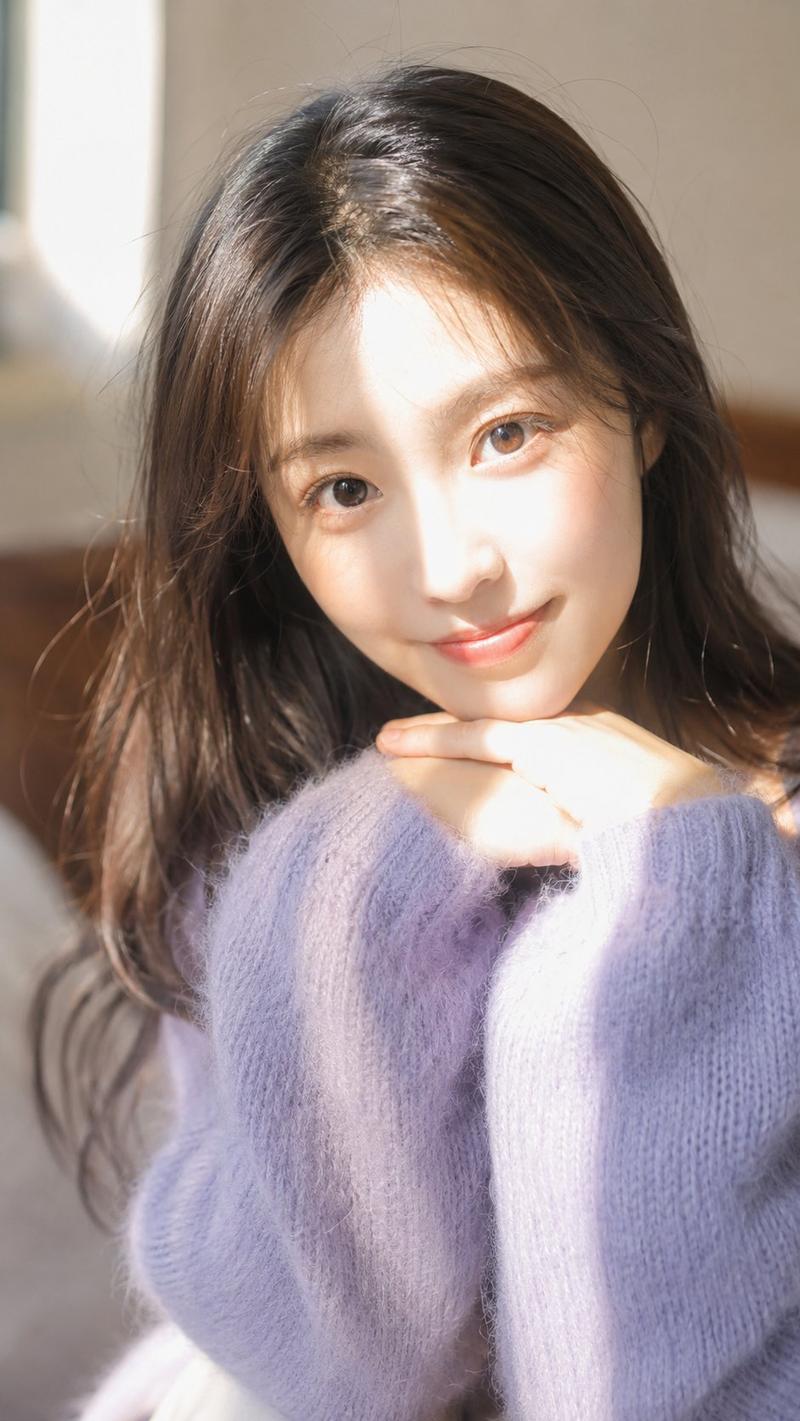
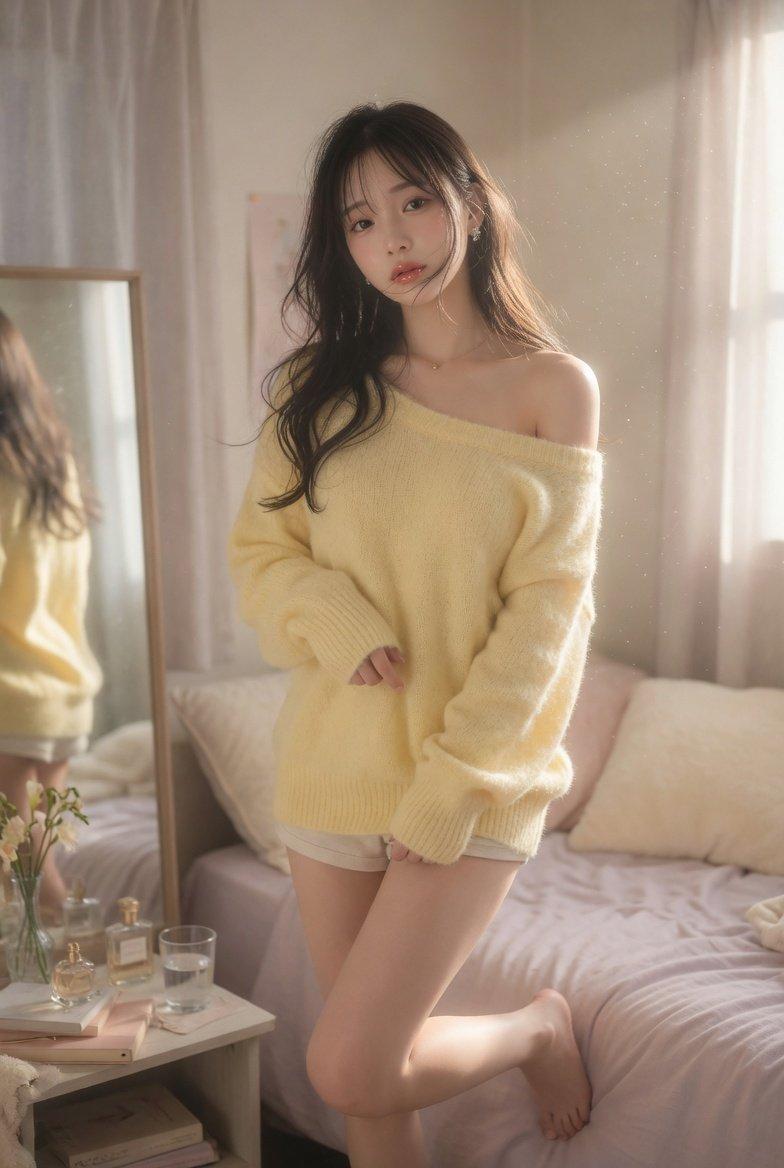
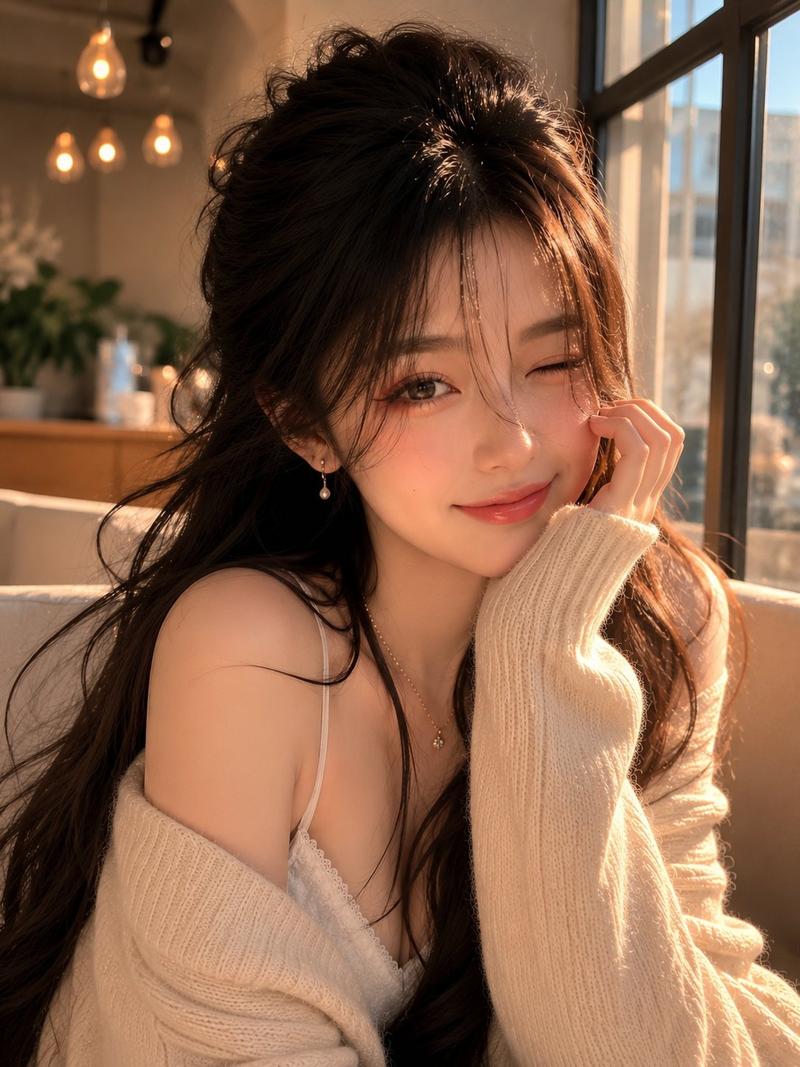
咖啡馆手机抓拍人像
Enlarge

Example images

咖啡馆手机抓拍人像

Prompt
Photorealistic candid smartphone snapshot of a {argument name="subject" default="cute young woman with short wavy ash-brown hair"} styled in a soft updo, wispy bangs, and large bright blue eyes. Wearing a {argument name="outfit" default="white ruffled blouse under an oversized pastel pink knitted cardigan"} with chunky buttons and a light pleated skirt. She is standing in a {argument name="setting" default="cozy café corner"}, making a heart shape with her hands and smiling gently at the camera. Warm indoor lighting, white orchids decorating the background, wooden furniture, soft ambient glow, intimate café atmosphere. Captured with an iPhone camera, natural handheld framing, slightly imperfect composition, authentic mobile photography aesthetic, realistic skin texture, subtle shadows, warm colors, soft background blur, casual candid moment, unedited smartphone photo look, high detail, vertical composition.
Category
Architecture & Spaces
Model
GPT Image 2
Views0
Source ID
27252
Published
Jun 30, 2026

Guide

About "咖啡馆手机抓拍人像"

What is this prompt for?

"咖啡馆手机抓拍人像" AI image prompt for GPT Image 2 (Architecture & Spaces). 一个用于生成 iPhone 风格抓拍照片的写实提示词,展现年轻女性在舒适咖啡馆环境中的真实手持构图效果。 Copy it on Picva and recreate the loo…

The full copyable prompt and example visuals above are ready for AI image generation or one-click recreate in Picva.

How to use this prompt

  1. Step 1

    Open the prompt detail

    Review the example visuals, category, and full prompt text for "咖啡馆手机抓拍人像".

  2. Step 2

    Copy the prompt

    Copy the prompt body from this page, or load it directly in Studio.

  3. Step 3

    Pick a model (GPT Image 2)

    Prefer GPT Image 2. If you switch models, keep subject and composition and tweak style terms.

  4. Step 4

    Generate and export

    Recreate the look in Picva, or export into your workflow for editing and publishing.

FAQ

What is the "咖啡馆手机抓拍人像" prompt?
It is an AI image-generation prompt for GPT Image 2 in the Architecture & Spaces category. This page includes the full prompt text, example visuals, and a one-click recreate path in Picva.
How do I use this prompt to generate an image?
Copy the prompt from this page, or use Generate / Studio. Paste it into a compatible image model, or recreate the look in Picva with optional reference images.
Which model is this prompt for?
This page lists GPT Image 2. Most descriptive prompts also transfer to nearby image models such as GPT Image, Flux, or Midjourney with light style tweaks.
Can I use the result commercially?
You can usually copy the prompt for creation, but commercial use of the final image depends on the model terms, reference-image rights, and the generated content. Follow the source author and platform rules.