20

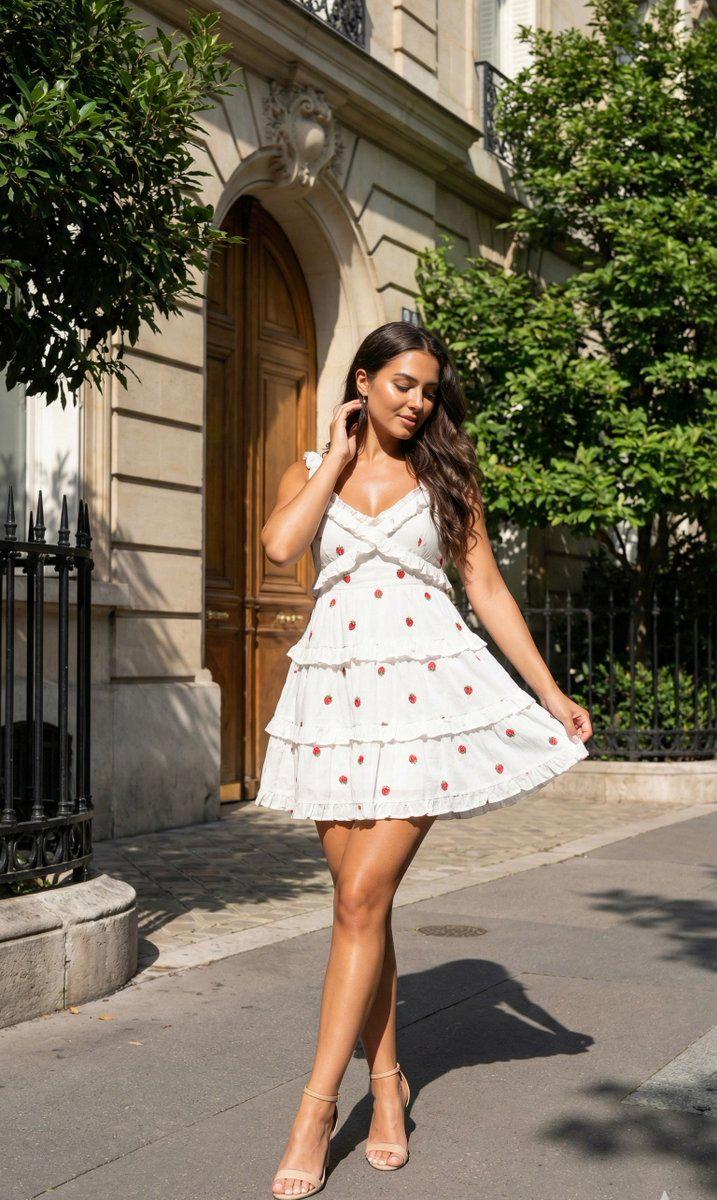
角色一致性 9 宫格拼图
Enlarge

角色一致性 9 宫格拼图

Prompt
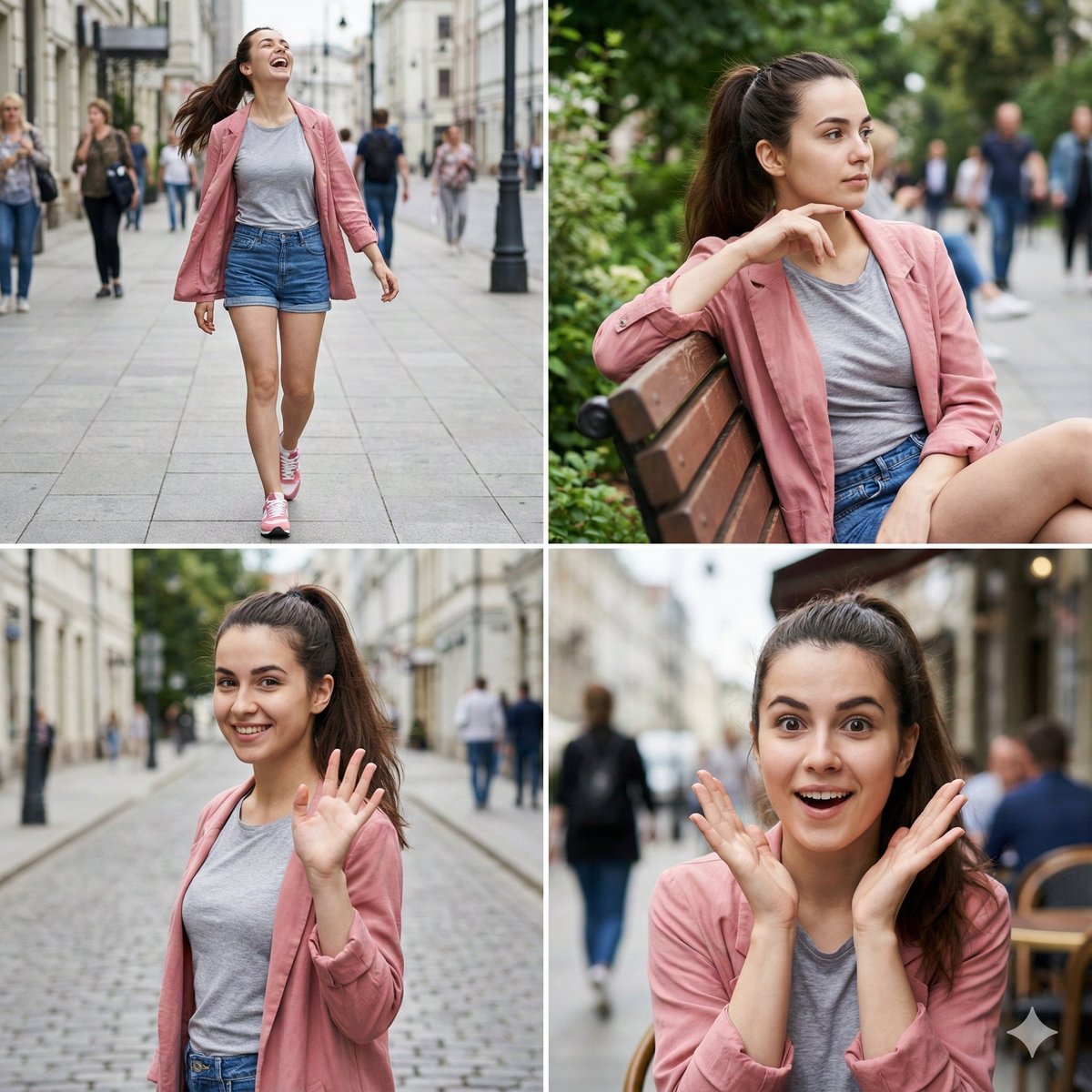
请以附件参考图中的人物/角色为主角。无论参考图是真人照片还是插画,请将其自然转换为指定的“{argument name="output style" default="写实风格"}”。保持参考图的主要特征,如面部特征、发型、发色、眼睛、轮廓、年龄感、氛围、体型和服装,确保他们在每一帧中看起来都是同一个人/角色。输出应为一张“{argument name="aspect ratio" default="1:1"}”比例的图像。将整个画面平均分为 3 列 x 3 行,确保总共正好是 9 帧的拼图。请勿增加或减少帧数;保持布局整齐、易于查看。每一帧都应看起来像是同一个人/角色在不同时刻的抓拍。通过特写、半身像、稍远景构图、侧面、回眸、行走、视线看向别处、自然微笑和放松姿势等,变换角度、距离、表情和动作。背景应基于“{argument name="background" default="明亮的室内"}”,营造干净明亮的氛围。整体印象应为“清新”,呈现出轻快、随性的视觉日记风格。在画面中叠加细细的白色手绘风格线条。白色线条应在 9 帧之间流动并连接,环绕人物或表现动作。包含小爱心、星形闪光、波浪线和动效线。但请勿遮挡脸部、眼睛或表情。避免出现的元素:文字、字幕、Logo、水印、多余人物、变成不同的人、面部扭曲、肢体残缺、杂乱的背景、过暗的阴影、遮挡脸部的涂鸦以及 9 个分格以外的框架。
Category
Brand & Logos
Model
GPT Image 2
Views0
Source ID
27447
Published
Jul 2, 2026

Guide

About "角色一致性 9 宫格拼图"

What is this prompt for?

"角色一致性 9 宫格拼图" AI image prompt for GPT Image 2 (Brand & Logos). 一个结构化提示词,用于基于参考图创建 3x3 拼图,展示同一角色在不同姿势和角度下的形象,并保持视觉一致性。 Copy it on Picva and recreate the look i…

The full copyable prompt and example visuals above are ready for AI image generation or one-click recreate in Picva.

How to use this prompt

  1. Step 1

    Open the prompt detail

    Review the example visuals, category, and full prompt text for "角色一致性 9 宫格拼图".

  2. Step 2

    Copy the prompt

    Copy the prompt body from this page, or load it directly in Studio.

  3. Step 3

    Pick a model (GPT Image 2)

    Prefer GPT Image 2. If you switch models, keep subject and composition and tweak style terms.

  4. Step 4

    Generate and export

    Recreate the look in Picva, or export into your workflow for editing and publishing.

FAQ

What is the "角色一致性 9 宫格拼图" prompt?
It is an AI image-generation prompt for GPT Image 2 in the Brand & Logos category. This page includes the full prompt text, example visuals, and a one-click recreate path in Picva.
How do I use this prompt to generate an image?
Copy the prompt from this page, or use Generate / Studio. Paste it into a compatible image model, or recreate the look in Picva with optional reference images.
Which model is this prompt for?
This page lists GPT Image 2. Most descriptive prompts also transfer to nearby image models such as GPT Image, Flux, or Midjourney with light style tweaks.
Can I use the result commercially?
You can usually copy the prompt for creation, but commercial use of the final image depends on the model terms, reference-image rights, and the generated content. Follow the source author and platform rules.