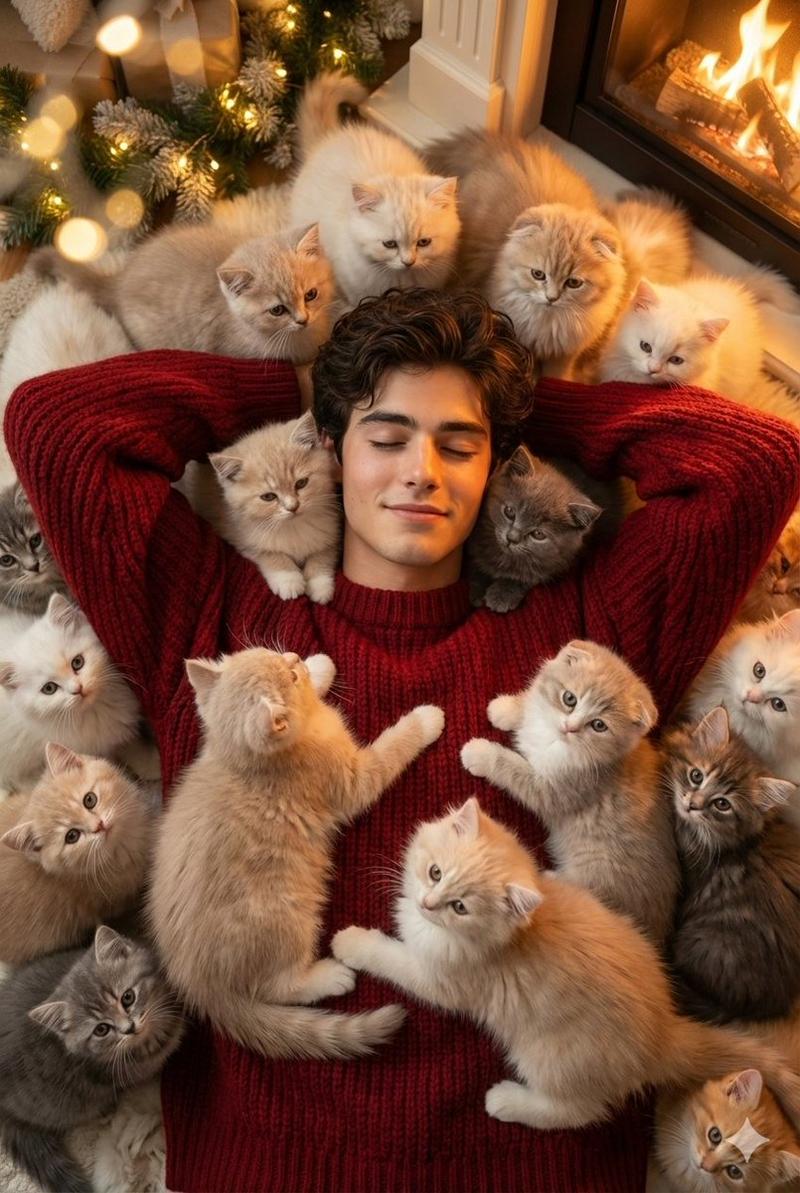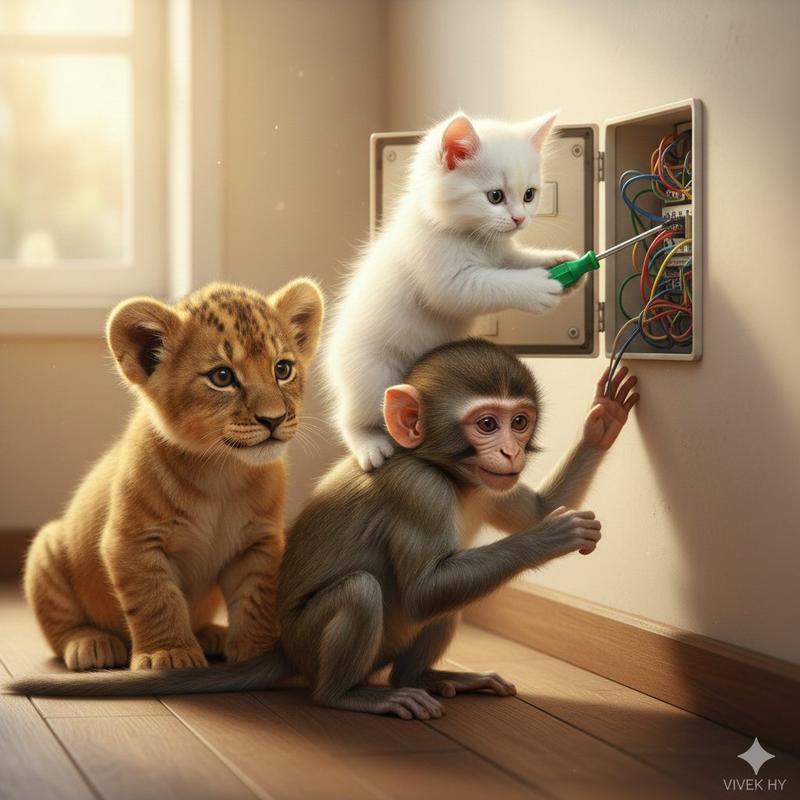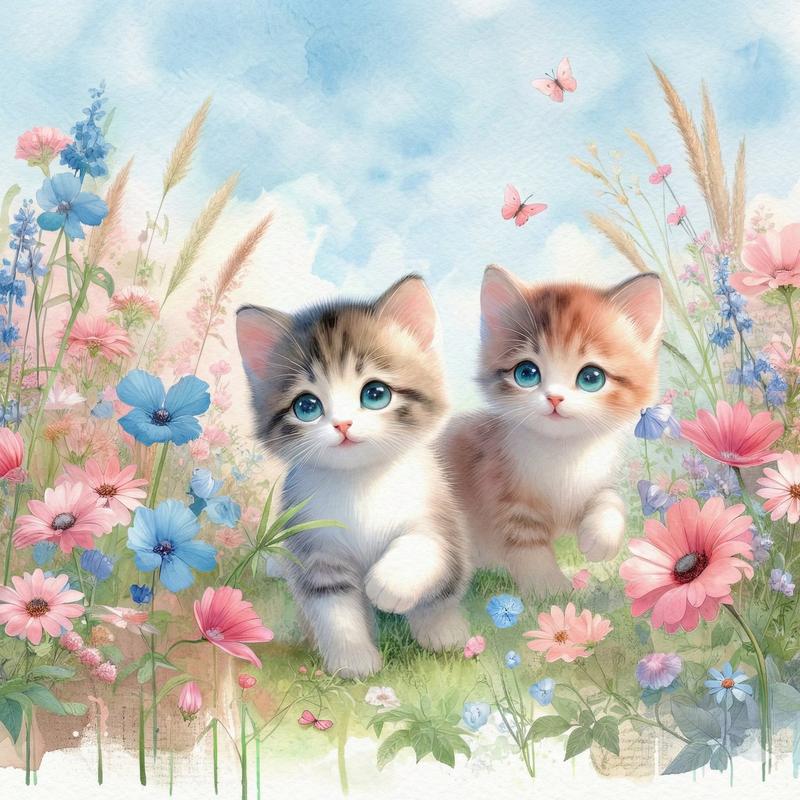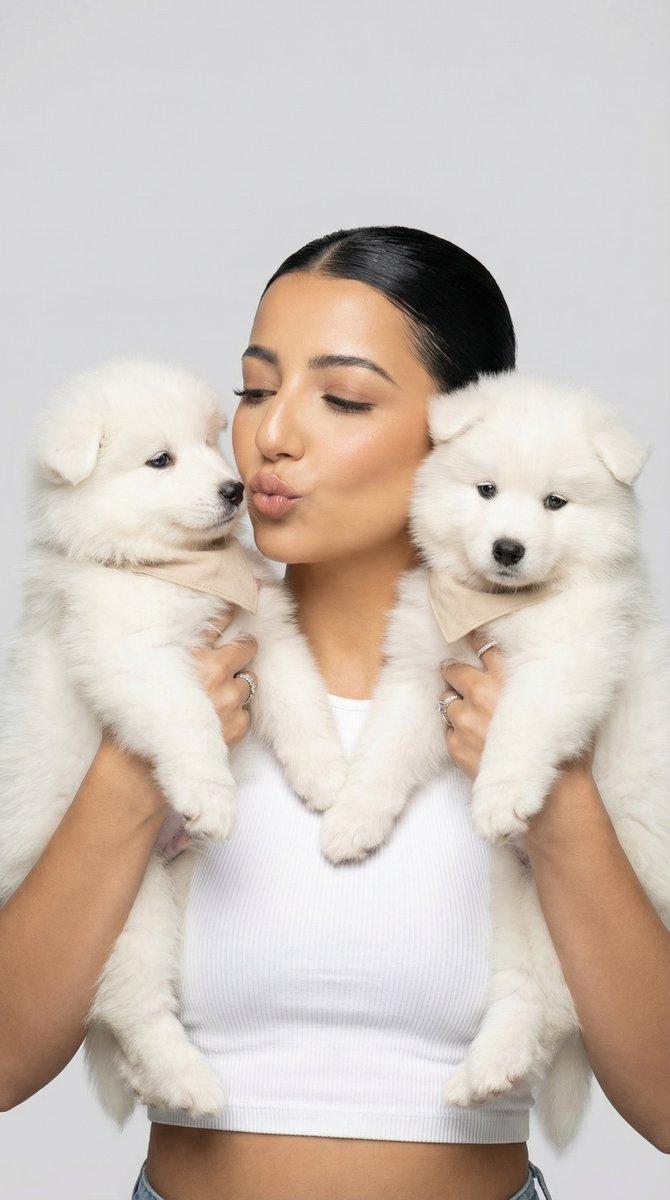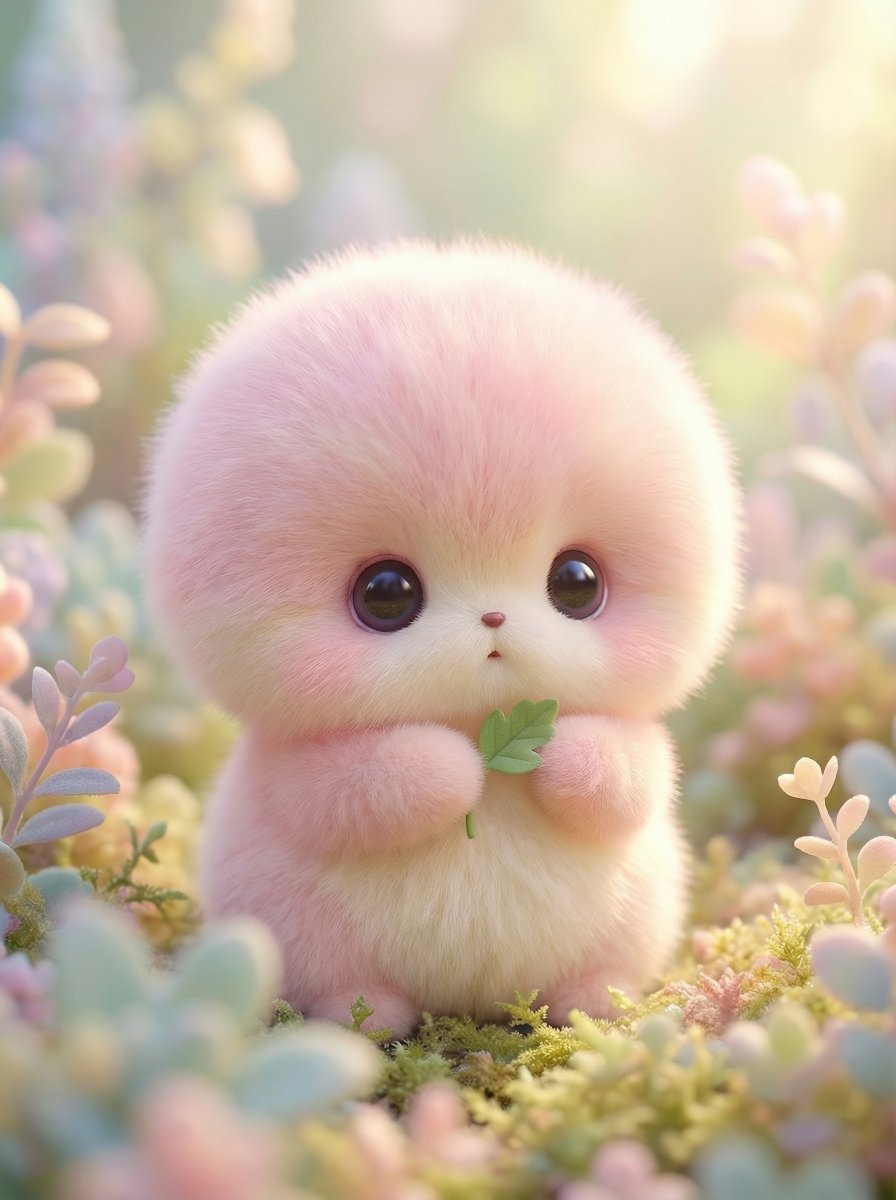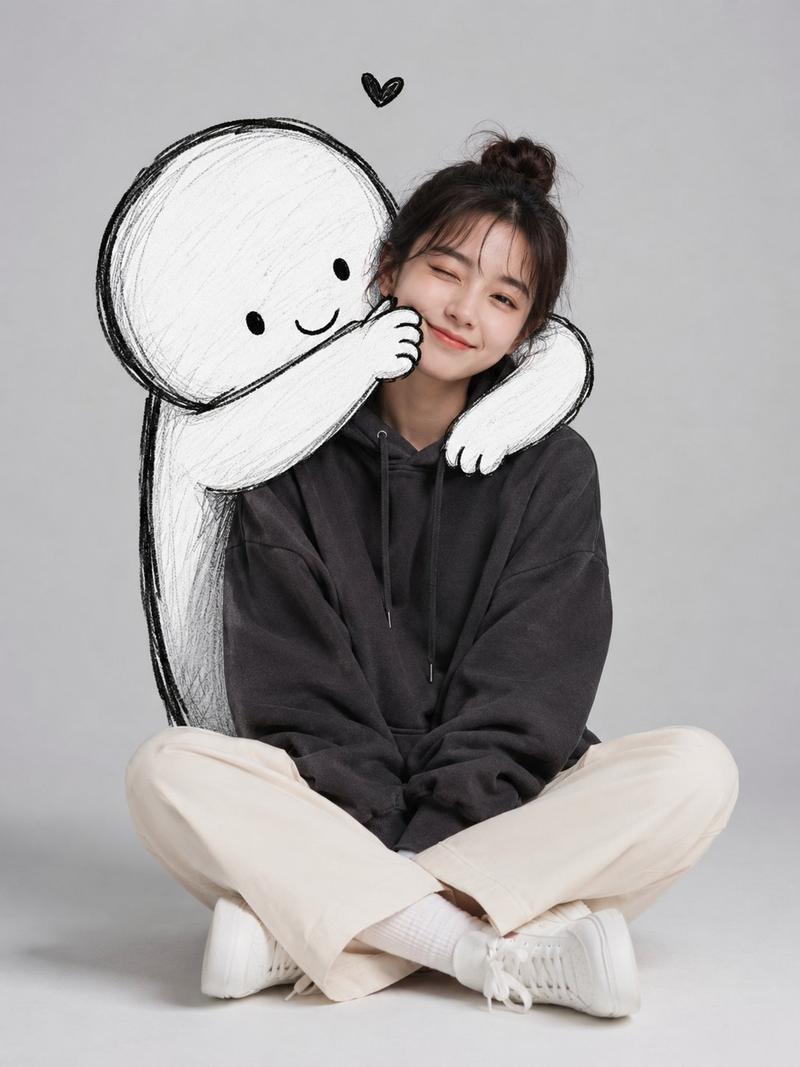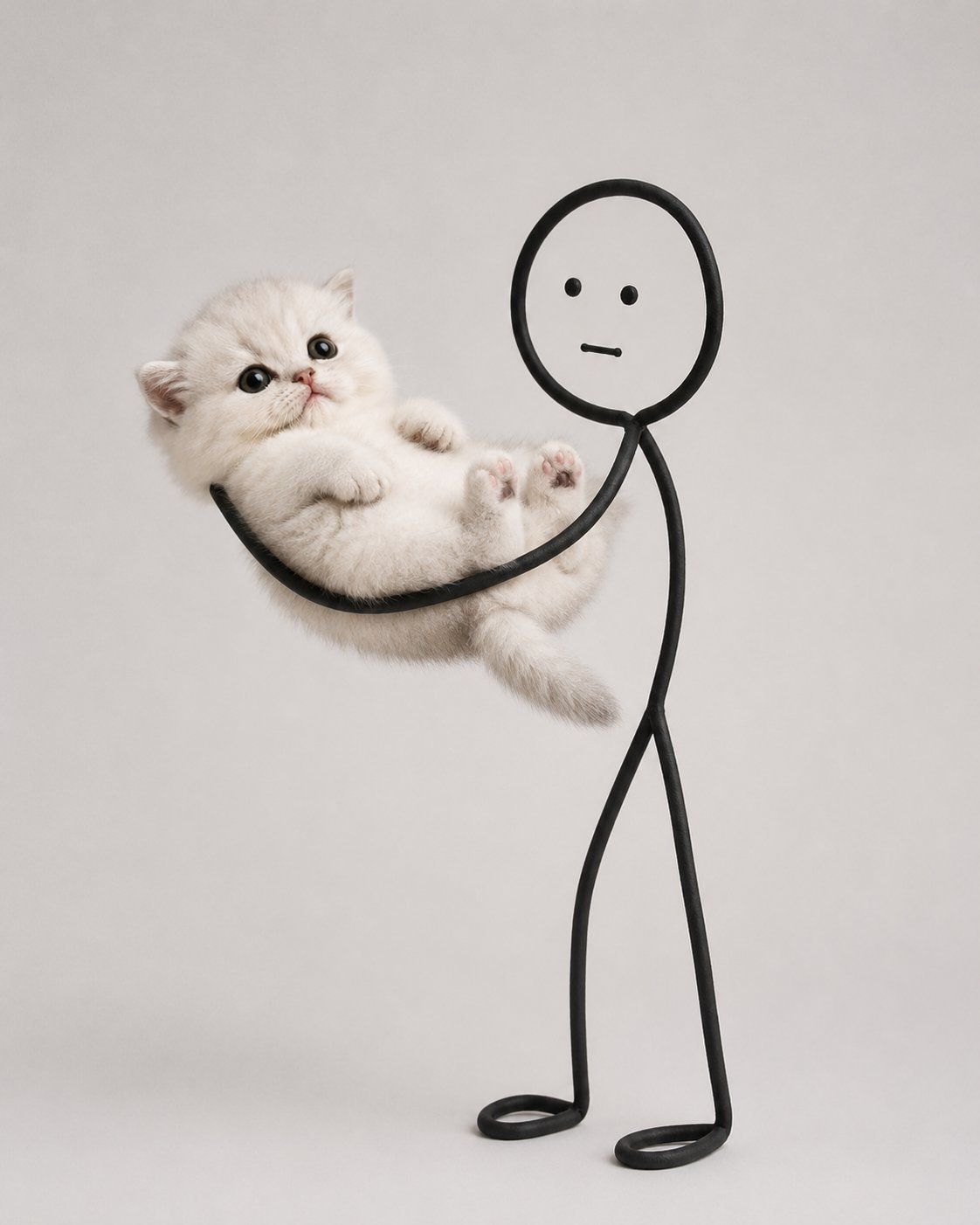
可爱的猫咪与涂鸦互动
Prompt
Create a minimalist, ultra-photorealistic studio photograph of an {argument name="animal subject" default="irresistibly cute fluffy cat"} interacting with a {argument name="doodle character" default="simple black doodle stick figure"}.

The cat is the main subject with an adorable round face, huge sparkling eyes, tiny pink nose, plush white fur, chubby cheeks, tiny paws, and an innocent expression. Make the cat extremely cute and naturally expressive.

The doodle character is drawn using a single continuous thick black line with a rounded head, two dot eyes, a straight mouth, and thin stick arms and legs. It exists physically in the real world and can naturally touch and support the cat.

IMPORTANT:
Generate ONLY ONE wholesome interaction per image. Choose a single action and build the entire composition around it. Do not combine multiple activities.

Examples of valid single interactions:
• Hugging the cat
• Carrying the cat
• Stretching the cat
• Holding the cat like a baby
• Covering the cat's mouth
• Patting the cat
• Holding the cat's paws
• Pulling the cat gently
• Rocking the cat to sleep
• Carrying the cat on its shoulders
• Cuddling the cat
• Wrapping the cat in a blanket
• Lifting the cat
• Holding the cat's tail playfully
• Any other single cute interaction

The interaction should feel physically believable with proper weight, contact points, fur compression, realistic shadows, and natural body positioning.

Style:
• Ultra-photorealistic
• Minimalist aesthetic
• {argument name="background" default="clean white or light gray seamless studio background"}
• Soft diffused studio lighting
• Premium editorial pet photography
• Sharp focus
• Highly detailed fluffy fur
• Plenty of negative space
• Cozy, wholesome, playful mood
• No text, logos, props, or extra objects

Each generation should produce a completely new pose and composition while keeping exactly ONE interaction between the doodle figure and the cat.- Category
- Brand & Logos
- Model
- GPT Image 2
- Creator
- Saul Goodman
- Source ID
- 27462
- Published
- Jul 2, 2026
Views0