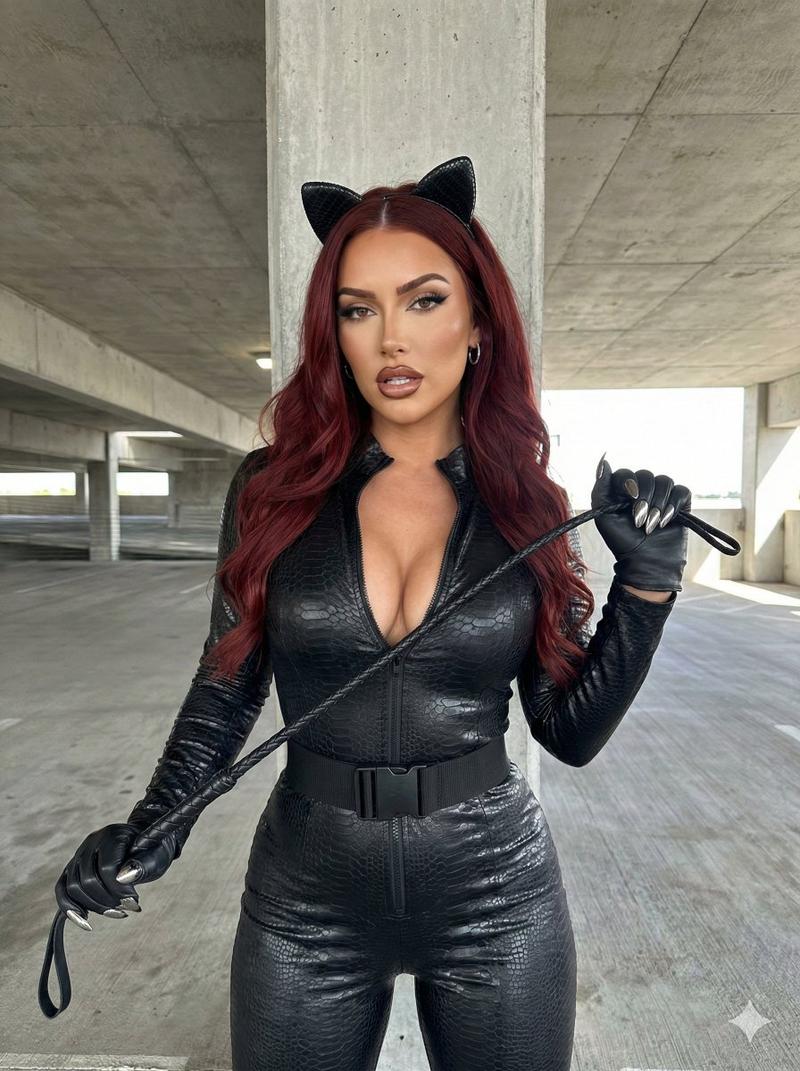
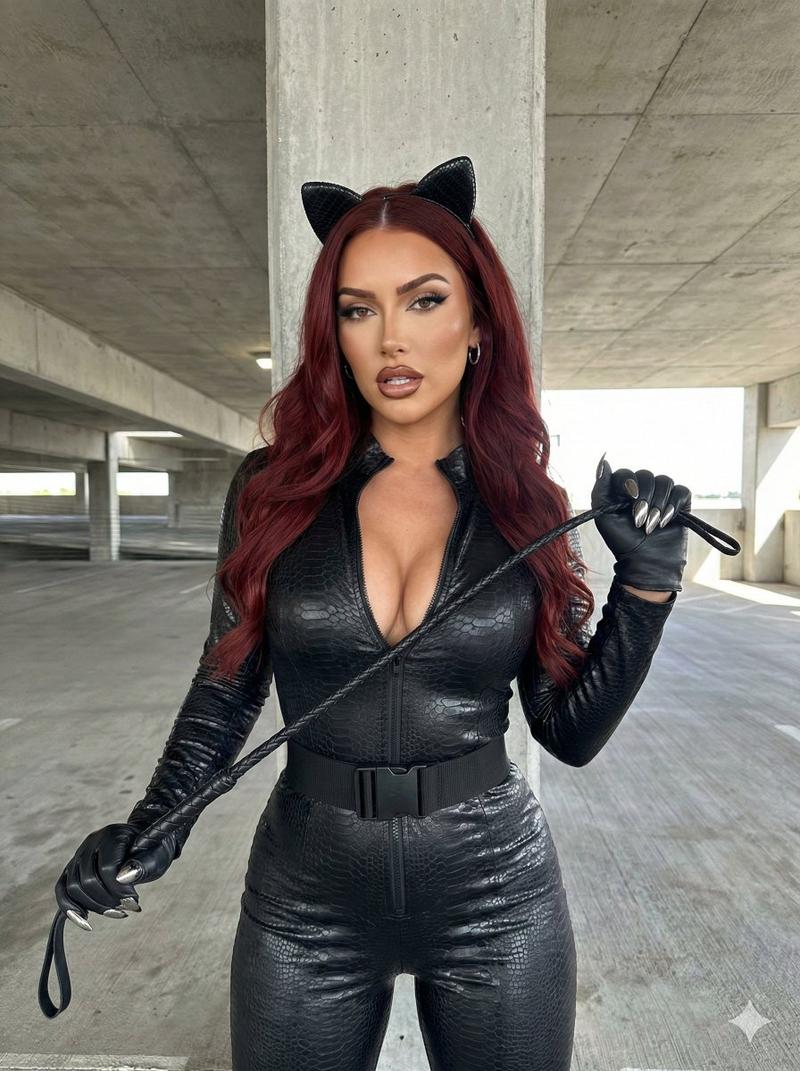
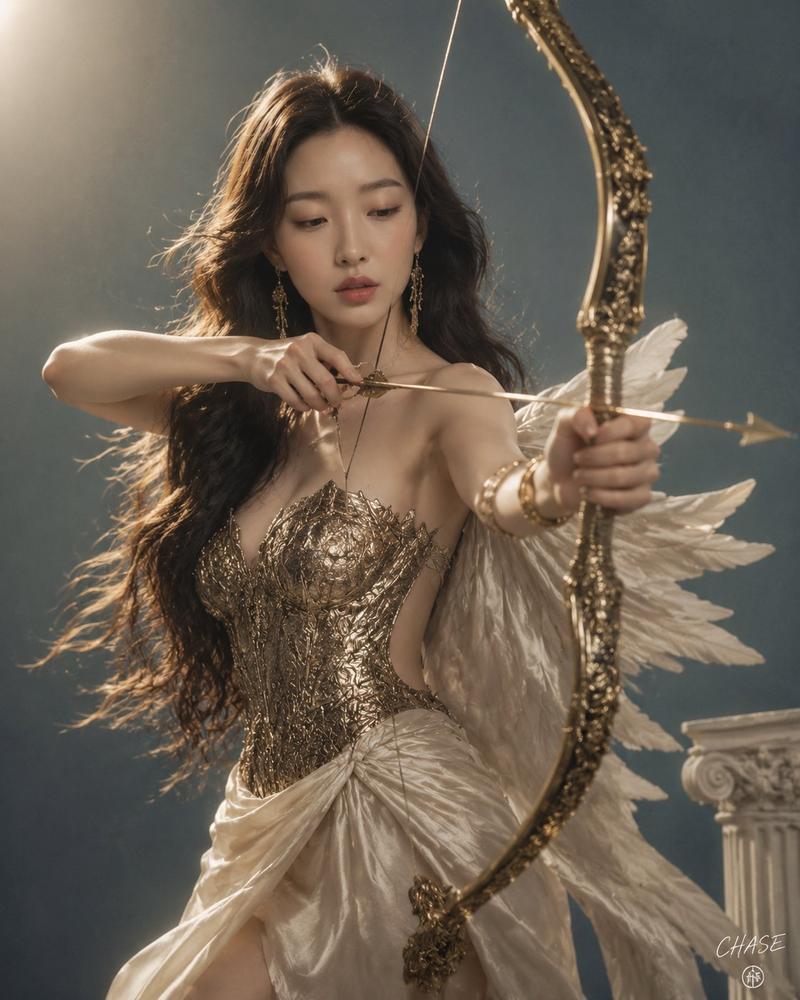
暗黑奇幻双枪神射手
Prompt
Create a cinematic dark-fantasy western action portrait of an {argument name="character ethnicity and age" default="East Asian woman, about 30 years old"} in a dramatic gunslinger pose, crouched low with knees bent and one leg forward, both arms fully extended toward the viewer while aiming exactly 2 ornate antique revolvers, one in each hand. She has {argument name="hair color and style" default="raven-black hair with cool blue undertones, long, wet, messy, and falling straight past her shoulders"}, intense amber-hazel eyes, muted rose-mauve lips, dirt and sweat on her face and body, and a fierce focused expression staring directly into camera. Dress her in a weathered dark leather-and-lace corset outfit with a deep neckline, tattered long coat or cloak with gold embroidered trim, fingerless gloves, a wide ammunition belt with a large ornate gold buckle, short dark bottoms, and tall worn leather boots; count 7 visible outfit elements: corset, tattered coat, fingerless gloves, ammunition belt, gold buckle, short bottoms, tall boots. Set the scene in a smoky, dim rocky wasteland or cave-like battlefield at night, with dust, grime, and mist in the background. Use shallow depth of field so the revolver barrels are large and slightly blurred in the extreme foreground while her face remains sharp. Lighting should be moody teal-green and warm bronze, high-contrast, gritty, wet, cinematic, photorealistic, highly detailed, 35mm film still aesthetic, vertical 2:3 composition, centered subject, no text, no watermark.- Category
- Photography & Realism
- Model
- GPT Image 2
- Creator
- Hero Syndicate
- Source ID
- 27610
- Published
- Jul 3, 2026
Views0