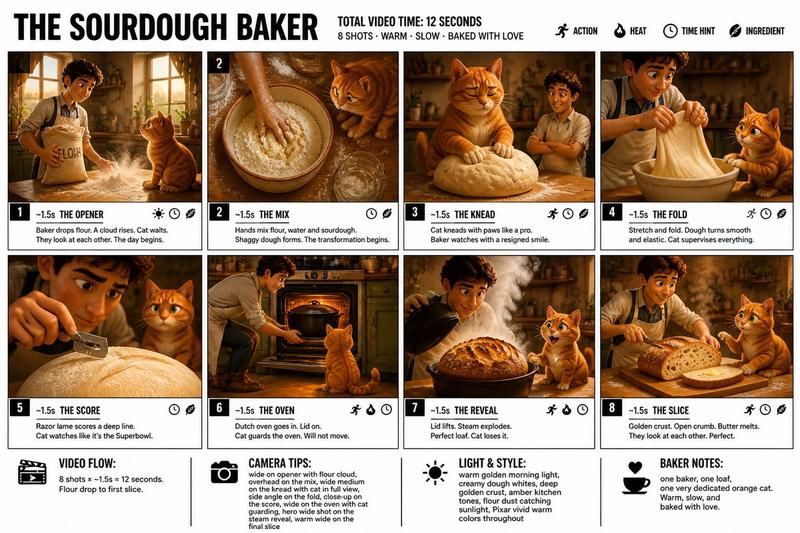
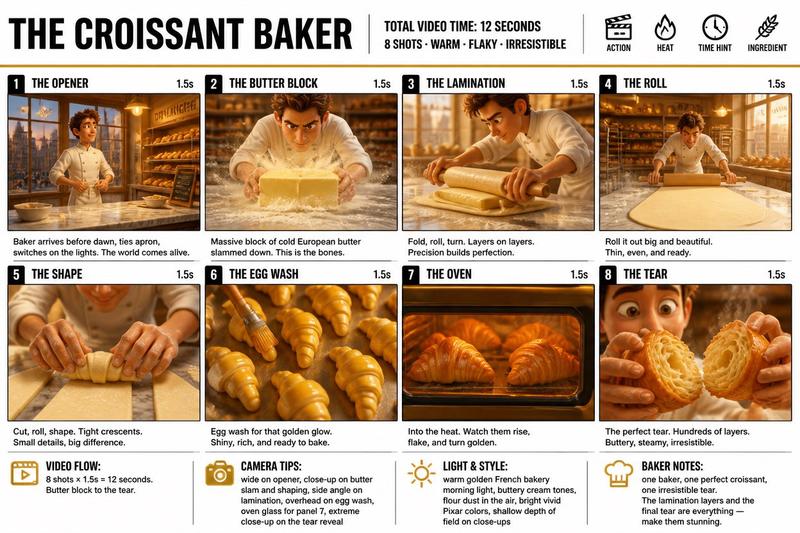
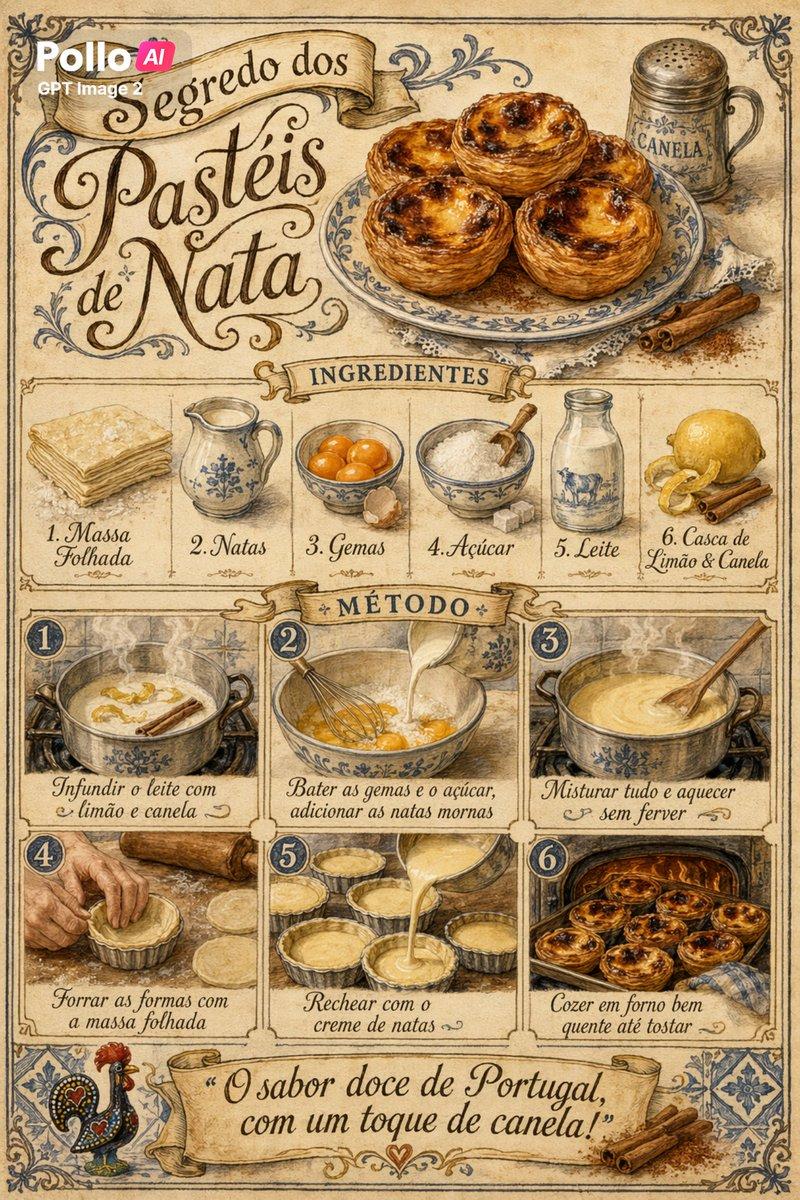
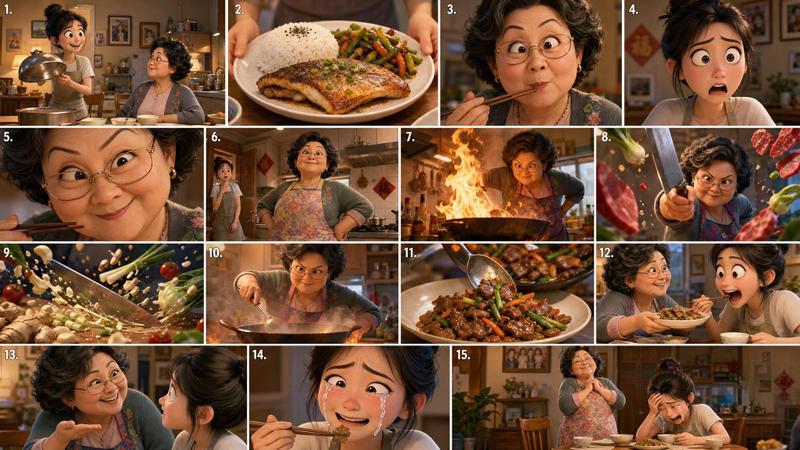
Pretzel Maker 分镜海报
Prompt
Goal: Create a crisp, clean infographic storyboard poster for {argument name="story title" default="THE PRETZEL MAKER"}, showing a premium Pixar-like 3D animated food-making sequence with a cheerful Bavarian baker and golden pretzels.

Canvas: Wide 16:9 poster on a white background with thick black outer border, black grid lines, bold black typography, and a polished storyboard/production-board layout. Use bright vivid colors, warm Bavarian daylight, cozy tavern and bakery interiors, deep golden-brown pretzel crust, glossy highlights, coarse white salt, rich wooden textures, traditional lederhosen, string lights, and shallow cinematic depth of field.

Header: Large centered headline “THE PRETZEL MAKER”. Under it, centered text “TOTAL VIDEO TIME: 12 SECONDS”. Beneath that, smaller line: “8 SHOTS · GOLDEN · TWISTED · STRAIGHT FROM BAVARIA”. Top-right legend with 4 black icons and labels: clapperboard “ACTION”, flame “HEAT”, clock “TIME HINT”, wheat stalk “INGREDIENT”.

Main layout: Use exactly 8 storyboard panels arranged in a 2-row by 4-column grid. Each panel has a black numbered circle at top-left, an uppercase shot title, a small relevant icon, and “~1.5s” at the top-right. Each panel contains a cinematic 3D render and a short caption below the image.

Storyboard panels, exactly 8:
1. “THE OPENER” with clapperboard icon, ~1.5s: a jolly mustached Bavarian baker in lederhosen stands in a festive village market or beer-hall street with arms wide open, smiling at the viewer; baskets of pretzels and a small chalkboard reading “Fresh Pretzel!” are visible. Caption: “Fresh Pretzel!”
2. “THE ROPE” with clapperboard icon, ~1.5s: close-up of the baker’s hands rolling dough on a floured wooden table into a long rope, apron and suspenders visible in the background. Caption: “Roll the dough into a long rope.”
3. “THE TWIST” with clapperboard icon, ~1.5s: close-up of hands holding pale dough, crossing and looping it into the classic pretzel shape. Caption: “Cross, loop, twist, and fold.”
4. “THE BATH” with flame icon, ~1.5s: a shaped pretzel is dipped in a bubbling baking soda bath in a metal pan, steam rising dramatically. Caption: “Dip in baking soda bath.”
5. “THE SALT” with wheat/ingredient icon, ~1.5s: extreme close-up of a glossy pretzel covered with coarse white salt crystals falling through the air. Caption: “Salt it up!”
6. “THE OVEN” with flame icon, ~1.5s: the baker slides a tray of pretzels into a rustic brick oven glowing orange. Caption: “Into the oven. The wait begins.”
7. “THE REVEAL” with flame icon, ~1.5s: the happy baker presents a tray full of freshly baked glossy golden pretzels in front of a warm oven, steam and shine visible. Caption: “Golden, glossy, and perfect.”
8. “THE TEAR” with clapperboard icon, ~1.5s: close-up hero shot of the baker joyfully tearing open a warm pretzel, soft interior stretching, eyes closed in delight. Caption: “Warm, soft, and unforgettable.”

Bottom information band: Add a bordered notes area spanning the width below the panels. Left side contains exactly 4 horizontal note rows with black icons and bold labels:
1. Play icon, “VIDEO FLOW:” followed by “8 shots × ~1.5s = 12 seconds. Dough rope to the tear.”
2. Camera icon, “CAMERA TIPS:” followed by “wide on the stand opener, close-up for the rope roll, close-up dramatic for the twist, wide medium for the bath, close-up dramatic for the salt, wide medium for the oven, hero wide for the reveal, wide warm for the tear”
3. Sun/light icon, “LIGHT & STYLE:” followed by “warm Bavarian daylight throughout, deep golden pretzel crust, coarse white salt, rich wood textures, traditional lederhosen, string lights, Pixar vivid warm colors throughout”
4. Pretzel icon, “BAKER NOTES:” followed by “one baker, one stand, one perfect pretzel. Golden, twisted, and straight from Bavaria.”

Logo area: In the lower-right of the notes band, create a decorative vintage Bavarian logo reading “THE PRETZEL MAKER” with ornate brown-and-gold serif lettering, flourishes, wheat branches, and a pretzel icon in the center.

Constraints: Keep all text sharp and readable, use clean black dividers, maintain exact 8-shot count, keep the total time as {argument name="total video time" default="12 seconds"}, keep the per-shot duration as {argument name="shot duration" default="~1.5s"}, feature {argument name="main character" default="one cheerful mustached Bavarian baker in lederhosen"}, and keep the food style focused on {argument name="featured food" default="golden glossy Bavarian pretzels"}. No extra panels, no watermark, no photorealistic grunge; make it polished, premium, colorful, and production-ready.- Category
- Charts & Infographics
- Model
- GPT Image 2
- Creator
- GPTProto Official
- Source ID
- 27614
- Published
- Jul 3, 2026
Views5