19

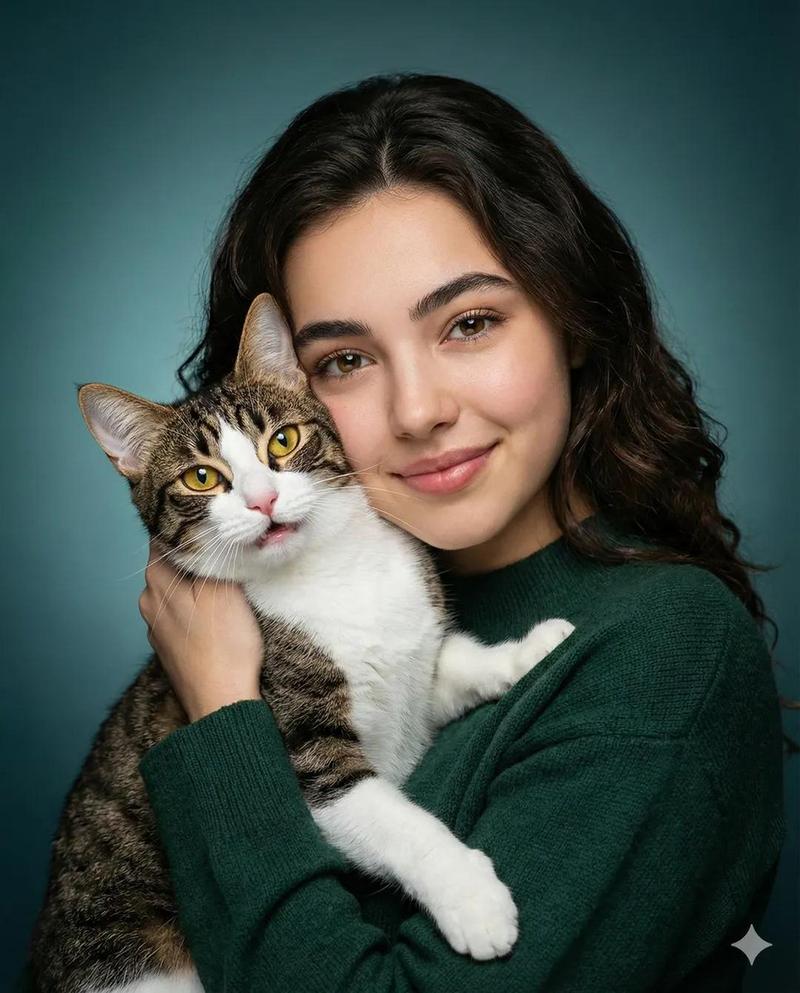
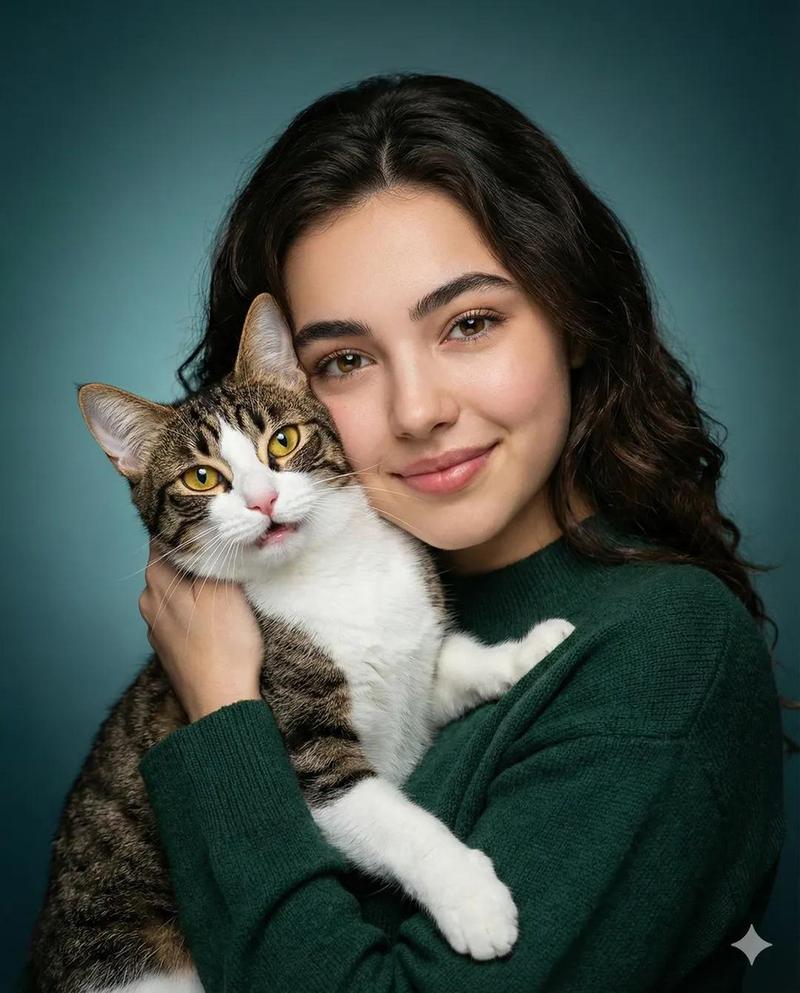
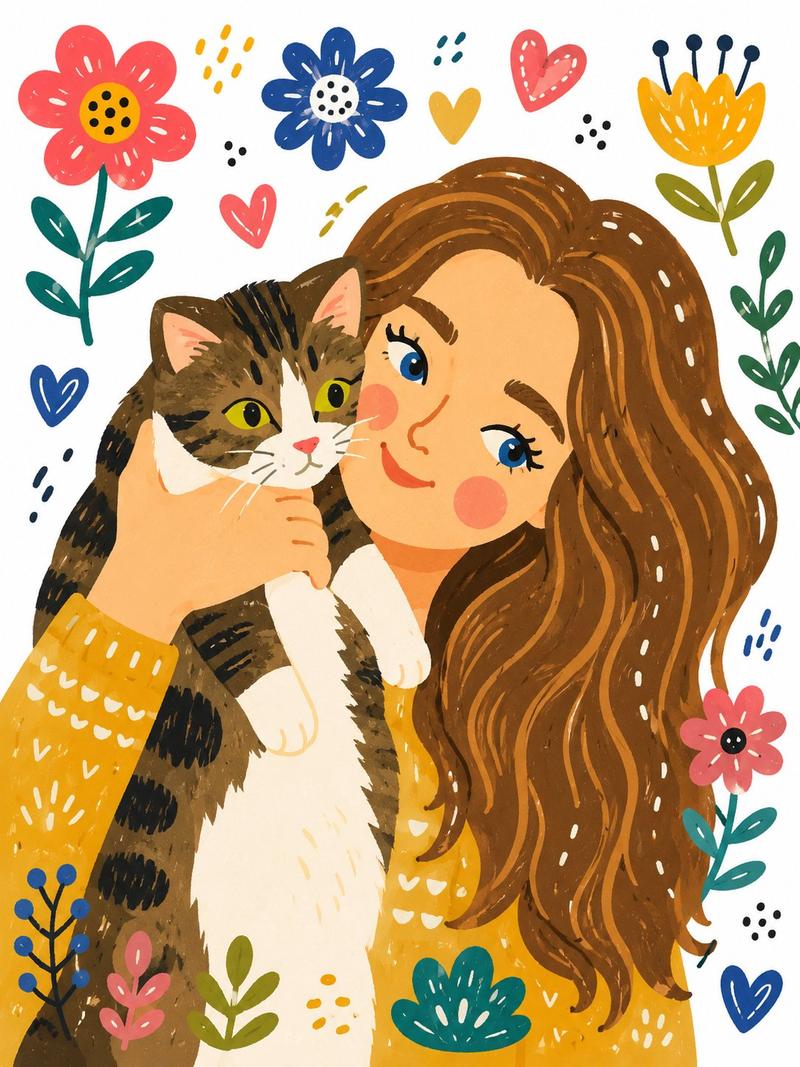
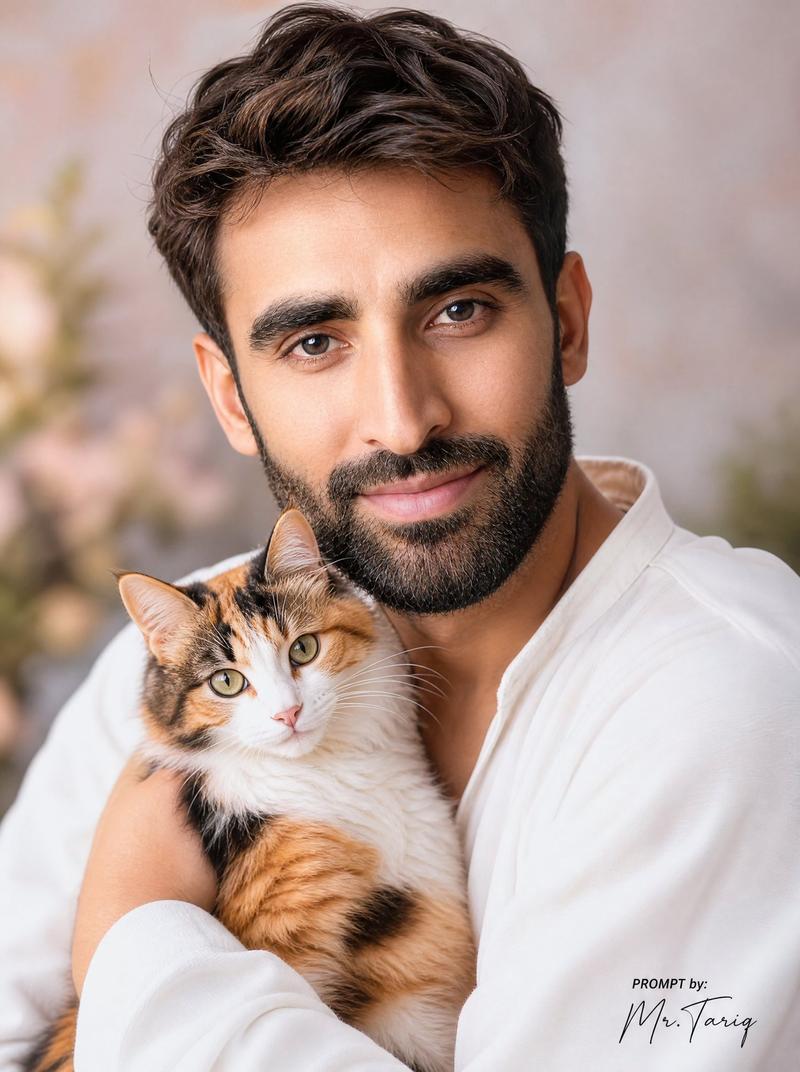
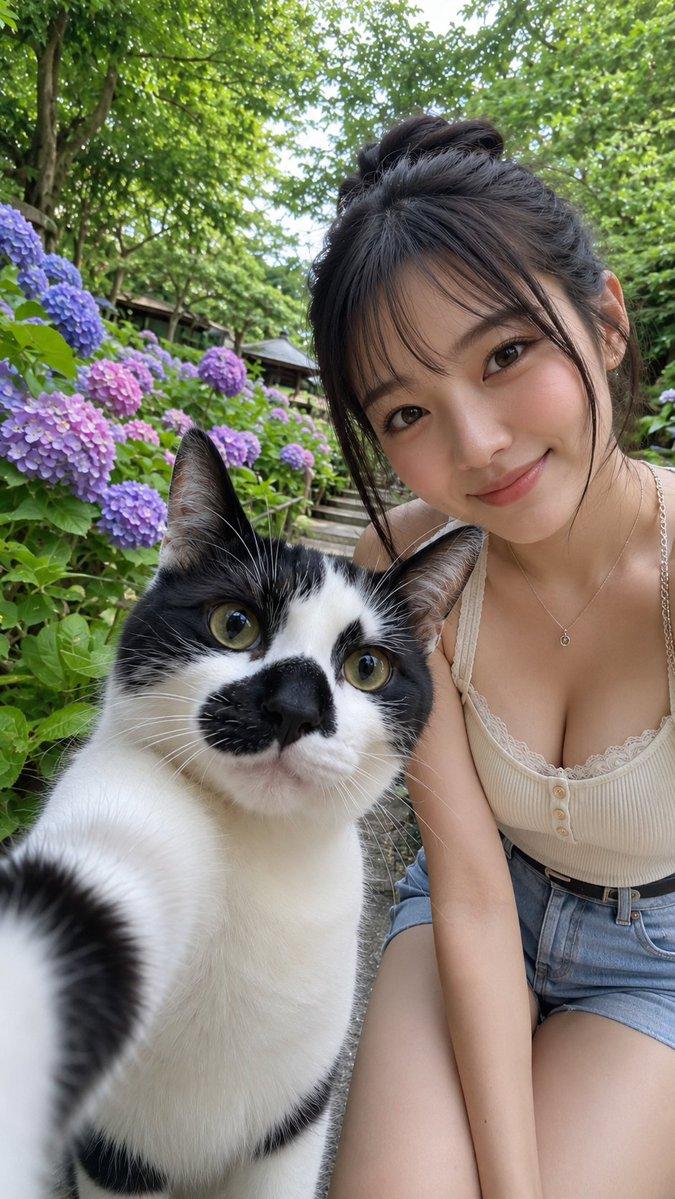
猫咪与主人的自然风手机人像
Enlarge

Example images

猫咪与主人的自然风手机人像

Prompt
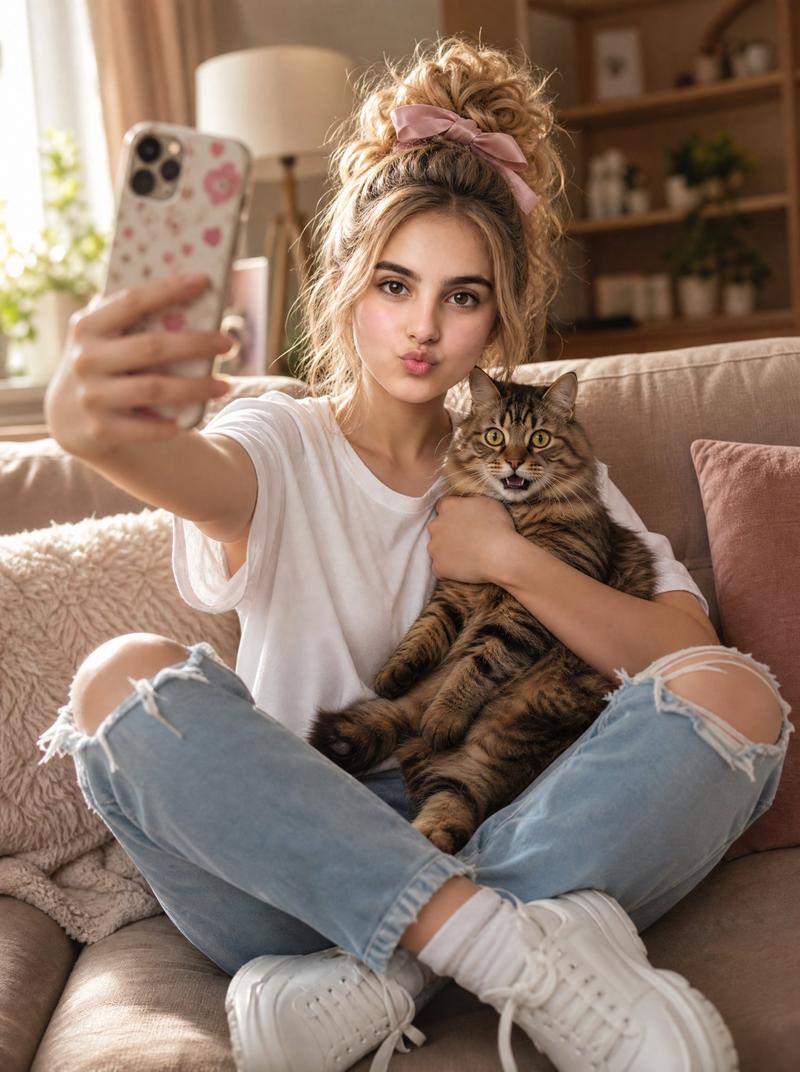
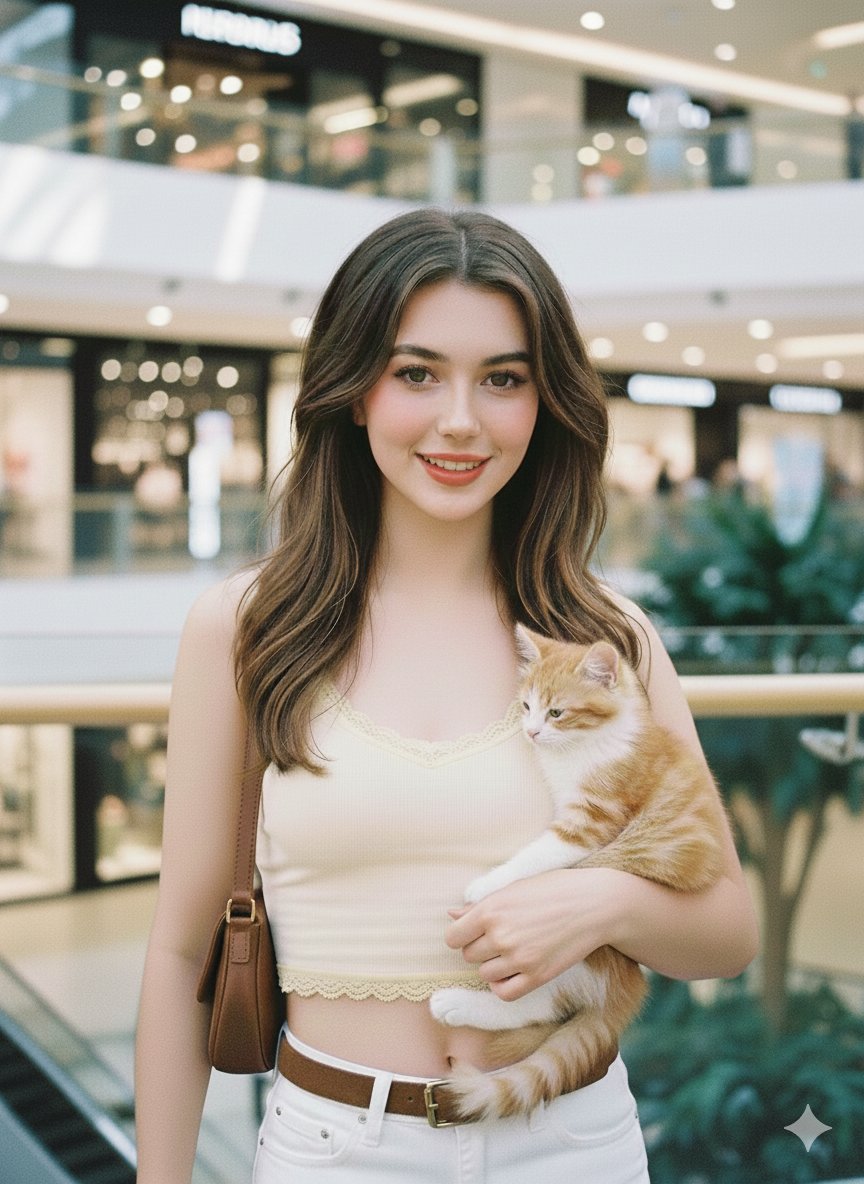
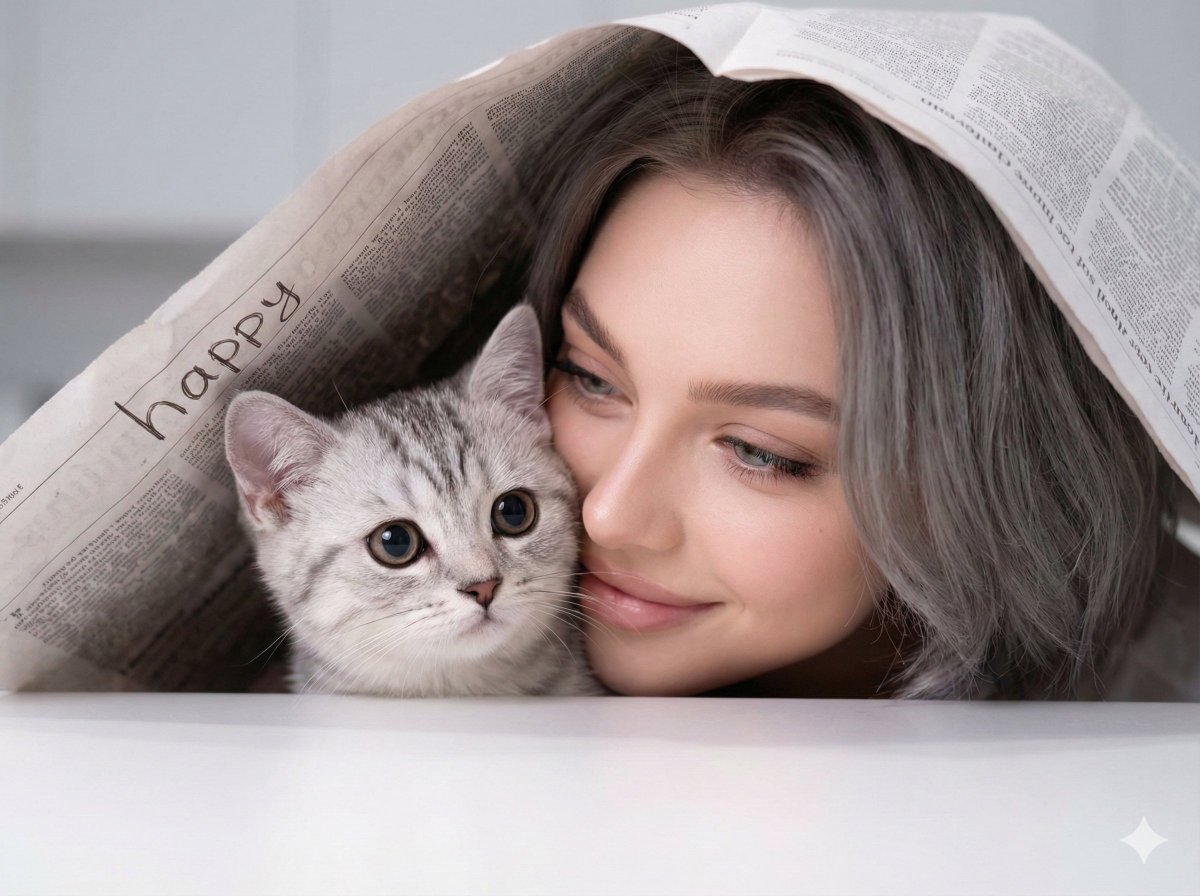
A candid mobile photo of a {argument name="subject" default="young East Asian woman"} sitting at the doorway of a modern home, gently petting a {argument name="pet" default="gray-and-white tabby cat"}. She has short messy black hair, soft natural makeup, and a calm expression with eyes slightly closed. Wearing an {argument name="outfit" default="oversized cream button-up shirt paired with loose full-length beige pants"}, barefoot on a wooden deck floor. A second person's hand is playfully touching her hair from above. Cozy home entrance with dark sliding doors in the background, warm natural daylight, authentic everyday atmosphere. Captured with an iPhone camera, casual smartphone snapshot aesthetic, unposed moment, realistic skin texture, slight grain, natural lighting, soft shadows, documentary style photography, ultra-realistic, RAW mobile photo quality, shallow depth of field, 3:4 vertical composition.
Category
Photography & Realism
Model
GPT Image 2
Creator
Aqsa
Views0
Source ID
27777
Published
Jul 6, 2026

Guide

About "猫咪与主人的自然风手机人像"

What is this prompt for?

"猫咪与主人的自然风手机人像" AI image prompt for GPT Image 2 (Photography & Realism). 一个用于生成现代家居场景中,女性与猫咪自然抓拍风格手机摄影作品的提示词。 Copy it on Picva and recreate the look in one cli…

The full copyable prompt and example visuals above are ready for AI image generation or one-click recreate in Picva.

How to use this prompt

  1. Step 1

    Open the prompt detail

    Review the example visuals, category, and full prompt text for "猫咪与主人的自然风手机人像".

  2. Step 2

    Copy the prompt

    Copy the prompt body from this page, or load it directly in Studio.

  3. Step 3

    Pick a model (GPT Image 2)

    Prefer GPT Image 2. If you switch models, keep subject and composition and tweak style terms.

  4. Step 4

    Generate and export

    Recreate the look in Picva, or export into your workflow for editing and publishing.

FAQ

What is the "猫咪与主人的自然风手机人像" prompt?
It is an AI image-generation prompt for GPT Image 2 in the Photography & Realism category. This page includes the full prompt text, example visuals, and a one-click recreate path in Picva.
How do I use this prompt to generate an image?
Copy the prompt from this page, or use Generate / Studio. Paste it into a compatible image model, or recreate the look in Picva with optional reference images.
Which model is this prompt for?
This page lists GPT Image 2. Most descriptive prompts also transfer to nearby image models such as GPT Image, Flux, or Midjourney with light style tweaks.
Can I use the result commercially?
You can usually copy the prompt for creation, but commercial use of the final image depends on the model terms, reference-image rights, and the generated content. Follow the source author and platform rules.