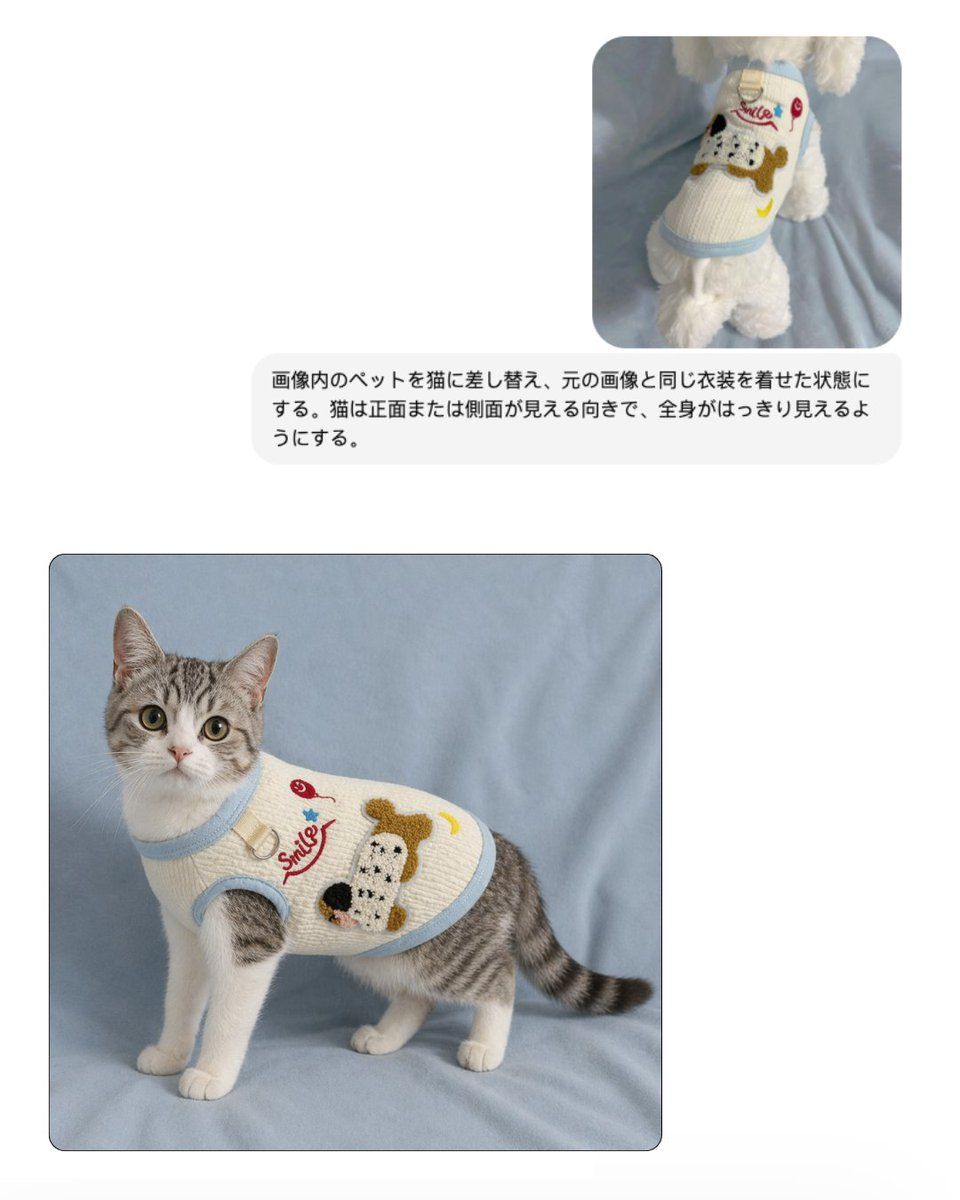
宠物服装替换效果图
Prompt
Create a clean e-commerce mockup on a very light gray background with a simple two-image comparison layout. In the upper right, place 1 small rounded-corner reference photo showing a white fluffy dog from behind, standing on soft light blue fabric and wearing a cream knit pet sweater with pale blue trim. The sweater features a large cartoon dog face patch in brown, black, and white, a red cursive word "Smile," a small red cherry, a blue star, and a yellow crescent moon. Beneath that small reference image, place 1 rounded light-gray text bubble containing Japanese instruction text in black sans-serif: 「画像内のペットを猫に差し替え、元の画像と同じ衣装を着せた状態にする。猫は正面または側面が見える向きで、全身がはっきり見えるようにする。」 In the lower left, place 1 larger rounded-corner final image with a subtle dark border, showing a full-body gray tabby and white cat standing on the same soft light blue fabric backdrop. The cat is facing slightly left but looking directly at the camera, with upright ears, large round eyes, white chest and legs, gray striped back and tail, and a calm alert expression. The cat wears the same cream knitted pet sweater with light blue ribbed trim around the neck, armholes, and hem, fitted neatly around the torso. The sweater artwork matches the reference: the red cursive "Smile" text, a red cherry motif, a blue star, a yellow crescent moon, and a large textured cartoon dog face patch on the side. Lighting is soft and diffuse, like a studio product photo for an online shop, with a realistic fabric texture, minimal shadows, and a polished pet apparel catalog aesthetic.
- Category
- UI & Interfaces
- Model
- GPT Image 2
- Creator
- 中国輸入代行ラクファースト【RAKU FIRST公式】
- Source ID
- 16915
- Published
- Apr 28, 2026
Views1