18

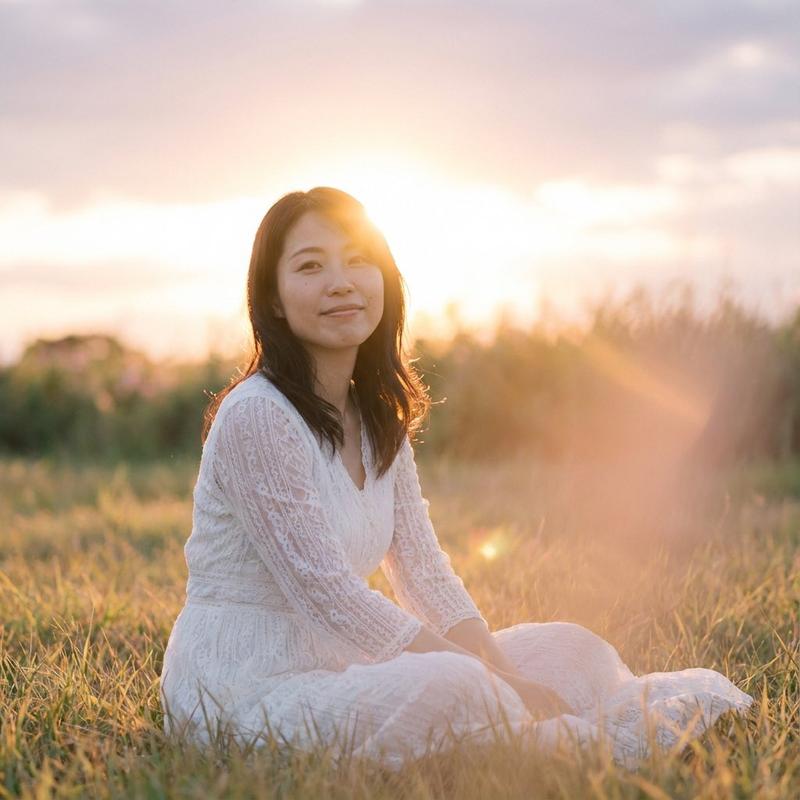
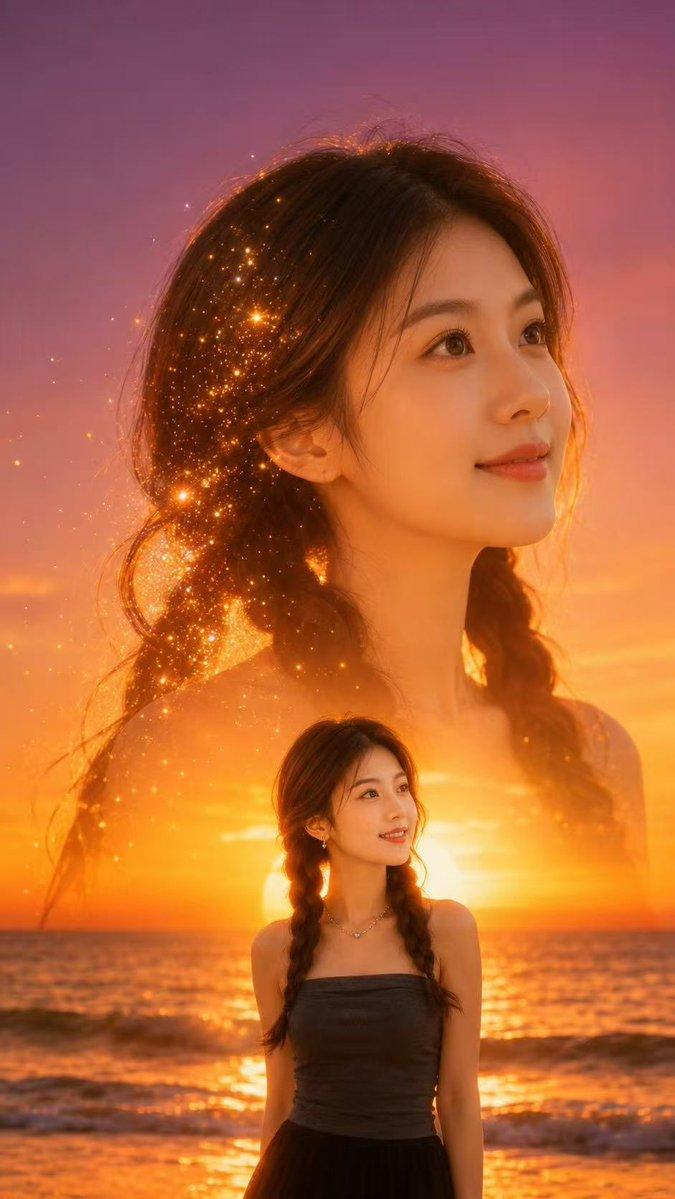
微缩世界错觉人像
Enlarge

微缩世界错觉人像

Prompt
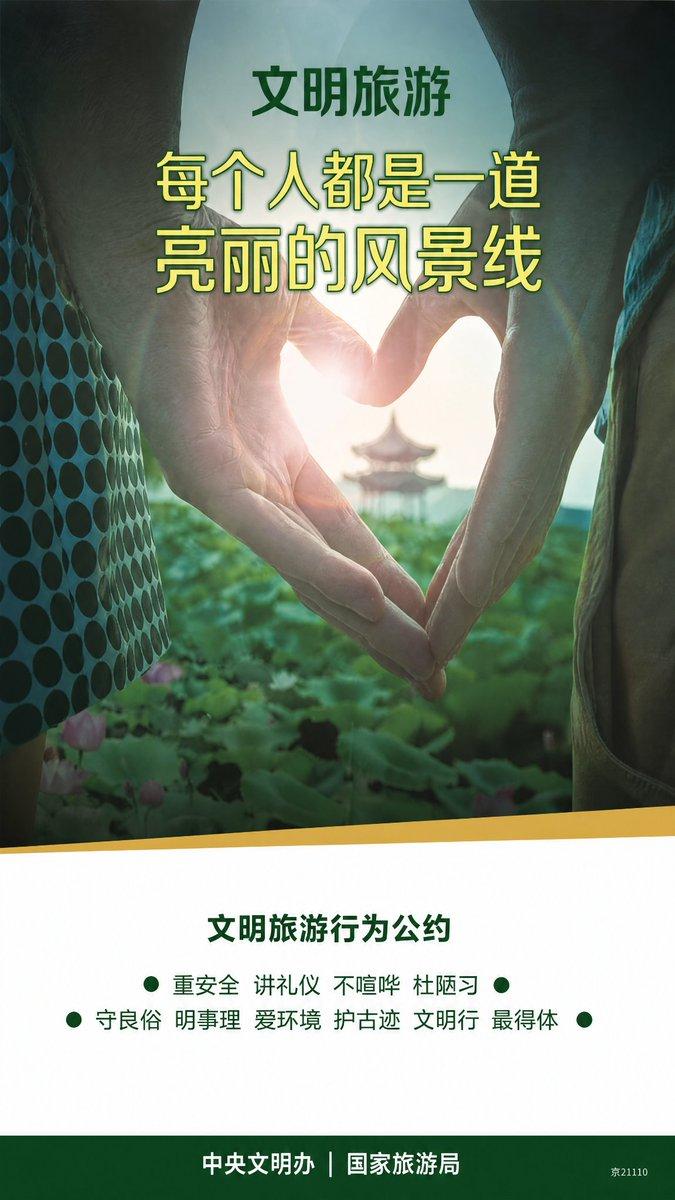
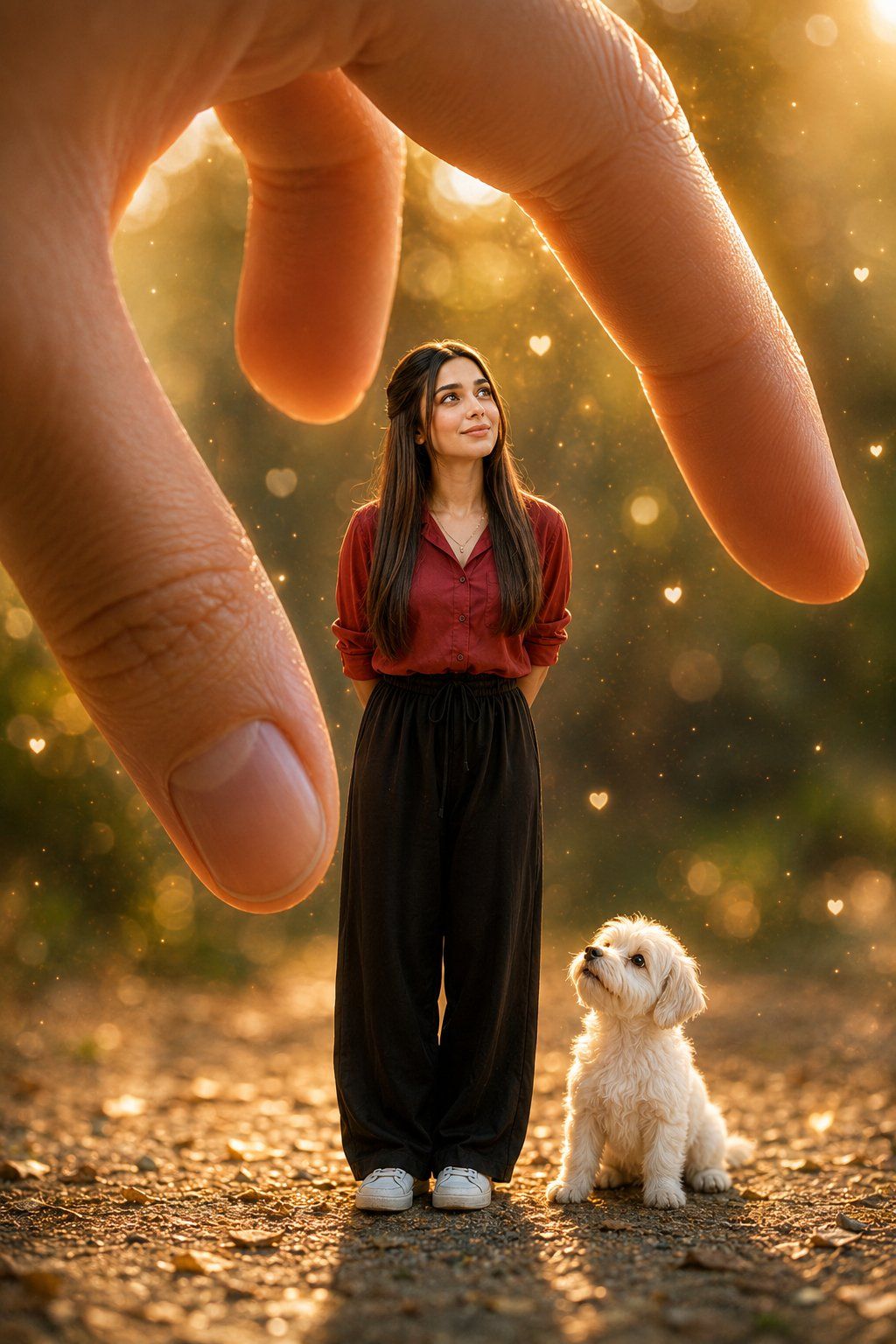
Create a whimsicalminiature-world illusion where {argument name="subject" default="Main girl"} appears tiny, standing beneath a giant human hand with the thumb and index finger gently framing her from above without touching. She looks up with a warm genuine smile, hands behind her back, wearing {argument name="clothing" default="the same red shirt, black long, and white sneakers"}. Beside her stands a {argument name="pet" default="small fluffy white puppy"} looking up with curiosity. Warm golden sunlight, soft cinematic shadows, tiny floating hearts, subtle sparkles, warm bokeh, magical atmosphere, dreamy perspective, ultra-realistic, Pinterest aesthetic, premium editorial photography, 8K.
Category
Photography & Realism
Model
GPT Image 2
Views0
Source ID
27799
Published
Jul 6, 2026

Guide

About "微缩世界错觉人像"

What is this prompt for?

"微缩世界错觉人像" AI image prompt for GPT Image 2 (Photography & Realism). 一个用于创作奇幻微缩世界效果的提示词,画面中人物显得十分渺小,置于巨大的手掌之下,营造出梦幻般的阳光氛围。 Copy it on Picva and recreate the loo…

The full copyable prompt and example visuals above are ready for AI image generation or one-click recreate in Picva.

How to use this prompt

  1. Step 1

    Open the prompt detail

    Review the example visuals, category, and full prompt text for "微缩世界错觉人像".

  2. Step 2

    Copy the prompt

    Copy the prompt body from this page, or load it directly in Studio.

  3. Step 3

    Pick a model (GPT Image 2)

    Prefer GPT Image 2. If you switch models, keep subject and composition and tweak style terms.

  4. Step 4

    Generate and export

    Recreate the look in Picva, or export into your workflow for editing and publishing.

FAQ

What is the "微缩世界错觉人像" prompt?
It is an AI image-generation prompt for GPT Image 2 in the Photography & Realism category. This page includes the full prompt text, example visuals, and a one-click recreate path in Picva.
How do I use this prompt to generate an image?
Copy the prompt from this page, or use Generate / Studio. Paste it into a compatible image model, or recreate the look in Picva with optional reference images.
Which model is this prompt for?
This page lists GPT Image 2. Most descriptive prompts also transfer to nearby image models such as GPT Image, Flux, or Midjourney with light style tweaks.
Can I use the result commercially?
You can usually copy the prompt for creation, but commercial use of the final image depends on the model terms, reference-image rights, and the generated content. Follow the source author and platform rules.