16

超现实植物高定人像
Enlarge

Example images

超现实植物高定人像

Prompt
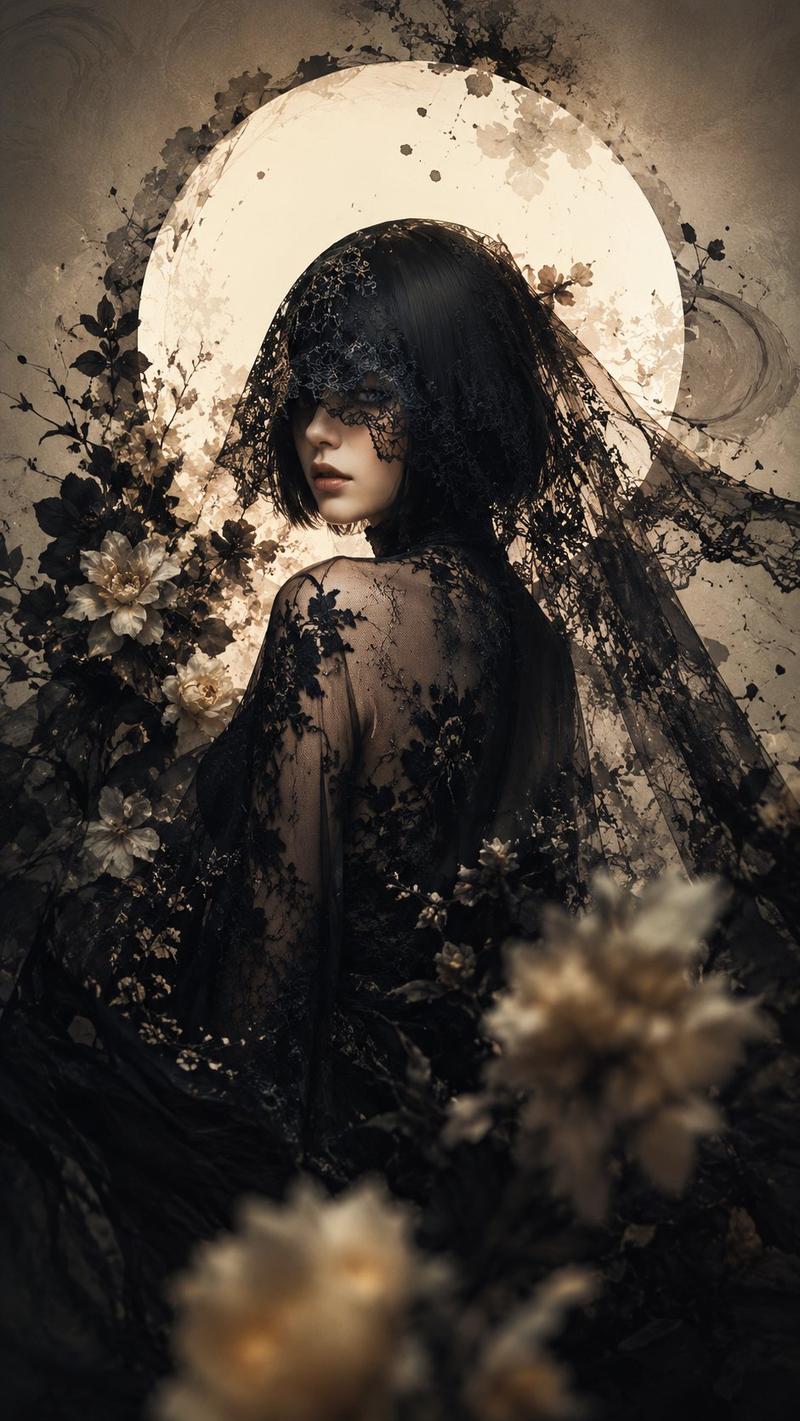
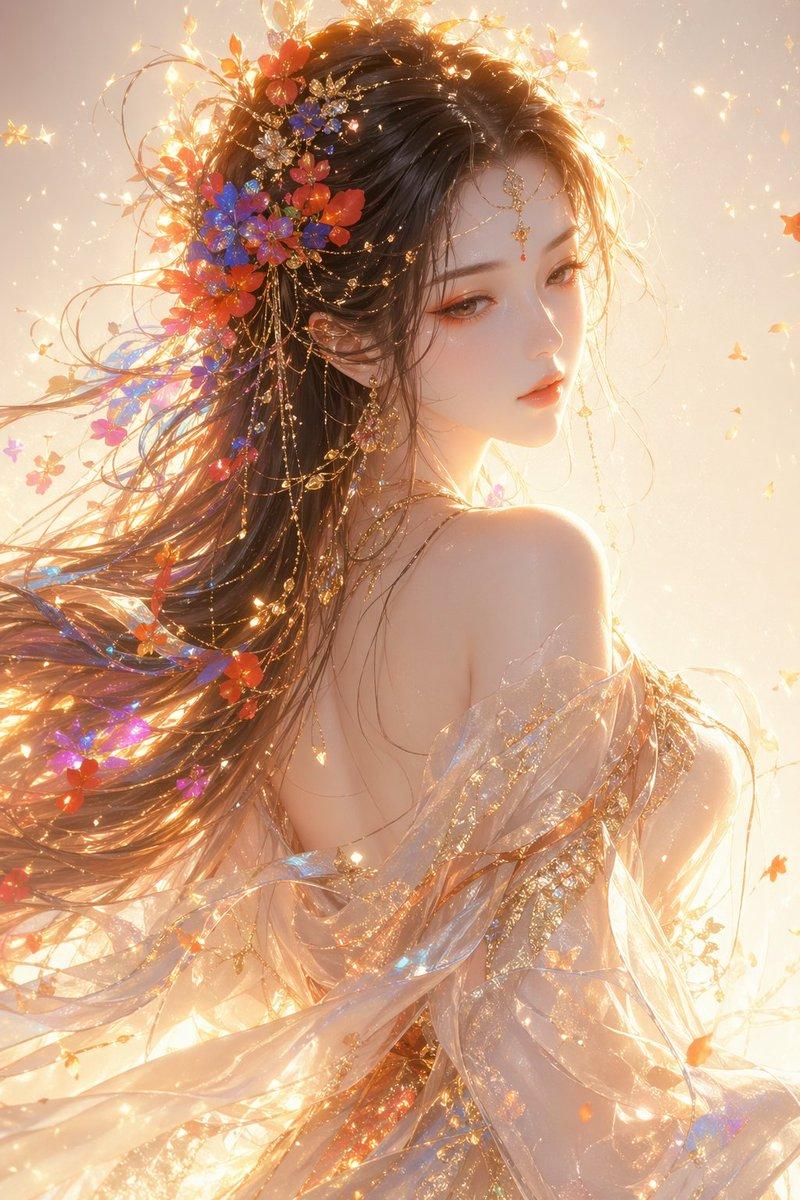
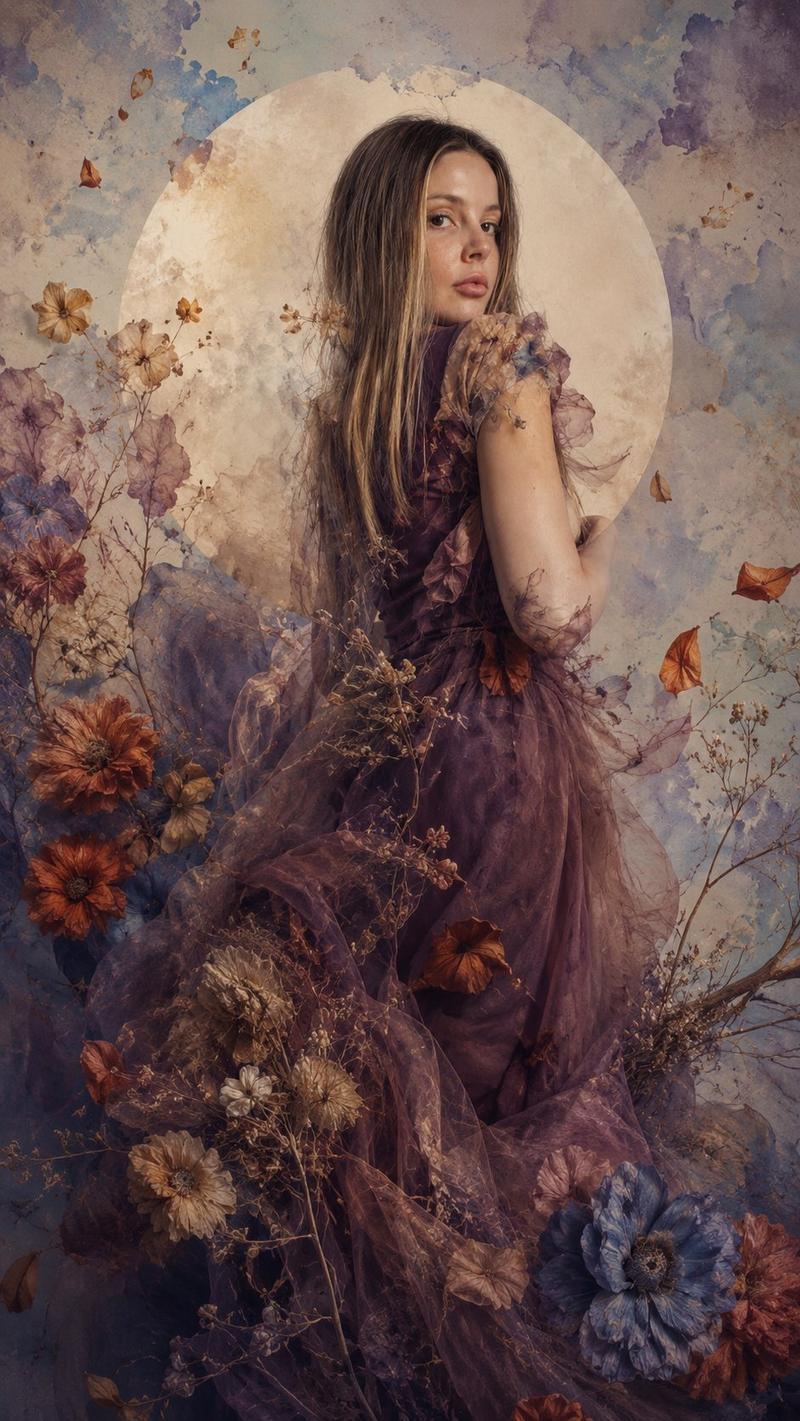
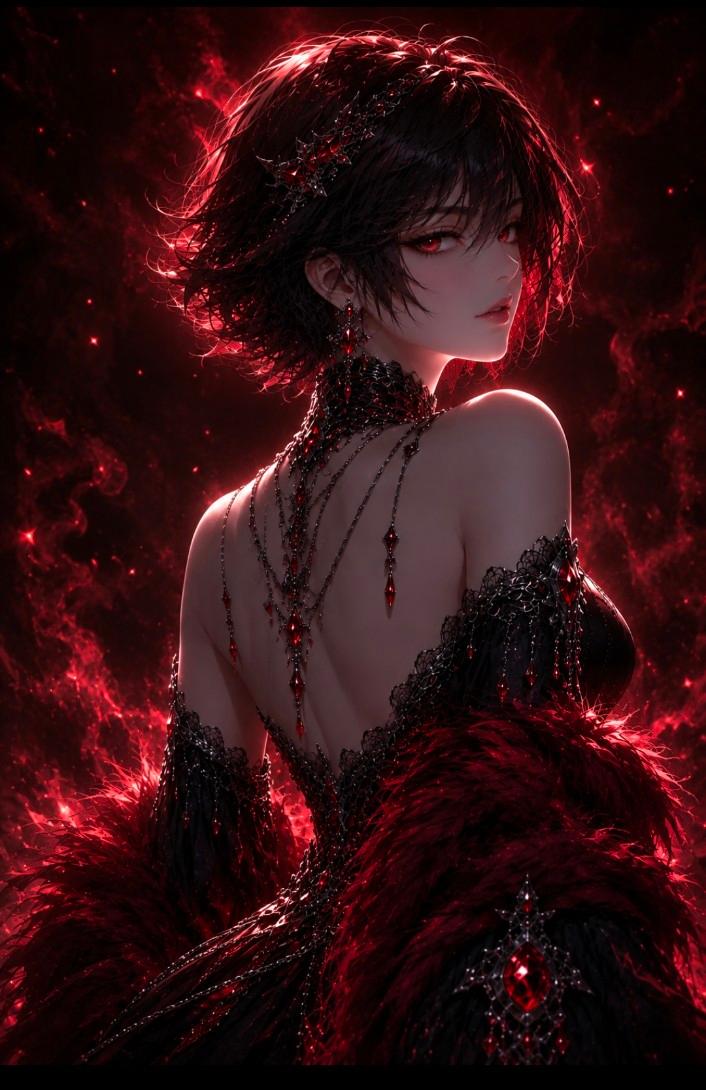
Create a vertical fine-art surreal fashion portrait of a {argument name="subject" default="young East Asian woman"} shown in elegant side profile, head bowed slightly with closed or downcast eyes, calm and melancholic expression, black hair swept into an updo that dissolves into many thin bare tree branches. She wears a sheer couture gown with an open back, translucent gray tulle sleeves and layered fabric, covered in intricate black vine-like embroidery and delicate floral lace; include blue blossoms concentrated around the lower dress and hip, plus white flowers on the sleeve and shoulder. The figure should appear partly merging with botanical forms: exact visible motif groups are 5 types—black branching twigs, white lace flowers, deep blue flowers, translucent gray fabric petals, and pale dried baby’s-breath-like stems. Behind her, place a large dark circular moon or ink-wash halo in deep navy and black, with a misty glowing white-blue center, surrounded by pale cream background space and sweeping abstract white ink plumes at both upper corners. Use a dramatic high-fashion editorial composition, centered full torso to knees, ultra-detailed textures, porcelain skin, soft directional light from the left, painterly mixed-media feel combining photorealistic portraiture, ink wash, botanical lace, and dark romantic fantasy. Color palette: black, ivory, smoky gray, deep midnight blue, desaturated teal, and soft cream. No text, no watermark, no frame; keep the image tall 2:3 and highly detailed.
Category
Architecture & Spaces
Model
GPT Image 2
Creator
NIKKO
Views7
Source ID
27813
Published
Jul 6, 2026

Guide

About "超现实植物高定人像"

What is this prompt for?

"超现实植物高定人像" AI image prompt for GPT Image 2 (Architecture & Spaces). 一幅融合了树枝、蕾丝花朵和水墨月亮的暗黑浪漫主义竖构图时尚人像,是艺术奇幻风格影像的理想之选。 Copy it on Picva and recreate the look in…

The full copyable prompt and example visuals above are ready for AI image generation or one-click recreate in Picva.

How to use this prompt

  1. Step 1

    Open the prompt detail

    Review the example visuals, category, and full prompt text for "超现实植物高定人像".

  2. Step 2

    Copy the prompt

    Copy the prompt body from this page, or load it directly in Studio.

  3. Step 3

    Pick a model (GPT Image 2)

    Prefer GPT Image 2. If you switch models, keep subject and composition and tweak style terms.

  4. Step 4

    Generate and export

    Recreate the look in Picva, or export into your workflow for editing and publishing.

FAQ

What is the "超现实植物高定人像" prompt?
It is an AI image-generation prompt for GPT Image 2 in the Architecture & Spaces category. This page includes the full prompt text, example visuals, and a one-click recreate path in Picva.
How do I use this prompt to generate an image?
Copy the prompt from this page, or use Generate / Studio. Paste it into a compatible image model, or recreate the look in Picva with optional reference images.
Which model is this prompt for?
This page lists GPT Image 2. Most descriptive prompts also transfer to nearby image models such as GPT Image, Flux, or Midjourney with light style tweaks.
Can I use the result commercially?
You can usually copy the prompt for creation, but commercial use of the final image depends on the model terms, reference-image rights, and the generated content. Follow the source author and platform rules.