18

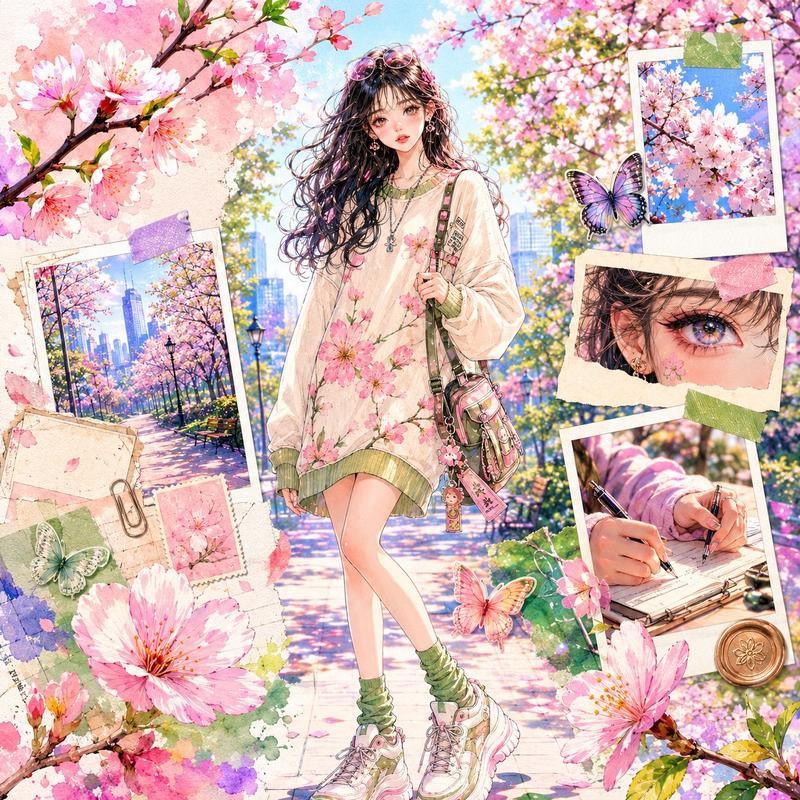
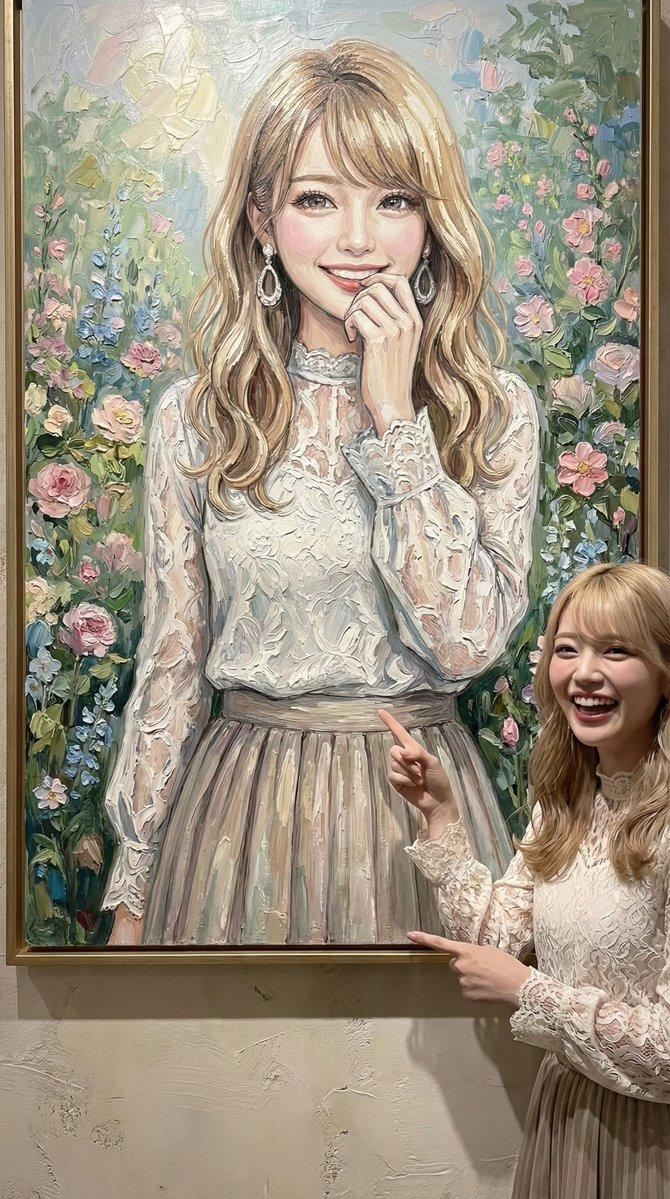
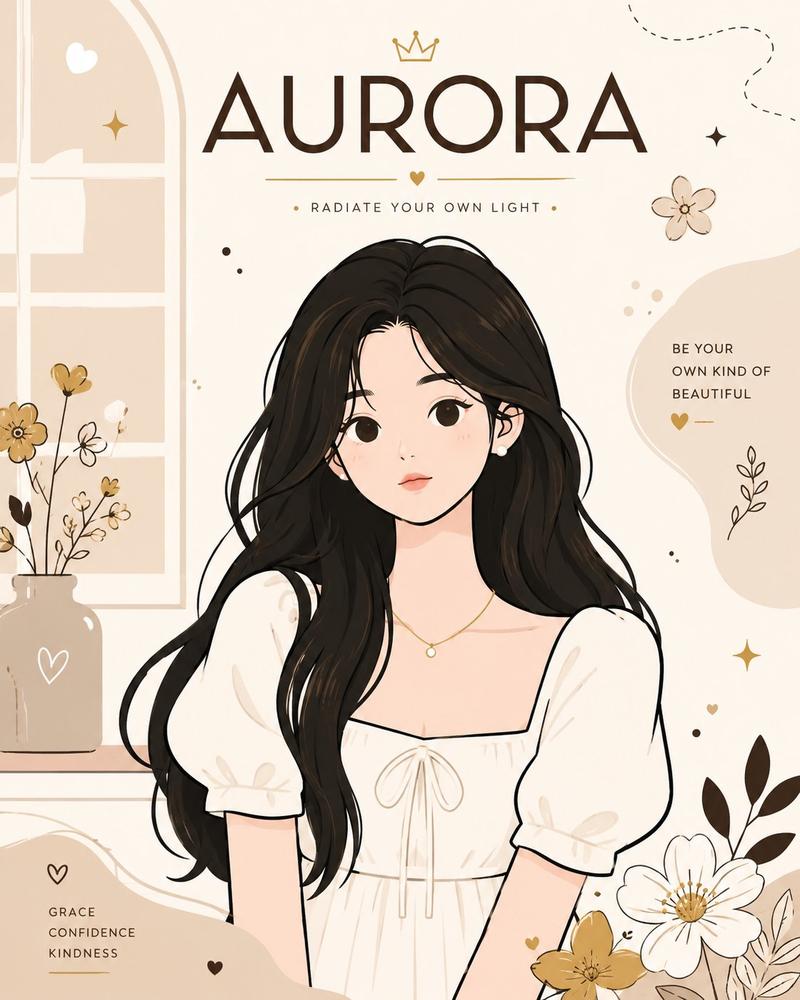
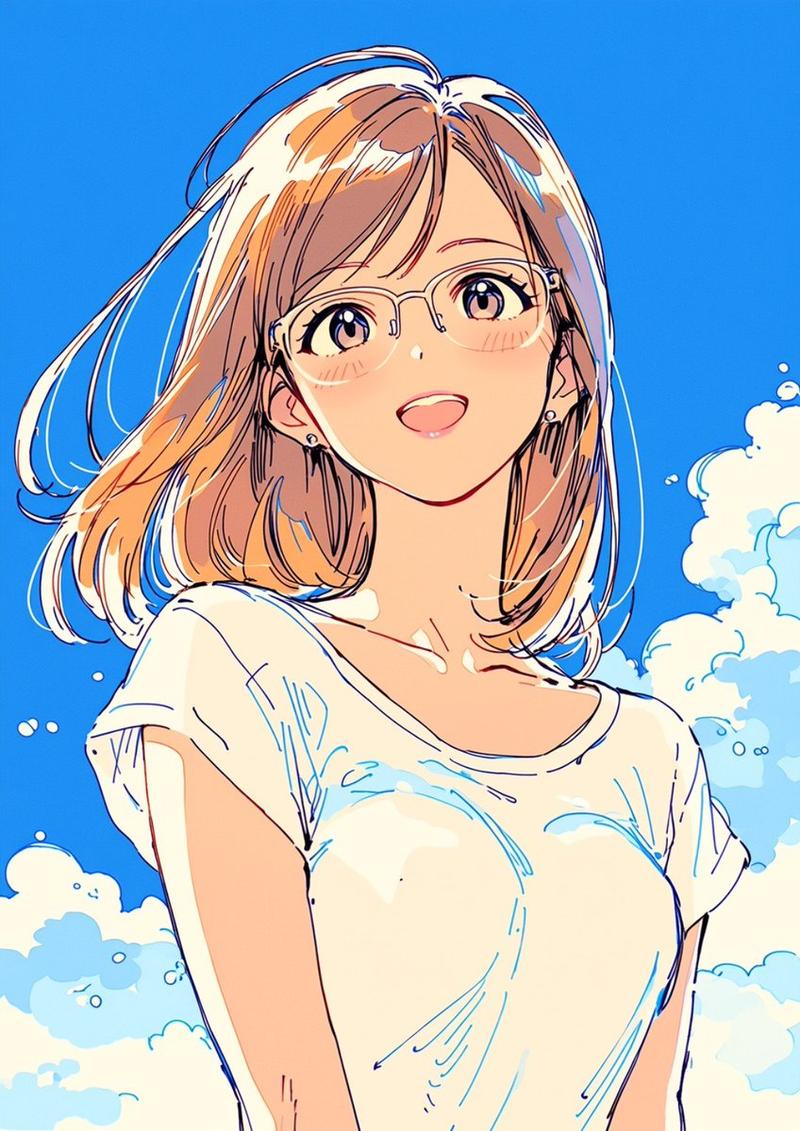
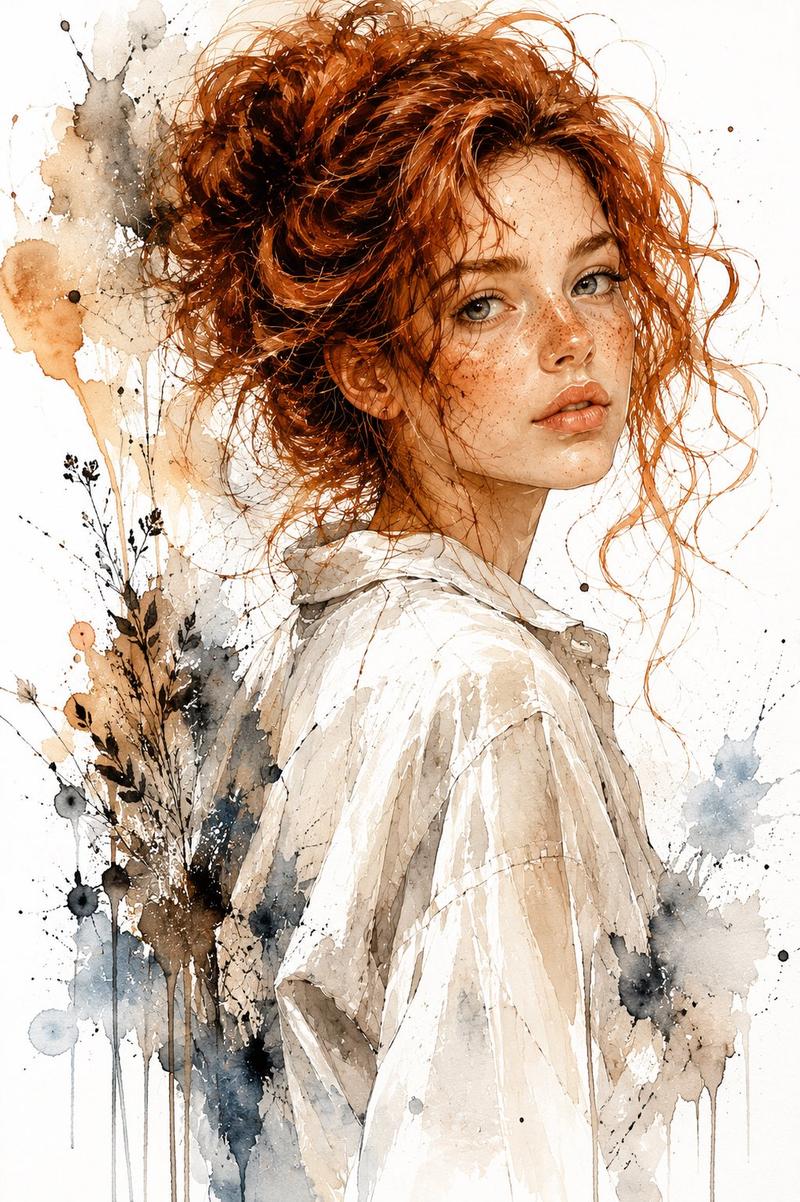
时尚编辑风格水彩肖像
Enlarge

Example images

时尚编辑风格水彩肖像

Prompt
Fashion editorial watercolor portrait illustration of {argument name="person" default="an young Korean woman with a Blown Bob"}, wearing {argument name="outfit" default="a soft pink top"}, in a subtle {argument name="atmosphere" default="sunny May flower garden"} atmosphere. Works naturally for any gender, age, ethnicity, skin tone, hairstyle, and body type, with respectful non-stereotyped features, natural proportions, and a calm warm expression. Fine delicate ink or pencil linework over translucent layered watercolor washes, loose fluid brush strokes, wet-on-wet blending, soft bleeding edges, unfinished open edges, visible white watercolor paper texture, deliberate negative space. Relaxed posture, gentle head tilt, slight three-quarter angle, waist-up or hip-to-head framing. Minimalist editorial fashion sketch aesthetic, refined contemporary portrait mood, flat even reproduction-style lighting, edge-to-edge clarity. No photorealism, no 3D rendering, no bokeh, no depth-of-field blur, no caricature, no harsh outlines, no cluttered background.
Category
Charts & Infographics
Model
GPT Image 2
Creator
Anissa
Views4
Source ID
23604
Published
Jun 1, 2026

Guide

About "时尚编辑风格水彩肖像"

What is this prompt for?

"时尚编辑风格水彩肖像" AI image prompt for GPT Image 2 (Charts & Infographics). 一幅精致的现代水彩插画,在纹理纸张背景上呈现出细腻的墨线与半透明的色彩渲染。 Copy it on Picva and recreate the look in one clic…

The full copyable prompt and example visuals above are ready for AI image generation or one-click recreate in Picva.

How to use this prompt

  1. Step 1

    Open the prompt detail

    Review the example visuals, category, and full prompt text for "时尚编辑风格水彩肖像".

  2. Step 2

    Copy the prompt

    Copy the prompt body from this page, or load it directly in Studio.

  3. Step 3

    Pick a model (GPT Image 2)

    Prefer GPT Image 2. If you switch models, keep subject and composition and tweak style terms.

  4. Step 4

    Generate and export

    Recreate the look in Picva, or export into your workflow for editing and publishing.

FAQ

What is the "时尚编辑风格水彩肖像" prompt?
It is an AI image-generation prompt for GPT Image 2 in the Charts & Infographics category. This page includes the full prompt text, example visuals, and a one-click recreate path in Picva.
How do I use this prompt to generate an image?
Copy the prompt from this page, or use Generate / Studio. Paste it into a compatible image model, or recreate the look in Picva with optional reference images.
Which model is this prompt for?
This page lists GPT Image 2. Most descriptive prompts also transfer to nearby image models such as GPT Image, Flux, or Midjourney with light style tweaks.
Can I use the result commercially?
You can usually copy the prompt for creation, but commercial use of the final image depends on the model terms, reference-image rights, and the generated content. Follow the source author and platform rules.