14

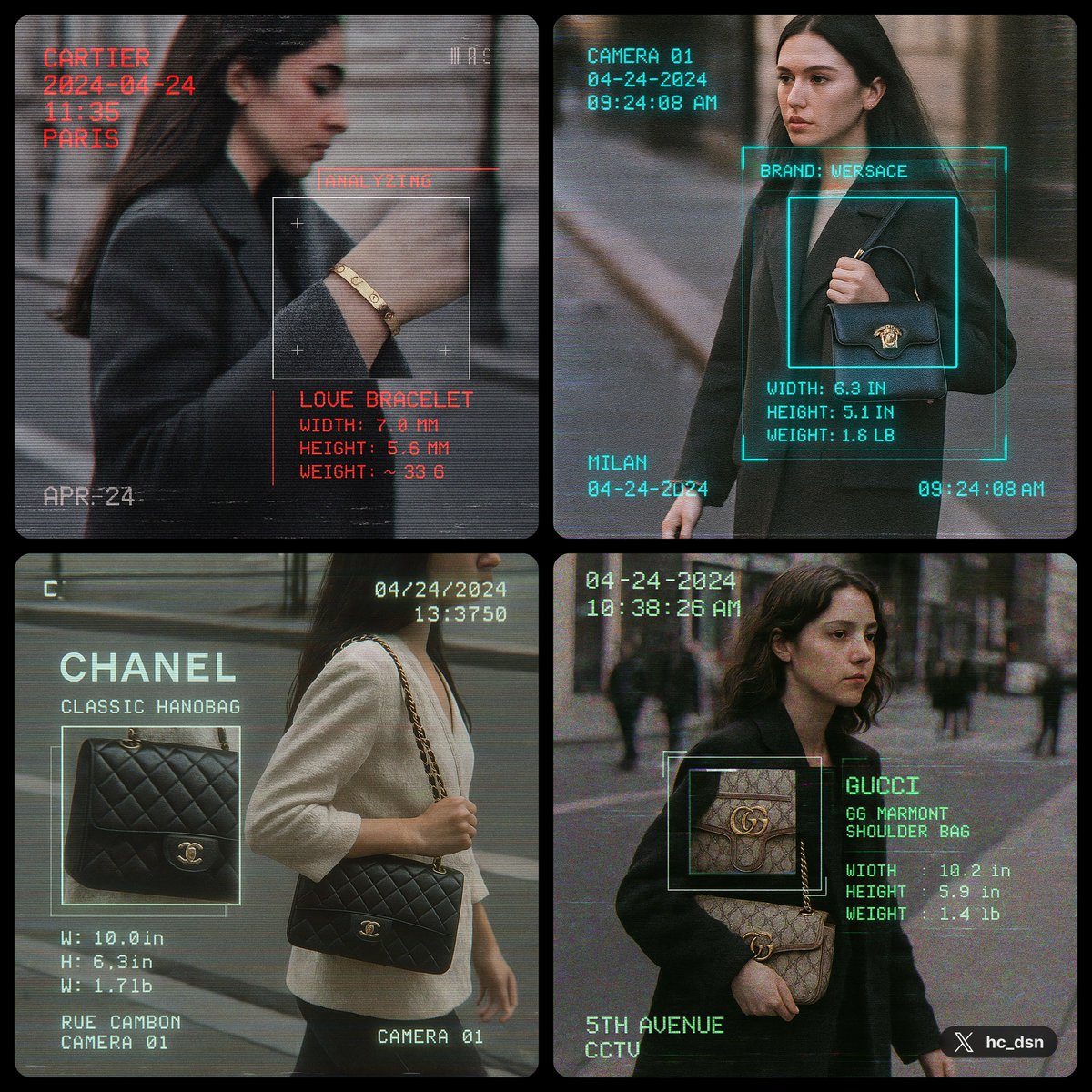
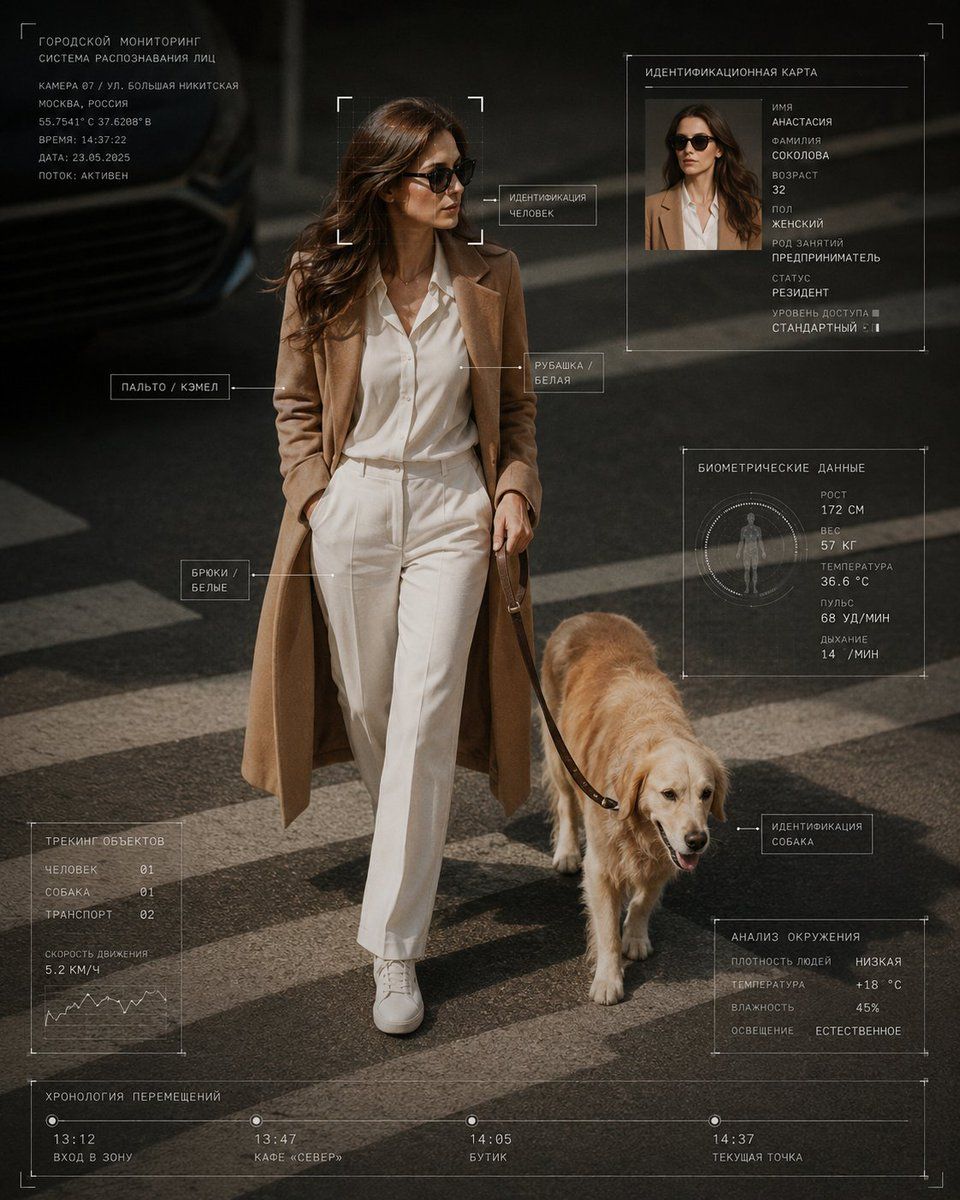
赛博核心 HUD 监控风格摄影
Enlarge

Example images

赛博核心 HUD 监控风格摄影

Prompt
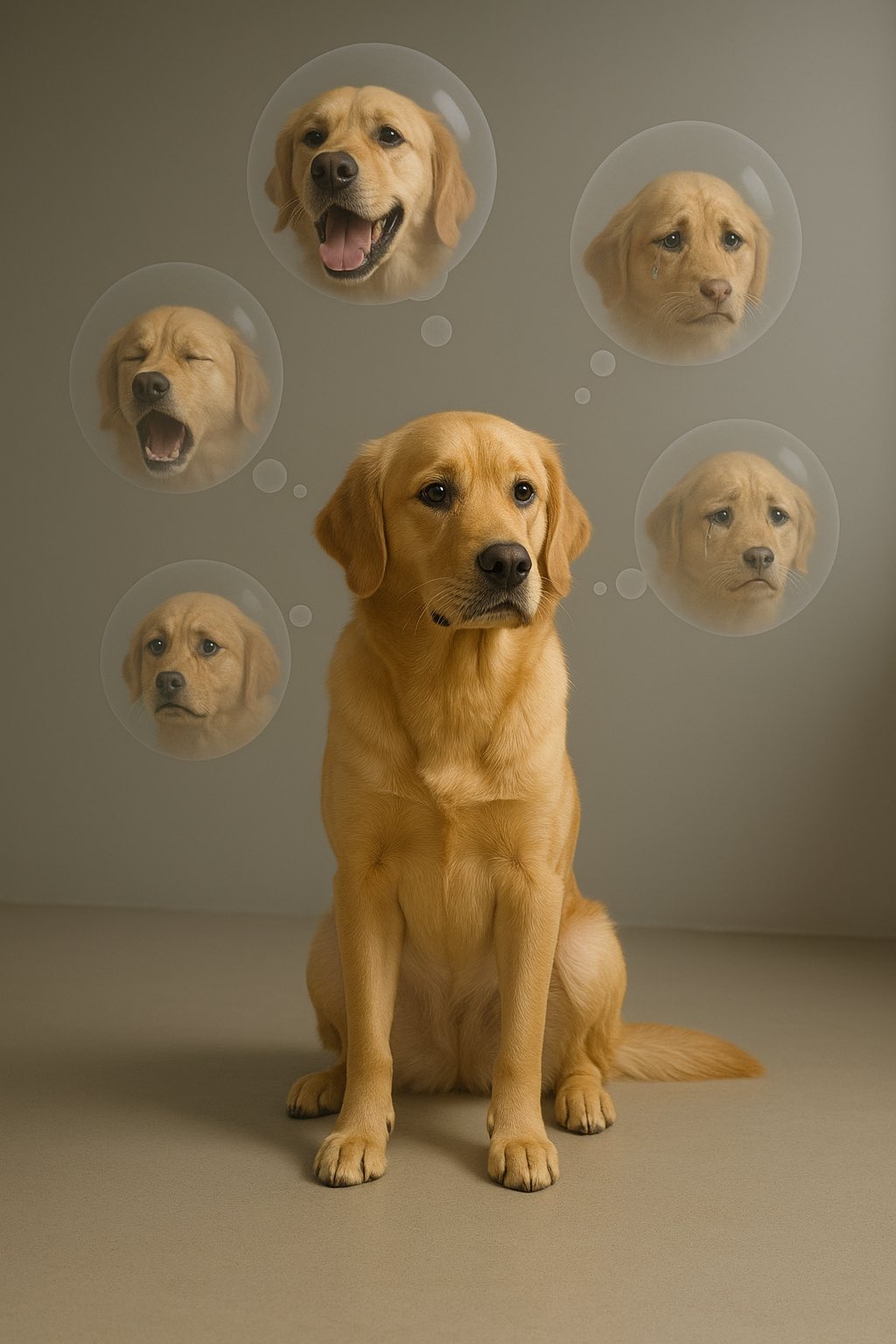
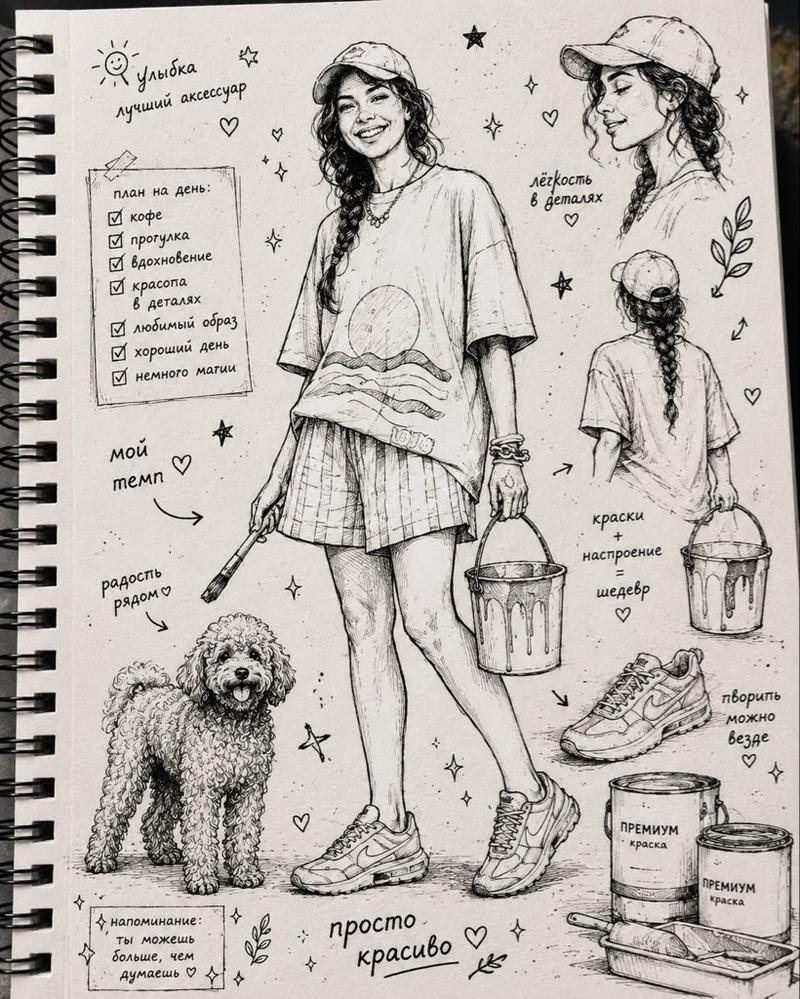
Cyber-core editorial photography of {argument name="subject details" default="[your details]"} wearing {argument name="clothing" default="[clothing]"}, walking through {argument name="location" default="[location]"} with [animal]. A realistic candid street photograph captured from a slightly elevated surveillance-style angle, featuring natural movement, stylish everyday fashion, and a calm cinematic atmosphere. Add elegant digital interface elements, including a facial detection frame, object labels, an identity card panel, subtle scan lines, thin HUD boxes, small data text, tracking points, a timestamp, and minimal biometric graphics. Keep the interface clean, refined, and well-spaced. All visible interface text, labels, captions, ID panel content, biometric data, object tags, timestamps, and digital overlay elements must be written entirely in Russian. Do not use any English text anywhere in the image. Use a [color palette] with realistic lighting, polished editorial photography, soft contrast, sharp details, and a sophisticated futuristic design language. Beautiful, minimal, and uncluttered. Aspect ratio: 4:5.
Category
UI & Interfaces
Model
GPT Image 2
Creator
H A J R A
Views2
Source ID
27885
Published
Jul 7, 2026

Guide

About "赛博核心 HUD 监控风格摄影"

What is this prompt for?

"赛博核心 HUD 监控风格摄影" AI image prompt for GPT Image 2 (UI & Interfaces). 一个为 GPT Image 2 设计的精致未来感提示词,用于生成带有俄语 HUD 元素的监控风格编辑摄影作品。 Copy it on Picva and recreate the…

The full copyable prompt and example visuals above are ready for AI image generation or one-click recreate in Picva.

How to use this prompt

  1. Step 1

    Open the prompt detail

    Review the example visuals, category, and full prompt text for "赛博核心 HUD 监控风格摄影".

  2. Step 2

    Copy the prompt

    Copy the prompt body from this page, or load it directly in Studio.

  3. Step 3

    Pick a model (GPT Image 2)

    Prefer GPT Image 2. If you switch models, keep subject and composition and tweak style terms.

  4. Step 4

    Generate and export

    Recreate the look in Picva, or export into your workflow for editing and publishing.

FAQ

What is the "赛博核心 HUD 监控风格摄影" prompt?
It is an AI image-generation prompt for GPT Image 2 in the UI & Interfaces category. This page includes the full prompt text, example visuals, and a one-click recreate path in Picva.
How do I use this prompt to generate an image?
Copy the prompt from this page, or use Generate / Studio. Paste it into a compatible image model, or recreate the look in Picva with optional reference images.
Which model is this prompt for?
This page lists GPT Image 2. Most descriptive prompts also transfer to nearby image models such as GPT Image, Flux, or Midjourney with light style tweaks.
Can I use the result commercially?
You can usually copy the prompt for creation, but commercial use of the final image depends on the model terms, reference-image rights, and the generated content. Follow the source author and platform rules.