14

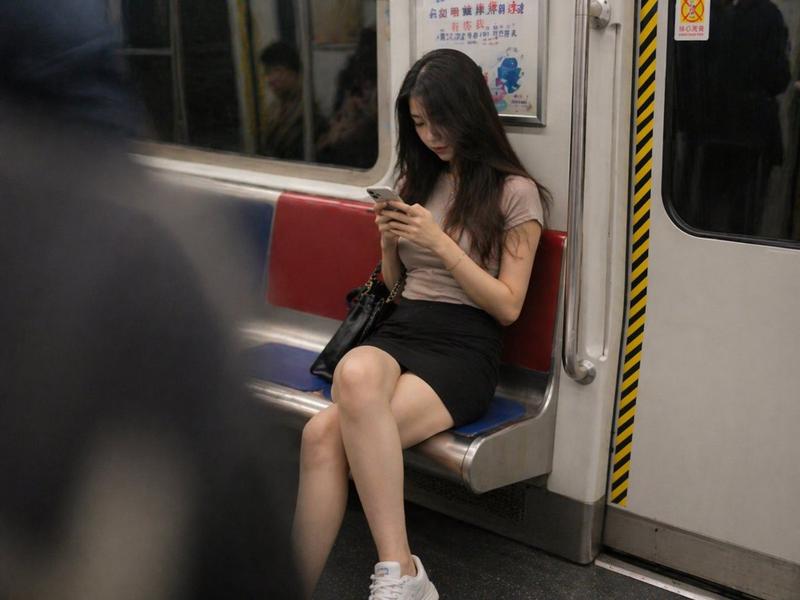
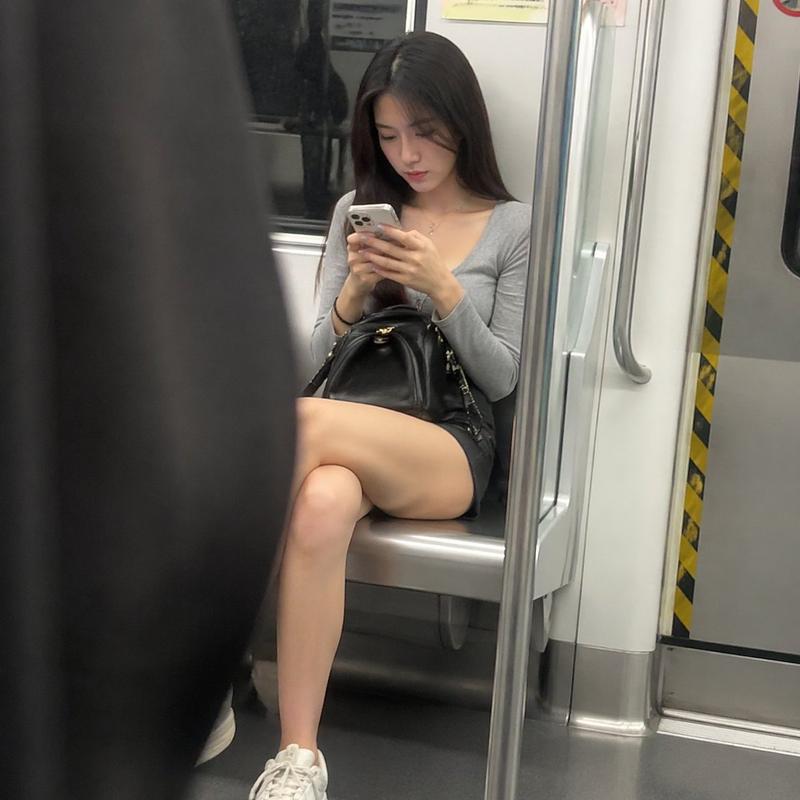
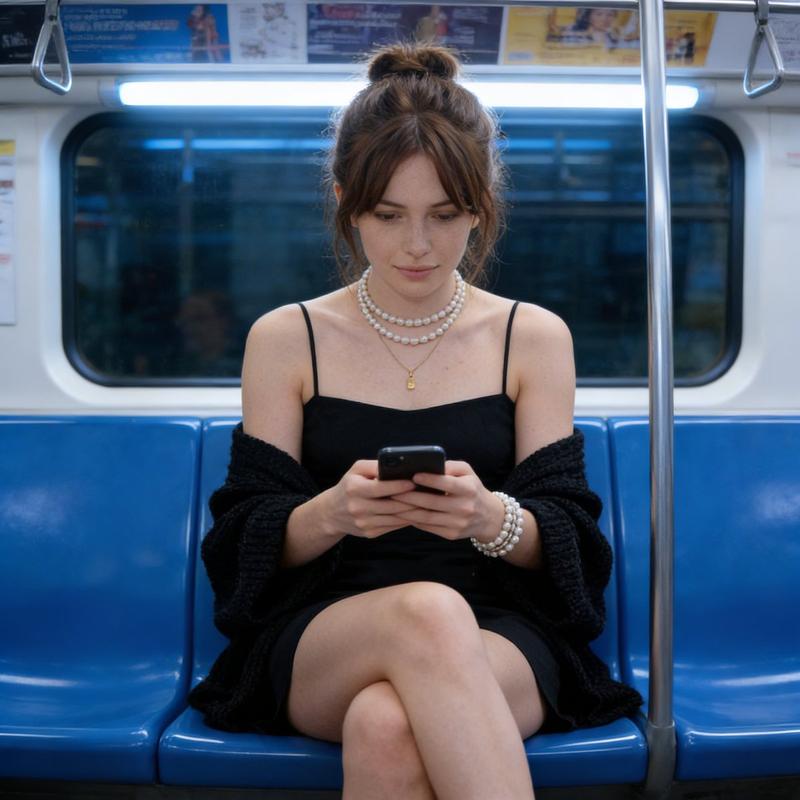
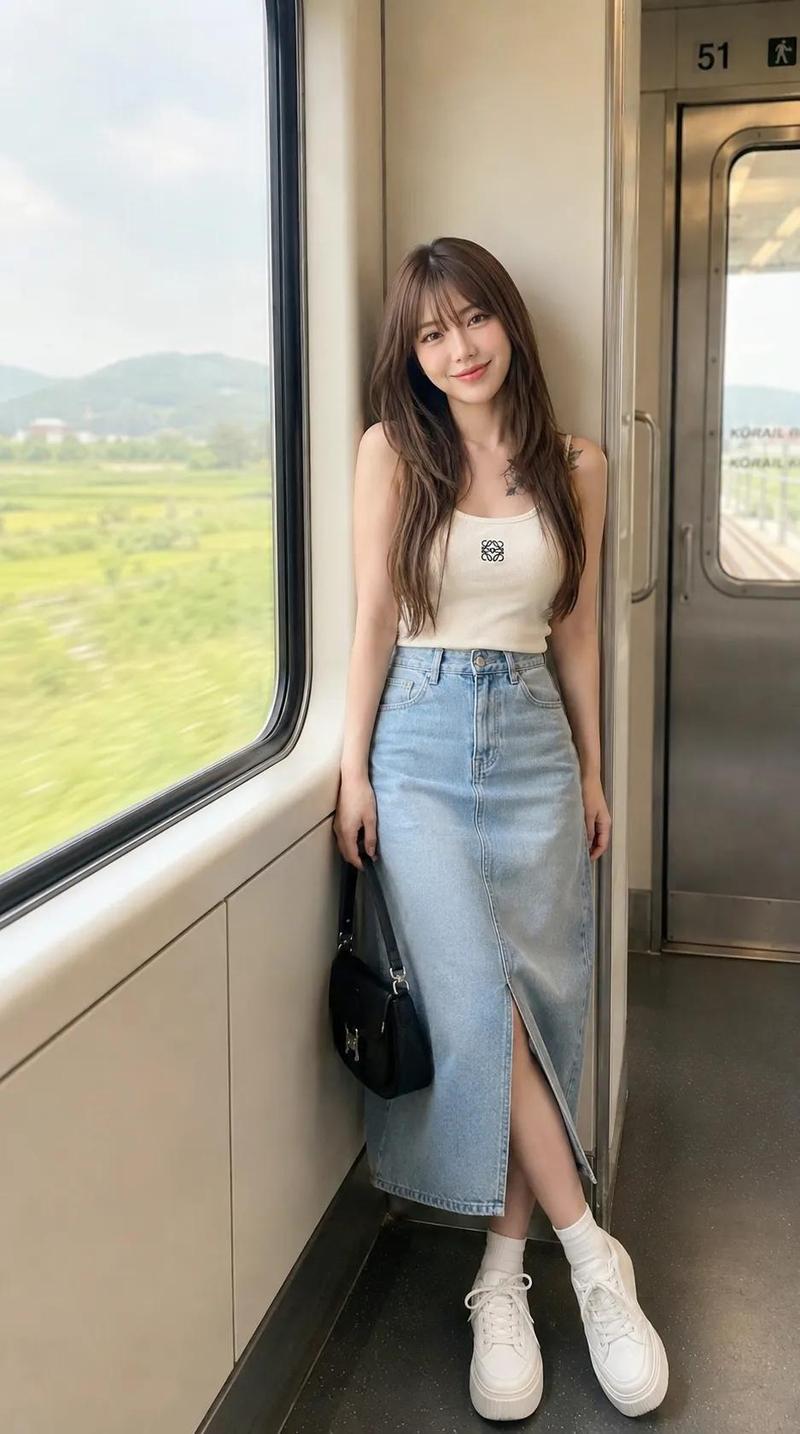
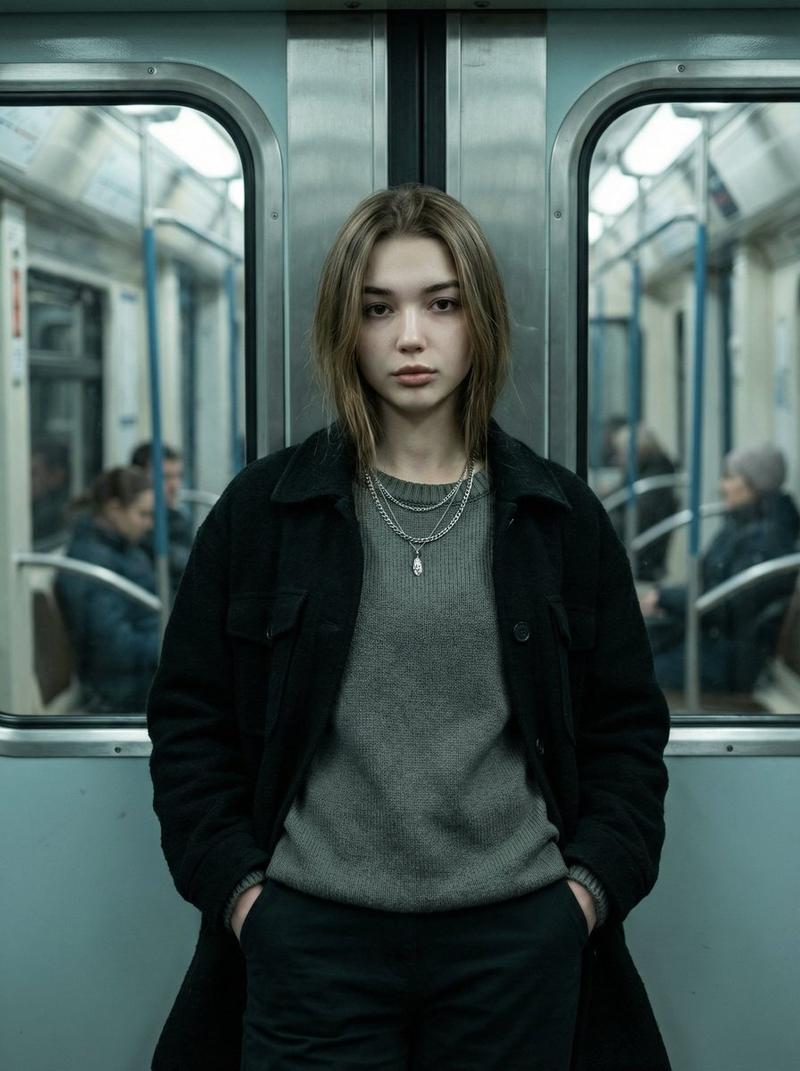
地铁上年轻女性的抓拍照片
Enlarge

地铁上年轻女性的抓拍照片

Prompt
A candid phone snapshot of a pretty young East Asian woman in her early 20s sitting on a subway train, absorbed in her phone. She has {argument name="hair style" default="shoulder-length dark chestnut hair with warm caramel-brown highlights"}, slightly wavy and loose, a few strands falling across her cheek. White wired earbuds in her ears, the cable running down to the phone in her hands. She looks down at the screen with a calm, absorbed expression, lips softly closed, natural skin with minimal makeup. She has {argument name="outfit" default="a fitted white short-sleeve t-shirt with a scoop neckline that hugs her upper body, a thin gold chain necklace at her collarbone, and a grey knit mini skirt"}, her bare legs crossed as she sits. A {argument name="bag" default="tan brown leather handbag"} rests on her lap, the strap draped over her knee. The subway car around her is bright and utilitarian — a stainless steel pole in the foreground on the left, partially blocking the frame and slightly out of focus; a red vertical grab pole on the right; sliding doors with windows; overhead advertisement panels; small red no-smoking warning stickers on the door glass. Bright fluorescent train lighting, slightly cool and even, with mild motion blur at the frame edges from the moving train. Shot from across the aisle on a phone, slightly candid off-center framing, natural image noise, soft focus — the authentic look of a quick unposed photo taken on public transit.16:9
Category
Posters & Typography
Model
GPT Image 2
Creator
John
Views0
Source ID
27970
Published
Jul 8, 2026

Guide

About "地铁上年轻女性的抓拍照片"

What is this prompt for?

"地铁上年轻女性的抓拍照片" AI image prompt for GPT Image 2 (Posters & Typography). 一份用于生成写实风格地铁女性抓拍照片的详细提示词,重点在于自然光线、非摆拍姿态以及真实的质感。 Copy it on Picva and recreate the look i…

The full copyable prompt and example visuals above are ready for AI image generation or one-click recreate in Picva.

How to use this prompt

  1. Step 1

    Open the prompt detail

    Review the example visuals, category, and full prompt text for "地铁上年轻女性的抓拍照片".

  2. Step 2

    Copy the prompt

    Copy the prompt body from this page, or load it directly in Studio.

  3. Step 3

    Pick a model (GPT Image 2)

    Prefer GPT Image 2. If you switch models, keep subject and composition and tweak style terms.

  4. Step 4

    Generate and export

    Recreate the look in Picva, or export into your workflow for editing and publishing.

FAQ

What is the "地铁上年轻女性的抓拍照片" prompt?
It is an AI image-generation prompt for GPT Image 2 in the Posters & Typography category. This page includes the full prompt text, example visuals, and a one-click recreate path in Picva.
How do I use this prompt to generate an image?
Copy the prompt from this page, or use Generate / Studio. Paste it into a compatible image model, or recreate the look in Picva with optional reference images.
Which model is this prompt for?
This page lists GPT Image 2. Most descriptive prompts also transfer to nearby image models such as GPT Image, Flux, or Midjourney with light style tweaks.
Can I use the result commercially?
You can usually copy the prompt for creation, but commercial use of the final image depends on the model terms, reference-image rights, and the generated content. Follow the source author and platform rules.