16

高级编辑风剪贴簿拼贴画
Enlarge

Example images

高级编辑风剪贴簿拼贴画

Prompt
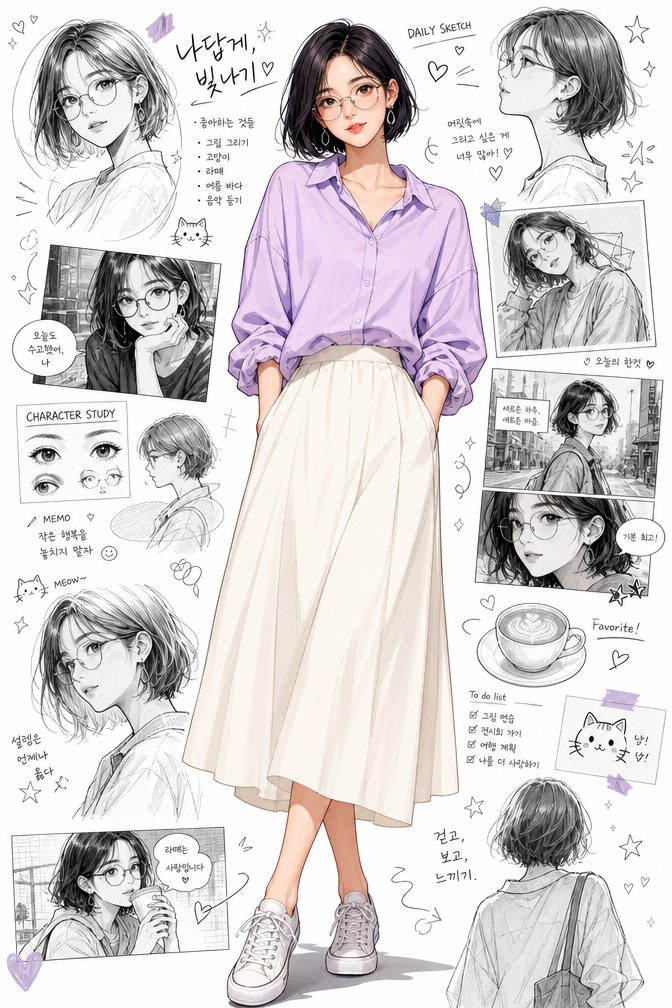
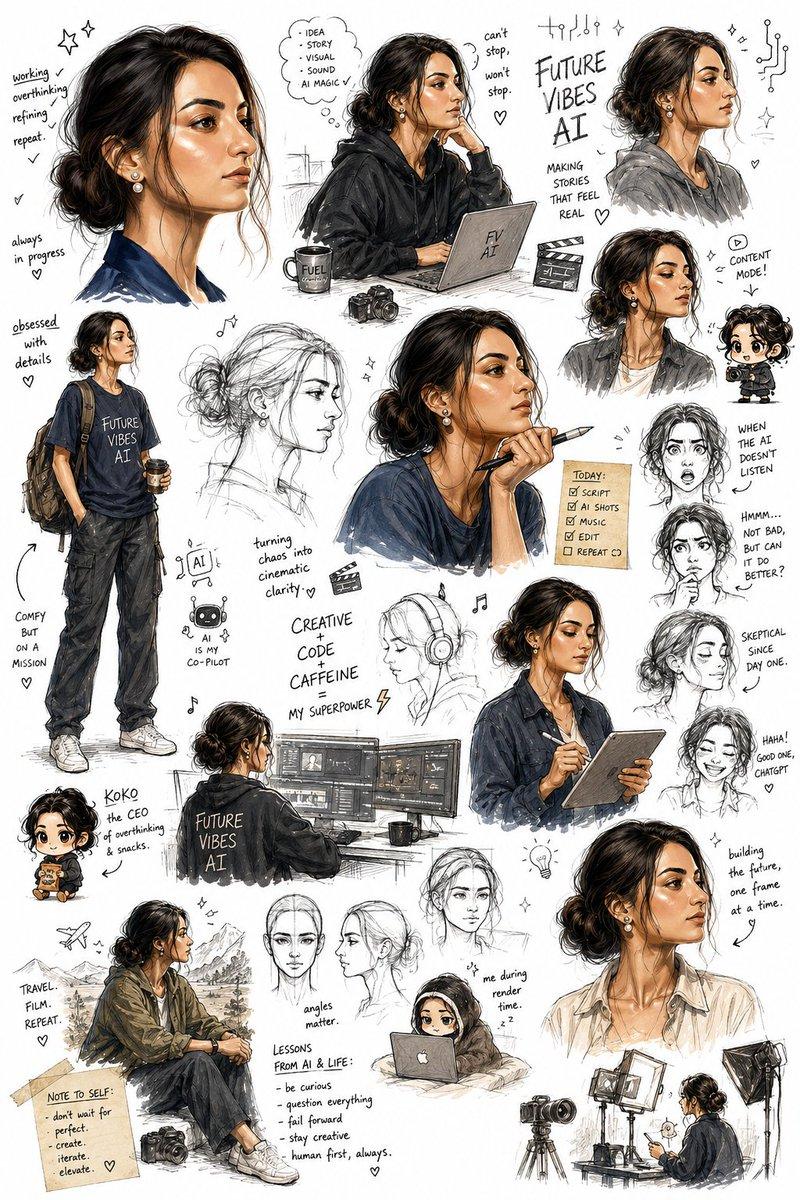
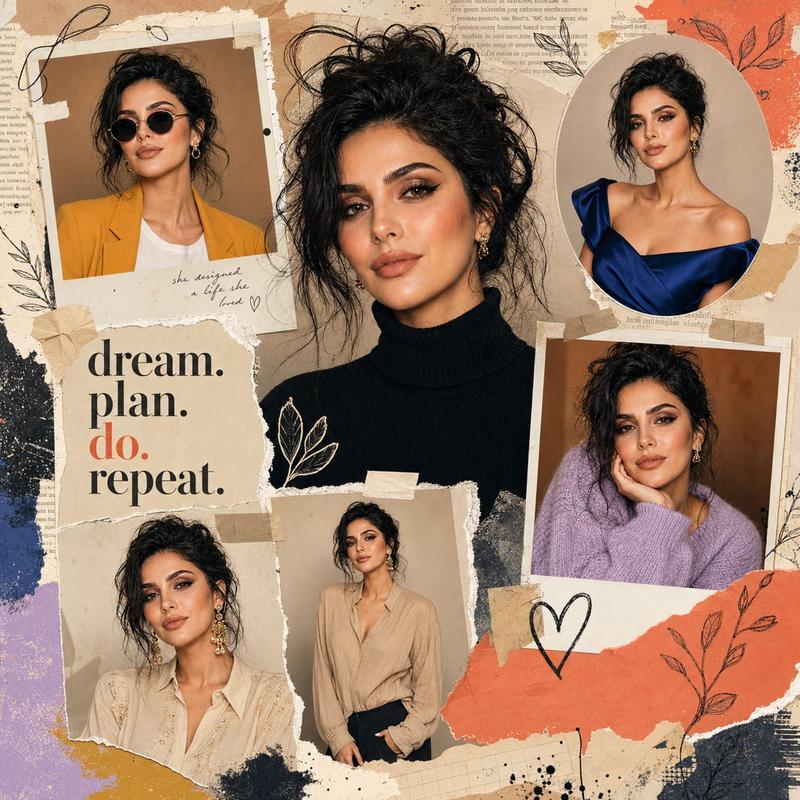
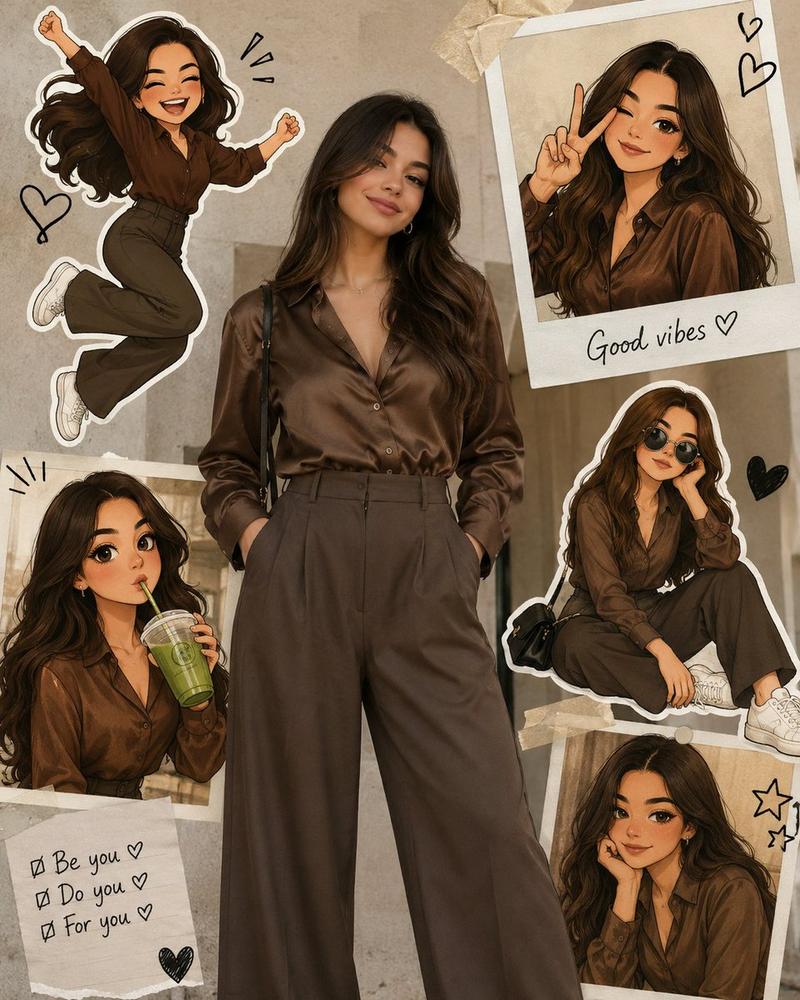
Create a premium editorial scrapbook collage featuring {argument name="subject" default="[SUBJECT]"} standing full-body in the center, looking naturally confident with hands in pockets and one leg slightly crossed. Surround the subject with 8–12 realistic graphite pencil sketches showing different angles, facial expressions, side profiles, close-up eye study, seated pose, smiling portrait, thoughtful pose, and artistic headshots. The background is a warm cream textured vintage paper with torn notebook pages, masking tape, ripped paper edges, handwritten motivational notes, doodled hearts, stars, butterflies, {argument name="floral element" default="lavender flowers"}, ink sketches, and soft watercolor brush strokes in {argument name="color accent" default="pastel lavender"}. Add elegant handwritten calligraphy at the top displaying the subject’s name with a smaller social handle underneath. Include aesthetic notebook elements, paper clips, coffee stains, tape pieces, torn journal scraps, subtle floral illustrations, and inspirational handwritten quotes. The center figure should remain a highly realistic color photograph, while all surrounding portraits are monochrome pencil drawings with delicate shading and sketchbook texture. Soft natural daylight, muted beige and lavender color palette, premium Pinterest mood board aesthetic, fashion editorial design, artistic journal layout, luxury magazine styling, ultra-detailed, photorealistic skin, crisp clothing textures, clean composition, balanced spacing, 8K, masterpiece quality.
Category
Posters & Typography
Model
GPT Image 2
Creator
Sairah
Views1
Source ID
27978
Published
Jul 8, 2026

Guide

About "高级编辑风剪贴簿拼贴画"

What is this prompt for?

"高级编辑风剪贴簿拼贴画" AI image prompt for GPT Image 2 (Posters & Typography). 一份详细的提示词,用于创作混合媒介编辑风拼贴画,以写实主体为中心,周围环绕复古纹理纸上的石墨铅笔素描。 Copy it on Picva and recreate the loo…

The full copyable prompt and example visuals above are ready for AI image generation or one-click recreate in Picva.

How to use this prompt

  1. Step 1

    Open the prompt detail

    Review the example visuals, category, and full prompt text for "高级编辑风剪贴簿拼贴画".

  2. Step 2

    Copy the prompt

    Copy the prompt body from this page, or load it directly in Studio.

  3. Step 3

    Pick a model (GPT Image 2)

    Prefer GPT Image 2. If you switch models, keep subject and composition and tweak style terms.

  4. Step 4

    Generate and export

    Recreate the look in Picva, or export into your workflow for editing and publishing.

FAQ

What is the "高级编辑风剪贴簿拼贴画" prompt?
It is an AI image-generation prompt for GPT Image 2 in the Posters & Typography category. This page includes the full prompt text, example visuals, and a one-click recreate path in Picva.
How do I use this prompt to generate an image?
Copy the prompt from this page, or use Generate / Studio. Paste it into a compatible image model, or recreate the look in Picva with optional reference images.
Which model is this prompt for?
This page lists GPT Image 2. Most descriptive prompts also transfer to nearby image models such as GPT Image, Flux, or Midjourney with light style tweaks.
Can I use the result commercially?
You can usually copy the prompt for creation, but commercial use of the final image depends on the model terms, reference-image rights, and the generated content. Follow the source author and platform rules.