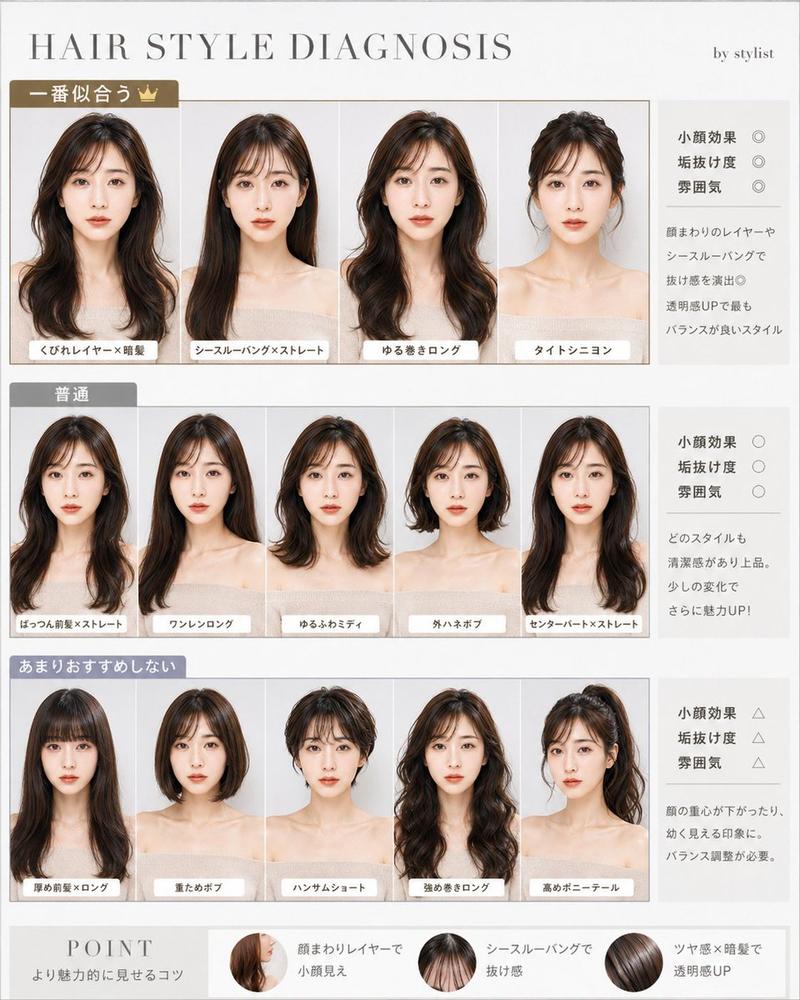
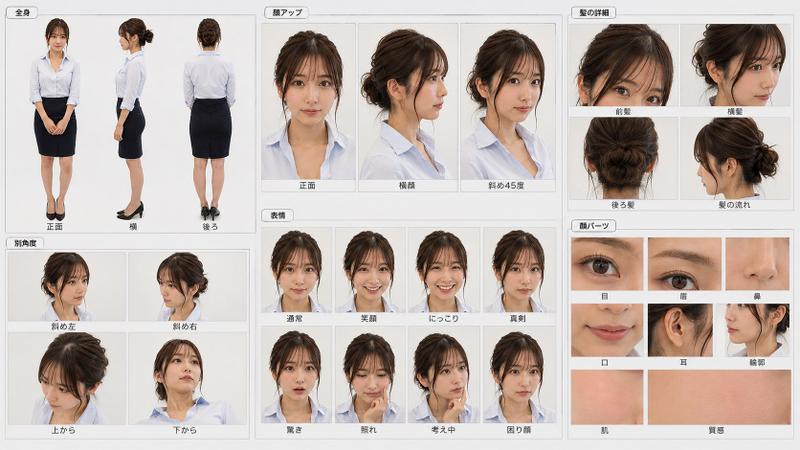
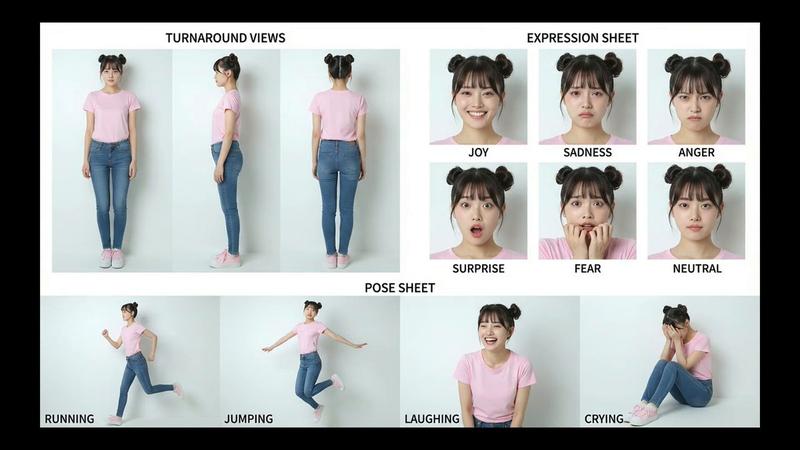
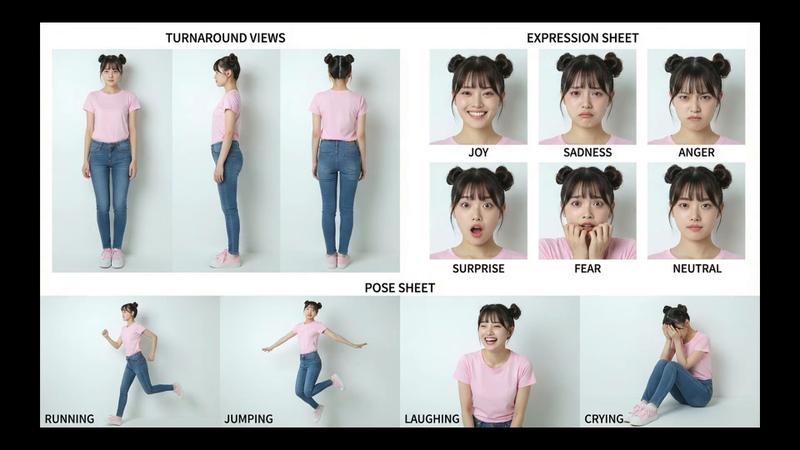
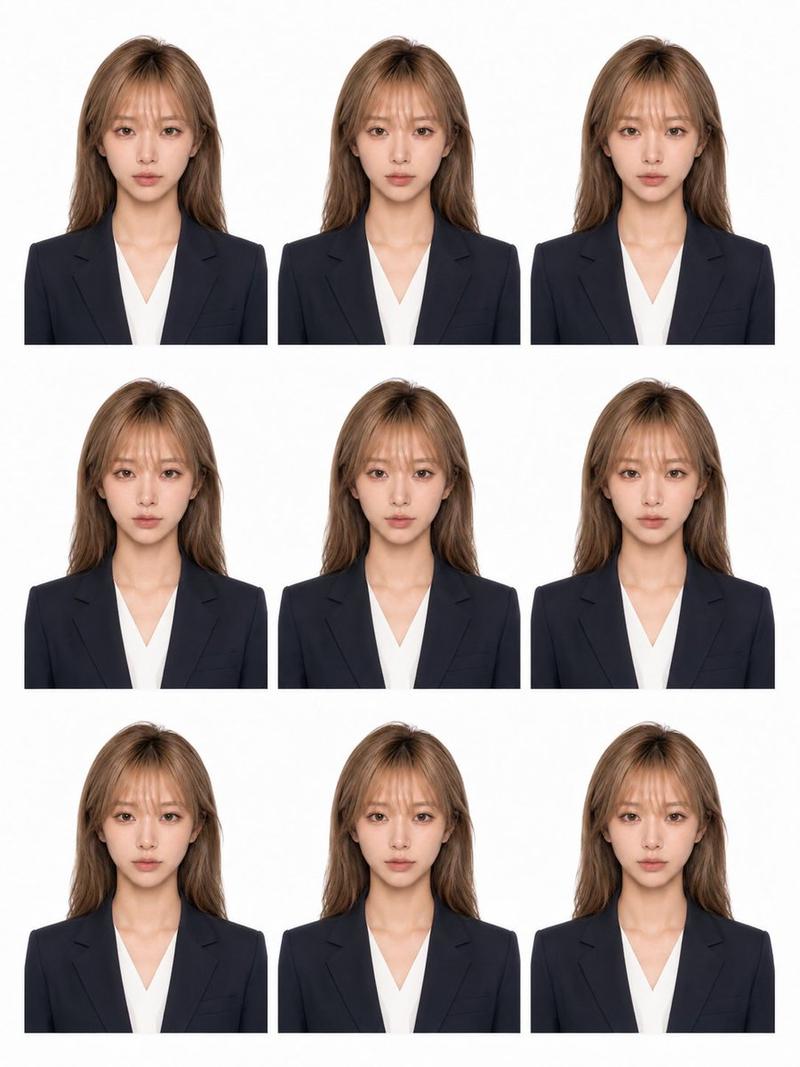
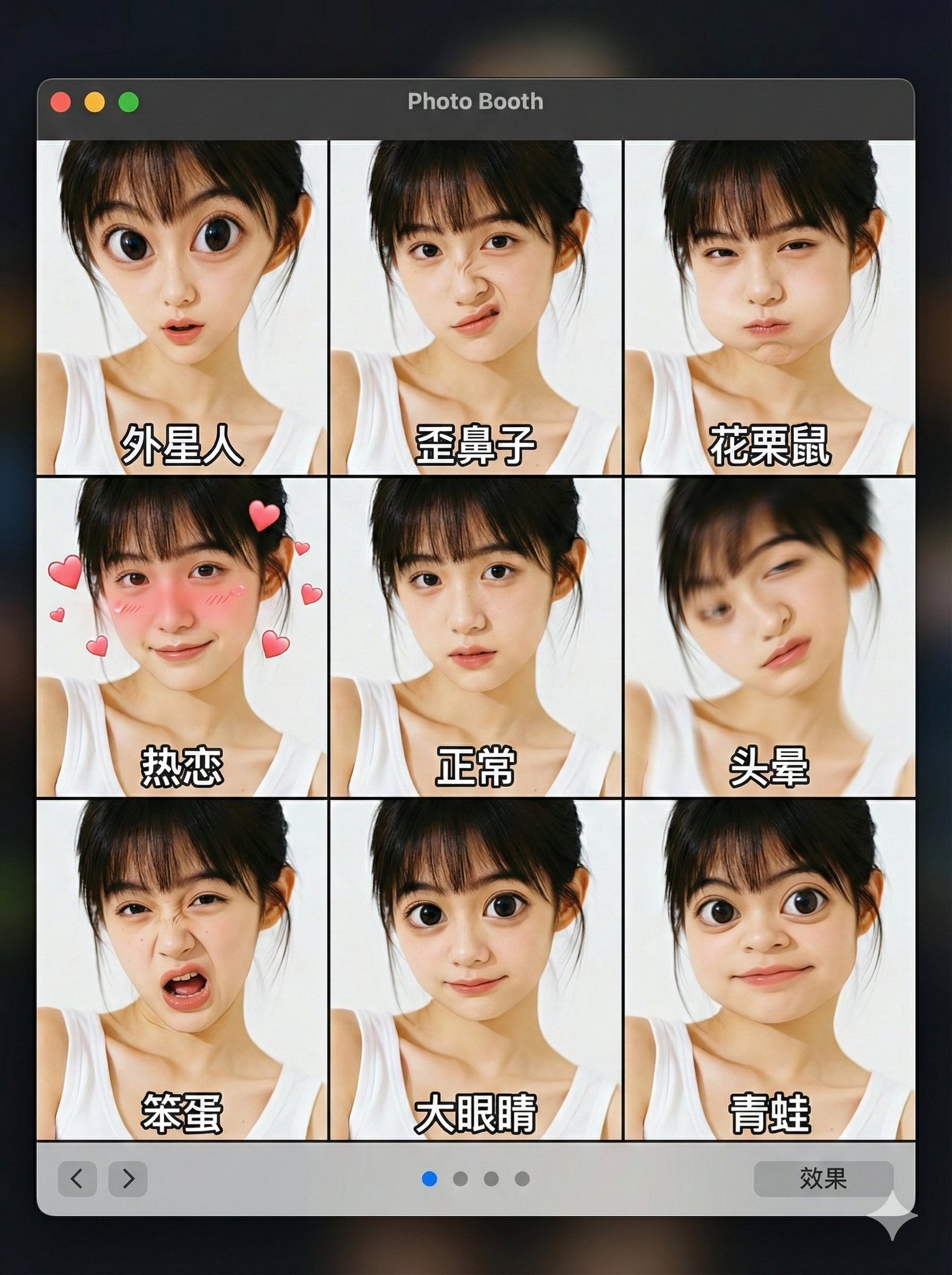
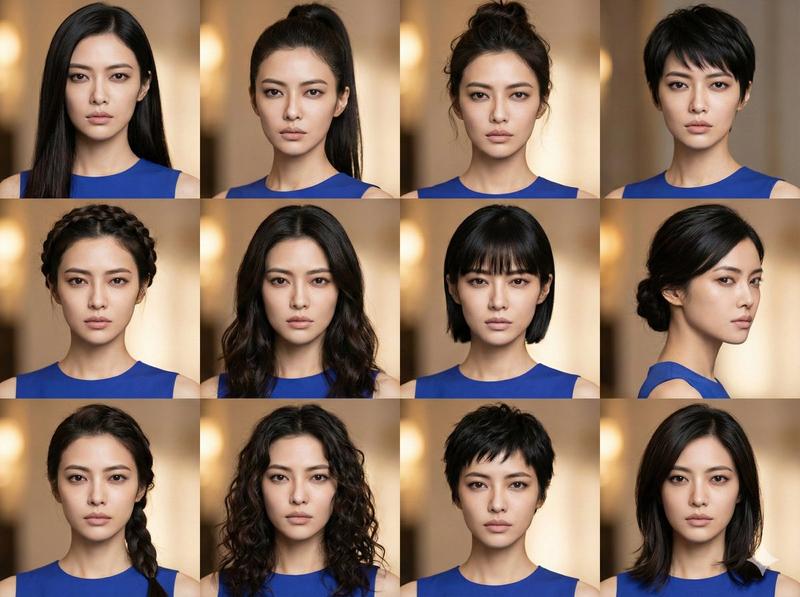
写实风格角色参考图表
Prompt
Goal: Create a clean photorealistic character reference sheet for {argument name="character name" default="a young Japanese woman"}, designed to keep the same face and outfit consistent across future image generation.

Canvas: Wide 3:2 landscape sheet, white background, thin light-gray grid lines dividing the page into six panels. Minimal studio lighting, sharp realistic photography, neutral shadows, all panels aligned like a professional model sheet.

Subject details: The same young woman appears throughout, with {argument name="hair color" default="long straight black hair with soft bangs"}, fair skin, natural makeup, large dark eyes, delicate nose and lips, slim build, and a calm youthful appearance. She wears {argument name="outfit" default="a white sleeveless ruffled blouse, pale blue wide-leg jeans, and white sneakers"} in all body-view panels. Keep her face, hairstyle, proportions, and clothing identical in every view.

Layout and section count: Use exactly 6 labeled sections: 1) FULL BODY, 2) CLOSE UP, 3) EXPRESSION, 4) SIDE & BACK, 5) FACE PARTS, 6) OTHER ANGLES.

Section 1, FULL BODY: Top-left large panel. Show exactly 3 full-body standing views labeled FRONT, SIDE, and BACK. The model stands upright with arms relaxed, front view looking at camera, side view in profile, back view showing long hair and outfit from behind.

Section 2, CLOSE UP: Top-middle panel. Show exactly 3 close-up portraits: 1 large frontal head-and-shoulders portrait at the top, and 2 smaller three-quarter face close-ups underneath, one angled left and one angled right. All cropped around the head and shoulders.

Section 3, EXPRESSION: Top-right large panel. Show exactly 8 bust portraits in a 2-row by 4-column grid. Use the visible expression label set {argument name="expression labels" default="ノーマル, 笑顔, 驚き, 照れ, 真剣, 悲しい, 考え中, にっこり"}. The expressions are: neutral, smiling, surprised open mouth, shy/embarrassed looking down, serious, sad, thinking with finger near chin, and bright cheerful smile.

Section 4, SIDE & BACK: Bottom-left panel. Show exactly 4 full-body standing views: left side profile, right side profile, rear view, and rear three-quarter view. Same outfit and shoes, clean white studio background, evenly spaced.

Section 5, FACE PARTS: Bottom-middle panel. Show exactly 6 square detail crops in a 2-row by 3-column grid: eye close-up, nose close-up, mouth close-up, eyebrow/closed-eye detail, ear close-up, and hair texture with sideburn/bangs detail. Use small simple labels above each crop.

Section 6, OTHER ANGLES: Bottom-right panel. Show exactly 4 bust portraits: diagonal left three-quarter angle, diagonal right three-quarter angle, view from above with eyes lowered, and view from below with chin slightly raised. Use the same lighting and realistic facial identity.

Visual style: Photorealistic Japanese idol/model reference sheet, high-resolution studio photography, soft even light, white and pale gray palette, crisp thin dividers, black uppercase English section headings, small labels above each image. No watermark, no logos, no extra people, no decorative background, no inconsistent face changes.- Category
- Charts & Infographics
- Model
- GPT Image 2
- Creator
- Yuhoo Gang🦭
- Source ID
- 28066
- Published
- Jul 4, 2026
Views1