16

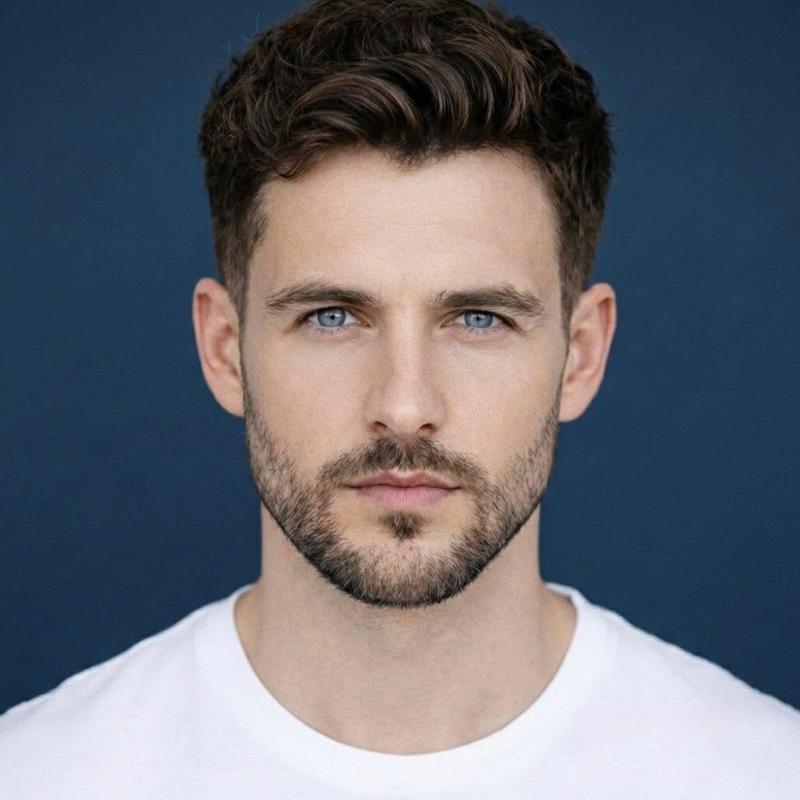
分割背景影棚肖像
Enlarge

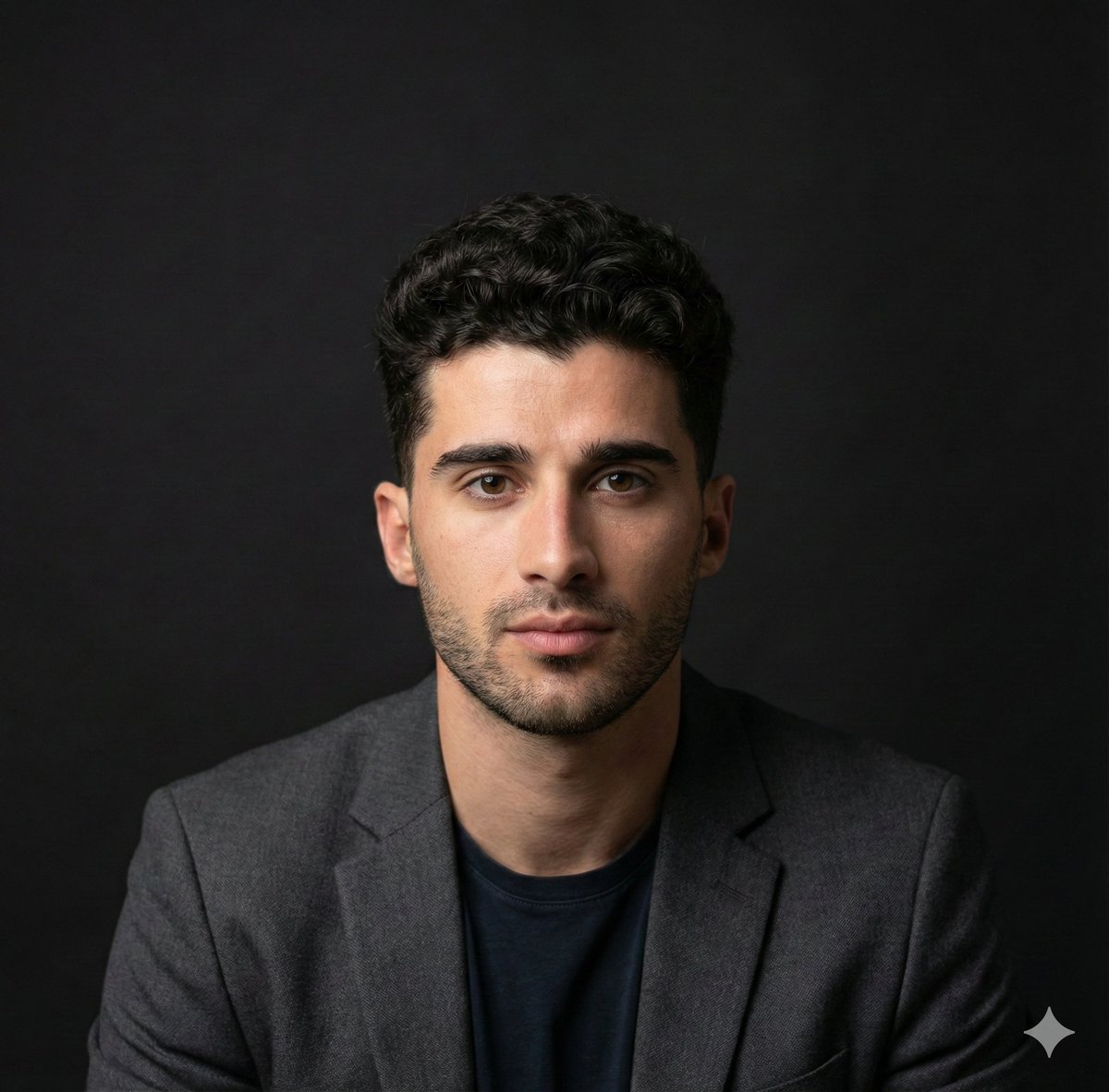
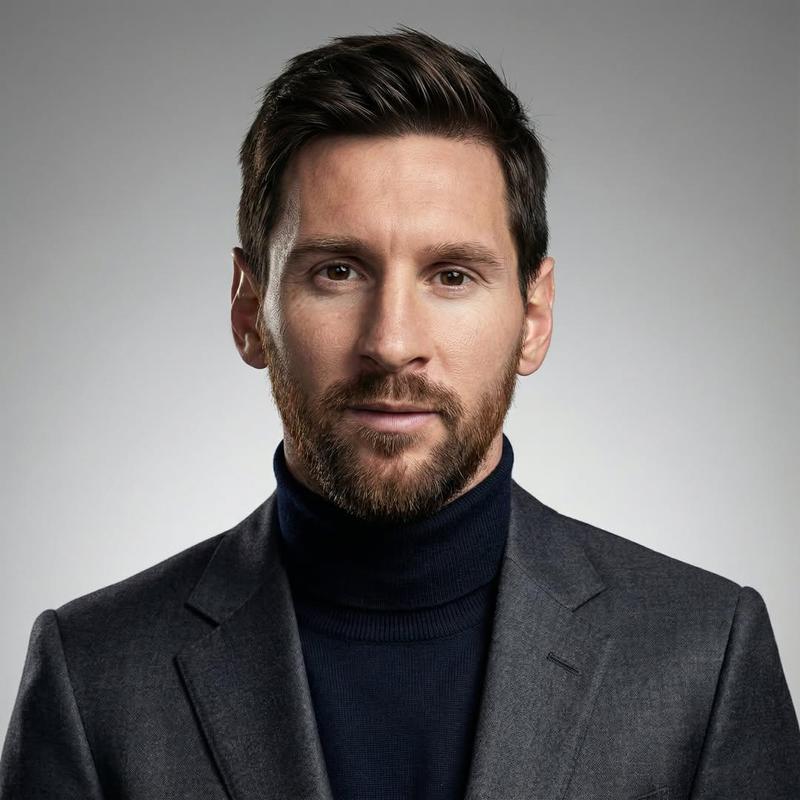
Example images

分割背景影棚肖像

Prompt
Create a high-end studio portrait of a smiling {argument name="subject description" default="young adult man with short dark brown hair, blue eyes, light skin, and neatly trimmed stubble"} facing straight toward the camera, centered and cropped from the upper chest upward. He wears a fitted {argument name="shirt color and style" default="premium crimson red crew-neck t-shirt"}. Split the entire image into exactly 2 vertical halves with a razor-sharp thin white divider line running perfectly from the top edge to the bottom edge through the center of his face and torso: the left half has a solid {argument name="left background color" default="deep crimson red"} studio backdrop, and the right half has a solid {argument name="right background color" default="clean white"} studio backdrop. Keep the subject symmetrical and aligned with the divider, with one half of his face on each side, a natural friendly smile, crisp facial detail, realistic skin texture, polished commercial lighting, soft shadows, sharp focus, and premium editorial retouching. Use a vertical 3:4 composition, minimal background, no text, no logos, no props, no border other than the central divider.
Category
Brand & Logos
Model
GPT Image 2
Creator
Cherry 2.O
Views3
Source ID
28018
Published
Jul 8, 2026

Guide

About "分割背景影棚肖像"

What is this prompt for?

"分割背景影棚肖像" AI image prompt for GPT Image 2 (Brand & Logos). 生成一张高级的分割式影棚肖像,主体居中,背景为红白两色,并带有清晰的垂直分割线,适用于社交媒体头像编辑。 Copy it on Picva and recreate the look in one…

The full copyable prompt and example visuals above are ready for AI image generation or one-click recreate in Picva.

How to use this prompt

  1. Step 1

    Open the prompt detail

    Review the example visuals, category, and full prompt text for "分割背景影棚肖像".

  2. Step 2

    Copy the prompt

    Copy the prompt body from this page, or load it directly in Studio.

  3. Step 3

    Pick a model (GPT Image 2)

    Prefer GPT Image 2. If you switch models, keep subject and composition and tweak style terms.

  4. Step 4

    Generate and export

    Recreate the look in Picva, or export into your workflow for editing and publishing.

FAQ

What is the "分割背景影棚肖像" prompt?
It is an AI image-generation prompt for GPT Image 2 in the Brand & Logos category. This page includes the full prompt text, example visuals, and a one-click recreate path in Picva.
How do I use this prompt to generate an image?
Copy the prompt from this page, or use Generate / Studio. Paste it into a compatible image model, or recreate the look in Picva with optional reference images.
Which model is this prompt for?
This page lists GPT Image 2. Most descriptive prompts also transfer to nearby image models such as GPT Image, Flux, or Midjourney with light style tweaks.
Can I use the result commercially?
You can usually copy the prompt for creation, but commercial use of the final image depends on the model terms, reference-image rights, and the generated content. Follow the source author and platform rules.