16

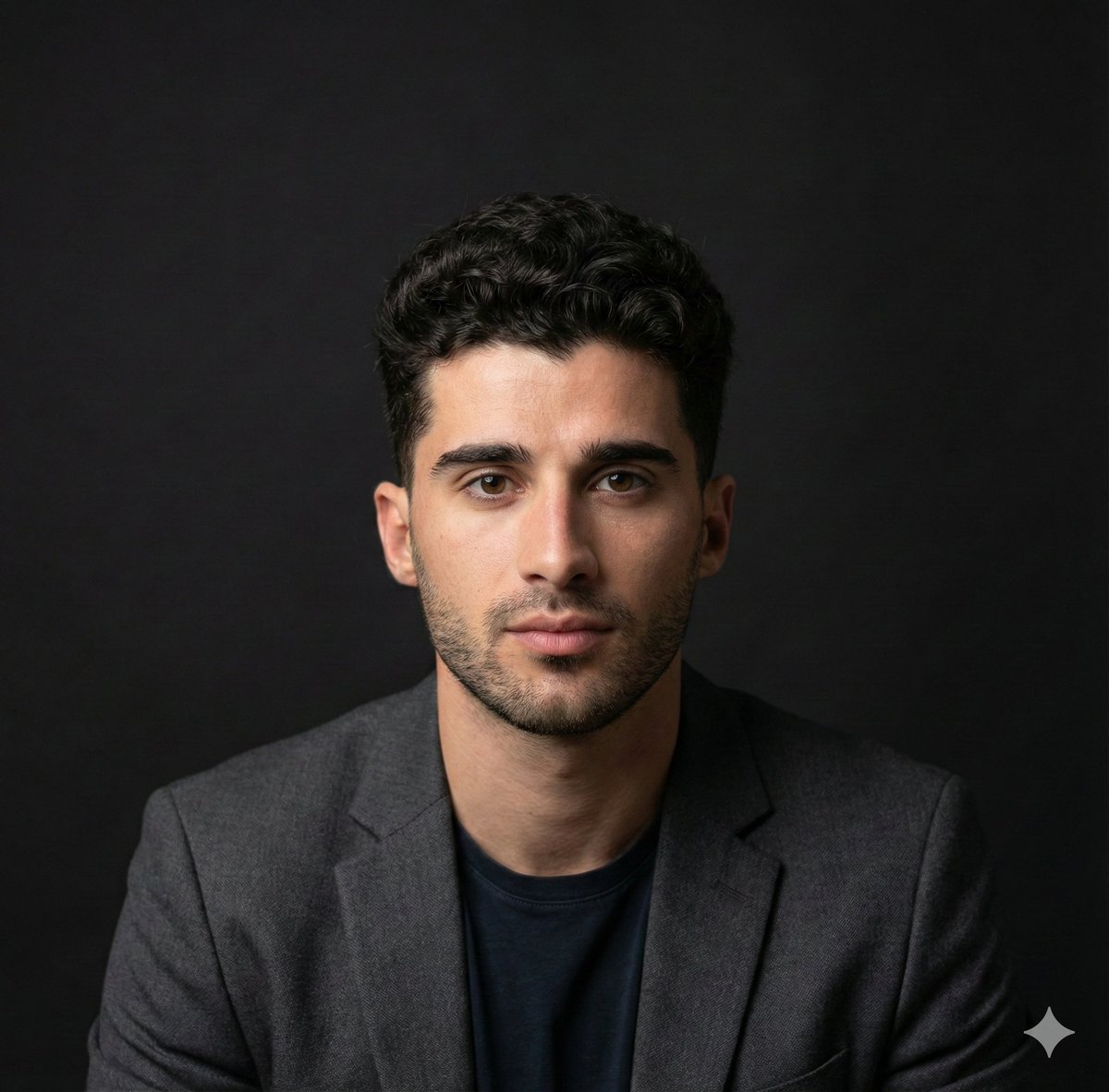
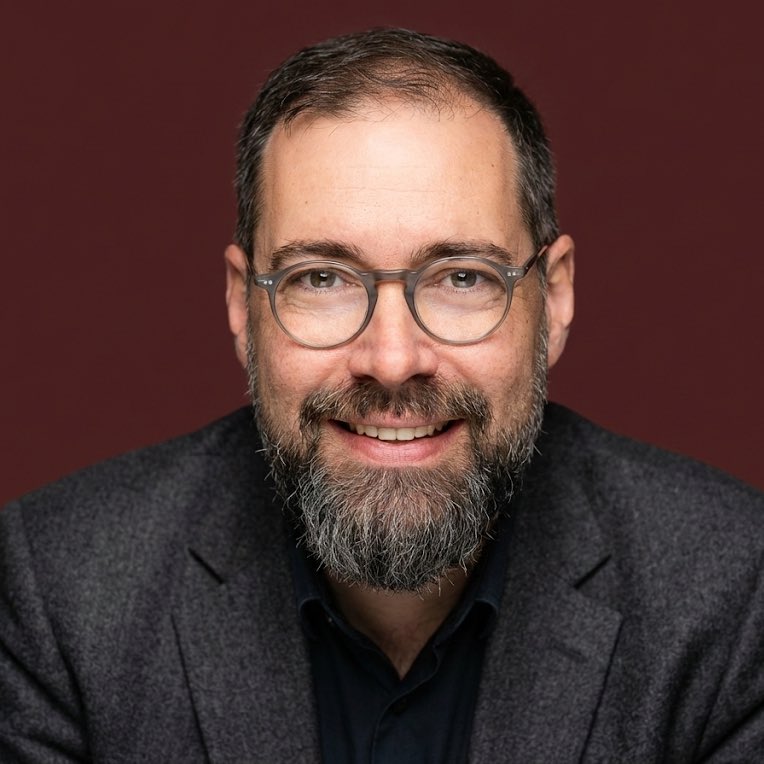
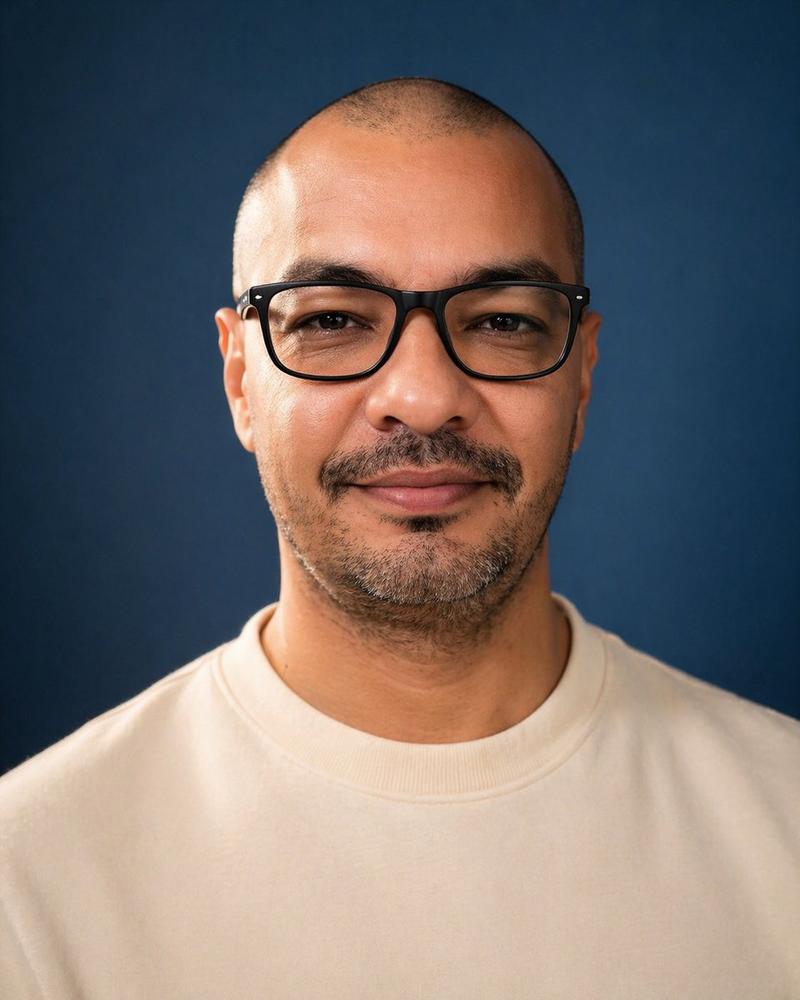
专业摄影棚肖像照
Enlarge

Example images

专业摄影棚肖像照

Prompt
Ultra-realistic professional studio headshot of a young man wearing transparent eyeglasses and a {argument name="male outfit" default="navy blue crew-neck t-shirt"}, seated at a wooden table with hands folded, looking directly at the camera with a confident friendly smile. Clean short dark hair, sharp facial features, natural skin texture, {argument name="male background" default="warm orange seamless background"}, soft diffused studio lighting, shallow depth of field, crisp focus on eyes, commercial branding photography, modern corporate portrait, premium DSLR quality, 85mm lens, f/2.0, high detail, natural color grading, centered composition, photorealistic, 8K.

Ultra-realistic professional studio portrait of a young woman with long blonde hair wearing transparent eyeglasses and a {argument name="female outfit" default="dark teal t-shirt"}, seated in a relaxed pose, smiling naturally at the camera. {argument name="female background" default="soft blue textured backdrop"}, clean minimal styling, natural makeup, soft diffused key light with subtle rim lighting, shallow depth of field, sharp eye focus, modern lifestyle photography, premium corporate headshot, authentic expression, DSLR quality, 85mm lens, f/2.0, realistic skin texture, high detail, photorealistic, 8K, elegant composition.
Category
Brand & Logos
Model
GPT Image 2
Creator
Sairah
Views0
Source ID
25342
Published
Jun 12, 2026

Guide

About "专业摄影棚肖像照"

What is this prompt for?

"专业摄影棚肖像照" AI image prompt for GPT Image 2 (Brand & Logos). 一对适用于年轻男女的专业摄影棚肖像照提示词,采用橙色和蓝色背景,呈现商务风格。 Copy it on Picva and recreate the look in one click.

The full copyable prompt and example visuals above are ready for AI image generation or one-click recreate in Picva.

How to use this prompt

  1. Step 1

    Open the prompt detail

    Review the example visuals, category, and full prompt text for "专业摄影棚肖像照".

  2. Step 2

    Copy the prompt

    Copy the prompt body from this page, or load it directly in Studio.

  3. Step 3

    Pick a model (GPT Image 2)

    Prefer GPT Image 2. If you switch models, keep subject and composition and tweak style terms.

  4. Step 4

    Generate and export

    Recreate the look in Picva, or export into your workflow for editing and publishing.

FAQ

What is the "专业摄影棚肖像照" prompt?
It is an AI image-generation prompt for GPT Image 2 in the Brand & Logos category. This page includes the full prompt text, example visuals, and a one-click recreate path in Picva.
How do I use this prompt to generate an image?
Copy the prompt from this page, or use Generate / Studio. Paste it into a compatible image model, or recreate the look in Picva with optional reference images.
Which model is this prompt for?
This page lists GPT Image 2. Most descriptive prompts also transfer to nearby image models such as GPT Image, Flux, or Midjourney with light style tweaks.
Can I use the result commercially?
You can usually copy the prompt for creation, but commercial use of the final image depends on the model terms, reference-image rights, and the generated content. Follow the source author and platform rules.