20

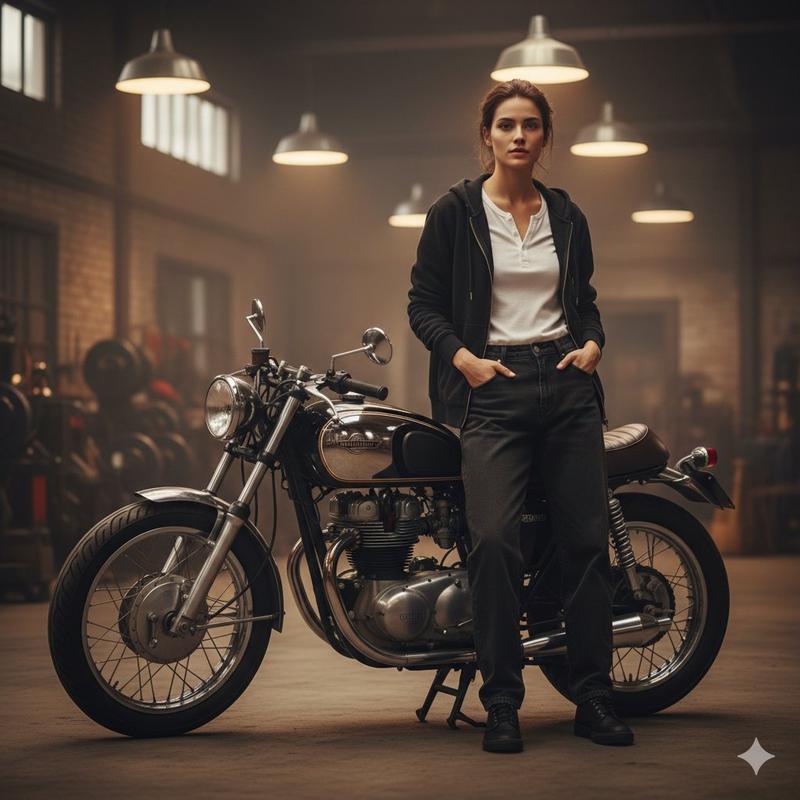
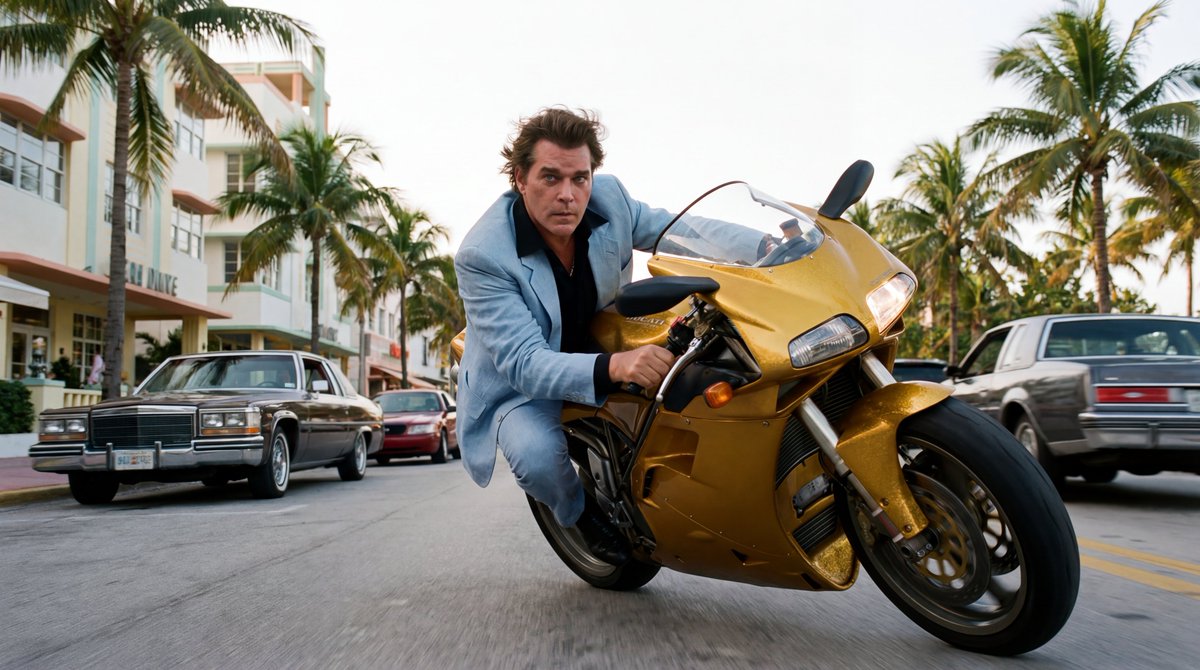
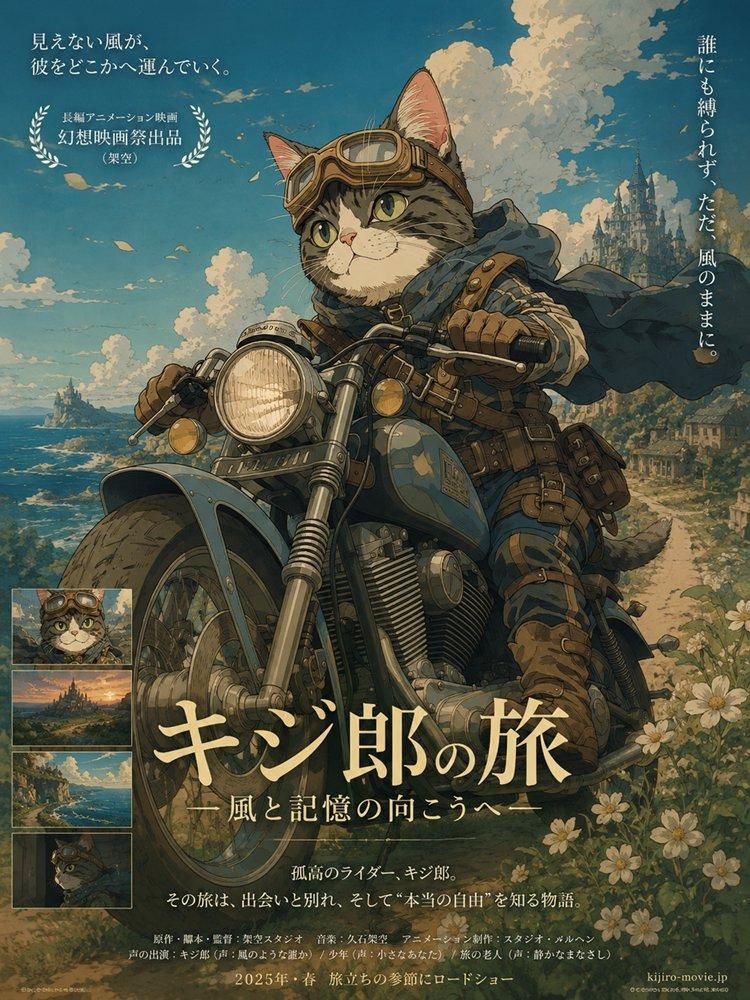
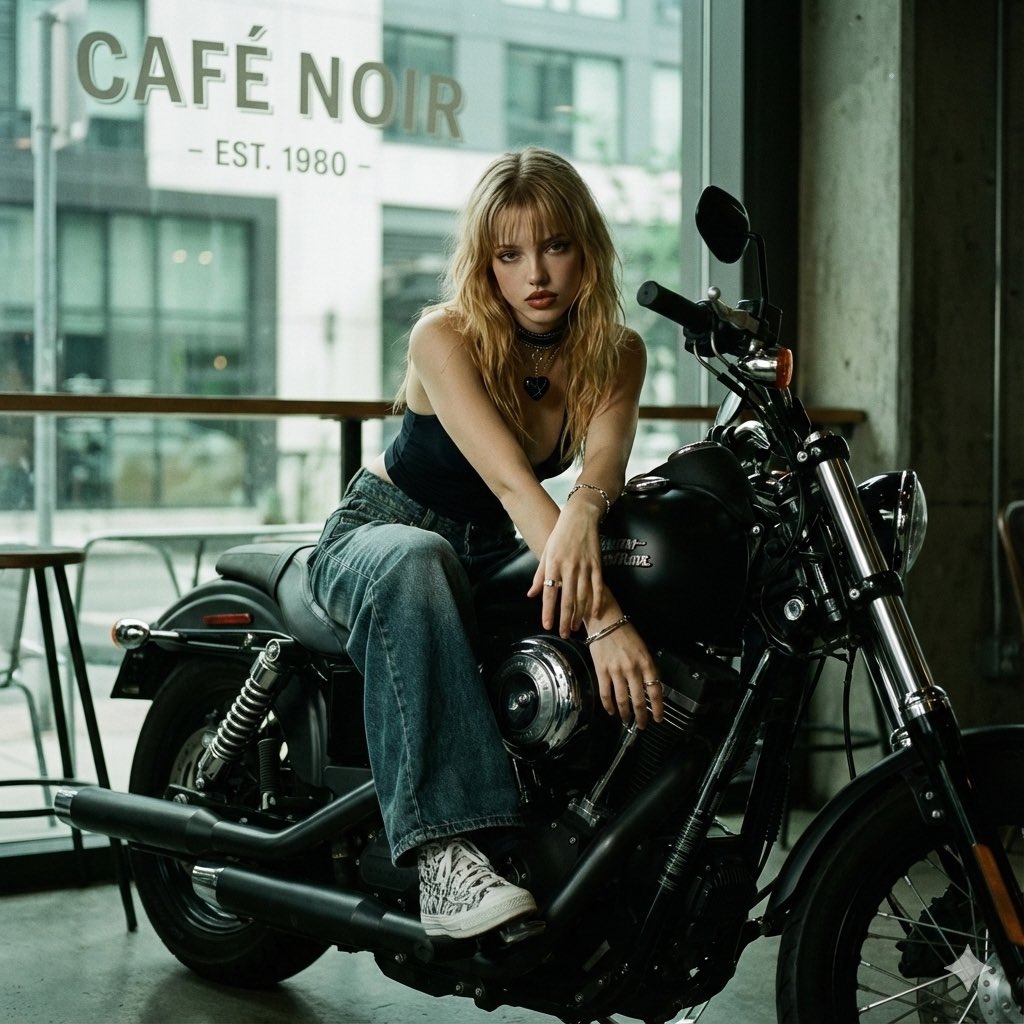
GTA VI 摩托车角色海报
Enlarge

GTA VI 摩托车角色海报

Prompt
Using the provided reference image, transform the person on the motorcycle into a Grand Theft Auto VI / Vice City inspired illustrated poster. Preserve the rider’s recognizable identity, pose, sunglasses, white jacket with the large “P” patch, jeans, shoes, and the motorcycle as the main subject, but stylize everything as polished game key art with bold outlines, glossy highlights, saturated neon colors, and dramatic cel-shaded rendering.

Change the setting from the forest roadside to a tropical coastal city at sunset: add a wide boulevard, palm trees, pastel art-deco buildings, ocean water, a distant skyline, and a warm pink-orange-to-blue gradient sky with soft clouds. Make the motorcycle look slightly more heroic and pristine with reflective chrome and teal/pink neon rim lighting. Use a low-angle poster composition with the rider and bike large in the foreground, facing slightly right.

Add exactly 2 visible text/logo elements: 1) large block title text in the bottom-left reading {argument name="location title" default="LEONIDA STATE"}; 2) a small semi-transparent badge/logo in the top-right reading {argument name="studio badge text" default="FICTIONAL LIFESTYLE STUDIO"}. Keep the overall mood cinematic, tropical, stylish, and like official open-world crime game promotional artwork. No photorealism, no extra people, no clutter.
Category
Posters & Typography
Model
GPT Image 2
Creator
AB
Views1
Source ID
28022
Published
Jul 8, 2026

Guide

About "GTA VI 摩托车角色海报"

What is this prompt for?

"GTA VI 摩托车角色海报" AI image prompt for GPT Image 2 (Posters & Typography). 将摩托车肖像转换为 GTA VI 风格的热带城市主题海报,适用于社交媒体或个人资料展示。 Copy it on Picva and recreate the look in…

The full copyable prompt and example visuals above are ready for AI image generation or one-click recreate in Picva.

How to use this prompt

  1. Step 1

    Open the prompt detail

    Review the example visuals, category, and full prompt text for "GTA VI 摩托车角色海报".

  2. Step 2

    Copy the prompt

    Copy the prompt body from this page, or load it directly in Studio.

  3. Step 3

    Pick a model (GPT Image 2)

    Prefer GPT Image 2. If you switch models, keep subject and composition and tweak style terms.

  4. Step 4

    Generate and export

    Recreate the look in Picva, or export into your workflow for editing and publishing.

FAQ

What is the "GTA VI 摩托车角色海报" prompt?
It is an AI image-generation prompt for GPT Image 2 in the Posters & Typography category. This page includes the full prompt text, example visuals, and a one-click recreate path in Picva.
How do I use this prompt to generate an image?
Copy the prompt from this page, or use Generate / Studio. Paste it into a compatible image model, or recreate the look in Picva with optional reference images.
Which model is this prompt for?
This page lists GPT Image 2. Most descriptive prompts also transfer to nearby image models such as GPT Image, Flux, or Midjourney with light style tweaks.
Can I use the result commercially?
You can usually copy the prompt for creation, but commercial use of the final image depends on the model terms, reference-image rights, and the generated content. Follow the source author and platform rules.