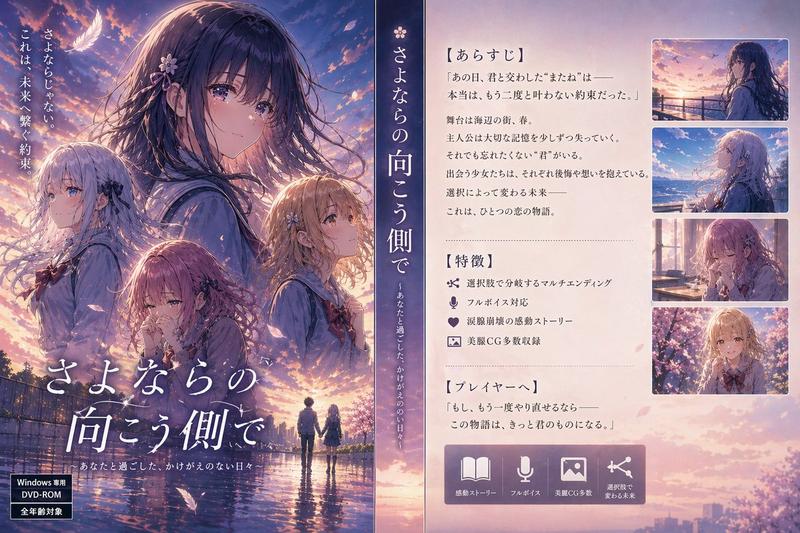
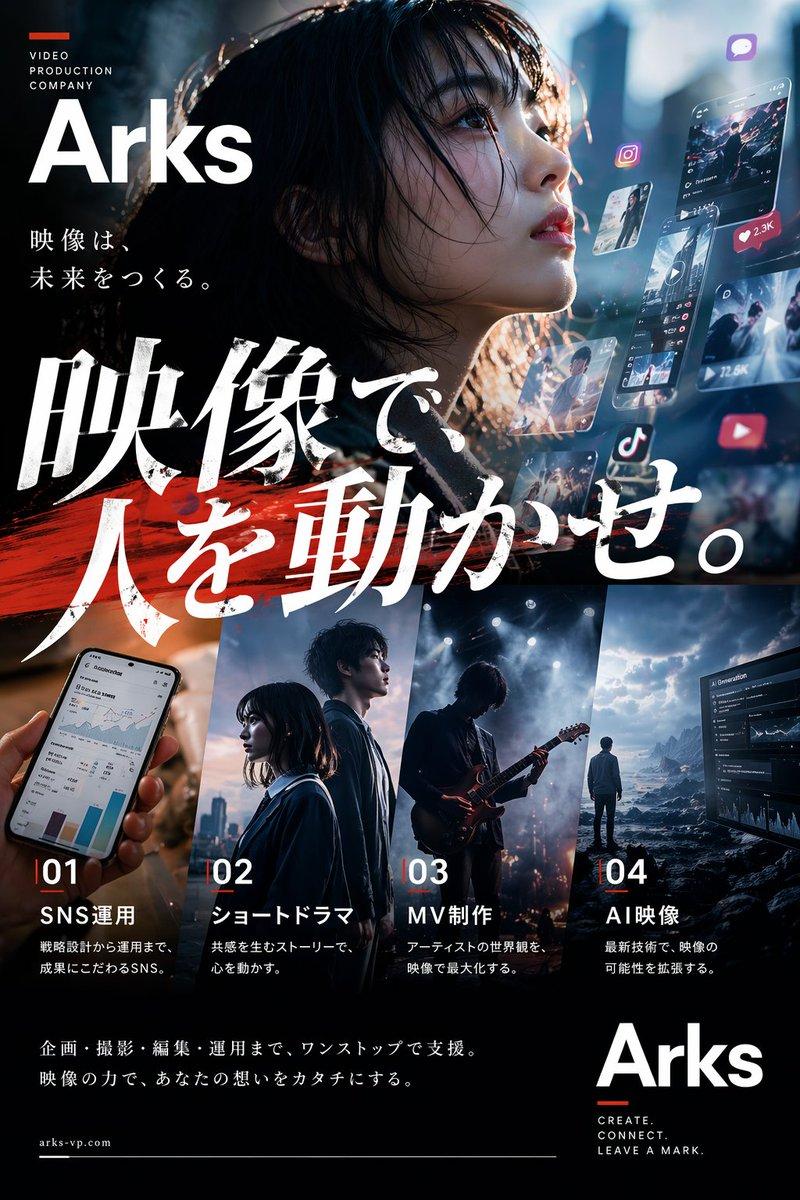
四层级动漫海报对比
Prompt
Goal: Create a wide social-media comparison graphic showing four side-by-side generated anime movie posters for the same fictional film, comparing prompt-writer tiers while keeping the movie title and release date identical.

Canvas: 1200×675 horizontal image with a dark charcoal background and a clean X/Twitter-style presentation. The top has a slim explanatory header area, and below it are exactly 4 tall poster panels arranged left to right with narrow gutters.

Top text: Large Japanese headline at the upper left: 「文字入りポスター × gpt-image-2固定 × プロンプトを書くClaudeの階層」. Below it, smaller Japanese subtitle: 「タイトル/日付の文字は全員完璧に出た。差は“絵のアートディレクション”=アニメ調に留まれるか(左=最安→右=最上位)」.

Layout: Use exactly 4 vertical poster columns. Each column has a small dark label strip at the top with white text. The 4 labels, left to right, are: 1) “haiku|最も安い”, 2) “sonnet”, 3) “opus”, 4) “fable|最上位”. Each poster beneath the label is a cinematic key visual for the same anime film, all using the same title and date text.

Shared movie text on all 4 posters: Prominent Japanese title: {argument name="movie title" default="サヨナラの向こうがわ"}. Small English subtitle below the title: {argument name="English subtitle" default="BEYOND GOODBYE"}. Release text near the bottom: {argument name="release date" default="2027年 7月16日"} followed by 「全国ロードショー」. Keep these text elements crisp, legible, and appearing once per poster.

Poster 1, haiku: Semi-realistic live-action-like poster drifting away from anime style. A young woman in profile looks up toward the right, dark hair tied back, pale skin, subtle white blouse. Night-blue coastal sky with pink cherry blossoms and a glowing orange sunset near the sea horizon. A tiny figure stands by the waterfront at the bottom. Title placed large in the upper left; release date centered at the bottom.

Poster 2, sonnet: More anime-styled girl centered slightly low, long dark windblown hair, soft melancholy expression, looking upward. Warm sunset over a seaside town with orange clouds, distant birds, and glowing ocean. Painterly anime film-poster style. Title large across the lower middle; English subtitle beneath; release date at the bottom.

Poster 3, opus: High-quality dramatic anime key visual. Close-up side profile of a young woman looking right, wind-swept hair, warm rim light on her face. Below her is a detailed coastal city and turquoise bay at sunset, with boats, lights, cliffs, and luminous orange-purple clouds. Title large across the center-lower area; English subtitle below; release date along the bottom.

Poster 4, fable: Most cinematic and artistic anime poster with double-exposure composition. A large ethereal face of the young woman blends into the sunset sky and harbor town, hair dissolving into clouds and light. The lower area shows a glowing coastal city, sea, sunset reflection, boats, and hillside lights. Rich orange, purple, and deep blue palette, highly polished anime film art direction. Title centered in the lower-middle; English subtitle below; release date at the bottom.

Visual style: Japanese anime film key visual comparison, cinematic sunset lighting, emotional farewell mood, ocean harbor setting, cherry blossoms and windblown hair motifs, high contrast between dark UI background and colorful posters. Make the rightmost posters feel increasingly art-directed and anime-like from left to right.

Constraints: Include exactly 4 poster panels and exactly 4 top labels. Do not add extra panels, logos, watermarks, or unrelated text. Preserve the Japanese movie title and release information accurately and legibly in each poster.- Category
- UI & Interfaces
- Model
- GPT Image 2
- Creator
- AI Video Project
- Source ID
- 28047
- Published
- Jul 8, 2026
Views4